
We may earn a commission if you buy through links on this page. It never changes a score or a ranking. How we make money
The bottom line
A strong personal work-memory tool; teams pay more for device sync, and still lack shared context.
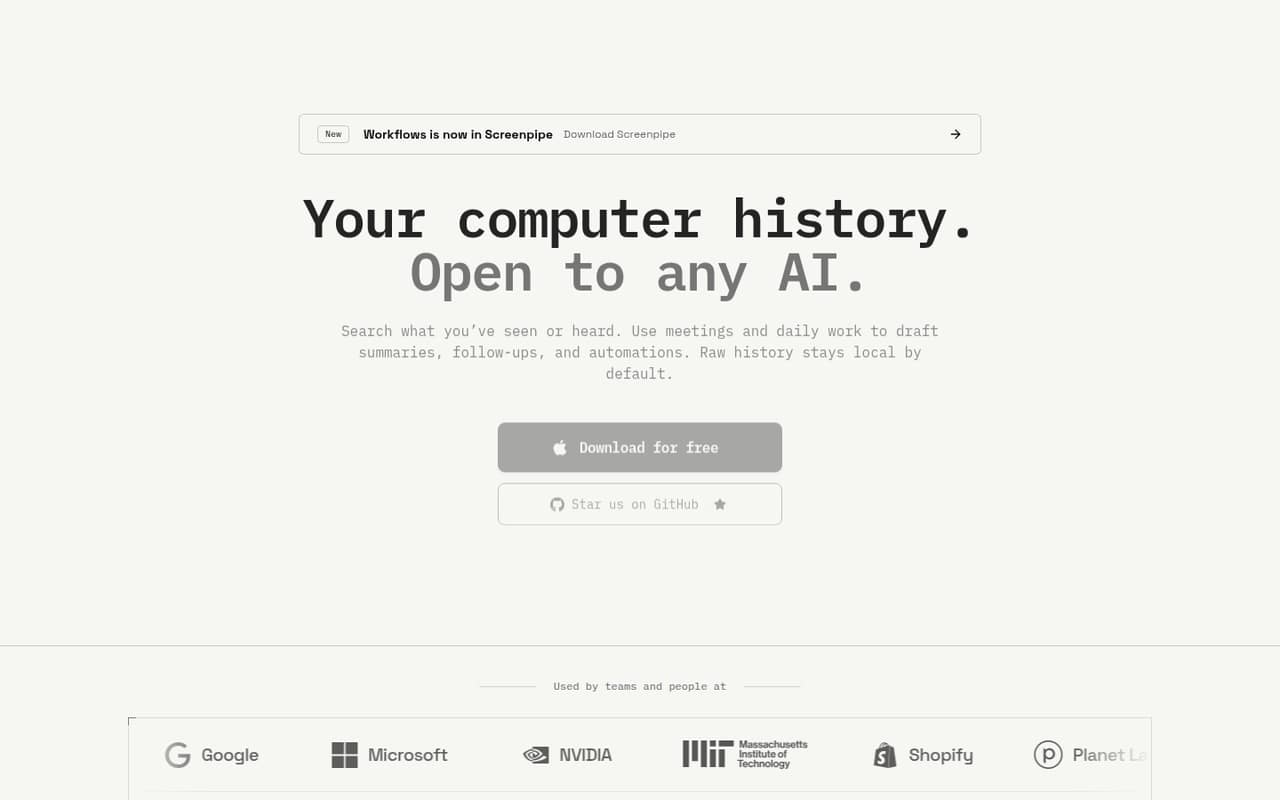
Screenpipe records screen activity and audio locally by default, then lets AI search that history for past work, summaries and workflows. The free plan gives one device and recent-work search; full searchable history costs $21 per month or $250 per year.
For a small team, the catch is that Business costs $42 per seat monthly or $500 per seat annually, and shared team context is not included. Reddit comments show interest in the idea but also notable concern about promotion, setup and trust around a tool that records screen activity.
Good fit if
- People who need searchable work history
- Small teams comfortable with local capture
- Mac, Windows, or Linux users
Skip it if
- Teams needing shared context on Business
- People uncomfortable with ongoing capture
- Teams wanting published setup guidance
ScoresHow it rates
What works
- Free plan includes one device
- Runs on macOS, Windows, and Linux
- Local screen, audio, and meeting capture
- App, window, and URL exclusions
- Basic includes full searchable history
What doesn't
- Free search is limited to recent work
- Business costs $42 per seat monthly
- Business does not include shared team context
- Enterprise pricing requires contacting sales
- Reddit users raise trust and setup concerns
01Who Screenpipe is for
Screenpipe is for people who want a searchable record of what they saw and heard while working. It captures screen activity and audio, using accessibility data, screen frames with OCR fallback, and audio transcripts. AI agents can search that local history to help with summaries, follow-ups and automations.
For a team of 1–10, it makes the most sense when remembering past work is a real part of the job: for example, finding a document or conversation from earlier in the day. A solo user can start free on one device; someone who needs full personal history pays $21 monthly or $250 annually. Teams should be clear on the distinction between seat management and collaboration: Business syncs context across devices, but shared team context is reserved for Enterprise. Because the tool records sensitive activity, teams should decide what to exclude before turning it on.
02Screenpipe free plan and trial
The free plan costs $0 and covers one device, with local screen, audio and meeting capture, search for recent work, and support for macOS, Windows and Linux. That is enough to try the basic idea on a single computer without a subscription.
The key limit is history: Free searches recent work, while Basic adds full searchable history, reusable context through MCP and unlimited scheduled workflows. The pricing lists no free trial, so there is no separate paid-plan trial to count on. If one-device recent search is too limited, the cheapest paid option is Basic at $21 per month, or $250 per year billed annually. The pricing does not state a retention window for the free plan, so ask Screenpipe what “recent” means before relying on it for records.
03What a small team pays for Screenpipe
One person who needs full searchable history pays $21 monthly for Basic, or $250 for a year billed annually—about $20.83 per month. Basic includes reusable context through MCP and unlimited scheduled workflows.
Business is the relevant listed plan for teams managing seats and syncing context across devices: it costs $42 per seat monthly or $500 per seat annually, about $41.67 per seat per month. That works out to $126 monthly or $1,500 annually for three seats, and $210 monthly or $2,500 annually for five. These totals use Business seat pricing, not a shared team plan.
Business includes centralized billing, managed seats and recurring workflows, but the pricing page says shared team context is not included. Enterprise adds shared context and managed controls at custom pricing. No add-ons are listed. The pricing page does not describe a cheaper multi-seat bundle, so budget for every Business seat at the listed rate.
04Getting started with Screenpipe
Screenpipe runs on macOS, Windows and Linux, and captures activity through accessibility data, screen frames with OCR fallback, and audio transcripts. The vendor does not publish a setup-time estimate. Before capture starts, a small team should decide which apps, windows and URLs to exclude and which sensitive fields to redact; those controls are listed as on-device features.
For day-one AI context, Basic includes MCP, while Enterprise lists cloud API access. The vendor does not list named third-party integrations in the pricing details, so ask whether your preferred tools connect before choosing a plan. Reddit users have raised setup concerns: one commenter said the build process was not properly documented and another worried about the effort of building and updating it. Those comments do not establish the current install process; confirm the steps for your operating system and deployment with Screenpipe.
05When small teams outgrow Screenpipe
The first pressure point is moving beyond one device and recent-work search: Free covers one device, while full searchable history is a paid Basic feature. The next is team coordination. Business offers device sync and managed seats, but shared team context is not included; organizations that need it must ask about custom-priced Enterprise, which also lists SSO, MDM, retention and device controls.
Seat costs can add up quickly for a budget-conscious team: three Business seats are $126 monthly, and five are $210. That may be hard to justify if people only need occasional recall rather than full work-history search. Reddit sentiment is mixed and often skeptical. Users criticized a promotional campaign, and commenters also voiced concerns about build instructions, updates and the sensitivity of screen recording. Treat those as user concerns, not proof of a security issue, and review the capture controls and deployment requirements before rolling it out broadly.
From the threadsWhat users say
Reddit sentiment is mixed, with some users liking the idea and others wary of promotional tactics, setup and trust. Privacy concerns are especially relevant for a tool that records screen and audio activity.
when it comes to something that involves constantly recording your screen and, in the case of the premium edition, I assume it's actually sending screenshots and confidential information like that
It's not a bad idea, but setting up DMZ for it sounds bit annoying
you can filter out specific app for example or window, to ignore movies you can select the folder yes
This is goated tbh
Questions people ask
Does Screenpipe have a free plan?
Yes. Free costs $0 and includes one device, local screen, audio and meeting capture, search for recent work, and macOS, Windows and Linux support. The pricing does not specify how long “recent” lasts. Full searchable history is listed under Basic, which costs $21 monthly or $250 annually.
How much does Screenpipe cost for a small team?
Business is $42 per seat monthly or $500 per seat annually. Three seats cost $126 per month or $1,500 per year; five cost $210 per month or $2,500 per year. Business includes device sync and managed seats, but not shared team context. Enterprise pricing is custom.
Does Screenpipe keep recordings local?
The product description says raw history stays local by default, and lists app, window and URL exclusions plus on-device redaction controls. Enterprise also lists cloud API access. Teams handling sensitive information should confirm the details of storage, access and any network activity with Screenpipe before deployment.
Which operating systems does Screenpipe support?
The Free plan lists macOS, Windows and Linux, and the product description says Screenpipe runs on all three. The pricing details do not specify whether every feature or plan behaves identically across operating systems. Confirm any platform-specific requirements with Screenpipe if your team uses more than one.
Does Screenpipe share work history across a team?
Business includes syncing context across devices, centralized billing and managed seats, but shared team context is explicitly not included. Enterprise lists shared team context along with controls such as SSO, MDM, retention and device management. Enterprise pricing is custom, so contact Screenpipe to confirm fit and cost.
Sources
- Screenpipe homepage
- Screenpipe pricing page
- Reddit: Request to ban screenpipe posts/comments for abusive spamming
- Reddit: screenpipe: 24/7 local AI screen & mic recording. Build AI apps that have the full context. Works with Ollama. Alternative to Rewind.ai. Open. Secure. You own your data. Rust.
- Reddit: I built an open-source app that records your screen 24/7 and lets you search everything you've ever seen or heard on your PC
- Reddit: Screenpipe — An open-source AI that remembers everything you do on your computer