
We may earn a commission if you buy through links on this page. It never changes a score or a ranking. How we make money
The bottom line
Good for visual how-to guides; the free plan is limited and PRO costs per person.
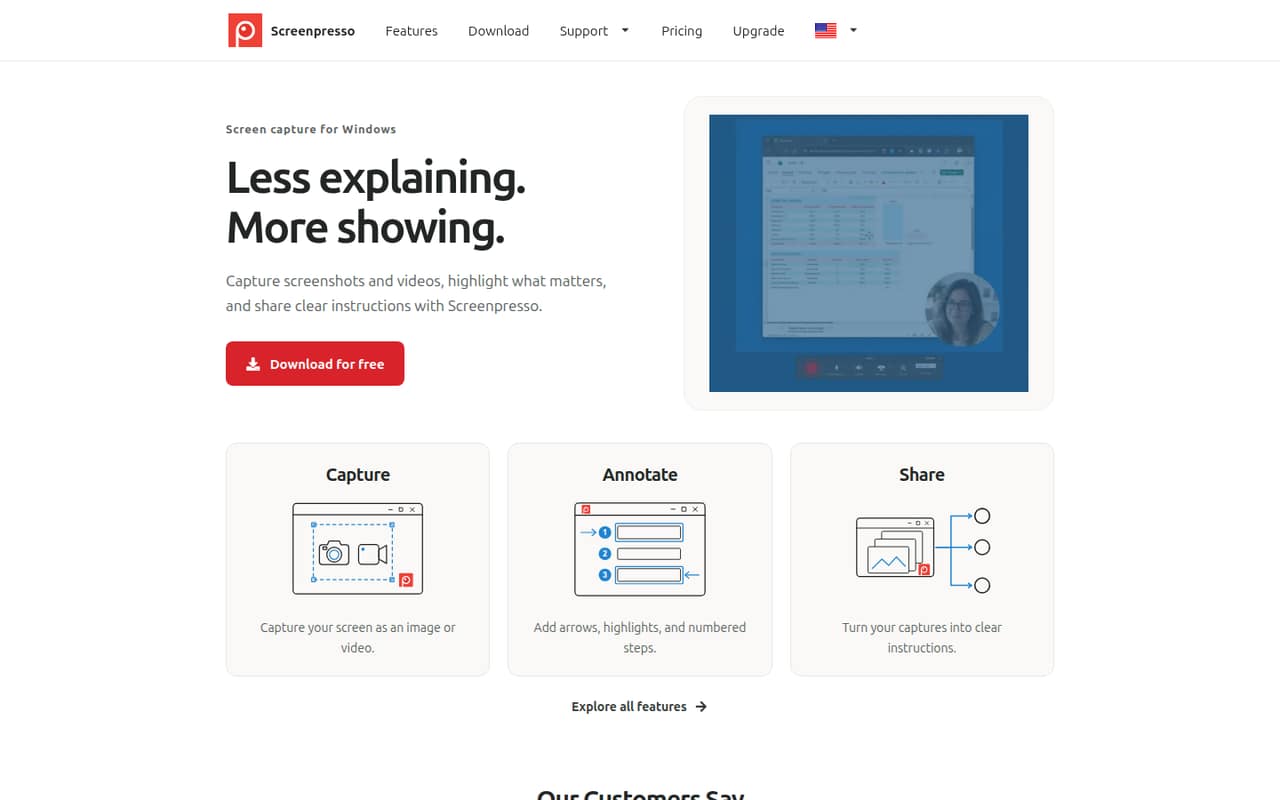
Screenpresso turns Windows screenshots and recordings into annotated instructions, with arrows, highlights, and numbered steps. That is useful when a small team needs to explain a process without writing a long manual.
The free plan covers basic personal or office use, but limits video length and editing. The pricing page lists PRO at $29.99 per license, one time; Reddit users praise the editing while some report confusion over what happens to updates after the first year.
Good fit if
- Windows teams writing visual guides
- Small support and operations teams
- People who annotate screenshots often
Skip it if
- Mac or Linux teams
- Teams needing unrestricted free video
- Buyers wanting a monthly license
ScoresHow it rates
What works
- Captures screens as images or videos
- Adds arrows, highlights, and numbered steps
- PRO includes OCR and full editing
- PRO license works on up to five computers
- Generates documents from images and comments
What doesn't
- Free videos stop at three minutes
- Free recordings carry Screenpresso branding
- Free plan has no OCR
- PRO requires a license for each user
- Reddit users report confusion over update terms
01Who Screenpresso is for
Screenpresso makes sense for a small Windows team that regularly answers the same “where do I click?” questions. A support lead can capture a screen, add arrows or numbered steps, and share the result as an instruction. The homepage describes it as a way to explain tasks visually, and a Reddit thread describes document generation and sharing options.
For a one-person operation, the free plan may be enough for basic captures. A team of three to five people should budget for individual PRO licenses if everyone needs the full editing and recording features. At the listed starting price, that is a one-time cost rather than a monthly subscription. Screenpresso is a Windows tool, so it is not a fit for a Mac- or Linux-based team. It is also more focused than a full documentation or team knowledge-base platform.
02Screenpresso free plan and trial
The FREE plan is for one user and one workspace. The pricing page lists video recordings capped at three minutes, Screenpresso branding on recordings, no OCR, and limited image and video editing. That is enough to try basic screenshots and short visual explanations, but it is a tight fit if your team wants polished, longer recordings or text recognition.
The pricing listing does not specify a free trial, and the plan information gives no trial length. PRO is the cheapest listed paid option for full capture and editing. It includes OCR, full image and video editing, document generation, multiple workspaces, and watermark-free HD/4K video with no duration limit. If the free plan is for one user, ask the vendor how separate team members should manage shared instructions and workspaces.
03What a small team pays for Screenpresso
The pricing page lists PRO at a starting price of $29.99 per license, bought once. Each license covers one user and use on up to five computers. On that basis, one person costs $29.99, three users cost $89.97, and five users cost $149.95. Those are one-time totals, not monthly or annual subscription prices; the listing says each license includes one year of updates and maintenance.
The listing does not publish a monthly or annual PRO price, so there is no recurring-price comparison to make. It describes optional two- or three-year maintenance and upgrades, later maintenance renewals, and volume discounts for multiple licenses, but does not list their prices. Enterprise offers organization-wide users and deployment features, but its price is not published. Reddit users have complained that newer versions were not covered after the first year, despite buying what they understood to be a one-time license. Before buying several seats, confirm exactly which updates and versions your purchase covers.
04Getting started with Screenpresso
The core workflow looks straightforward: capture a Windows screen, mark it up with arrows, highlights, or numbered steps, then share the result. A Reddit post describes a built-in image editor and options to publish captures or generate PDF, Word, and HTML documents from images and comments. One commenter also likes the window selection and pixel-level control.
That should suit a small team that needs to make instructions without learning a separate image editor. The vendor does not publish a setup-time estimate in the pricing details, so we would not promise a specific rollout time. The published feature descriptions name sharing and document output, but not particular third-party integrations. For day one, agree where captures and finished instructions should live, then ask the vendor whether your preferred storage or ticketing tools connect directly. Screenpresso is Windows-only, so check that every intended user has a compatible setup.
05When small teams outgrow Screenpresso
The first pressure point is seats: PRO is priced per user, so a growing team pays for another license for each person who needs the full features. The free plan is also narrow for team use, with one user and one workspace, three-minute video limits, branded recordings, no OCR, and limited editing. Enterprise offers organization-wide users, MSI deployment, offline activation, administrative policies, and multi-user and VDI support, but the vendor does not publish its price.
A team may also outgrow Screenpresso if it needs a Mac or Linux version, or named integrations with its existing tools; the vendor should confirm whether those are available. Reddit feedback is mostly positive about editing and documenting work, but two commenters warn that PRO's one-time purchase did not cover newer versions after a year. Treat that as a reason to confirm update and maintenance terms in writing before rolling out multiple licenses.
From the threadsWhat users say
Reddit comments praise Screenpresso's editing and its usefulness for documenting tasks. Sentiment is not all positive: commenters also raise concerns about what a one-time PRO purchase covers after the first year.
the editing mode, the arrows, the boxes, and highlighting
it'll auto pick windows for you, and also let you control the selection down to the pixel
screenpresso lets me document Intel in no time
After 1 year, the licence does not apply to newer version
Questions people ask
Is Screenpresso free?
Yes. The FREE plan covers one user and one workspace. The pricing page lists three-minute video recordings, Screenpresso branding on recordings, no OCR, and limited image and video editing. PRO is the listed paid option for watermark-free HD/4K video without a duration limit, OCR, full editing, document generation, and multiple workspaces.
How much does Screenpresso PRO cost?
The pricing page lists a starting price of $29.99 for a one-time PRO license. Each license is for one user and can be used on up to five computers. Three licenses total $89.97 and five total $149.95, before any optional maintenance or upgrades. The vendor does not publish prices for those add-ons in the listing.
How do I activate Screenpresso?
The plan details say PRO is a license purchase and Enterprise includes offline activation, but they do not list the steps for activating an individual PRO license. Check the vendor's current activation instructions before purchase, especially if you need to activate on several computers or work offline. PRO allows use on up to five computers per license.
Can I use one Screenpresso PRO license on multiple computers?
The pricing page lists one user per PRO license and use on up to five computers. That is not the same as a five-person team license: the listing describes each license as covering one user. If several teammates need access, budget for one license per person and confirm the vendor's rules for your setup.
Does Screenpresso work on Mac?
Screenpresso is described as a Windows screen capture tool, and a Reddit user looking for a Mac equivalent says Screenpresso is available only on Windows. If your team includes Mac users, ask the vendor about current platform support before choosing it; the published plan details do not list a Mac version.