
We may earn a commission if you buy through links on this page. It never changes a score or a ranking. How we make money
The bottom line
Good free capture for one person; a small team’s paid entry point is five seats.
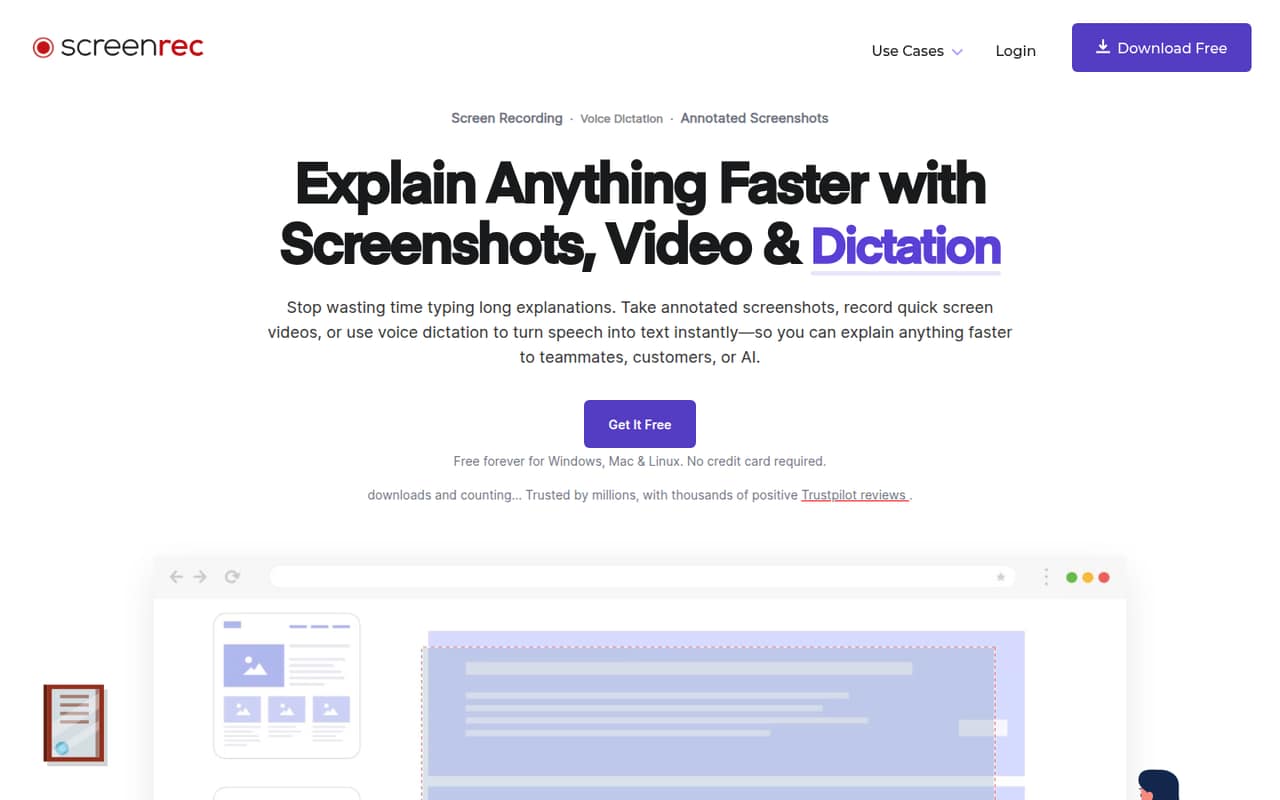
A small team may not need another screen recorder if its built-in capture tool already covers the job. ScreenRec adds annotated screenshots, voice dictation, shareable links, privacy controls, and video-viewing analytics, with a free plan for one user.
The free tier has 2GB of cloud storage and caps dictation at five minutes per month. For shared paid access, Premium starts at $49 per month equivalent when billed annually for five seats, or $81 month to month.
Good fit if
- Solo users making quick screen guides
- Five-person teams sharing recordings
- Teams using speech-to-text dictation
Skip it if
- Teams needing three paid seats
- People who need free 4K recording
- Teams that need published setup guidance
ScoresHow it rates
What works
- Free plan includes unlimited recording for registered users
- Free recordings have no watermark
- Premium includes five seats and 200GB storage
- Supports annotations, sharing links, and embeds
- Premium lists centralized billing and priority support
What doesn't
- Free plan has just one user seat
- Free dictation is limited to five minutes monthly
- Paid team plan starts with five seats
- Free recording quality tops out at 720p
- One Reddit user reported missing microphone audio after export
01Who ScreenRec is for
ScreenRec makes sense for a solo founder or a small team that regularly explains a process, reports a bug, or shares visual instructions. It records the screen, microphone, audio, and webcam; you can also annotate screenshots, dictate text, and share recordings with a link. That is handy when a written message would take longer than showing the issue.
For a team of one, the free plan may be enough for basic recording. A team that wants paid seats should budget for Premium, which includes five seats rather than a smaller team tier. Its listed $49 monthly equivalent on annual billing is a reasonable fit if several people will create and share videos. If you only need occasional capture and already have a tool that does it, ScreenRec may be more subscription than your team needs.
02ScreenRec free plan and trial
ScreenRec’s Free Forever plan costs $0 and includes one user seat, 2GB of cloud storage, and five dictation minutes per month. The pricing lists recording quality up to 720p with no watermark. Registered users can record without a stated time limit; recordings made while unregistered are capped at five minutes.
That is a useful starting point for one person making short guides or capture clips. The main pinch points are the single seat, small storage allowance, and short dictation quota. If the team needs commercial use, the listed entry plan is Pro, at $35 per month equivalent with annual billing or $59 month to month. The pricing lists no free trial, so check with ScreenRec if you need to evaluate a paid feature before committing.
03What a small team pays for ScreenRec
For one person who needs commercial use, Pro costs $59 month to month or $35 per month equivalent with annual billing, a $426 annual total. It includes one seat, 50GB of storage, and 180 dictation minutes monthly. The free plan is still the cheaper choice for basic personal recording.
For a team of three or five, Premium is the listed team option: $81 month to month or $49 per month equivalent when billed annually, $587 for the year. It includes five seats, 200GB of storage, and 1,200 dictation minutes monthly. There is no three-seat price listed: the same Premium plan works out to $27 per occupied seat monthly for three people, or $16.20 for five. On annual billing, that is about $16.33 per occupied seat for three, or $9.80 for five, using the $49 monthly equivalent.
Premium’s listed seat upgrade is 10 seats for another $288 per year. Pro storage and dictation upgrades are also listed; overage costs are not published.
04Getting started with ScreenRec
The basic workflow ScreenRec describes is straightforward: capture a screen or screenshot, add annotations if needed, then copy a sharing link, embed the content, or save the file. For a team explaining a bug or process, those features keep the work focused on recording and sharing rather than a larger project setup. ScreenRec also lists tags and collections for organizing content, plus privacy controls for sharing privately or publicly.
The vendor does not publish a setup-time estimate or an integrations list in its pricing information. We would confirm which operating systems, account requirements, and any tools your team relies on are supported before rolling it out. Reddit discussion includes people asking how ScreenRec compares with built-in capture and OBS, but it does not establish a consistent setup experience. The feature list suggests a small learning curve for basic capture; team-wide organization and access rules deserve a quick check before you standardize on it.
05When small teams outgrow ScreenRec
The first limit is seats: free covers one user, while the listed Premium plan starts at five. A three-person team pays for the five-seat plan, and a growing team needs a paid seat upgrade once it exceeds that allocation. Premium lists 200GB of storage and 1,200 dictation minutes per month; the pricing does not publish overage costs, so ask ScreenRec how extra usage is handled before relying on those allowances.
You may also outgrow the free tier if 720p is not enough, you need more than five dictation minutes, or you need commercial use. Reddit reactions are mixed and sparse: some commenters point people toward OBS or built-in capture, while one ScreenRec user said microphone audio disappeared from an export. Another commenter said the app had a good reputation. Treat that report as a reason to test your own audio workflow, not proof of a widespread problem.
From the threadsWhat users say
Reddit comments show limited, mixed sentiment rather than a clear consensus. Some people suggest OBS or built-in capture instead, while one commenter reports an export audio issue and another says ScreenRec has a good reputation.
If you need a screen recording app, just use obs. I haven't heard of ScreenRec tho
when I exported it, the microphone audio disappeared and I can't hear myself
Screenrec has a good reputation, afaik
Questions people ask
Is ScreenRec fully free?
ScreenRec has a free plan with one user seat, 2GB of cloud storage, and five dictation minutes per month. Registered users can record without a stated time limit, at up to 720p and with no watermark. The free plan does not include multiple seats or the paid plans’ larger storage and dictation allowances.
Does ScreenRec record in 4K?
The listed Premium plan supports up to 4K recording quality. The free plan goes up to 720p, while Pro goes up to 1080p at 60 FPS. If 4K is a must-have, confirm the current plan details with ScreenRec before buying.
Can ScreenRec capture microphone and computer audio?
ScreenRec lists screen, microphone, audio, and webcam recording as features. One Reddit user reported that microphone audio disappeared after exporting a recording, although that single report does not establish how common the issue is. Check a sample export with your own audio setup before relying on it.
Can I control who sees ScreenRec videos?
ScreenRec lists privacy controls and says you can control who accesses content. Its feature list also describes private or public sharing, shareable links, and embeds. It says content is encrypted; if your team has specific access or security requirements, ask ScreenRec for the details that apply to your account and plan.
How much dictation does each ScreenRec plan include?
The free plan lists five dictation minutes per month, Pro lists 180, and Premium lists 1,200. The pricing also lists paid dictation upgrades for Pro annual subscribers. Overage costs are not published, so ask ScreenRec how it handles usage beyond a plan’s monthly allowance.