
We may earn a commission if you buy through links on this page. It never changes a score or a ranking. How we make money
The bottom line
Worth considering for frequent terminal work; occasional SSH users can start with built-in tools.
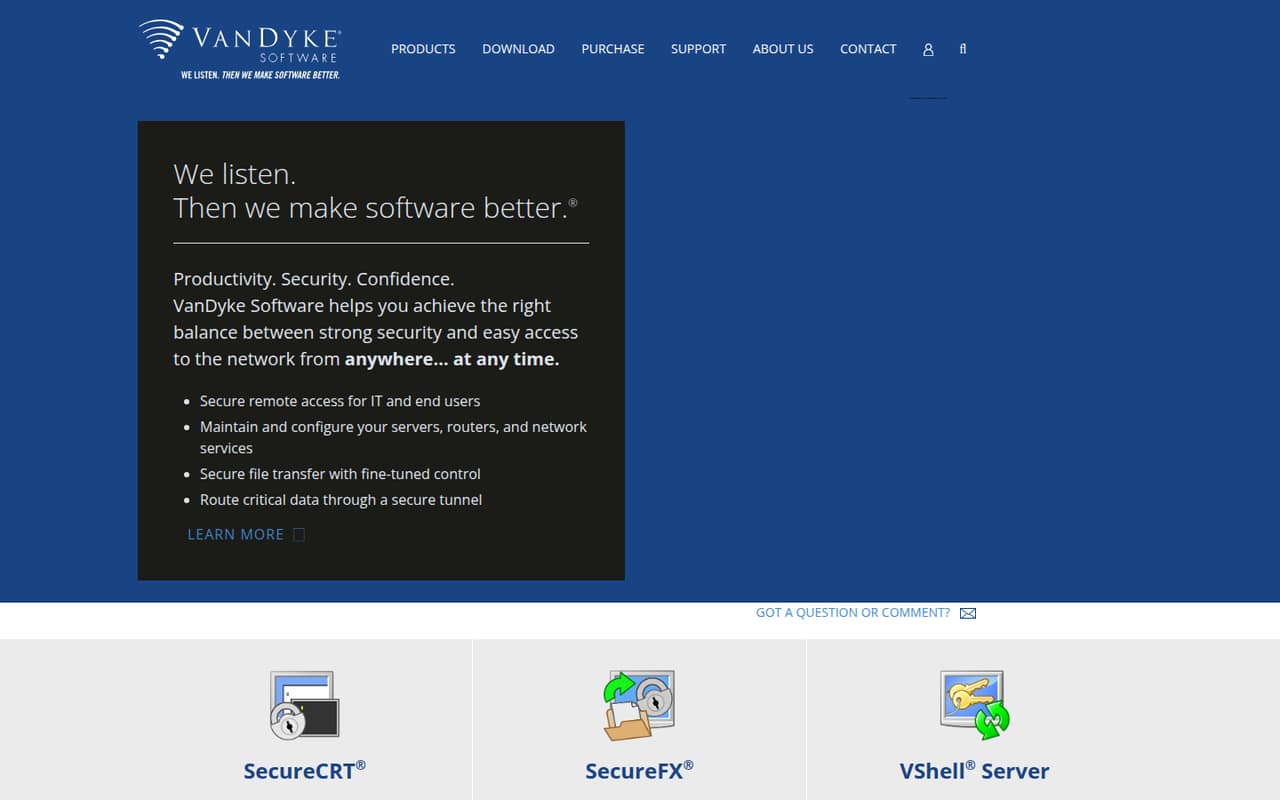
A small team only needs SecureCRT if it regularly manages remote connections and wants a dedicated terminal with session management. VanDyke highlights multi-protocol support, but its homepage does not name the protocols.
There’s no permanent free plan. The pricing page lists a one-time $119 license with one year of updates and support, or $190 with three years. Reddit users praise its session organization and stability, while some recommend cheaper alternatives.
Good fit if
- Network and systems administrators
- Teams with saved remote sessions
- Frequent terminal users
Skip it if
- Teams needing a free permanent plan
- Occasional SSH users
- Buyers seeking monthly billing
ScoresHow it rates
What works
- Advanced session management
- Supports multiple protocols
- Free evaluation for every release
- One-time license purchase
- Reddit users praise tabbed sessions
What doesn't
- No permanent free plan
- One license is $119
- 50 or more licenses require a quote
- Protocol list is not named on the homepage
- Session storage location is not specified here
01Who SecureCRT is for
SecureCRT is for a solo administrator or a small IT team that spends real time connecting to remote systems. VanDyke describes it as terminal emulation and session management for secure remote access, with support for multiple protocols. Its homepage highlights advanced session management but does not name the protocols.
For a team of one to ten, the case is strongest when people repeatedly connect to servers, routers, or network services and want saved sessions in a dedicated app. VanDyke says the product can help maintain and configure those systems. Reddit users mention tabbed consoles and value the way sessions are organized, though some say built-in command-line tools or other clients meet their needs.
Budget for a paid license: there is no permanent free plan, and one license starts at $119 as a one-time purchase. If your team only needs occasional SSH access, compare that cost with tools already available to you before buying.
02SecureCRT free plan and trial
SecureCRT has no permanent free plan. VanDyke says every release can be evaluated free of charge, so a team can assess the software before paying. The length of the evaluation and any feature restrictions are not published on the vendor's site; check with VanDyke before planning a longer evaluation.
The evaluation is not a free tier to keep using indefinitely. The cheapest listed way to continue is one SecureCRT license for $119, with one year of updates and support. For $190, one license includes three years of updates and support. Both are one-time, per-order purchases rather than subscriptions. If you only need a terminal occasionally, the free evaluation can help you decide whether the paid session-management features justify the cost.
03What a small team pays for SecureCRT
The pricing page lists one license at $119 with one year of updates and support, or $190 with three years. These are one-time prices, not monthly or annual subscriptions. For comparison only, that works out to about $9.92 or $5.28 per month over the included update period; you pay the full amount upfront.
At the 2–9 license rate, a team of three pays $348 for one year of updates ($116 each), or $558 for three years ($186 each). A team of five pays $580 or $930, respectively. Spread over the included period, that is about $9.67 per seat per month for the one-year option, or $5.17 for the three-year option. These are comparison figures, not subscription prices.
The three-year option costs more upfront but includes longer updates and support coverage. The listed quantity discount changes at 10 licenses, where the one-year price is $114 each and the three-year price is $182 each. At 50 or more licenses, VanDyke asks buyers to contact sales.
04Getting started with SecureCRT
Plan for a modest setup: install the application, create or configure the remote sessions your team needs, and confirm that each person can connect. VanDyke describes advanced session management, but the vendor's site does not spell out a setup checklist, import process, or team-wide configuration method. Ask VanDyke if you need those details before rolling it out.
The learning curve depends on how much of the session-management functionality your team wants to use. Reddit users discuss tabbed sessions, session logging, scrollback settings, and sending commands to multiple open sessions. One commenter describes syncing a configuration folder through Dropbox to keep settings available on several computers, but that is a user's approach, not a vendor-confirmed integration.
The homepage says SecureCRT supports multiple protocols without naming them. A Reddit commenter mentions telnet, serial, SFTP, and scripts. Confirm that the protocols and workflows your team relies on are covered before buying.
05When small teams outgrow SecureCRT
SecureCRT may stop making sense when the team needs a permanent free option, wants monthly billing, or uses terminal access only now and then. At $119 for one license, even a small group has a real upfront cost: three licenses start at $348 and five at $580 for one year of updates and support. The pricing page does not list a free tier or monthly plan.
The published feature details focus on terminal emulation, session management, remote access, and multi-protocol support. If you need other kinds of remote-access management or shared administration features, ask VanDyke whether SecureCRT covers them before expanding the license count.
Reddit feedback is mostly positive about saved, tabbed sessions and stability, but alternatives come up often. One thread includes users who switched to MobaXterm or use built-in SSH tools; another commenter recommends mRemoteNG. Those are individual preferences, but they underline the main decision: pay for SecureCRT when its session workflow matters to your team, not just for basic SSH.
From the threadsWhat users say
Reddit sentiment leans positive among people who use SecureCRT regularly, with praise for session organization and stability. Price and alternatives are recurring counterpoints, especially for users who need basic SSH rather than a dedicated session manager.
I've used SecureCRT since 2005. I use it every day and don't know what I'd do without it
the way securecrt organizes all the consoles in tabs and its stability are great
$100.00 is pretty steep for an SSH client
It does other stuff like telnet/serial/sftp and can run scripts
Questions people ask
What does SecureCRT do?
SecureCRT is VanDyke Software’s terminal emulation product for secure remote access and managing connections. The homepage highlights advanced session management and support for multiple protocols. VanDyke says it can help with maintaining and configuring servers, routers, and network services.
What is the latest version of SecureCRT?
The current version number is not listed in VanDyke’s product details summarized here. Check VanDyke’s site or contact the vendor for the latest release. VanDyke says every release can be evaluated free of charge, so you can assess a release before purchasing.
Where are SecureCRT sessions stored?
The product details here do not specify a default session-storage path. Ask VanDyke for the location that applies to your operating system and setup. A Reddit commenter says they sync their configuration folder through Dropbox, but that describes one user’s workflow, not a universal storage location.
Does SecureCRT have a free plan?
No permanent free plan is listed. VanDyke says every release can be evaluated free of charge, but the evaluation duration and any feature restrictions are not published in the product details here. A continuing license starts at $119 as a one-time purchase with one year of updates and support.
Can SecureCRT run scripts or send commands to multiple sessions?
A Reddit commenter says SecureCRT can run scripts and describes sending a command to multiple sessions in one window using its chat window. Those are user reports, so confirm the exact workflow and supported scripting options with VanDyke if they are important to your team.