
We may earn a commission if you buy through links on this page. It never changes a score or a ranking. How we make money
The bottom line
Good for a simple creator store, less appealing if you need a free plan or open-ended sales.
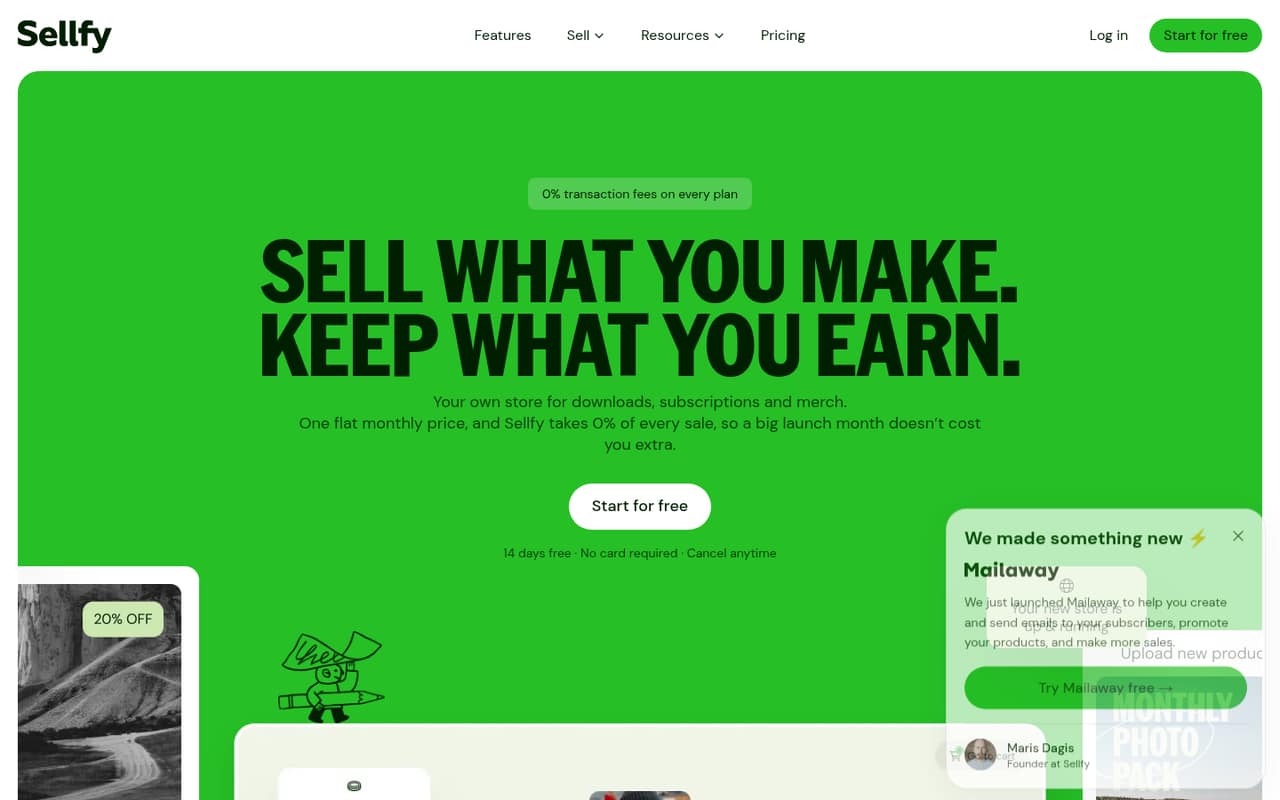
Sellfy brings digital, physical, subscription, and print-on-demand sales into a no-code storefront, with marketing tools and familiar payment options. Its 14-day trial gives you a way to explore, but there’s no ongoing free plan.
Starter costs $22 per month with annual billing or $29 month to month. That buys unlimited products and 0% Sellfy transaction fees, but sales are capped at $10,000 a year; payment processing fees still apply.
Good fit if
- Creators selling digital downloads
- Small teams wanting a simple storefront
- Sellers with predictable sales below $10,000
Skip it if
- Creators who need a free store
- Teams needing published seat-based pricing
- Sellers who expect rapid sales growth
ScoresHow it rates
What works
- No-code storefront with drag-and-drop editing
- Sells digital, physical, and subscription products
- Unlimited products on every listed paid plan
- 0% Sellfy transaction fees on paid plans
- PayPal, Stripe, Apple Pay, and Google Pay
What doesn't
- No free plan after the 14-day trial
- Starter caps yearly sales at $10,000
- Payment processing fees still apply
- Extra email-credit prices are not published
- Team member access and seat limits are not published
01Who Sellfy is for
Sellfy is aimed at creators and small businesses that want to sell online without building a store from scratch. A solo seller can use it for downloads such as eBooks, music, videos, and designs; small teams can also use it for physical products, subscriptions, and print-on-demand merchandise.
The fit is strongest for a team of one to five that wants a single storefront and can keep yearly sales within Starter’s $10,000 cap. Sellfy includes a store editor, marketing tools, and payment integrations, so the basic job is bringing products and buyers together rather than assembling separate tools. The pricing page does not publish seat limits or per-user charges, so teams should confirm how collaborators get access before budgeting. If you need a free ongoing store, or expect to pass Starter’s sales cap soon, the paid starting point may be harder to justify.
02Sellfy free plan and trial
Sellfy has no free plan. The pricing page lists a 14-day free trial, but it does not spell out the trial’s feature limits or whether payment details are required, so check those terms before signing up.
After the trial, the cheapest listed option is Starter: $29 per month when billed monthly, or $22 per month with annual billing. Starter includes unlimited products, a 10 GB maximum file size, 2,000 email credits per month, up to $10,000 in yearly sales, and 0% Sellfy transaction fees. Stripe or PayPal processing fees still apply. For a creator testing whether customers will buy, the trial is the only listed way to try Sellfy without paying for a plan; there’s no permanent free tier to keep using.
03What a small team pays for Sellfy
For one seller, Starter is $29 month to month or $22 per month with annual billing. The annual rate is a 25% saving against monthly billing. Business costs $79 monthly or $59 per month with annual billing; it raises the yearly sales cap to $50,000 and includes 10,000 email credits per month.
Sellfy lists plan prices, not seat prices, and does not publish team-member limits. So for a team of three or five, the listed Starter subscription remains $29 monthly or $22 per month on annual billing if one account works for everyone—but confirm collaborator access with Sellfy. As simple cost-per-person arithmetic, that’s $9.67 or $5.80 each for three, and $5.80 or $4.40 each for five, respectively; those figures do not establish that each person gets a separate login.
Budget separately for Stripe or PayPal processing fees. Extra email credits are available, but their price is not published. If sales exceed a plan’s yearly limit and you don’t upgrade, Sellfy may charge a 2% fee on sales above that limit.
04Getting started with Sellfy
Sellfy describes its storefront editor as drag and drop and says no coding is required. That points to a lighter setup job than building a store from scratch: choose a template, customize the storefront, add products, and connect a payment option. Sellfy lists PayPal, Stripe, Apple Pay, Google Pay, and cards for checkout.
For a small team, the practical day-one work is likely preparing product files or physical-product details, setting up payments, and deciding whether to use the built-in email and marketing tools. Digital sellers should check that file sizes fit their plan: Starter allows up to 10 GB, while Business allows 15 GB and Premium 20 GB. One commenter in a Reddit thread described Sellfy as a straightforward fit for primarily digital downloads, but that is one user’s view, not a guarantee of setup time. Sellfy does not publish team access details in the pricing information, so ask how staff should share store work.
05When small teams outgrow Sellfy
The clearest point to reconsider Sellfy is sales growth. Starter covers up to $10,000 in yearly sales; Business raises that to $50,000 for $79 monthly or $59 per month with annual billing. Premium costs $159 monthly or $119 per month annually and covers up to $200,000 in yearly sales, with priority support. Above $200,000, sellers need to contact Sellfy for a custom offer. If you stay above a plan’s limit without upgrading, Sellfy may charge 2% on sales above the cap.
Email needs can also push an upgrade: the listed monthly credits rise from 2,000 on Starter to 10,000 on Business and 50,000 on Premium. Extra credits are available, but their price is not published. Teams that need defined staff seats should ask Sellfy about access before committing, since seat limits and costs aren’t listed. One Reddit seller objected to paying a subscription even when sales were low, and another complained about the change away from selling without a subscription. That makes the lack of a free plan a real consideration for uncertain or seasonal sellers.
From the threadsWhat users say
The available Reddit discussion is mixed, with more frustration than praise around Sellfy’s shift to subscription plans. One commenter calls it a straightforward option for digital downloads, while sellers in another thread object to paying during slow sales periods.
However the new subscription plans charge regardless of you making money, which I don't like
They are updating their plans meaning you can't sell for free anymore
Sellfy might be a better fit if you're primarily selling digital downloads and want a straightforward setup process
I am currently making like 400-500 bucks a month (depends on the month) passively on Sellfy and now their cheapest offer is 19$
Questions people ask
Is Sellfy free?
No. Sellfy lists a 14-day free trial, but no ongoing free plan. After the trial, Starter is the cheapest plan at $29 per month with monthly billing or $22 per month with annual billing.
What does Sellfy Starter include?
Starter includes unlimited products, a 10 GB maximum file size, 2,000 email credits per month, up to $10,000 in yearly sales, and 0% Sellfy transaction fees. Payment processing fees from Stripe or PayPal still apply.
Does Sellfy charge transaction fees?
Sellfy lists 0% transaction fees on Starter, Business, and Premium. That does not remove Stripe or PayPal processing fees, which apply at their own rates. Sellfy may also charge 2% on sales above a plan’s yearly limit if you do not upgrade.
Can I sell subscriptions and physical products?
Yes. Sellfy supports digital products, physical goods, print-on-demand merchandise, and subscriptions. Subscription sellers can offer weekly, monthly, or yearly plans with automatic payments.
How many people can use one Sellfy plan?
Sellfy’s listed prices are not per seat, but the pricing information does not publish team-member limits or collaborator access terms. Ask Sellfy how many staff can access a store and whether separate logins are available before you choose a plan.