
We may earn a commission if you buy through links on this page. It never changes a score or a ranking. How we make money
The bottom line
Strong conference workflows and a free community option; professional events cost $499 per occurrence.
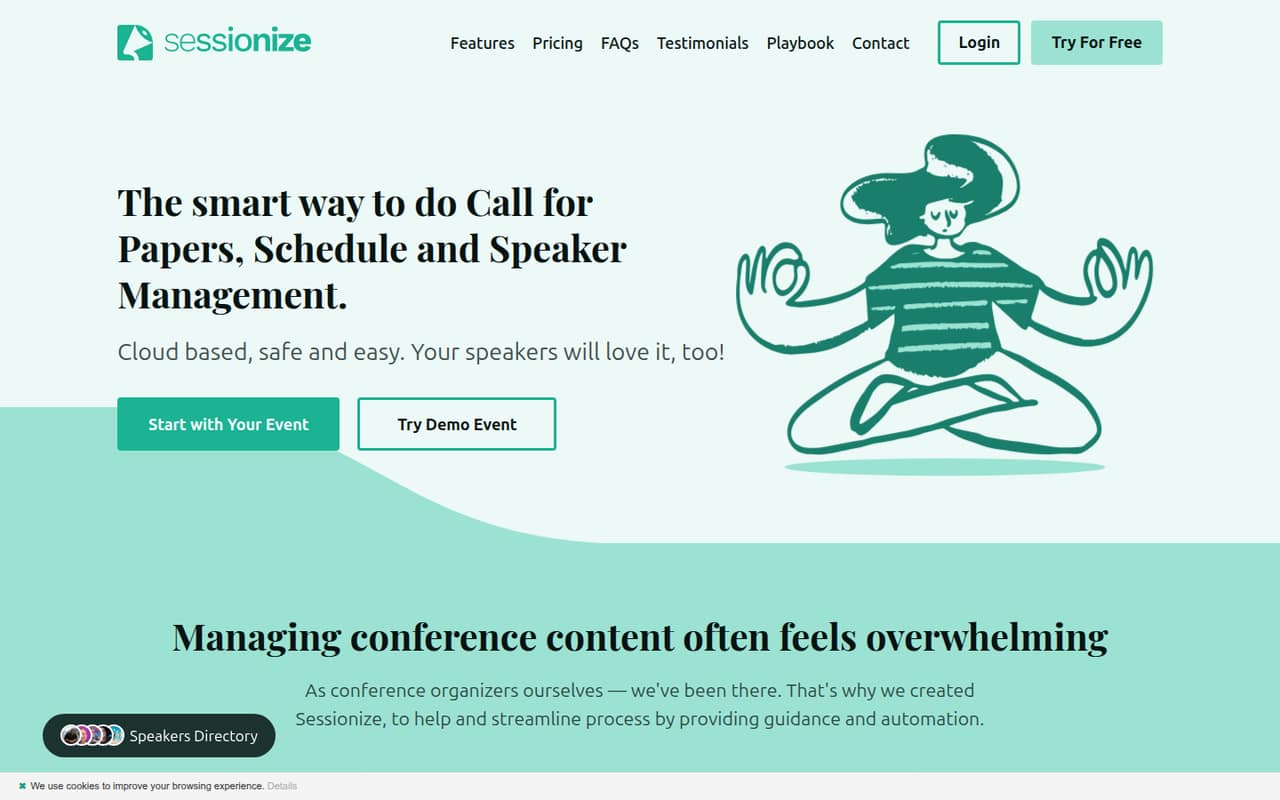
Sessionize brings submissions, speaker details, reviews and schedules into one event workflow. It makes the most sense for organizers who need those specific tools, rather than a general-purpose event platform.
The pricing page lists free service for eligible community events and a $499 + tax Professional event plan. That fee is per event occurrence, not per person, so small teams should budget by event count.
Good fit if
- Community event organizers
- Conference teams managing speaker submissions
- Organizers running several events yearly
Skip it if
- Private or promotional events seeking free access
- Teams needing monthly per-seat pricing
- Organizers requiring published integration details
ScoresHow it rates
What works
- Free for eligible community events
- Submission page supports custom categories
- Content teams can vote on submissions
- Speakers can manage their own details
- Schedules can be embedded or exported as JSON or XML
What doesn't
- Professional events cost $499 plus tax each
- Free access excludes private and commercial events
- Bulk pricing requires contacting Sessionize
- Monthly and annual prices are not published
- Test-mode duration is not published
01Who Sessionize is for
Sessionize is for small conference and meetup teams that need to collect speaker proposals, review them together and turn accepted sessions into a schedule. It can suit an organizer working alone or a team of a few people: the listed price is per event occurrence, not per seat, and the product lets organizers invite content team members to vote.
The workflow covers a customizable call for papers, session and speaker details, speaker communication, schedule building and a mobile event app for participants. That makes it more specialized than a simple form or spreadsheet, but its value depends on needing those event tasks in one place. Eligible community events can use the free option. For a single professional event, the listed $499 + tax fee is a meaningful budget line, so teams should compare it with the time and coordination they expect the workflow to save.
02Sessionize free plan and trial
The free Community event option covers one event occurrence for eligible community events. The pricing page says it is not valid for private, promotional or commercial events. It also lists a recurring user-group or meetup mode, plus discounts for standard fees under $50 per participant. Ask Sessionize to confirm eligibility if your event charges attendees or has a sponsor or promotional purpose.
Sessionize also lists a fully functional test mode, but the vendor does not publish its duration. That gives organizers a way to explore the product before committing, though the pricing page does not describe a time limit or whether test-mode work can be carried into a live event. If your event does not qualify for the free option, the cheapest listed paid plan is Professional at $499 + tax per event occurrence.
03What a small team pays for Sessionize
The pricing page lists Professional at $499 + tax per event occurrence, with one occurrence and all features included. That is the same listed base price for one person, a three-person team or a five-person team: the fee is event-based, not per seat. Tax adds to the total, but the amount depends on your circumstances and is not published as a fixed figure.
Sessionize does not publish monthly or annual prices for this plan. There is no per-seat monthly-versus-annual calculation to make; budget $499 plus tax for each professional event occurrence instead. If your organization manages five or more events a year, the Bulk option is aimed at that use case, but pricing is custom and requires contacting Sessionize. The listing says activation codes are purchased in advance. No add-ons are listed, and the vendor does not publish a Bulk rate, so ask for a quote covering your event count and any applicable taxes.
04Getting started with Sessionize
A typical setup follows the event workflow: create a submission page, choose session and speaker categories, invite reviewers, then manage accepted content and arrange the schedule. Sessionize lists drag-and-drop scheduling, speaker communication tools and a mobile event app, so organizers can also prepare participant-facing information and personal schedules.
The vendor does not publish a setup-time estimate or integration list in the pricing details. We would treat the submission categories, review process and schedule as the main setup decisions, then ask Sessionize about any connections your team needs on day one. The listed features suggest a focused workflow, but the effort will depend on how much event information you need to prepare and how many reviewers and speakers you coordinate. Test mode is described as fully functional; its duration is not published.
05When small teams outgrow Sessionize
The clearest budget pressure is event volume. One Professional occurrence costs $499 + tax, so organizations running several professional events should compare that per-event spend with a Bulk quote. Bulk targets teams managing five or more events a year, but its price is custom and requires advance activation-code purchases.
The free option also has a firm fit boundary: it is for eligible community events, not private, promotional or commercial ones. A growing team that changes event type may need to move to the paid plan even if its headcount stays small. Sessionize does not list seat-based pricing, so adding organizers is not shown as a separate cost; confirm any team or access limits directly with the vendor. If your operation depends on integrations or a published monthly budget, ask for those details before committing, since the pricing information does not publish them.
Questions people ask
Is Sessionize free?
The pricing page lists one free occurrence for eligible community events. It excludes private, promotional and commercial events. Sessionize also lists a recurring user-group or meetup mode and discounts for standard fees under $50 per participant. Confirm with the vendor if you are unsure whether your event qualifies.
How much does Sessionize cost for a professional event?
The listed Professional plan costs $499 plus tax per event occurrence and includes all features. That is an event price, not a per-person fee. The vendor does not publish monthly or annual billing prices, so ask Sessionize about the total including applicable tax.
Does Sessionize charge per user?
The listed Professional price is per event occurrence rather than per seat. The pricing information does not publish a separate user fee or team-size limit. For a team of one, three or five, the listed base fee remains $499 plus tax for one Professional event occurrence.
What does Sessionize help conference organizers do?
Sessionize helps organizers collect and review speaker submissions, manage session and speaker information, communicate with speakers and build event schedules. Speakers can manage their details, while participants can use the mobile event app to browse sessions, favorite them and create personal schedules.
Does Sessionize offer a free trial?
Sessionize lists a fully functional test mode, but the vendor does not publish how long it lasts. This is separate from the free Community event option, which is limited to eligible community events. Ask Sessionize whether test-mode content carries over to a live event.