
We may earn a commission if you buy through links on this page. It never changes a score or a ranking. How we make money
The bottom line
A practical way to spot exposed services, with unclear team-seat costs.
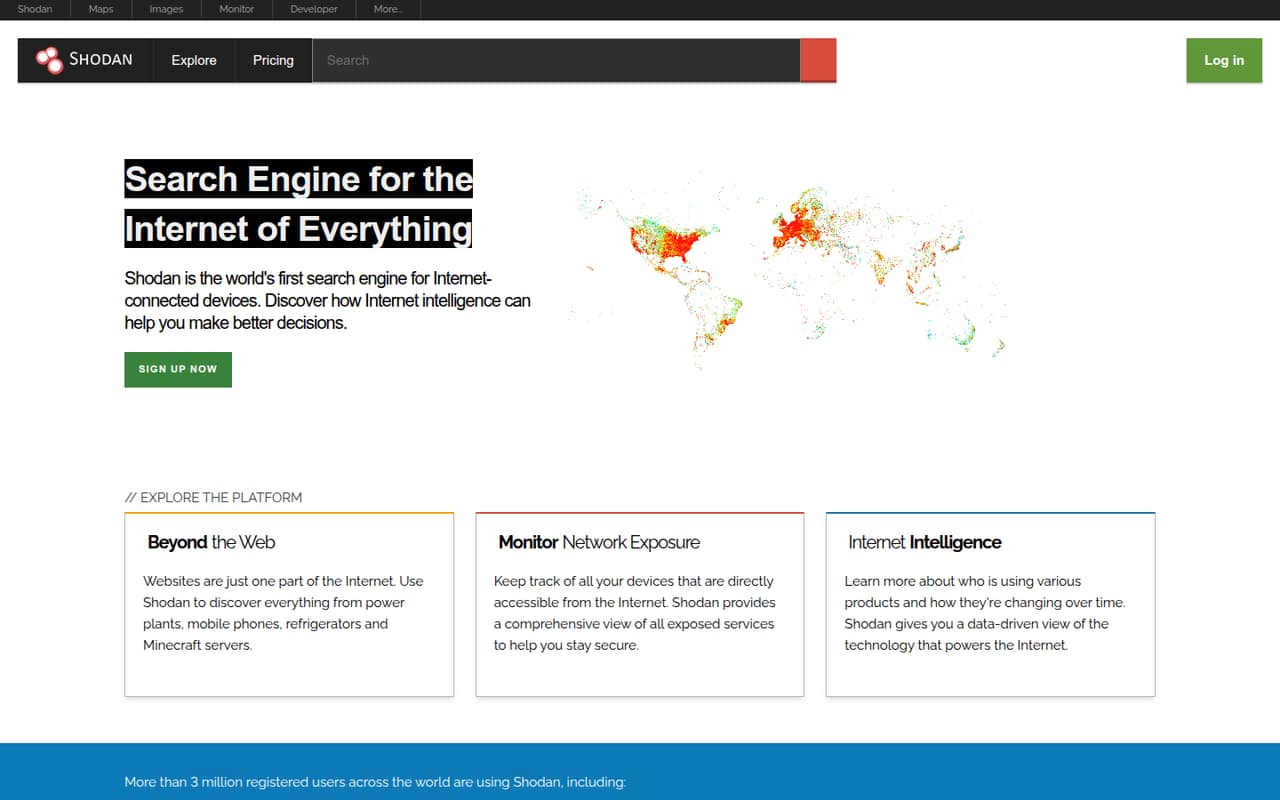
Shodan Monitor tracks devices in your network range that are accessible from the internet, with alerts when something unexpected appears. That can help a small team keep tabs on its public-facing exposure without building its own monitoring workflow.
The free plan offers basic Shodan access, but paid plans list one user each. The price for adding teammates isn’t published, so check that before budgeting for a shared team workflow.
Good fit if
- Solo admins tracking exposed IPs
- Small teams needing external visibility
- Researchers already using Shodan
Skip it if
- Teams needing several named users
- Buyers needing predictable seat pricing
- Teams seeking published integrations
ScoresHow it rates
What works
- Free access includes basic API access
- Tracks internet-accessible devices in your range
- Offers notifications for unexpected exposure
- Weekly internet crawl supports broad visibility
- Higher plans include larger monitoring limits
What doesn't
- Paid plans list one user each
- Extra-user pricing is not published
- Annual prices are not published
- Free search results are limited
- Monitoring results may need verification
01Who Shodan Monitor is for
Shodan Monitor is for a solo security owner or a small team that needs to know which devices and services in its network range are reachable from the internet. It shows exposed devices and services, supports network discovery, and can send real-time notifications when something unexpected appears. Shodan says it crawls the internet weekly.
For a team of 1–10, the fit depends less on the number of people than on how many IPs you need to monitor and who needs access. The listed paid plans each include one user, so a team that needs several individual logins should ask Shodan about seat pricing before signing up. A solo admin can start with the free plan or consider the $49 one-time Membership for its 16 monitored IPs. Teams with broader monitoring needs can look at Freelancer or Small Business, but the listed monthly prices are substantial for a tight budget.
02Shodan Monitor free plan and trial
The Free Plan costs $0 per month and includes one user, basic API access, and limited search results. Shodan Monitor’s feature description covers viewing devices in your network range that are accessible from the internet, but the free-plan listing does not specify a monitored-IP allowance or spell out which monitoring features are included. Confirm those details with Shodan before relying on the free tier for ongoing monitoring.
There is no free trial listed. The cheapest paid entry is Membership, a $49 one-time account upgrade that includes one user, monitoring for 16 IPs, 100 scan credits per month, 100 query credits per month, and 20 Shodan Search pages. It is an individual account, not a published multi-seat team plan.
03What a small team pays for Shodan Monitor
The pricing page lists Freelancer at $69 per month and Small Business at $359 per month. Both include one user, so those are the listed prices for one account—not confirmed totals for a team of three or five. Shodan does not publish additional-seat pricing, and the annual prices are not published. Ask for a quote before treating either plan as a multi-user option.
For one person, the listed choices include the $49 one-time Membership, Freelancer at $69 monthly, or Small Business at $359 monthly, depending on usage. Membership includes monitoring for 16 IPs; Freelancer lists monitoring and scanning up to 5,120 IPs per month; Small Business lists up to 65,536 IPs per month. For three or five people, the cost cannot be calculated from published seat prices because each paid plan lists one user and extra-seat costs are not published. No add-ons are listed. Corporate is $1,099 per month, while Enterprise has custom pricing.
04Getting started with Shodan Monitor
The basic job is clear: use Shodan to see which devices in your network range are accessible from the internet, then review notifications about unexpected exposure. The product description also lists service visibility and network discovery. Shodan’s plans include a developer API, with access to features such as IP lookups, searching, and data streaming.
The vendor does not publish setup time or a detailed onboarding checklist on the vendor's site. It also does not list integrations, so ask Shodan whether your alerting or ticketing tools connect before you plan a workflow around them. One Reddit user reported that some monitoring results looked like false positives; the issue turned out to be a lingering static route. That’s a useful reminder that investigating an alert may require checking your own network configuration. A small team should decide who owns those checks before enabling monitoring.
05When small teams outgrow Shodan Monitor
The obvious pressure point is scale. Membership lists 16 monitored IPs, Freelancer lists up to 5,120, and Small Business lists up to 65,536 per month. Corporate raises that to 327,680 IPs and includes batch IP lookups; Enterprise lists unlimited monitored IPs and custom users. The step from Freelancer to Small Business is $290 more per month at the listed prices, but both plans list one user.
A team may also outgrow the tool if it needs multiple named users, integrations, or clear annual and extra-seat pricing. Shodan does not publish those details in the listed plans, so ask before upgrading. In one Reddit thread, a user saw results for unused IPs and later traced them to an old static route. Another commenter suggested manually checking results, and Shodan support replied in the thread. That points to a practical limit: alerts can flag something worth investigating, but they may not explain the cause on their own.
From the threadsWhat users say
The small amount of Reddit discussion is mixed: one user raised concerns about unexpected results, then found a stale route explained them. A Shodan support account also replied, while another thread showed interest in Shodan Monitor’s history and web interface.
The results I keep getting are for IP addresses that aren't currently in use
It may just be Shodan being inaccurate and generating an FP
A static route for the affected IP's still existed from the Fortigate to a legacy product
if you ever have any questions please don't hesitate to reach out to us at support@shodan.io :)
Questions people ask
What does Shodan Monitor do?
Shodan Monitor shows devices in your network range that are accessible from the internet. Shodan describes exposure monitoring, service visibility, network discovery, and real-time notifications when something unexpected appears. It also says it crawls the internet weekly.
Does Shodan Monitor have a free plan?
Yes. The Free Plan is listed at $0 per month for one user and includes basic API access and limited search results. The plan listing does not specify a monitored-IP allowance, so check with Shodan whether the monitoring limits meet your needs.
How much does Shodan Monitor cost for a team?
Freelancer is listed at $69 per month and Small Business at $359 per month, but both plans list one user. Shodan does not publish extra-seat pricing, so the total for a team of three or five needs to be confirmed with the vendor.
Does Shodan Monitor offer a free trial?
A free trial is not listed. Shodan does offer a Free Plan with one user, basic API access, and limited search results. Membership is listed as a $49 one-time account upgrade and includes monitoring for 16 IPs.
Can Shodan Monitor results be inaccurate?
A Reddit user reported results for IPs they believed were unused; they later traced the issue to a lingering static route. That suggests results can need investigation. Check the affected IP and service from your own network before treating an alert as a confirmed exposure.