
We may earn a commission if you buy through links on this page. It never changes a score or a ranking. How we make money
The bottom line
Useful AI and team email tools, starting at $30 per seat with no free plan.
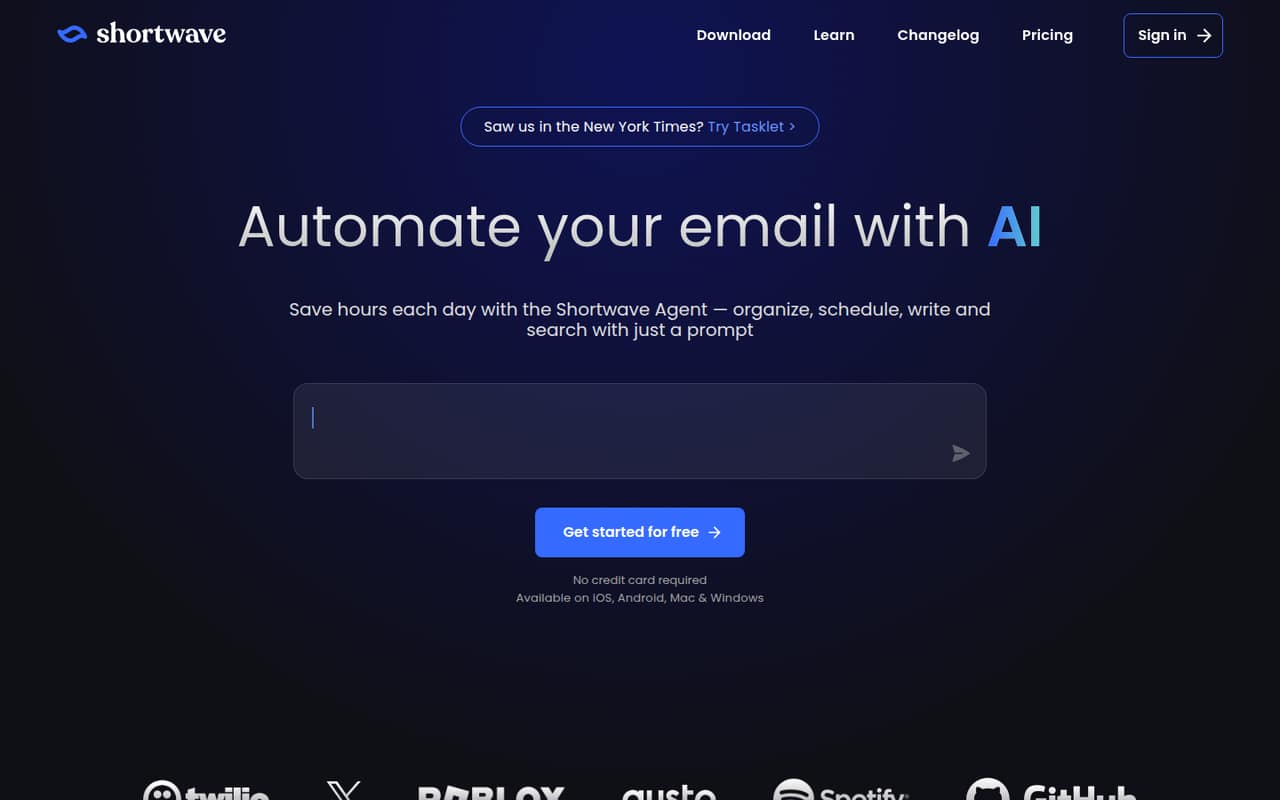
Shortwave brings AI inbox organization, writing, search, scheduling, and team collaboration into an email app. It can help a small team that handles a lot of email and wants shared threads, comments, and assignments in the same workflow.
The catch is the price: there’s no free plan, and Business starts at $30 per seat per month. That’s $90 monthly for three people or $150 for five, before any annual-billing discount—which the vendor doesn’t publish.
Good fit if
- Email-heavy teams of three to five
- Teams sharing threads and ownership
- People who want AI email search
Skip it if
- Teams that need a free plan
- Small teams watching every seat cost
- Teams needing published annual rates
ScoresHow it rates
What works
- AI can organize inbox messages and identify to-dos
- Draft and improve emails in your writing style
- Search email and analyze team email and attachments
- Share threads, comment privately, and assign owners
- Calendar tools can check availability and create events
What doesn't
- No free plan
- Business starts at $30 per seat monthly
- Annual billing rates are not published
- Business AI search is limited to five years of history
- The vendor does not publish trial feature details
01Who Shortwave is for
Shortwave is for a small team that does much of its work in email and wants help sorting, finding, and writing messages. Its AI can identify important emails and to-dos, draft or improve replies, search email and attachments, and use plain-English prompts to label, star, or archive messages. Calendar tools can check availability, create events, and help write scheduling emails.
The team features matter when several people need to work from the same conversation: Shortwave supports shared live threads, private comments, assignments, and shared labels. That could suit a team of three to five people with a shared inbox workload, provided the team gets enough value from email-focused AI to justify the per-seat bill. There is no free plan, and the cheapest paid plan is $30 per seat per month. For a one-person team, or a group that mainly needs basic email, that is a substantial starting cost. Shortwave is an email assistant, not a general-purpose team task or project management tool.
02Shortwave free plan and trial
Shortwave has no free plan. The pricing page lists a 14-day free trial, but does not publish which plan features or AI limits are included during the trial. Ask the vendor to confirm what your team can use and whether every teammate needs a trial seat before signing up.
The cheapest ongoing option is Business at $30 per seat per month. That plan lists five years of AI search history, up to 50 threads per AI search, three AI-powered filters, and roughly 150–300 Standard AI requests per day. The daily request figure is approximate, so a team with heavy AI use should confirm how usage is counted. Once the 14 days end, there is no free tier to fall back on; continuing means paying for seats on a paid plan.
03What a small team pays for Shortwave
Business is the least expensive plan: $30 per seat per month. One person pays $30 monthly; three people pay $90; and five pay $150. If you keep those seats for 12 months at the listed monthly rate, the totals are $360, $1,080, and $1,800 respectively. Those are monthly-rate calculations, not annual-plan quotes: Shortwave does not publish annual billing rates.
Business includes five years of AI search history, 50 threads per AI search, three AI-powered filters, and roughly 150–300 Standard AI requests per day. Premier is $45 per seat monthly, or $135 for three and $225 for five. It adds unlimited AI search history, 100 threads per search, 10 filters, and 2x AI usage and context tokens. Max costs $120 per seat monthly: $360 for three or $600 for five, with 150 threads per search, 50 filters, 6x AI usage, and 3x context tokens.
The pricing lists no add-ons. The cost to watch is seats: every teammate adds the plan’s full per-seat price. Annual discounts, seat minimums, and trial feature details are not published.
04Getting started with Shortwave
Shortwave’s product features suggest a fairly direct starting point for an email-focused team: organize the inbox, try AI search and writing, then decide whether shared threads, comments, and assignments fit the team’s work. The vendor describes those tools, but does not publish a setup checklist, a typical onboarding time, or a learning-curve estimate. We would plan time for teammates to learn the inbox and AI workflows rather than assume setup is instant.
Supported email providers and details about connecting calendars are not published in the available vendor information. Confirm those before choosing Shortwave, especially if the team relies on a specific email service or calendar. The product description does include calendar scheduling features, but it does not name supported calendar services. A small team should also decide who needs a paid seat: at $30 per person on Business, adding everyone just to test collaboration can quickly raise the bill. Use the 14-day trial to check those practical fit questions before committing.
05When small teams outgrow Shortwave
Shortwave’s first pressure point may be cost rather than team size. Business is $30 per seat monthly, so a growing team’s bill rises by $30 for every additional seat at that tier. Premier costs $45 per seat and Max costs $120, making upgrades a material budget decision for a team watching subscriptions.
A team may need Premier if Business’s five years of AI search history, 50-thread search limit, or three AI-powered filters are not enough. Premier increases those limits to unlimited history, 100 threads per search, and 10 filters. Max is aimed at teams needing higher AI limits, with 150 threads per search, 50 filters, 6x AI usage, and 3x context tokens. The pricing page does not publish the underlying token counts or annual rates, so ask the vendor to confirm expected usage and total cost before upgrading.
If your team mainly needs basic email, project management, or a lower-cost shared inbox, Shortwave’s paid AI features may be more than you need. Its listed features focus on email workflows.
Questions people ask
Does Shortwave have a free plan?
No. The pricing page lists no free plan and offers a 14-day free trial. The vendor does not publish the trial’s included plan features or AI limits, so confirm those details before you start.
How much does Shortwave cost for a small team?
Business costs $30 per seat per month. That comes to $90 monthly for three people or $150 for five. Premier is $45 per seat monthly, and Max is $120. Annual billing rates are not published.
What AI limits come with Shortwave Business?
Business lists five years of AI search history, up to 50 threads per AI search, three AI-powered filters, and roughly 150–300 Standard AI requests per day. The daily request figure is approximate.
Can a team collaborate in Shortwave?
Yes. Shortwave lists shared live threads, private comments, assignments, and shared labels as team collaboration features. The vendor’s available product details do not specify seat minimums or how these features vary by plan.
Does Shortwave include calendar scheduling?
Shortwave lists tools to check availability, create events, and write scheduling emails. The vendor’s available product details do not name supported calendar services, so confirm compatibility with your team’s calendar before choosing a plan.