
We may earn a commission if you buy through links on this page. It never changes a score or a ranking. How we make money
The bottom line
A good fit for custom, visual sites—less clear on cost when several teammates need access.
Showit combines drag-and-drop site design with WordPress blogging, making it a fit for small teams that care about visual control. There’s no free plan, and blogging features determine which paid tier you need.
The pricing page lists plans from $22 per month with annual billing, or $27 month to month. That’s a site-plan price, not published per-seat pricing, so ask Showit how access works for your team before budgeting.
Good fit if
- Design-led small businesses
- Teams publishing WordPress blogs
- Photographers and portfolio sites
Skip it if
- Teams needing a free plan
- Buyers needing clear seat pricing
- Blogs needing many custom plugins
ScoresHow it rates
What works
- Drag-and-drop site design without coding
- Free and premium templates are available
- Connects site design with WordPress blogging
- Advanced plans include migration help
- Integrates with Flodesk, Shopify, and WooCommerce
What doesn't
- No free plan; the trial lasts 14 days
- Team seat pricing is not published
- Basic Starter Blog does not allow extra plugins
- Blog traffic limits vary by plan
- High Bandwidth pricing requires contacting Support
01Who Showit is for
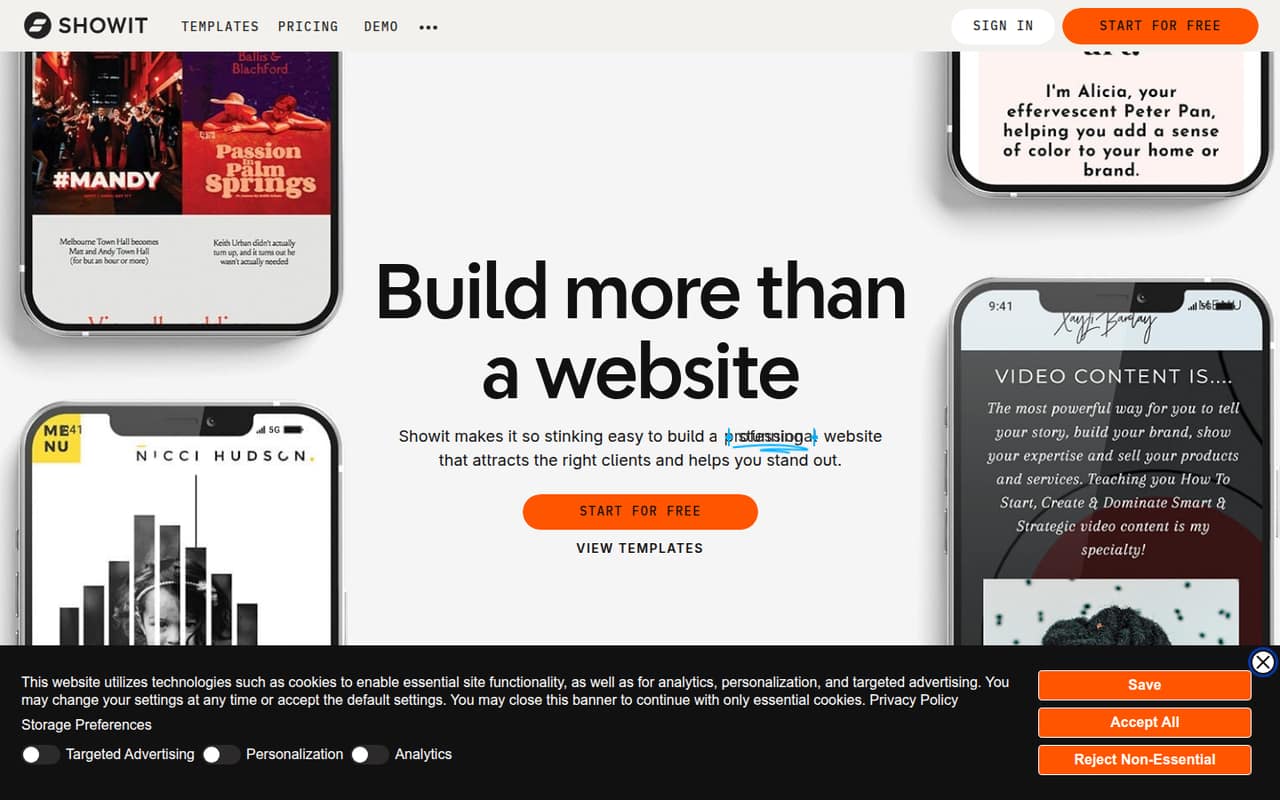
Showit is for small teams that want a distinctive marketing site and, optionally, a WordPress blog. Its drag-and-drop editor lets you customize layouts without coding, and templates offer a quicker starting point. The product description lists integrations including Flodesk, Shopify, WooCommerce, and MemberPress.
For a one-to-five-person business, it can make sense when the site is central to how you present your work and attract customers. Photographers and other portfolio-led businesses may value the visual control. The catch for a budget-conscious team: plans are priced per month, but Showit doesn’t publish per-seat pricing, so confirm how multiple teammates can access the account.
If you only need a straightforward site, weigh the extra customization against the monthly subscription and the work of setting up a blog. Reddit users disagree on which builder is easiest; one Showit user calls it intuitive and customizable, while other commenters favor simpler alternatives. Treat that as individual experience, not a guarantee for your team.
02Showit free plan and trial
Showit has no free plan. The pricing details list a 14-day free trial, but don’t specify trial limits or whether a payment method is required, so check those terms before starting.
The cheapest way in is the Showit plan: $22 per month as a monthly equivalent with annual billing, or $27 month to month. It includes the website builder, 20 GB of media storage, and a secure HTTPS certificate. That plan is for sites without a blog. If you need a WordPress blog, the lowest tier is Showit & Basic Starter Blog, at $27 per month billed yearly or $34 month to month. It includes up to 10,000 blog visits per month and 20 GB of blog storage, but doesn’t permit additional plugins. In short, the trial is the only no-cost option listed, and it lasts two weeks.
03What a small team pays for Showit
The pricing page lists Showit at $22 per month with annual billing ($264 for a year) or $27 month to month. A blog using pre-installed plugins starts at $27 per month billed yearly ($324 for a year), or $34 month to month. Those are plan prices, not published per-seat rates.
Showit doesn’t publish what one subscription costs for three or five teammates, or whether each person needs a separate subscription. If each person did need a separate Showit plan, the arithmetic would be $66 per month equivalent for three people or $110 for five with annual billing; month-to-month, that would be $81 or $135. Those are hypothetical totals, not quoted team prices. Ask Showit how seats and account access work before using them as a budget.
Blog traffic or plugin needs can raise the bill: Advanced Blog is $39 per month with annual billing or $49 monthly, and includes up to 25,000 visits and custom plugins. High Bandwidth is an add-on, but its price isn’t published; contact Support for pricing.
04Getting started with Showit
A basic site can start from a free or premium template, then be customized with Showit’s drag-and-drop editor. Building a more distinctive layout means spending more time arranging and adjusting the design. The available product details don’t publish a setup-time estimate or describe a step-by-step onboarding process, so plan for some learning time rather than assuming a finished site appears immediately.
For a blog, you’ll also need the WordPress connection. Showit lets you design blog pages in its editor and publish through connected WordPress. The right plan depends on whether pre-installed plugins are enough or you need custom plugins. The product lists integrations including Flodesk, Shopify, WooCommerce, and MemberPress, but doesn’t spell out setup steps for each one.
One Reddit commenter describes Showit as “Very intuitive and customizable.” That’s one user’s view, not a promise that every teammate will find the editor easy.
05When small teams outgrow Showit
A team may need to upgrade when its blog needs exceed the plan’s traffic allowance or plugin rules. Basic Starter Blog allows up to 10,000 monthly visits and no additional plugins. Advanced Blog raises the limit to 25,000 visits and allows custom plugins; the 100K and 200K tiers cover larger blogs. More than 200,000 visits calls for custom WordPress hosting, with pricing available from Support.
The other growth question is people, not traffic. Showit doesn’t publish seat pricing in the listed plans, and only Advanced Blog explicitly includes unlimited WordPress users. Ask how many teammates can edit the site and whether access changes the price before you build a shared workflow around it.
Reddit users report mixed experiences across site builders. One Showit commenter praises its customization, while other commenters in builder discussions prefer WordPress or Squarespace for their own needs. If your team wants clearer per-user costs or a different balance of simplicity and control, compare options before your site becomes hard to move.
From the threadsWhat users say
Showit comments in the Reddit threads we read are positive about visual flexibility and customization. Broader builder discussions show mixed preferences, so sentiment is encouraging but limited rather than a broad consensus.
Very intuitive and customizable. Plus very portfolio friendly!!
Showit is just a really powerful, customizable platform that's better than most, with great support
Squarespace > both for affordability, features and ease of use
WP hands down. It’s not even in the same class as the others
Questions people ask
Can I use Showit for free?
Showit doesn’t list a free plan. It offers a 14-day free trial. After that, the cheapest listed option is Showit, at $22 per month as a monthly equivalent with annual billing, or $27 month to month.
What is Showit used for?
Showit is a drag-and-drop website builder for creating customized sites without coding. It also connects to WordPress for blogging, with plans that vary by blog features and monthly visit limits.
Does Showit include WordPress blogging?
WordPress blogging is available with Showit’s blog plans. The Basic Starter Blog plan supports up to 10,000 visits per month and doesn’t allow extra plugins; Advanced Blog supports custom plugins and up to 25,000 visits.
Does Showit host your website?
Showit’s listed website plan includes the website builder, 20 GB of media storage, and a secure HTTPS certificate. Blog plans list WordPress blog storage and visit limits. Ask Showit about hosting details that aren’t covered by those plan inclusions.
Can I move an existing blog to Showit?
The Showit & Advanced Blog plan includes a free WordPress or Squarespace migration. The listed Basic Starter Blog plan doesn’t include that migration benefit, so check with Showit if you need a move on another tier.