
We may earn a commission if you buy through links on this page. It never changes a score or a ranking. How we make money
The bottom line
A capable free option for security automation, with paid costs that need a vendor quote.
Shuffle helps technical teams automate security tasks with workflows that connect tools, run scripts, and process alerts. Its listed free Scale plan includes unlimited users, but usage has hard limits for cloud runs and on-prem runs.
For a small team, the $0 entry price is appealing. The catch is that Business and Enterprise prices aren’t published, so teams approaching the free allowances should ask for a quote before building around the platform.
Good fit if
- Small security operations teams
- Teams automating SIEM alert handling
- Technical teams comfortable with workflows
Skip it if
- Teams needing predictable paid pricing
- Nontechnical teams seeking minimal setup
- Organizations needing high cloud-run limits
ScoresHow it rates
What works
- Scale is listed at $0 per month
- Unlimited users on the Scale plan
- More than 2,500 apps listed
- Pre-built security workflow use cases
- Supports custom Python scripts
What doesn't
- Scale has a 2,000 cloud-run hard limit
- Paid plan prices aren’t published
- Business and Enterprise require contacting Shuffle
- Scale includes only three tenants
- Setup effort and learning curve aren’t specified
01Who Shuffle is for
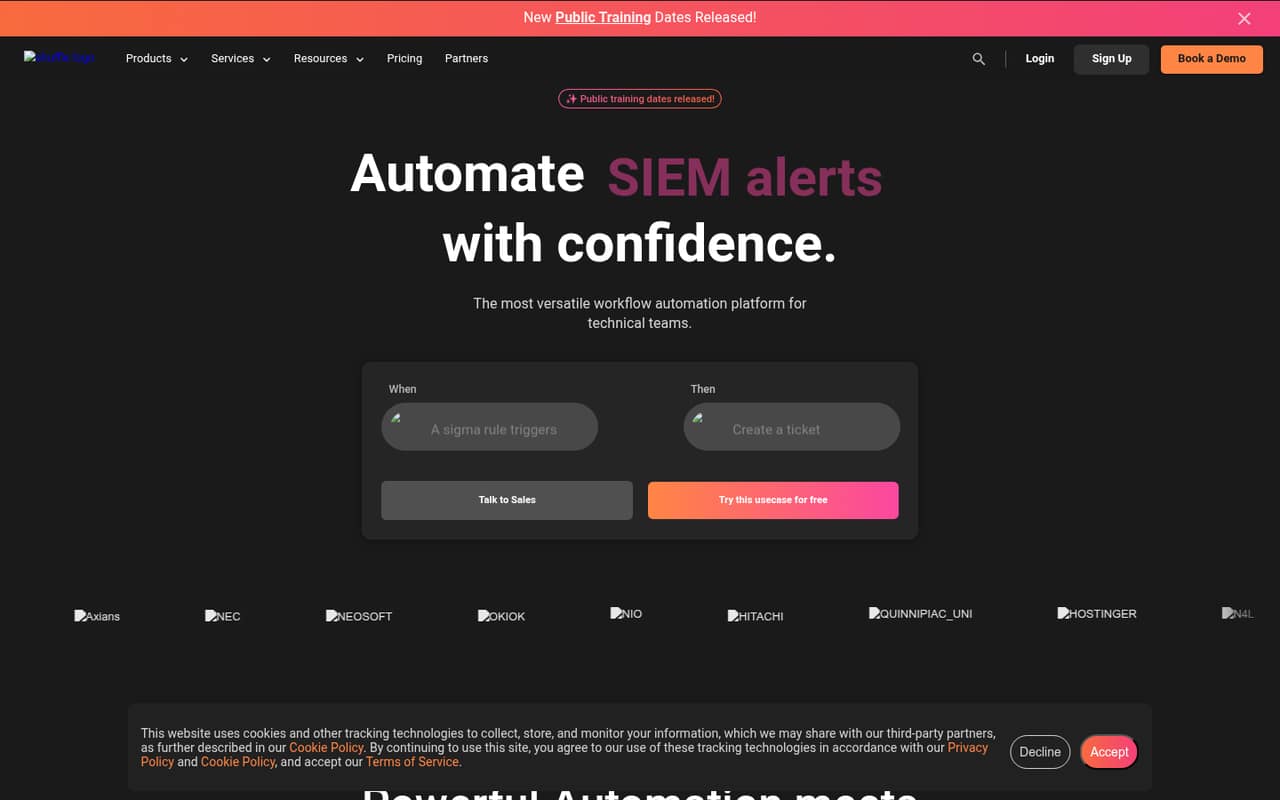
Shuffle is for technical teams that want to automate security work, such as enriching SIEM alerts or creating tickets. Instead of handling each task manually, a team can connect triggers, actions, scripts, and apps in a workflow. The listed use cases also cover email analysis and other security workflows.
The free Scale plan has unlimited users, so a team of one to ten people can share it without a per-seat charge, as long as usage stays within its run limits. That makes it worth considering for a small security team with some technical capacity and a tight budget. Shuffle lists more than 2,500 apps and a no-code app creator, but its support for custom Python scripts also points to a tool built for technical work. Teams wanting a simple, ready-made tool without workflow configuration may find it more than they need.
02Shuffle free plan and trial
Shuffle’s plan details list Scale at $0 per month, plus a 30-day free trial. Scale includes 2,000 monthly Cloud App Runs with a hard limit, 25,000 monthly on-prem App Runs, three tenants, and one location. It also lists unlimited users, workflows, triggers, storage, and datastore cache.
For a small team, unlimited users make the plan useful for trying shared security workflows without paying per seat. The important constraint is the allowance: cloud runs stop at a hard limit, while the on-prem allowance is separate. The listed free plan does not specify a paid upgrade price for higher use. Business lists 300,000 monthly App Runs with a soft limit, but its price requires contacting Shuffle. Confirm current allowances and what happens at the limit before relying on it for critical workflows.
03What a small team pays for Shuffle
The listed Scale price is $0 per month, with unlimited users. That makes the listed cost $0 for one person, $0 for three, and $0 for five, provided the team stays within Scale’s run limits. There’s no per-seat calculation to do on that plan.
Business and Enterprise prices are not published; Shuffle requires organizations to contact it. So we can’t give a reliable monthly or annual total for one, three, or five people on either paid plan. The listed Business plan includes 300,000 monthly App Runs with a soft limit, unlimited users, tenants, locations, branding, and workflows, plus three onboarding use cases. Enterprise lists the same run allowance and unlimited onboarding use cases, along with SLA, email, on-call, alerts, and professional services.
Shuffle lists a 10% discount for annual billing, but without paid base prices the savings for a small team can’t be calculated. No add-ons are listed. Ask for a quote that spells out the billing term, run limits, and any services your team needs.
04Getting started with Shuffle
Shuffle lists pre-built use cases for email analysis, SIEM alert enrichment, ticketing, and other security workflows. It also lists more than 2,500 apps, a no-code app creator, and the option to combine triggers, actions, scripts, and integrations. Those are useful starting points if the security tools your team already uses are in its app library.
We’d treat setup as a technical project rather than assume it’s plug-and-play: teams need to choose a workflow, connect the relevant apps, and decide how tasks should run. Custom Python scripts offer flexibility, but may call for someone comfortable maintaining code. Shuffle’s listed features don’t specify how long setup takes or give step-by-step setup requirements, so confirm the process for your tools before committing. Start by checking that your SIEM and ticketing integrations are available, then try one contained workflow within Scale’s run allowance.
05When small teams outgrow Shuffle
The clearest point to reassess Shuffle is when your team approaches Scale’s 2,000 monthly Cloud App Runs hard limit or 25,000 monthly on-prem App Runs. Scale also lists three tenants and one location, so organizations that need more of either will need to discuss an upgrade.
Business lists unlimited tenants and locations and a 300,000 monthly App Runs soft limit, but its price isn’t published. It also includes three onboarding use cases. Enterprise lists the same run allowance, unlimited onboarding use cases, and support and services such as an SLA, email, on-call, alerts, and professional services. Those features may matter as workflows become more central to operations, but the price requires a conversation with Shuffle.
For a growing team, the risk isn’t a rising per-seat fee on Scale; it’s reaching usage or organization limits without knowing the paid cost. Ask for a quote before your workflows depend on higher allowances.
Questions people ask
Is Shuffle free?
Shuffle lists its Scale plan at $0 per month and also lists a 30-day free trial. Scale has unlimited users, but includes 2,000 monthly Cloud App Runs with a hard limit and 25,000 monthly on-prem App Runs. Check the current allowances with Shuffle before relying on them.
How much does Shuffle cost for a small team?
The listed Scale plan costs $0 per month and has unlimited users, so the listed price for one, three, or five users is still $0. Business and Enterprise prices aren’t published and require contacting Shuffle. The vendor lists a 10% annual-billing discount, but paid-plan savings can’t be calculated without a base price.
What are Shuffle’s usage limits?
Scale lists 2,000 monthly Cloud App Runs with a hard limit and 25,000 monthly on-prem App Runs. Business and Enterprise each list 300,000 monthly App Runs with a soft limit. Ask Shuffle how a soft limit is handled and what happens when your team reaches its allowance.
Can Shuffle run custom Python scripts?
Yes. Shuffle lists custom Python scripts as a feature that can run within automations. Its workflows can combine scripts with triggers, actions, and integrations. If a workflow depends on a particular script or app, confirm the setup and support details with Shuffle before rolling it out.
What support comes with Shuffle’s paid plans?
Enterprise lists an SLA, email support, on-call support, alerts, and professional services. Business lists three onboarding use cases, but the plan details don’t specify the same support package. Paid prices require contacting Shuffle, so ask which support options and response terms are included in your quote.