
We may earn a commission if you buy through links on this page. It never changes a score or a ranking. How we make money
The bottom line
A useful free starting point, but regular team signing means paying per Business seat.
Signaturely handles document uploads, templates, signature fields, reminders, and storage. Its free plan allows one signature request a month, which is enough to try occasional signing but not steady team workflows.
The cheapest paid plan is Personal at $20 per month with annual billing, but it caps requests at five monthly. For a team that needs unlimited requests, Business costs $40 per user per month with annual billing, or $50 month to month.
Good fit if
- Individuals signing occasionally
- Small teams sending few documents
- Teams that need reusable templates
Skip it if
- Teams needing unlimited free requests
- Frequent signers on a tight budget
- Buyers needing unlisted integrations
ScoresHow it rates
What works
- Free plan includes one monthly signature request
- Business includes unlimited signature requests
- Templates can be reused and shared with a team
- Includes reminders and audit history on paid plans
- Personal lists four cloud storage integrations
What doesn't
- Free plan is limited to one request monthly
- Personal allows only five requests per month
- Unlimited requests require per-user Business seats
- No separate free trial is listed
- Add-ons are not listed in the pricing details
01Who Signaturely is for
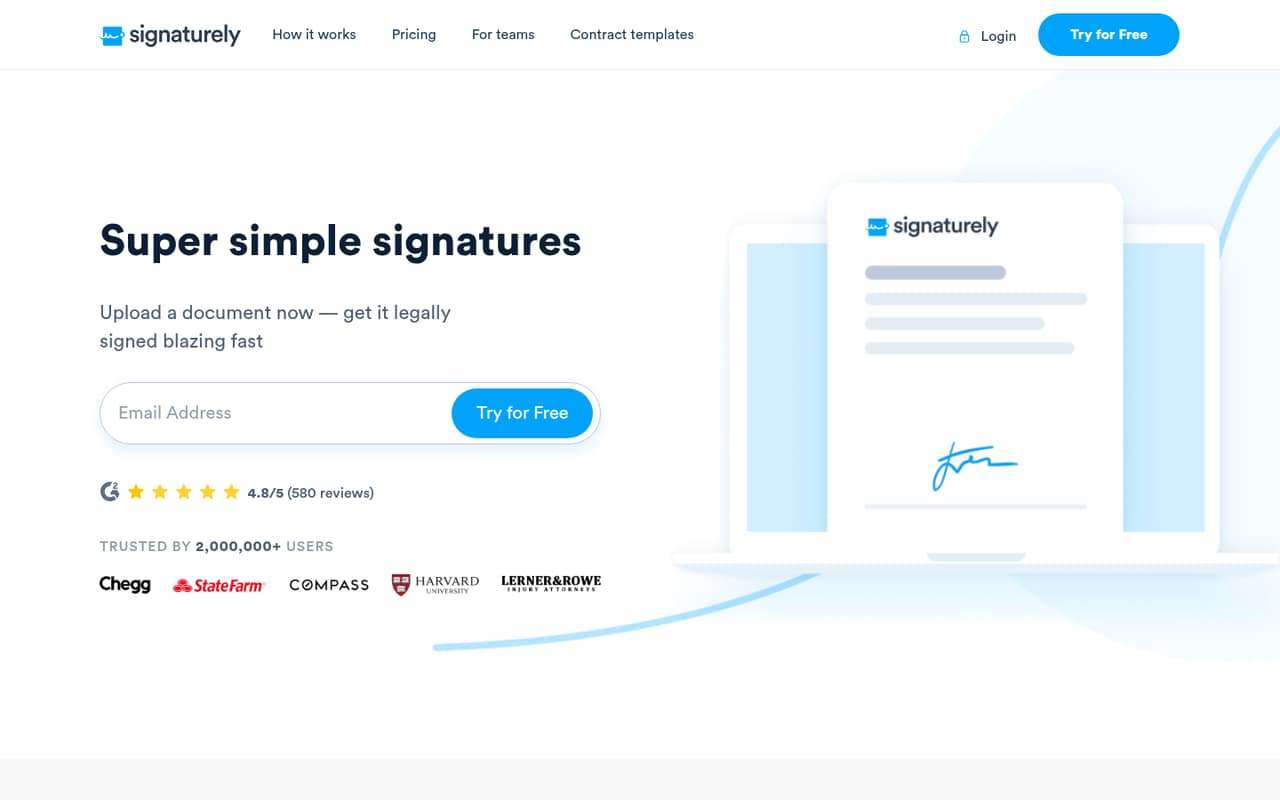
Signaturely is for individuals and small teams that need a simple way to send paperwork for signatures, rather than a broad document-management system. Upload a file or start with a template, add fields such as signatures, dates, or checkboxes, and email signers a link to complete it. The service also lists reminders and digital document storage.
For a one-person operation with occasional paperwork, the free plan may be enough if one request a month covers the workload. A small team sending a few documents can look at Personal, which includes five monthly requests. Teams that need unlimited requests, team management, or custom business branding will need Business, priced per user. That makes Signaturely most appealing when your process is simple and your signing volume is predictable. If several teammates send documents often, count the per-seat cost before settling on a plan.
02Signaturely free plan and trial
Signaturely's Free plan costs nothing and includes one signature request per month. That gives an individual a way to handle an occasional document, but it is a tight limit for a team: one request covers one send, not a steady stream of paperwork. The plan details do not list templates, integrations, or team management as Free inclusions.
The pricing page lists no separate free trial. If one monthly request is not enough, Personal is the cheapest paid option: $25 month to month or $20 per month with annual billing. It includes five monthly requests, one template, four listed cloud-storage integrations, notifications, reminders, and audit history. Teams needing unlimited requests have to step up to Business.
03What a small team pays for Signaturely
The pricing page lists Free at $0, Personal at $25 per month or $20 per month with annual billing, and Business at $50 per user per month or $40 per user per month with annual billing. The annual prices are monthly rates billed yearly, a 20% saving over month-to-month billing.
For one person, Business costs $50 monthly or $600 for a year of monthly billing; annual billing is $40 per month, or $480 per year. For three people, that is $150 monthly or $1,800 per year month to month, versus $120 monthly or $1,440 per year billed annually. For five people, it is $250 monthly or $3,000 per year month to month, versus $200 monthly or $2,400 per year billed annually.
Personal is not priced per user in the listed plan details. The pricing material lists no add-ons. Check whether the account structure fits your team before comparing its price with Business.
04Getting started with Signaturely
The described workflow is short: upload a document or choose a template, add the fields people need to complete, then email signers a link. Signers can complete documents on any device, and automatic reminders can nudge people who have not finished. That suggests a manageable setup for a small team with a standard signing process; the vendor does not publish a setup-time estimate in the pricing details.
Personal lists Google Drive, Dropbox, OneDrive, and Box integrations. Those are the integrations to check first if your team stores documents in one of those services. The plan details do not list integrations for Free or Business, so confirm availability with Signaturely if an integration is essential. A team can also create and reuse templates, but the listed plan details include one template on Personal and unlimited templates on Business.
05When small teams outgrow Signaturely
The first limit to watch is request volume. Free allows one signature request monthly, while Personal allows five. If your team regularly sends more than five requests, Business is the listed plan with unlimited requests. It also adds unlimited templates, team management, and custom business branding.
The trade-off is the per-seat price: Business is $50 per user per month, or $40 per user per month with annual billing. That means a growing team should recalculate the total whenever it adds a seat, rather than treating the plan price as one flat team fee. The pricing material does not list add-ons, and it does not establish whether features beyond those listed are available. If your workflow depends on a particular integration or capability, ask Signaturely before upgrading. Teams whose needs go beyond preparing, sending, signing, reminders, and storage may want to compare tools built for those requirements.
Questions people ask
Is Signaturely a legitimate website?
Signaturely's homepage describes a service for preparing, sending, and signing documents, and its pricing page lists free and paid plans. Those details explain what the service offers, but they do not independently verify its security or legal status. Check the vendor's current terms and privacy information before uploading sensitive paperwork.
What does Signaturely's free plan include?
The Free plan costs $0 and includes one signature request per month. That makes it suitable for occasional signing, but not for a team sending documents regularly. The pricing page lists no separate free trial, so the free plan is the no-cost way to start.
How much does Signaturely cost for a small team?
Personal costs $25 per month or $20 per month with annual billing, and includes five requests monthly. Business costs $50 per user monthly or $40 per user monthly with annual billing, and includes unlimited requests. For three Business users, that works out to $150 or $120 per month, respectively.
Can I send a Signaturely document to multiple signers?
Signaturely's feature description says users can send documents to one or multiple signers. You can prepare a document with signature and other fields, then email signers a link to complete it. The plan details do not specify a separate limit for the number of signers.
Are Signaturely signatures legally binding?
Signaturely's homepage describes its signatures as legally binding. Whether a particular signature meets the requirements for your document can depend on the situation and applicable rules. If the paperwork is legally important, confirm the requirements with a qualified professional and ask Signaturely about any relevant limitations.