
We may earn a commission if you buy through links on this page. It never changes a score or a ranking. How we make money
The bottom line
A practical status board with timekeeping, but you’ll need a quote to know what it costs.
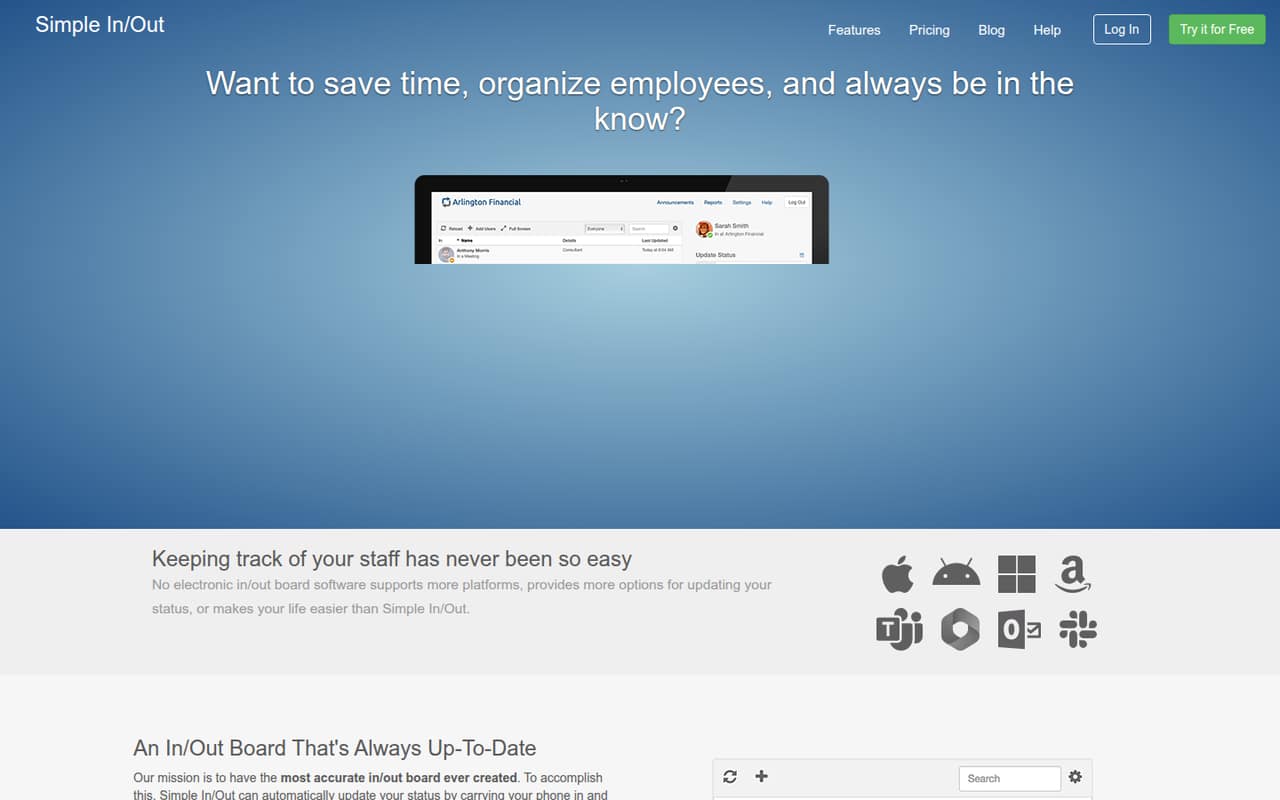
Simple In/Out is for teams that need to see who’s in, out, or away without relying on manual updates. Phone-based status changes, desktop presence, notifications, and a company directory cover the visibility side; its TimeClock app and badge scans add timekeeping.
There’s no free plan listed, and the pricing page doesn’t publish paid rates or billing options. It lists a 45-day free trial, but doesn’t say what features or seats the trial includes. Ask for a quote before building it into a small-team budget.
Good fit if
- Teams that need a live in/out board
- Offices using shared badge scanners
- Small teams tracking status and time
Skip it if
- Teams that need a known monthly price
- Businesses looking for a permanent free plan
- Buyers needing confirmed integration details
ScoresHow it rates
What works
- Combines employee status visibility with timekeeping
- Can update status through phone-based signals
- Offers desktop presence updates
- TimeClock supports badge-based check-ins
- Includes reports, schedules, and announcements
What doesn't
- No free plan is listed
- Paid monthly and annual rates are not published
- Trial feature and seat limits are not specified
- Per-seat costs for small teams cannot be calculated
- Integration availability needs confirmation
01Who Simple In/Out is for
Simple In/Out suits a small team that regularly needs to know who is working, away, or out of the office. Its board shows employee status, while the company directory keeps email addresses and phone numbers close at hand. Phone updates can use geofences, Bluetooth beacons, or Wi-Fi connections; desktop presence can check people out when they step away and back in when they return.
For a team of one to ten, the appeal is having status visibility and basic timekeeping in one product rather than maintaining separate systems. The TimeClock app supports check-ins by scanning employee badges on a shared device. Reports, scheduled statuses, announcements, and active time add more than a simple sign-in board. It makes most sense when those functions solve a real coordination or time-tracking problem. The vendor doesn’t publish a starting price, so a budget-conscious team should ask for a quote before deciding whether the feature bundle fits.
02Simple In/Out free plan and trial
The pricing information lists no free plan and does list a 45-day free trial. That gives a small team a trial period to assess the product, but the vendor doesn’t publish which features, employee seats, or timekeeping options the trial includes. Confirm those details before relying on the trial to evaluate a particular workflow.
There’s no permanent free tier listed for a one-person test or a small team that wants to keep using the board without paying. The paid starting price is also not published, so the cheapest ongoing option cannot be identified from the listed pricing. Ask the vendor what the trial covers, whether a payment method is required, and what the lowest-cost paid plan would be for your headcount. Don’t treat the 45-day trial as a free plan that continues afterward.
03What a small team pays for Simple In/Out
The pricing page lists a 45-day free trial, but no paid plan names or monthly or annual rates. That means we can’t calculate a supported price for one person, three people, or five people—or compare monthly billing with annual billing. The vendor doesn’t publish a starting price, so ask for a quote based on your actual number of employees.
The available pricing details also don’t list add-ons or their prices. Before agreeing to a plan, ask whether phone-based updates, desktop presence, the TimeClock app, badge scanning, reports, scheduled statuses, announcements, and active time are included or priced separately. Those features matter because a low base quote may not cover the workflow your team needs.
For a small team watching every subscription, the key budget question is the full cost for your headcount and chosen features, not just whether a trial is available. Get the monthly and annual totals in writing, along with any setup or device costs, before comparing it with a simpler status board or time clock.
04Getting started with Simple In/Out
A sensible rollout starts with deciding how employees will update their status: manually from phones or computers, through geofences, Bluetooth beacons, Wi-Fi connections, or desktop presence. If you want badge timekeeping, you’ll also need to decide where employees will scan their badges on a shared device. These choices shape the setup more than the basic in/out board itself.
For a small team, begin with the status board and directory, then add automatic updates or TimeClock if they match how people work. Notifications, schedules, and announcements can wait until the core workflow is clear. The exact setup steps and learning curve aren’t specified in the available product details, so ask the vendor for onboarding guidance before rollout. Integration availability is also not established here; confirm whether Simple In/Out connects to the systems your team already uses, and whether any connection requires extra setup or cost.
05When small teams outgrow Simple In/Out
A growing team may outgrow Simple In/Out if it needs confirmed connections to other business systems, more detailed timekeeping workflows, or a pricing model it can forecast without requesting a quote. The product description covers status updates, badge check-ins, reports, schedules, announcements, and active time, but it doesn’t specify plan limits or how those features change as a team adds employees.
That makes the next step a conversation with the vendor rather than a predictable upgrade calculation. Ask about employee caps, role permissions, report options, support for multiple locations, and whether features such as TimeClock or automatic phone updates cost extra. Also request the price at your current headcount and at the size you expect to reach. If the quote or workflow no longer fits, compare products that publish seat costs and clearly state their limits before moving your team’s status and timekeeping processes.
Questions people ask
Does Simple In/Out have a free plan?
The pricing information lists no free plan. It does list a 45-day free trial, but the vendor doesn’t specify which features or employee seats that trial includes. Ask what’s covered before starting, especially if you want to try TimeClock, badge scans, or automatic status updates.
How much does Simple In/Out cost?
The pricing page doesn’t publish monthly or annual rates, plan names, or a starting price. That means the cost for one employee or a small team can’t be calculated from its published pricing. Ask the vendor for a quote that includes your headcount and required features.
How does Simple In/Out update employee status?
Employees can update status from phones and computers. Automatic phone updates can use geofences, Bluetooth beacons, or Wi-Fi connections. Desktop presence can check users out when they step away from a computer and back in when they return. Confirm which methods are included in the plan you’re quoted.
Can Simple In/Out track employee time?
Yes. Simple In/Out offers timekeeping through its TimeClock app, including check-ins and check-outs by scanning an employee badge on a shared device. It also includes reports and active time. Ask the vendor whether these features are included in the price for your team.
Does Simple In/Out integrate with other tools?
The available product details don’t identify specific integrations. Before buying, ask the vendor whether Simple In/Out connects to the systems your team depends on, whether those connections are included, and whether setup requires additional configuration or fees.