
We may earn a commission if you buy through links on this page. It never changes a score or a ranking. How we make money
The bottom line
Good breadth for developer-led teams; check seat limits and usage costs before committing.
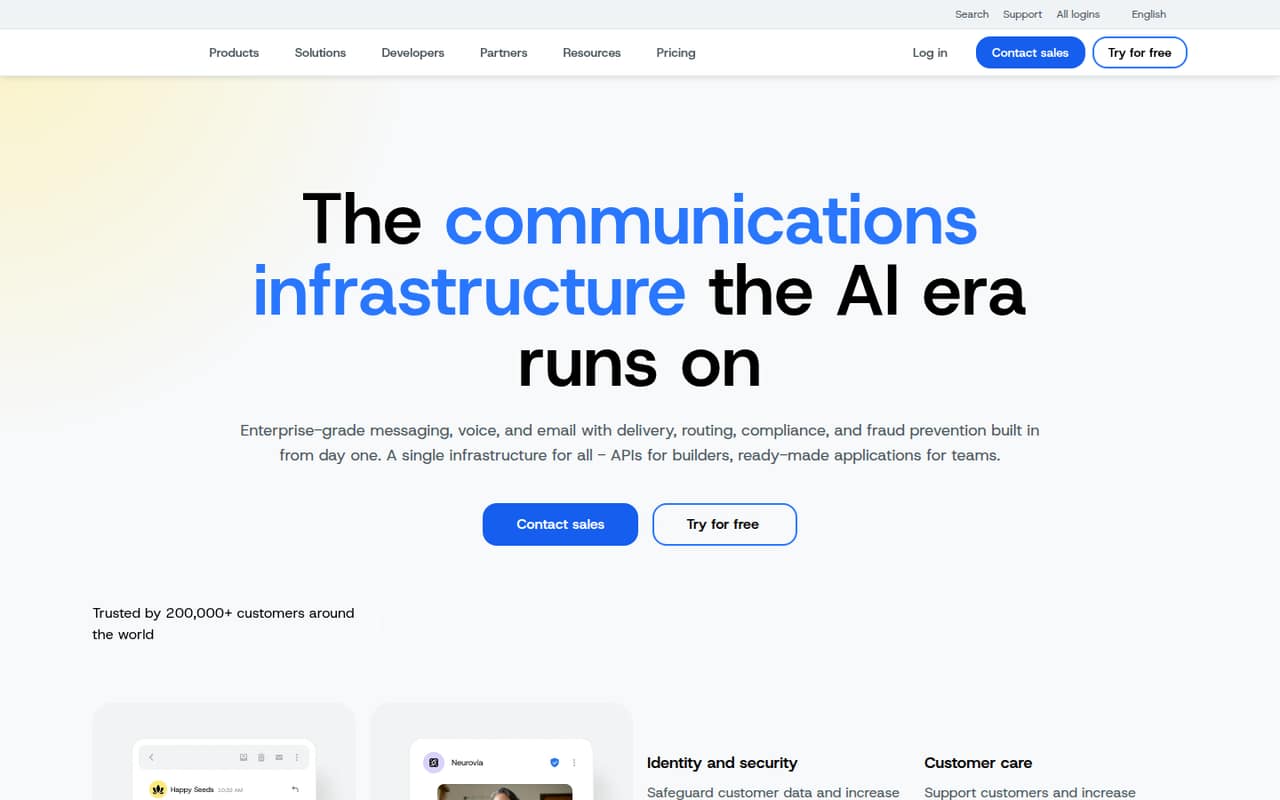
Sinch offers messaging, voice, email, verification APIs, network services, and ready-made applications. Its free Functions start can help developers explore the platform, but SMS and voice usage is billed separately, and the vendor does not publish those rates here.
For a small team that wants a ready-made SMS service, Basics starts at $99 per month for one user. The higher included-seat plans jump to $249 for two users and $799 for three, so teams should confirm fit before budgeting.
Good fit if
- Developers building communications features
- Teams sending business SMS
- Businesses needing several communication channels
Skip it if
- Teams seeking a broad free tier
- Five-person teams needing clear seat pricing
- Nontechnical users building custom workflows
ScoresHow it rates
What works
- APIs cover SMS, RCS, MMS, WhatsApp, voice, and email
- Functions starts free
- Ready-made apps support campaigns and chatbots
- Basics includes a dedicated number
- Higher plans list shared inbox and subaccounts
What doesn't
- SMS and voice usage rates are not published here
- Free Functions does not mean free SMS or voice
- Basics includes only one user
- Listed plans jump from two to three users
- Reddit users describe a number-porting access dispute
01Who Sinch is for
Sinch fits small businesses and product teams that need communications inside their service: sending SMS alerts, adding verification, routing voice calls, or handling business email. Its APIs are aimed at developers, while ready-made applications give teams another way to send messages, run campaigns, and create chatbots.
For a 1-10-person team, the right fit depends on the job. A solo developer can start with Functions, which starts free, but SMS and voice are billed by message or minute. A small team that wants a ready-made SMS service can start with Basics at $99 per month for one user. Shared customer conversations start at Conversations for $249 per month and two users. Teams needing more seats, subaccounts, or SSO face higher listed plans or should ask sales about a custom solution. Sinch is less compelling when the priority is a free, simple SMS marketing tool with predictable costs.
02Sinch free plan and trial
Sinch’s Functions start free, according to the pricing details, making that the clearest no-cost entry point for developers. The free starting point does not make all communications free: SMS and voice are billed per message or minute, and Functions charges for compute time used. The vendor does not publish the usage rates or limits here, so ask for a cost estimate before building a service around it.
The pricing information also lists a 14-day free trial, but does not say which product or features it covers. Sinch Engage’s paid Basics plan starts at $99 per month for one user, with 3,000 SMS per month and three automation workflows. Confirm trial eligibility and what happens when it ends before relying on it for a live campaign.
03What a small team pays for Sinch
For one person using the ready-made SMS product, Basics is the lowest listed plan at $99 per month. It includes one user, 3,000 SMS per month, three automation workflows, and a free dedicated number. That works out to $99 per included user each month.
For three people, Pro lists $799 per month for three users, or about $266.33 per included user monthly. It includes 40,000 SMS per month, one subaccount, SSO, and RCS messaging. Conversations is $249 monthly for two users, so it does not cover a third included seat. For five people, the listed plans do not give a clear seat fit; ask Sinch for a quote rather than assuming extra seats are available. Pro Plus and Advanced also list three users, at $1,799 and $2,399 monthly. Sinch Engage lists a 16% annual-billing discount, but not annual dollar amounts. API compute, SMS, and voice charges are additional, with rates not published.
04Getting started with Sinch
Setup effort depends on whether you choose an API or a ready-made application. Sinch describes its APIs for developers, so using them to add messaging, voice, verification, or email to a product will involve technical work. The vendor also offers applications for sending messages, campaigns, and chatbots, which may suit a team that does not want to build every workflow itself.
Sinch does not publish a setup timeline or the integration details a small team needs to estimate day-one effort here. Before choosing a plan, confirm which app or API handles your use case, how to connect your customer records, and whether your existing tools are supported. Also ask about number provisioning and routing if you need a business number. Without those answers, a nontechnical team should not assume the API route is plug-and-play.
05When small teams outgrow Sinch
Sinch may stop fitting when a team needs more included users, message volume, or account controls. Basics is limited to one user and 3,000 SMS monthly; Conversations includes two users and 10,000 SMS; Pro includes three users and 40,000 SMS. Pro Plus and Advanced also include three users, with 100,000 and 150,000 SMS respectively. Beyond 150,000 messages monthly, the listed Custom plan requires a sales quote. Five-person teams should confirm seat availability and price directly, since those details are not listed for the standard plans.
API users may outgrow the free Functions start when compute or SMS and voice usage becomes significant; Sinch does not publish those rates here. One Reddit thread describes a business struggling to get a port-out PIN and access to account details through a previous provider. That is an account-control warning, not proof of a general Sinch problem: keep invoices, number ownership records, and account access under your business’s control.
From the threadsWhat users say
The available Reddit discussion is mixed but leans negative around access to number-porting information and account control. It is one specific dispute, so it should not be treated as a broad measure of customer satisfaction.
File and FCC complaint. That should do the trick
As long as you have the previous month's invoice and have cleared any outstanding dues, no one can prevent you from porting out
We basically have a self managed local 3CX system that we pay a yearly license for. We are locked out of the local system as well as not having the port out PIN
Isn't the phone number registered to our business somewhere? Can't we prove ownership that way?
Sinch in the news
Questions people ask
Is Sinch a texting app?
Sinch offers messaging APIs and ready-made applications. The APIs support SMS, RCS, MMS, and WhatsApp messaging, while its applications help teams send messages and run campaigns. It is broader than a single texting app, so check which Sinch product matches your use case.
Does Sinch have a free plan?
Functions starts free, but SMS and voice usage is billed separately, and Functions charges for compute time. The vendor does not publish usage rates or limits here. Sinch’s paid Basics SMS plan starts at $99 per month for one user.
What does Sinch Basics include?
Basics costs $99 per month and lists one user, 3,000 SMS per month, three automation workflows, and a free dedicated number. The pricing information does not state annual dollar amounts; it lists a 16% discount for annual billing.
Does Sinch offer a free trial?
The pricing information lists a 14-day free trial but does not specify which products or features it covers. Ask Sinch which plan the trial applies to and whether usage charges, such as SMS or voice, are billed during the trial.
Can a small team use Sinch without developers?
Sinch offers ready-made applications for sending messages, creating campaigns, and building chatbots. Its APIs are aimed at developers. The vendor does not publish enough setup detail here to confirm how much technical help a particular application needs, so ask about your workflow before signing up.