
We may earn a commission if you buy through links on this page. It never changes a score or a ranking. How we make money
The bottom line
Good range of image tools, but ongoing work means budgeting for monthly credits.
Small teams that regularly remove backgrounds or prep product photos can get useful mileage from Slazzer’s removal, upscaling, enhancement, sky replacement and shadow tools. The free plan includes two credits and unlimited website previews, so it offers a low-cost way to inspect the workflow before paying.
The pricing page lists subscriptions from $11 per month for 100 credits, with no annual rate published. That is a reasonable entry point for low-volume work, but the cost per image falls as monthly volume grows. For very large workloads, a Reddit thread shows that buyers may balk at per-image pricing and look for alternatives.
Good fit if
- Small online shops editing product photos
- Teams with occasional background removal
- Users who want several AI image tools
Skip it if
- Teams processing hundreds of thousands yearly
- Buyers who need predictable seat pricing
- Users who require a published annual discount
ScoresHow it rates
What works
- Free plan includes two credits and unlimited previews
- Web uploader accepts up to 10 images at once
- Desktop app supports batch editing of thousands
- Includes upscaling, enhancement, sky and shadow tools
- Monthly credits can roll over up to six times
What doesn't
- Free processing is limited to two credits
- No annual subscription price is published
- Seat-based pricing and account sharing details are not published
- Small top-ups cost more per image than subscriptions
- A Reddit buyer questioned the economics at very high volume
01Who Slazzer is for
Slazzer is for a small team that needs finished product photos or transparent cutouts without buying a broad, seat-based creative suite. It removes backgrounds, including around hair, fur and complex edges, and also offers image upscaling, enhancement, sky replacement and AI shadows. That makes it a fit for a shop owner, marketer or designer who handles a steady stream of image prep.
The website uploader accepts up to 10 images at a time, while the desktop app supports batch editing of thousands. That gives a one-person operator a simple starting point and gives a larger team a route for bulk work. The cheapest ongoing subscription is $11 per month for 100 credits, so the budget fit depends on how often you process images. For occasional work, the two free credits may be enough to evaluate it. For a team of 3–10, check how credit use and account access work: the pricing page lists credits, not per-seat plans.
02Slazzer free plan and trial
Slazzer’s free plan includes two credits, unlimited website previews, API and desktop app access, and a Photoshop extension. The free website previews let you inspect results, but the two-credit allowance is the limit stated for free processing. The pricing page does not list a separate free trial, so treat the free plan as the evaluation option rather than expecting a trial period with a larger allowance.
If two credits are not enough for ongoing work, the cheapest subscription is 100 credits per month for $11. That plan lists a cost of $0.11 per image and allows unused credits to roll over up to six times the monthly allowance. The vendor does not publish annual subscription pricing, so there is no listed annual discount to compare.
03What a small team pays for Slazzer
The pricing page lists the 100-credit plan at $11 per month, with no annual price published. One person paying monthly for 12 months would spend $132 at that rate; that is a calculation from monthly billing, not a listed annual plan. If three people each bought a separate subscription, the total would be $33 per month, or $396 over 12 months of monthly billing. For five separate subscriptions, it would be $55 per month, or $660 over 12 months. Slazzer does not publish seat pricing or whether one account can serve multiple team members, so confirm that before treating those totals as the team price.
Higher plans cost $36 monthly for 300 credits and $94 for 1,000. Credits roll over up to six times the monthly allowance. Top-ups range from 10 credits for $6 to 12,000 for $1,296; their listed per-image rates are higher than subscription rates. Top-up prices include VAT if applicable, while subscription prices exclude it. Annual pricing is not published.
04Getting started with Slazzer
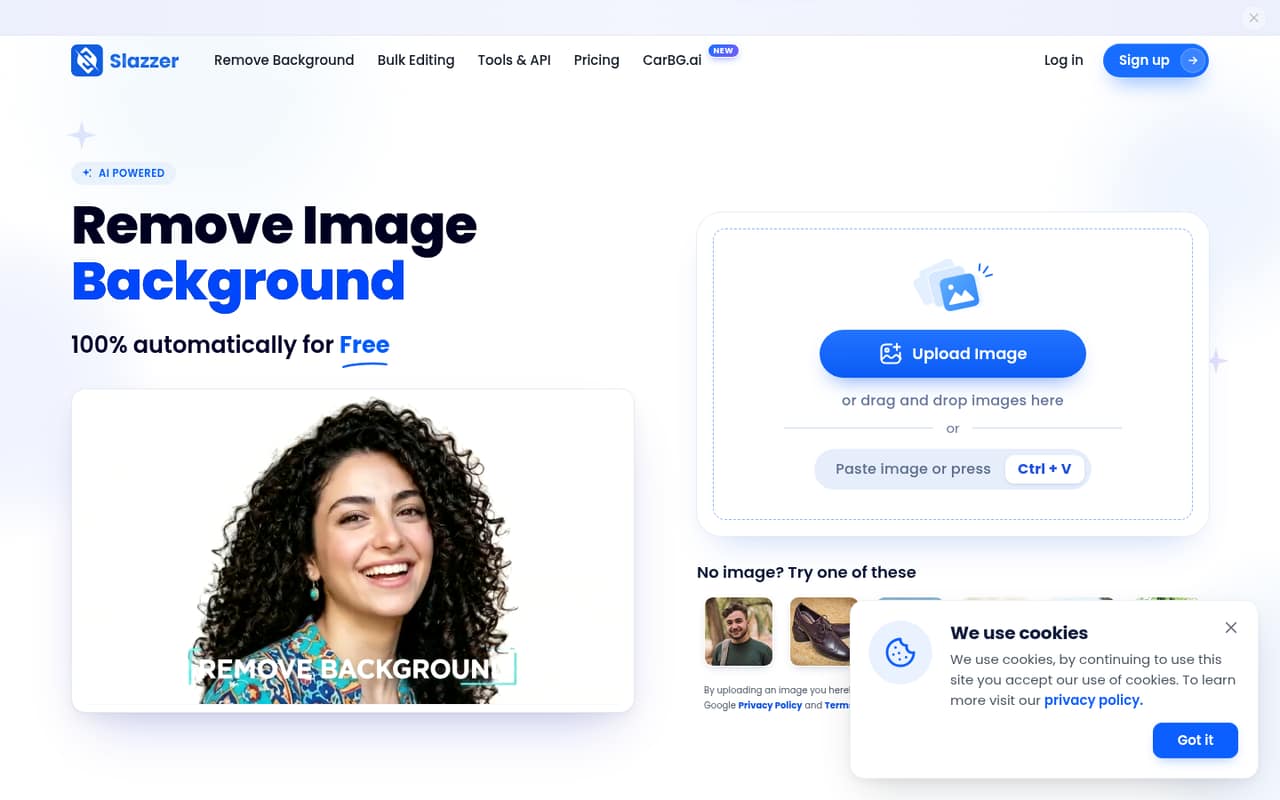
The lightest setup is the website uploader: the homepage says it accepts up to 10 images at a time, so a small team can start with a browser workflow. The free plan also lists access to the desktop app, API and Photoshop extension. For bulk jobs, the desktop app supports dragging and dropping thousands of images, according to the product description.
The pricing and product details do not give a setup-time estimate or a step-by-step onboarding guide. A team using only the web uploader should have fewer moving parts than one connecting an API or configuring a desktop workflow, but ask Slazzer what those setups require before planning a rollout. The vendor lists a Photoshop extension, but does not publish details here about other integrations. For day one, choose the workflow, test it with the two free credits, and agree who controls the credit balance.
05When small teams outgrow Slazzer
The first pressure point is volume. The entry subscription gives 100 credits for $11 per month; larger plans reduce the listed per-image cost, down to $0.03 on the 50,000-credit plan. If your team’s workload becomes predictable and much larger, compare the next plan’s monthly cost with the credits you actually use. Unused credits roll over up to six times the monthly allowance, but that does not make high-volume processing free.
The other pressure point is team access. The pricing page lists credit bundles rather than seats, and the vendor does not publish how multiple users share an account or its credits. Confirm permissions and account rules before expanding. A Reddit thread about processing 308,000 images mentions Slazzer and a buyer’s concern about a $30,000 bill; that is one person’s reaction, not a Slazzer quote or a typical small-team cost. For businesses processing 100,000 or more images yearly, Slazzer lists custom Enterprise pricing with a dedicated account manager and other high-volume features.
From the threadsWhat users say
The Reddit discussion shows interest in trying background removal tools but also clear price sensitivity at very high volume. It offers little direct feedback about Slazzer’s day-to-day performance, so sentiment is mixed rather than a strong endorsement.
I've checked out slazzer and https://www.remove.bg/ But im not willing to pay $30,000 USD for this
I would be more than ok to pay for your tool if I was sure it does the job better than other solutions
Consider a short free trial, even 3 images
thx, checking it out!
Questions people ask
What does Slazzer’s free plan include?
The free plan lists two credits, unlimited website previews, API and desktop app access, and a Photoshop extension. The two credits limit free processing; unlimited previews do not mean unlimited completed edits. There is no separate free-trial allowance listed, so use the free plan to evaluate the workflow before choosing a subscription.
How much does Slazzer cost?
The cheapest paid subscription is 100 credits per month for $11, listed at $0.11 per image. Other listed plans include 300 credits for $36 monthly and 1,000 for $94. Subscription prices exclude VAT if applicable. Annual subscription pricing is not published, so ask Slazzer if you need an annual quote.
Can a small team share one Slazzer plan?
Slazzer lists monthly credit plans rather than per-seat pricing, but the pricing information does not specify whether multiple team members can share an account or how permissions work. Before budgeting for a shared plan, ask the vendor about users, access controls and whether credits are pooled.
Does Slazzer support batch image editing?
Yes. Slazzer’s homepage says its web uploader accepts up to 10 images at a time, and its desktop app supports batch editing of thousands. The product also lists an API and Photoshop extension. Check with Slazzer for the setup details and any workflow limits that matter to your team.
Do unused Slazzer credits expire?
The monthly subscription plans list rollover for unused credits up to six times the monthly allowance. Top-up credits are valid for two years. The pricing page does not publish an annual subscription option, so check the current terms with Slazzer if your team needs a longer-term credit policy.