
We may earn a commission if you buy through links on this page. It never changes a score or a ranking. How we make money
The bottom line
SlidesAI starts free and makes editable decks, but paid plans charge per user.
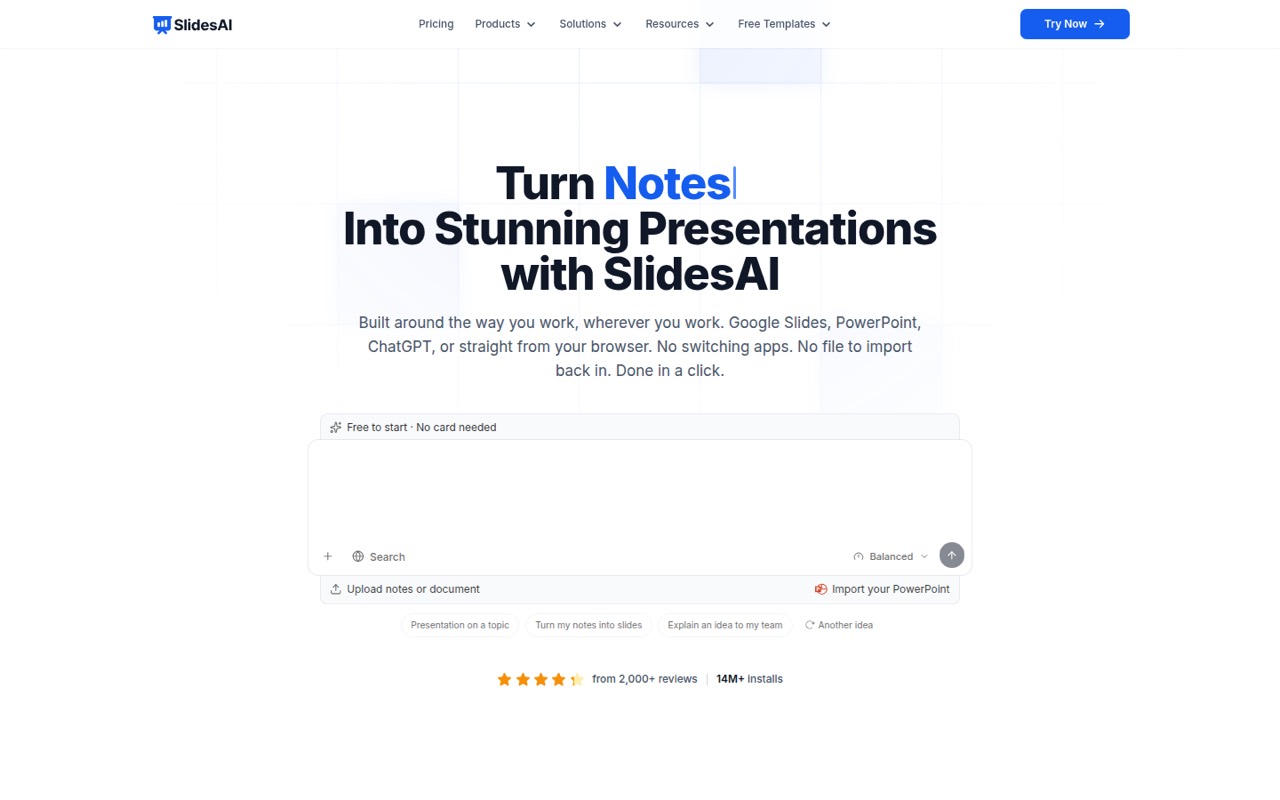
A small team can try SlidesAI’s Basic plan at no cost, then move to Pro for $10 per user monthly when billed annually. It turns text into editable presentations and works with Google Slides, PowerPoint, ChatGPT, or its web app.
The free plan has tight character and model limits, while Pro caps decks at 20 slides. Reddit discussion describes AI deck tools as helpers rather than full PowerPoint replacements, but doesn’t give a clear verdict on SlidesAI itself.
Good fit if
- Small teams drafting routine decks
- People who work in Google Slides
- Teams with branded templates
Skip it if
- Teams needing long decks on Pro
- Buyers requiring a monthly-only rate
- Teams seeking proven user feedback
ScoresHow it rates
What works
- Basic plan is free
- Works in Google Slides, PowerPoint, ChatGPT, and the web app
- Editable outline comes before full slide content
- Brand Kits can apply colors, fonts, logos, and layouts
- Exports to PowerPoint or Google Slides
What doesn't
- Basic limits input to 2,500 characters per presentation
- Basic includes only Lite and Balanced AI models
- Pro limits decks to 20 slides
- Separate monthly-billing rates are not listed
- Support details are not published
01Who SlidesAI is for
SlidesAI suits a 1–10-person team that needs a first draft without hiring a designer or spending a long time laying out routine presentations. It converts notes, prompts, documents, or plain text into a formatted deck, then lets you edit the result. That makes it a fit for internal updates, class materials, and other decks where a fast starting point matters more than a fully custom design.
It works inside Google Slides, PowerPoint, and ChatGPT, or through a standalone web app. The editable outline step lets you reorder or rewrite slide topics before the full content is created, and the tool can ask about audience, tone, language, and slide count. Teams with existing brand assets can use a Brand Kit. If your work regularly needs more than 20 slides per deck, check the plan limits before choosing Pro.
02SlidesAI free plan and trial
SlidesAI’s Basic plan costs $0 and includes 200 AI credits per month, Lite and Balanced AI models, up to 2,500 characters of input per presentation, and one Brand Kit for importing a branded PowerPoint template. There’s no separate free trial listed; Basic is the free way to try the product.
The limits are clear: Basic doesn’t include Advanced or Ultra models, and its input allowance may be restrictive for longer published material. The plan details don’t specify a slide cap for Basic. If you need more credits, longer input, or more slides, Pro is the next listed tier at $10 per user monthly when billed annually. The pricing page also shows a monthly-billing toggle but doesn’t list that separate rate in the captured details.
03What a small team pays for SlidesAI
The pricing page lists Pro at $10 per user per month when billed annually, or $120 per user per year. That’s $30 per month equivalent and $360 per year for three people; for five, it’s $50 per month equivalent and $600 per year. Pro includes 30,000 AI credits per year per user, up to 20 slides per deck, and three Brand Kits.
Premium is listed at $20.83 per user per month when billed annually, billed at $250 per user per year. Three seats cost $750 per year, or about $62.50 per month equivalent; five cost $1,250 per year, or about $104.17 per month equivalent. Premium includes 84,000 credits per year per user and 50+ slides per deck. A separate monthly-only price isn’t listed, and the pricing lists no add-ons. Basic remains free, but its 200 monthly credits and 2,500-character input limit are much smaller.
04Getting started with SlidesAI
The advertised workflow looks simple: choose a supported platform, provide notes or other text, answer questions about the presentation, then review and edit the outline before the full deck is generated. SlidesAI says it can ask about slide count, audience, tone, and language rather than guessing. That outline step gives a small team a chance to fix the structure before polishing slides.
For day-one use, choose Google Slides, PowerPoint, ChatGPT, or the web app—whichever matches where your team already works. If you want branded output, prepare a branded PowerPoint template for Basic’s Brand Kit. Pro and Premium list three and six Brand Kits, respectively, and allow font uploads. The vendor doesn’t publish a setup-time estimate, so allow time to prepare the source text and brand assets your team wants to use.
05When small teams outgrow SlidesAI
The first pressure point is volume. Basic includes 200 AI credits a month and 2,500 input characters per presentation; Pro moves to 30,000 credits a year and 50,000 characters, but caps a deck at 20 slides. Premium lists 50+ slides, 100,000 characters per presentation, and 84,000 credits a year. Teams producing long decks or using the tool heavily may need Premium, which costs $250 per user per year when billed annually.
The second pressure point is seats: Pro and Premium are priced per user, so costs rise with each paid account. One Reddit thread describes AI presentation tools as a way to cut time spent building decks, but one commenter says they don’t fully replace PowerPoint. That’s general category feedback, not a SlidesAI review. The pricing details also don’t publish shared-workspace or admin controls; ask the vendor about those if your growing team needs them.
From the threadsWhat users say
Reddit discussion frames AI presentation tools as useful for saving time, but not as complete replacements for PowerPoint. The comments aren’t specific to SlidesAI, so they offer no clear product-level verdict.
i don’t think anything fully replaces powerpoint yet tbh but tools like Plus AI reduce the time you spend building decks from scratch, it’s more like augmentation than replacement
got it - powerpoint is great but I just don't have the time or honestly the skill to create something actually good
I had a really tough time using Magic studio and thought I was doing something wrong
same here, i stopped looking for a perfect tool and just use whatever helps at each step
SlidesAI in the news
Questions people ask
Does SlidesAI have a free plan?
Yes. The pricing page lists Basic at $0, with 200 AI credits per month, Lite and Balanced models, 2,500 characters of input per presentation, and one Brand Kit for importing a branded PowerPoint template. The plan details don’t list a separate free-trial period or a Basic slide-count limit.
How much does SlidesAI cost for a small team?
Pro costs $10 per user monthly when billed annually, or $120 per user per year. That works out to $360 per year for three people and $600 for five. Premium is $250 per user per year: $750 for three people or $1,250 for five. A separate monthly-only rate isn’t listed.
Can SlidesAI create editable presentations?
Yes. SlidesAI’s feature list describes editable decks and an outline step where you can reorder or rewrite one-line slide topics before the full content is created. It also lists export to PowerPoint or Google Slides, or sharing by link.
Which platforms does SlidesAI work with?
SlidesAI lists Google Slides, PowerPoint, ChatGPT, and a standalone web app. Its feature list also says finished decks can be exported to PowerPoint or Google Slides, or shared through a link. Choose the platform that fits your team’s existing presentation workflow.
What are SlidesAI’s slide and input limits?
Basic allows 2,500 input characters per presentation, and its slide cap isn’t listed. Pro allows 50,000 characters and up to 20 slides per deck. Premium allows 100,000 characters and 50+ slides per deck. The pricing page also lists 200 monthly credits on Basic, 30,000 annual credits on Pro, and 84,000 on Premium.