
We may earn a commission if you buy through links on this page. It never changes a score or a ranking. How we make money
The bottom line
Good for quick, editable presentations; budget for one Premium seat per person.
A small team that makes presentations now and then may not need Slidesgo: its Free plan includes 3 downloads and 3 AI presentations per month. The templates are editable for Google Slides or PowerPoint, and some are available in Canva.
For regular use, Premium costs $7.99 per user monthly or $4 per user monthly with annual billing. That works out to $23.97 a month for three seats on monthly billing, or $143.97 for the year. The Reddit examples show people sharing and requesting templates, but don’t offer much direct feedback on the product itself.
Good fit if
- Small teams with occasional slide work
- Teachers and education presentations
- Teams using Google Slides or PowerPoint
Skip it if
- Teams needing unlimited free downloads
- Teams seeking shared-workspace features
- Organizations needing published support terms
ScoresHow it rates
What works
- Free plan includes 3 downloads monthly
- Free plan includes 3 AI presentations monthly
- Premium includes access to 30,000+ templates
- Editable downloads support Google Slides and PowerPoint
- Some templates can be opened in Canva
What doesn't
- Premium is priced per user
- Free downloads are limited to 3 monthly
- Free AI presentations are limited to 3 monthly
- Extra-user pricing is not published
- Reddit discussions focus on sharing templates, not detailed reviews
01Who Slidesgo is for
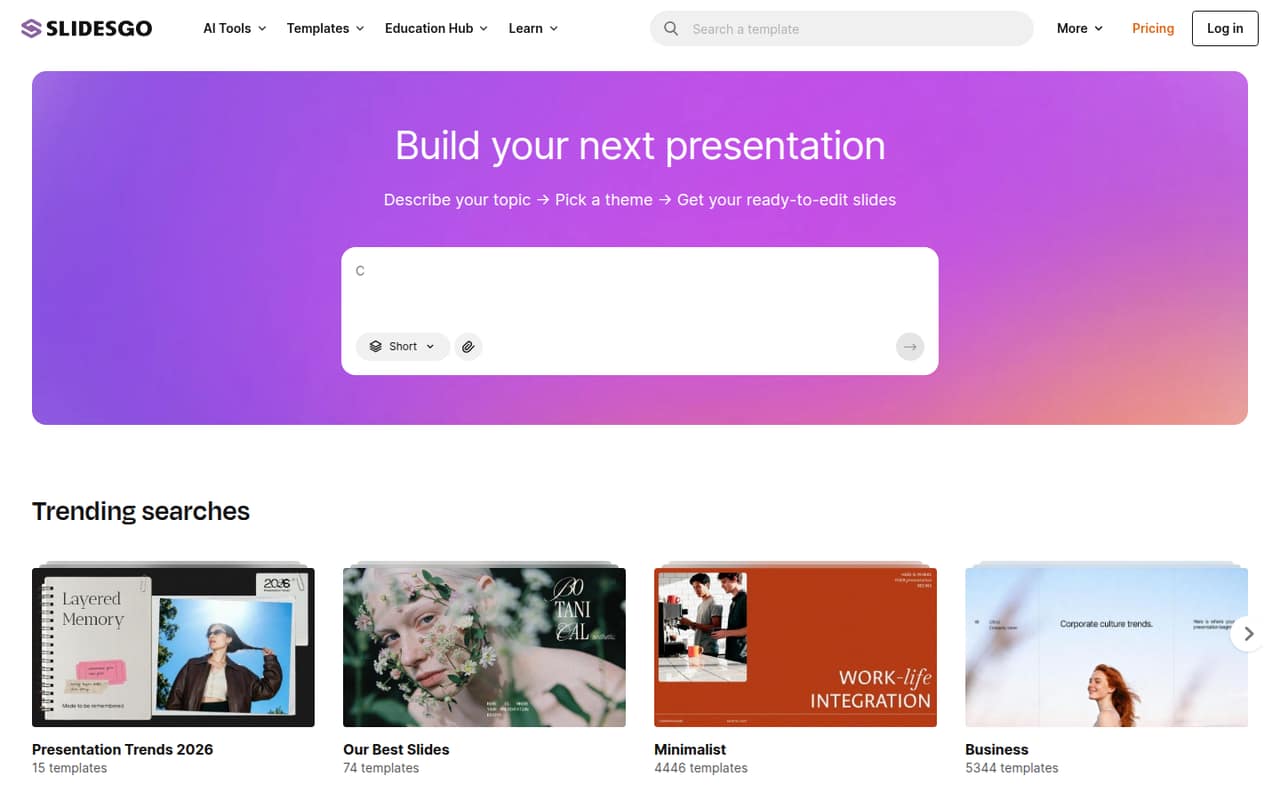
Slidesgo is for a one-to-ten-person team that needs presentation slides without hiring a designer or building every deck from scratch. You can browse templates by topic, use the AI presentation generator to make a deck from a topic, and edit the slides in Google Slides or PowerPoint. Some templates are also available in Canva.
For a team on a tight budget, the Free plan may cover occasional class presentations, sales updates, or internal meetings. It allows 3 template downloads and 3 AI presentations per month. Teams making decks more often can consider Premium, which the pricing page lists at $7.99 per user monthly or $4 per user monthly with annual billing. The plan includes access to 30,000+ templates, including more than 15,000 Premium templates. It’s a template and generation tool, not a full team presentation system: the listed offer centers on creating and downloading editable slides.
02Slidesgo free plan and trial
Slidesgo’s Free plan costs $0 and includes 3 AI presentations per month and 3 template downloads per month. That gives a small team a way to try the presentation workflow or handle a few one-off decks without adding a subscription. The download limit is per plan; the pricing page doesn’t describe a team-wide pool or say how limits are shared among several people.
The plan stops being enough when your team needs more than three downloads or AI presentations in a month, or needs access to Premium templates. Slidesgo lists Premium as the cheapest paid plan, with a limit of up to 150 AI generations and 150 downloads per month per user. The pricing page does not list a free trial. If you need only a few decks, start with Free; if multiple people need regular access, price Premium by seat before committing.
03What a small team pays for Slidesgo
Slidesgo Premium is $7.99 per user per month, or $4.00 per user per month when billed annually. The pricing page lists the annual charge as $47.99 per user and says annual plans save 50%. One seat is therefore $7.99 monthly or $47.99 for the year. Three seats cost $23.97 per month on monthly billing, or $143.97 for a year. Five seats cost $39.95 per month, or $239.95 for a year. The annual prices are paid upfront, not month by month.
Premium includes up to 150 AI generations and 150 downloads per user per month, plus access to 30,000+ templates. The plan covers up to 1,000 users; larger needs require contacting Slidesgo. The pricing page says extra users can be added, but does not publish their price. It also doesn’t state a minimum seat count. Educational institutions have a customized offer, so schools and universities need to request pricing. For a small team, the key budget decision is whether recurring per-seat access beats keeping each person within Free’s three monthly downloads.
04Getting started with Slidesgo
Getting started looks straightforward for a team that already uses presentation software: choose a template or describe a topic for the AI presentation generator, then edit the resulting slides. Slidesgo describes templates as ready to edit and offers downloads for Google Slides or PowerPoint; some templates can be opened in Canva. Registering also lets users save templates as favorites.
That means a team can begin without setting up a separate presentation platform, though each person still needs a way to access the downloaded file in their chosen app. We don’t see a published setup-time estimate, onboarding service, or details about shared team workspaces in the plan information. The learning curve should be modest for people who already know Google Slides, PowerPoint, or Canva, but AI-generated content and template edits will still need a human review. Before buying seats, confirm which file format and app your team will use most.
05When small teams outgrow Slidesgo
The first limit to hit is likely usage: Free includes only 3 downloads and 3 AI presentations per month, while Premium raises those allowances to up to 150 per user. If a team needs more, the listed Premium limits may no longer fit; Slidesgo says larger needs require contacting the company. Costs also rise with each Premium seat, and the price for extra users beyond the published plan is not listed.
A team may also need more than templates and downloadable slides. Slidesgo’s listed features focus on generation, editing, downloads, and favorites; the pricing information doesn’t describe shared workspaces or team administration. Ask Slidesgo whether those capabilities suit your workflow before relying on them. Reddit discussions show people asking subscribers to download or share Premium templates, often for school or project deadlines. That’s evidence of demand for Premium access, not a detailed review of reliability or collaboration. If your team depends on timely access, budget for its own seats rather than relying on someone else to share a file.
From the threadsWhat users say
The Reddit examples are warm and appreciative, but mostly show people requesting or sharing template downloads rather than assessing Slidesgo in depth. The sentiment is positive about getting help and mixed as a guide to the product itself.
I have taken a month of Slidesgo Premium for my project
I have a huge research presentation this week and it would be incredibly helpful
pls can you downoad this for me in canva i need it for my final year projet ASAP ill be grateful
Thank you for doing this! This is a great help, especially for teachers :)
Questions people ask
What does Slidesgo’s Free plan include?
The Free plan includes 3 AI presentations per month and 3 template downloads per month. It costs $0. The plan information doesn’t say whether a team can share those limits across multiple people, so check how access works if several colleagues will use one account.
How much does Slidesgo Premium cost for a team?
Premium costs $7.99 per user per month with monthly billing, or $4 per user per month when billed annually. That is $23.97 monthly for three seats or $39.95 for five. Annual billing totals $143.97 for three seats and $239.95 for five.
Can I edit Slidesgo templates in Google Slides or PowerPoint?
Yes. Slidesgo says users can download editable templates for Google Slides or as PowerPoint files. Some templates can also be opened in Canva. Check the individual template’s available formats if your team needs a particular app.
Does Slidesgo offer a free trial of Premium?
Slidesgo lists a Free plan, but the pricing details do not list a Premium free trial. The Free plan includes 3 downloads and 3 AI presentations per month. If you want to confirm whether a trial is available for your account, ask Slidesgo before subscribing.
Does Slidesgo have pricing for schools?
Yes. Slidesgo lists an Educational institutions plan for schools, districts, and universities. It offers a customized deal, and the price is not published; institutions need to contact Slidesgo for a quote.