
We may earn a commission if you buy through links on this page. It never changes a score or a ranking. How we make money
The bottom line
A strong fit for teams keeping shared knowledge current, if the per-seat cost fits.
Small teams don’t need Slite if a shared folder and occasional document updates already work. But if people keep asking the same questions or key instructions go stale, Slite combines a team knowledge base with cited AI answers and document review tools.
There’s no free plan, and the published Basic price is $10 per user/month billed yearly. That makes a three-person team $360 per year before any credit top-ups. We’d shortlist it for teams that will actively maintain documentation, not for casual note-taking.
Good fit if
- Teams maintaining shared procedures
- Small teams searching connected work tools
- Owners reviewing documentation regularly
Skip it if
- Teams requiring a permanent free plan
- Solo users collecting casual notes
- Teams avoiding annual billing
ScoresHow it rates
What works
- Unlimited docs on Basic
- Cited AI answers across team knowledge
- Agent flags potentially outdated facts
- Scheduled reviews assign document owners
- MCP and API access on Basic
What doesn't
- No free plan
- Monthly-plan prices are not published
- Basic limits AI questions and edits per seat
- Connected-tool search requires Pro
- Extra credits add another cost
01Who Slite is for
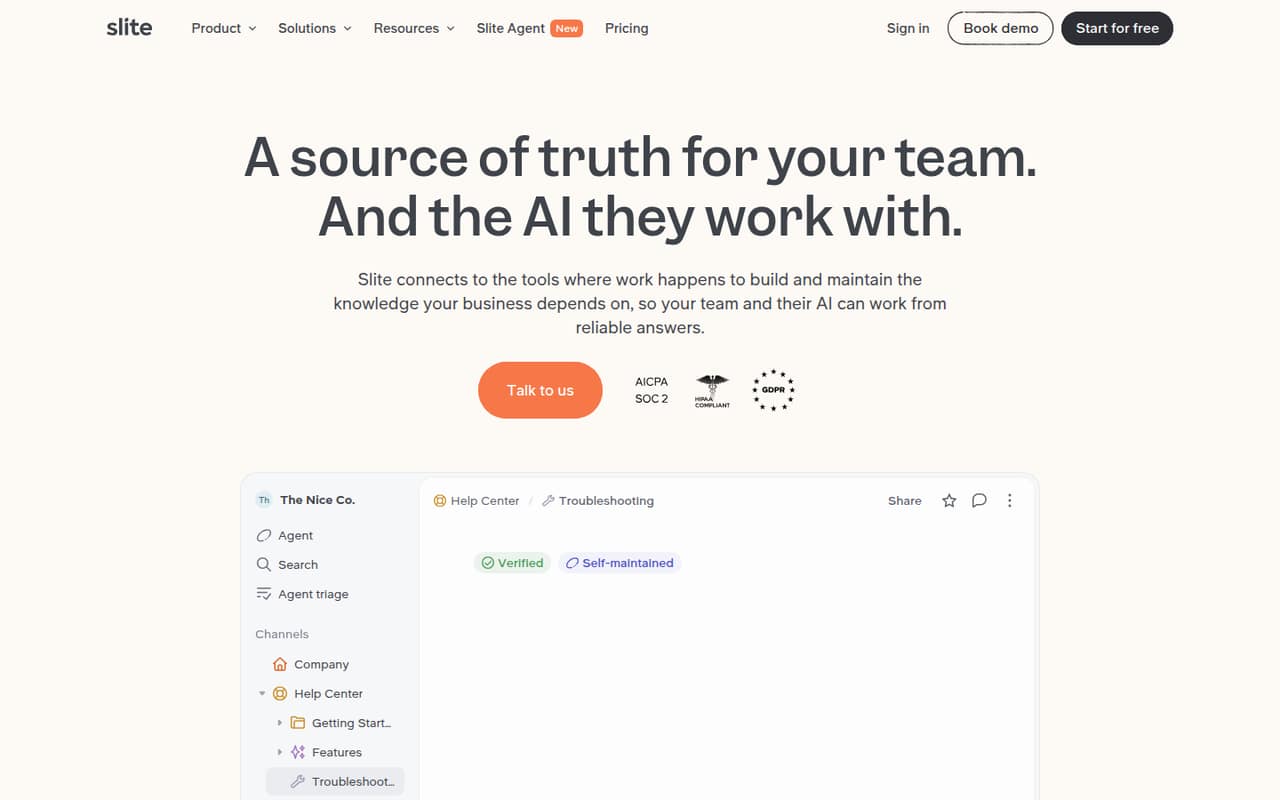
Slite makes the most sense for a small team—say, a handful of people up to around ten—whose work depends on shared, reliable instructions. Think onboarding notes, internal procedures, and decisions that need to stay findable as tools or processes change. It combines a team knowledge base with AI search that gives cited answers, plus an Agent that spots potentially outdated facts and drafts changes for an owner to approve.
The budget case depends on whether that upkeep saves time. Basic costs $10 per person/month with annual billing, so five people come to $600 per year. That’s a meaningful subscription for a team on a tight budget, especially if a shared drive already works. Slite is a better fit when the team will use scheduled reviews, assign document owners, or search connected tools than when it just wants another place to store occasional notes.
02Slite free plan and trial
Slite does not list a free plan. It offers a 14-day free trial, but the trial’s feature limits and what happens when it ends aren’t published. Ask Slite before signing up if your team needs to know whether the trial includes particular integrations or AI allowances.
The cheapest published paid option is Basic at $10 per user/month when billed yearly. It includes unlimited docs, 5GB of storage per user, 30 AI questions per seat each month, 30 AI edits per user each month, and MCP and API access. That’s enough to assess the core documentation workflow, but not a no-cost home for an ongoing team knowledge base. If you need to search connected tools, the pricing page lists that under Pro, not Basic.
03What a small team pays for Slite
Basic is $10 per user/month when billed yearly. That works out to $120 per person for a year, or a $10 monthly equivalent. For three people, expect $30 per month equivalent and $360 billed yearly; for five, $50 per month equivalent and $600 billed yearly. Slite does not publish monthly-plan pricing, so those figures are not a month-to-month quote.
Pro is $20 per user/month with annual billing: $60 per month equivalent, or $720 for a year, for three people; $100 per month equivalent, or $1,200 for a year, for five. Pro adds connected-tool search, 50 agent credits per seat each month, 10GB of storage per user, and OpenID SSO.
Watch for credit use and added seats. Credit top-ups cost $10 per 100 credits and are valid for one year. Extra members can be added; monthly-plan seats appear on the next invoice, while annual-plan seats are prorated. Enterprise pricing is custom.
04Getting started with Slite
A practical start is to put a few high-value documents in Slite, assign owners, and decide which ones need scheduled reviews. That makes the maintenance features useful from the beginning instead of leaving the team with another unowned document shelf. Slite’s exact setup time and step-by-step effort aren’t published, so we wouldn’t budget a specific number of hours without checking with the vendor.
For day-one connections, Slite lists Slack, Linear, GitHub, and a codebase. Pro is the listed plan for search across connected tools; Basic includes MCP and API access. Search respects user permissions, and access controls include role-based permissions, with OpenID SSO on Pro and SCIM on Enterprise. The main learning curve is likely less about writing documents and more about agreeing who owns and reviews them. A Reddit user called the product promising, while another compared it unfavorably with Notion; those are individual opinions, not a reliable guide to current setup.
05When small teams outgrow Slite
The first pressure point is usually price or plan access. Basic can hold unlimited docs, but connected-tool search is listed on Pro, which doubles the annual-billing rate from $10 to $20 per person/month. For five seats, that’s a change from $600 to $1,200 per year. Basic also sets monthly allowances of 30 AI questions per seat and 30 AI edits per user; teams needing more credits may pay $10 per 100-credit top-up.
A larger team may need Enterprise for custom credit allowances, reader-only seats, audit logs, SCIM, or a dedicated account manager. A team may also outgrow Slite if it needs a free ongoing tier: the current pricing lists no free plan. Reddit discussions show mixed impressions, including a commenter calling Slite a worse version of Notion and a user describing an older free limit of 50 notes. That older free-plan report may not reflect today’s offer, so check current terms before relying on it.
From the threadsWhat users say
The Reddit comments are mixed and mostly reflect individual impressions rather than detailed team reviews. Some users found Slite promising; others preferred alternatives or questioned its fit.
I’m not sure about a replacement, but it looks very promising as another productivity tool
Slite seems like a worse version of Notion
I use https://slite.com/?redirect=no to take University notes and I find it wonderful
unfortunately it's free to use only for up to 50 notes
Questions people ask
Does Slite have a free plan?
Slite does not list a free plan. It offers a 14-day free trial, but the trial’s included features and limits aren’t published. The cheapest listed paid option is Basic, at $10 per user/month when billed yearly.
What does Slite Basic include?
Basic includes unlimited docs, 5GB of storage per user, 30 AI questions per seat each month, 30 AI edits per user each month, and MCP and API access. The listed price is $10 per user/month with annual billing.
Can Slite search Slack and other connected tools?
The pricing page lists search across connected tools on Pro. Slite lists Slack, Linear, GitHub, and a codebase among its connections. Pro costs $20 per user/month when billed yearly; monthly-plan pricing isn’t published.
Does Slite support AI agents through MCP?
Yes. Slite lists MCP and API access as part of Basic. Its product description says MCP can make verified knowledge available to AI agents. Basic also includes 30 AI questions per seat each month.
Does Slite offer monthly billing?
Slite does not publish its monthly-plan prices. The listed Basic and Pro rates are per user/month when billed yearly. The pricing information says added seats on monthly plans are billed on the next invoice, but it doesn’t state the monthly rates.