We may earn a commission if you buy through links on this page. It never changes a score or a ranking. How we make money
A team of 1–10 probably doesn’t need a dedicated document collaboration tool if shared folders and basic editing already cover the work. If your team needs a searchable home for procedures, a good free starting point is Slab or Nuclino; for live Markdown, look at HackMD. Our top paid picks depend on the job: Scribe for repeatable how-to guides, and Typst for structured collaborative writing. Check the starting price against the number of people who need paid access: several tools have seat, feature, or hosting limits that change the real cost.
Quick picksThe shortlist
 SlabSlabBest for small teams · $6.67/mo
 NuclinoNuclinoBest simple wiki · $6/mo
 HackMDHackMDBest free Markdown · $5/mo
 TypstTypstBest structured writing · $7.99/mo
 CryptPadCryptPadBest for privacy · €5/mo
 OutlineOutlineBest shared wiki · $4/mo
 ScribeScribeBest for how-to guides · $13/mo
 Bit.aiBit.aiBest guest sharing · $8/mo
 CodaCodaBest docs and workflows · €12/mo
 DocmostDocmostBest self-hosted wiki · $6/mo
 NotionNotionBest flexible workspace · €9.50/mo
 OverleafOverleafBest for LaTeX teams · $8.25/mo
 CraftCraftBest for shared plans · $6.40/mo
 SliteSliteBest for maintained docs · $10/mo
- FuseBaseFuseBaseBest for client portals · $32/mo
 QuipQuipBest for Salesforce teams · $10/mo
 PaperpilePaperpileBest for shared citations · $8.30/mo
 SweetProcessSweetProcessBest for tracked procedures · $41.25/mo
 EndNoteEndNoteBest research libraries · €140/mo
 ClinkedClinkedBest branded workspaces · $11/mo
 MyHubMyHubBest intranet needs · Custom
 M-FilesM-FilesBest document governance · $65/mo
- FYIFYIBest free AI exploration · Free
 PleaseReviewPleaseReviewBest controlled reviews · Custom
 InteractInteractBest IT adoption reports · Custom
 Ideagen HuddleIdeagen HuddleBest external collaboration · Custom
01Compared at a glance
| Tool | Score | From | Free plan | Trial |
|---|---|---|---|---|
| SlabSlab | 7.5 | $6.67/mo | Yes | — |
| NuclinoNuclino | 7.8 | $6/mo | Yes | 14 days |
| HackMDHackMD | 7.3 | $5/mo | Yes | — |
| TypstTypst | 8.1 | $7.99/mo | Yes | — |
| CryptPadCryptPad | 7.5 | €5/mo | Yes | — |
| OutlineOutline | 7.2 | $4/mo | Yes | 30 days |
| ScribeScribe | 7.8 | $13/mo | Yes | — |
| Bit.aiBit.ai | 7.3 | $8/mo | Yes | — |
| CodaCoda | 7.2 | €12/mo | Yes | — |
| DocmostDocmost | 7.0 | $6/mo | Yes | — |
| NotionNotion | 7.0 | €9.50/mo | Yes | — |
| OverleafOverleaf | 7.2 | $8.25/mo | Yes | 7 days |
| CraftCraft | 6.9 | $6.40/mo | Yes | — |
| SliteSlite | 6.8 | $10/mo | No | 14 days |
| FuseBaseFuseBase | 7.4 | $32/mo | Yes | 14 days |
| QuipQuip | 6.5 | $10/mo | No | — |
| PaperpilePaperpile | 6.8 | $8.30/mo | No | 30 days |
| SweetProcessSweetProcess | 7.0 | $41.25/mo | No | 14 days |
| EndNoteEndNote | 6.5 | €140/mo | No | — |
| ClinkedClinked | 6.5 | $11/mo | No | — |
| MyHubMyHub | 5.2 | Custom | No | — |
| M-FilesM-Files | 6.1 | $65/mo | No | — |
| FYIFYI | 6.5 | Free | Yes | — |
| PleaseReviewPleaseReview | 5.2 | Custom | No | — |
| InteractInteract | 4.5 | Custom | No | — |
| Ideagen HuddleIdeagen Huddle | 4.8 | Custom | No | — |
02The picks, in detail
- Best for small teamsSlabSlab
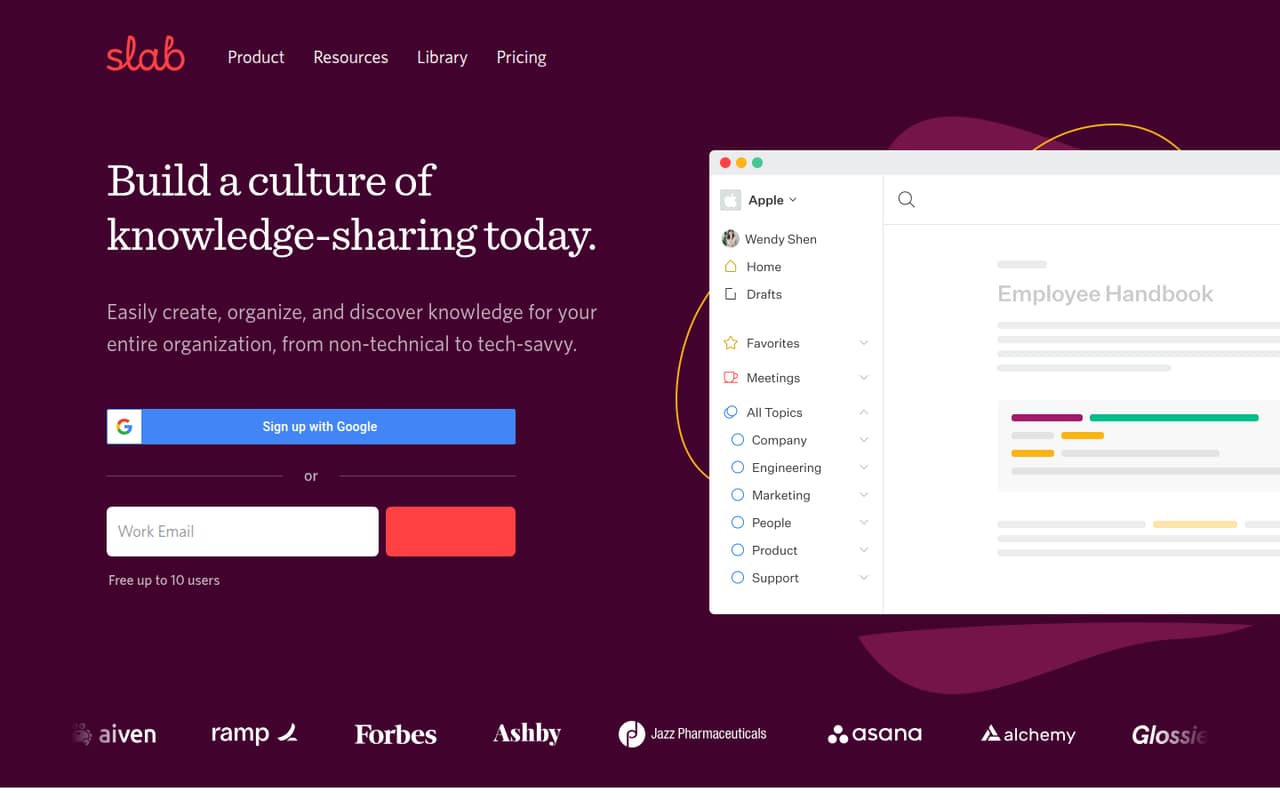
Slab is our first pick for a small team that needs a shared home for company procedures. Its free plan makes it possible to start without a subscription, and the listed starting price is $6.67. The product is also positioned around searching connected tools. Check the paid plan’s capacity and control limits before moving the whole team over.
What works
- Free plan supports up to 10 users
- Unlimited posts and topics on Free
- Unified search includes integrated tools
What doesn't
- Paid monthly prices aren’t published
- Free attachments are limited to 10MB
- Free version history lasts 90 days
- Best simple wikiNuclinoNuclino
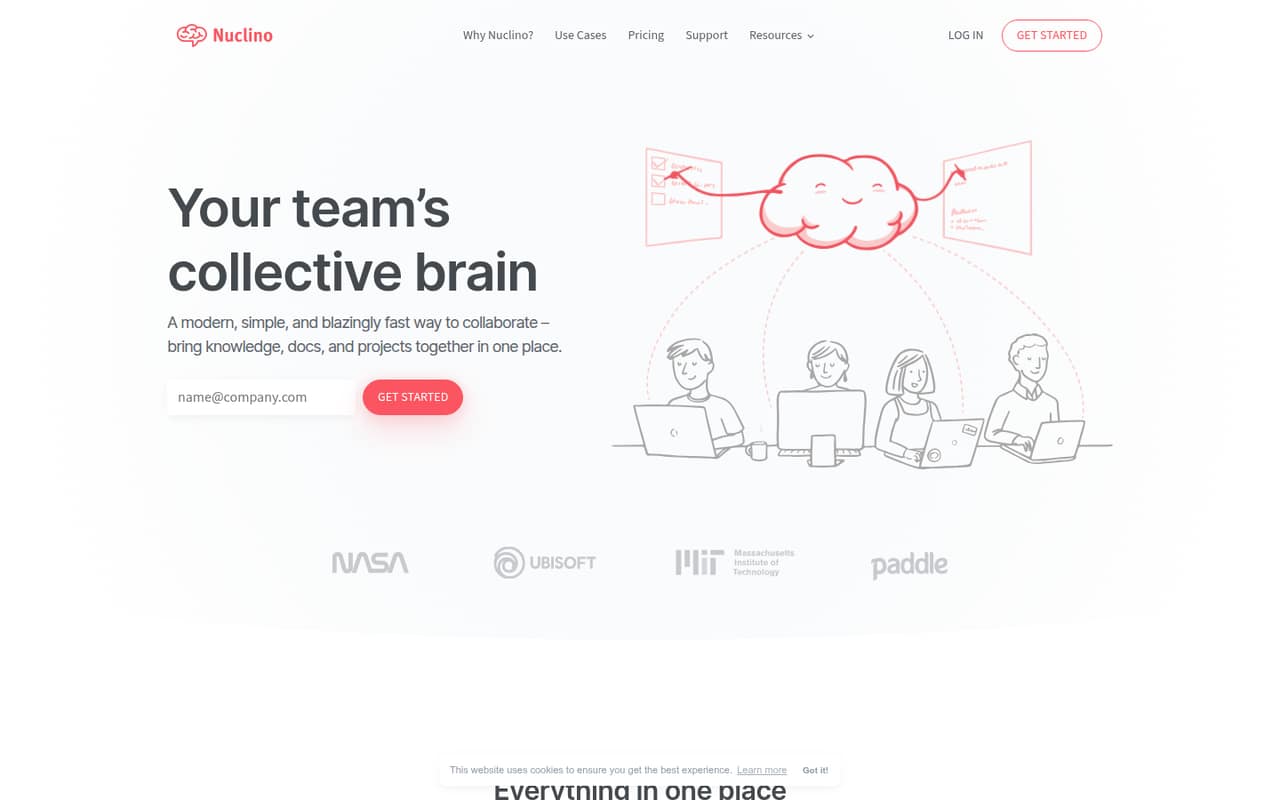
Nuclino suits teams that want a shared wiki without making their setup a project of its own. It has a free plan and starts at $6, with notes organized alongside projects. The trade-off is modest storage and fewer advanced project controls. It’s a sensible fit when clear, lightweight team knowledge matters more than a long list of features.
What works
- Free plan includes up to 50 items
- Free plan includes up to three canvases
- Search and hotkeys support quick workflows
What doesn't
- Free plan storage is capped at 2GB
- Free plan seat cap is not published
- Starter bills guests as well as members
- Best free MarkdownHackMDHackMD
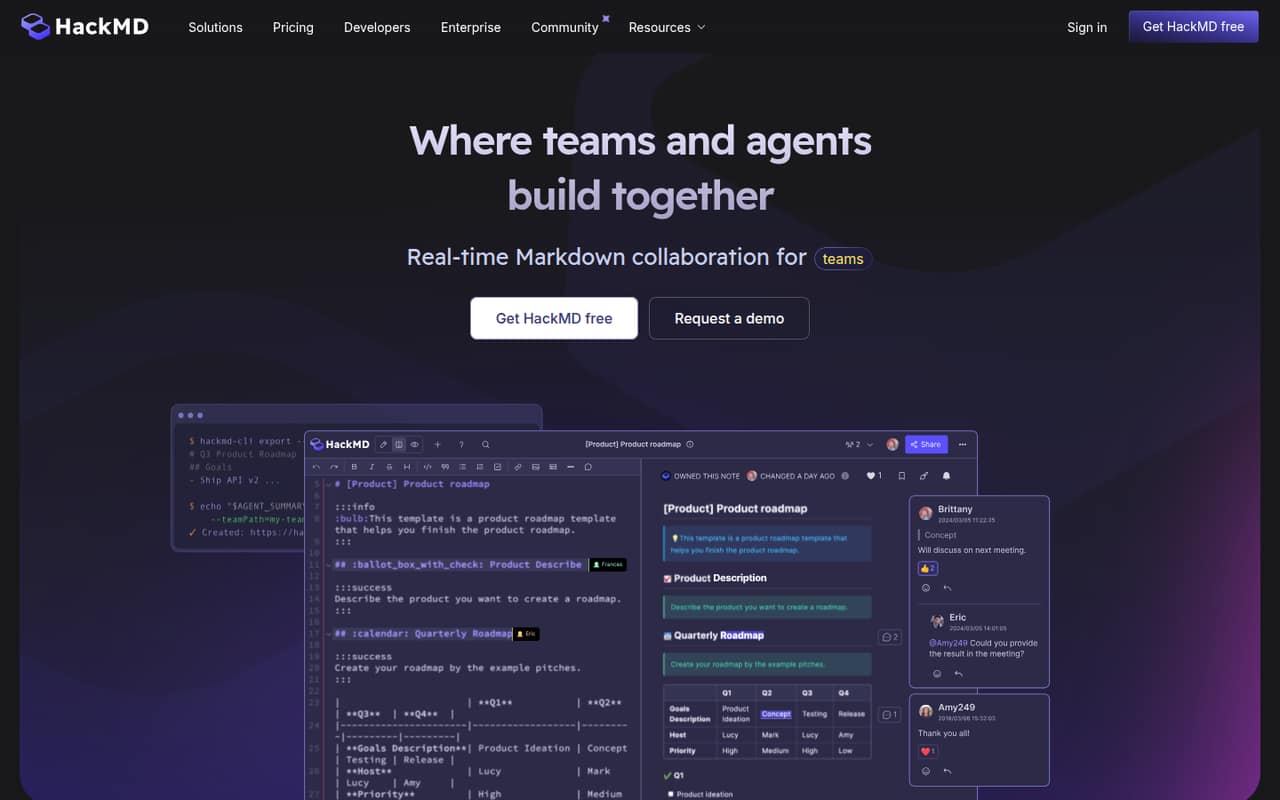
HackMD is a strong match for a Markdown-first team of up to three people: its free plan supports that small-group use, and paid plans start at $5. Teams can use it for shared project notes and GitHub note sync. If your group is larger than three, check the plan details and total seat cost before treating the free option as a team-wide solution.
What works
- Free plan includes up to three teammates
- Live editing supports collaborative note writing
- Comments, mentions, and version history
What doesn't
- Markdown-first editing may not suit everyone
- Prime monthly-billing price isn't published
- Extra-member pricing isn't listed
- Best structured writingTypstTypst
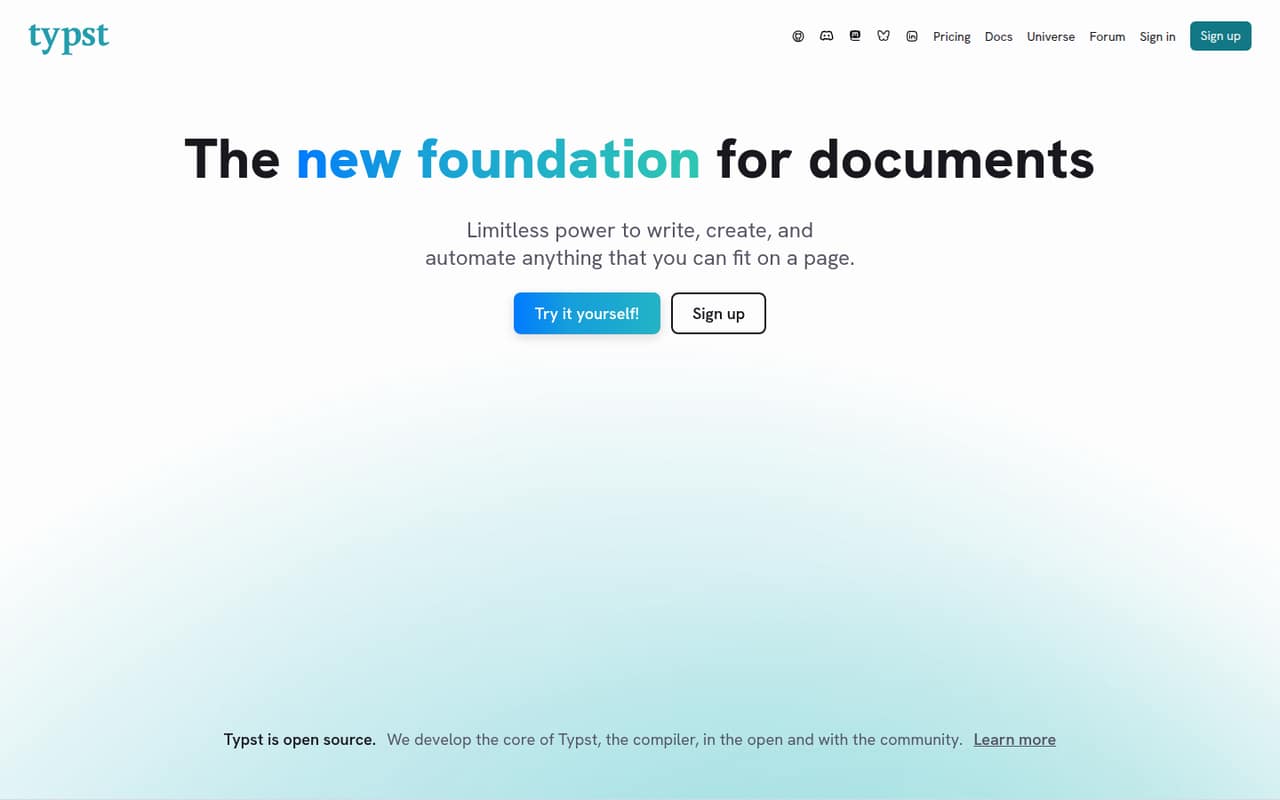
Typst is worth a look for a small team writing structured, research, or technical documents. It offers a free plan and starts at $7.99; the product’s listed Pro triggers include comments, private packages, and code sync. That makes the free tier a reasonable place to begin, but confirm which paid features your collaborators actually need before upgrading.
What works
- Free plan includes editing and collaboration
- Live preview and actionable errors
- Markup supports functions, loops, and conditionals
What doesn't
- Free storage is limited to 200MB
- Pro costs per person
- Specialized packages may be missing
- Best for privacyCryptPadCryptPad
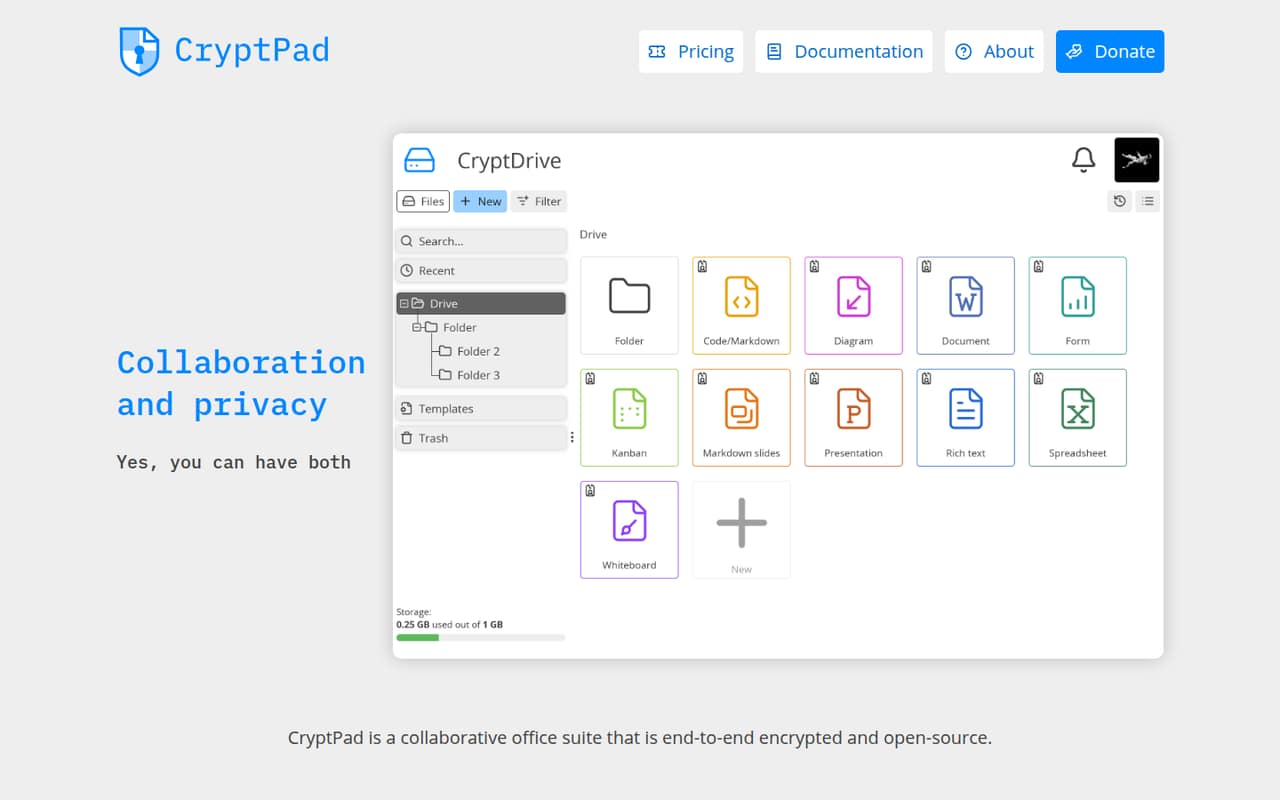
CryptPad is a good shortlist pick for privacy-conscious teams that want to begin free or consider self-hosting. Its listed starting price is $5, but the team quote should be clear before you commit. Ask the vendor what collaboration features and capacity are included for your group, and compare hosted and self-hosted setup needs before choosing.
What works
- Free public instance available
- End-to-end encrypted collaboration
- Real-time editing for documents
What doesn't
- Free storage is reported as 50 MB
- Small-team seat pricing isn't clear
- CryptPad.fr storage amounts aren't specified here
- Best shared wikiOutlineOutline
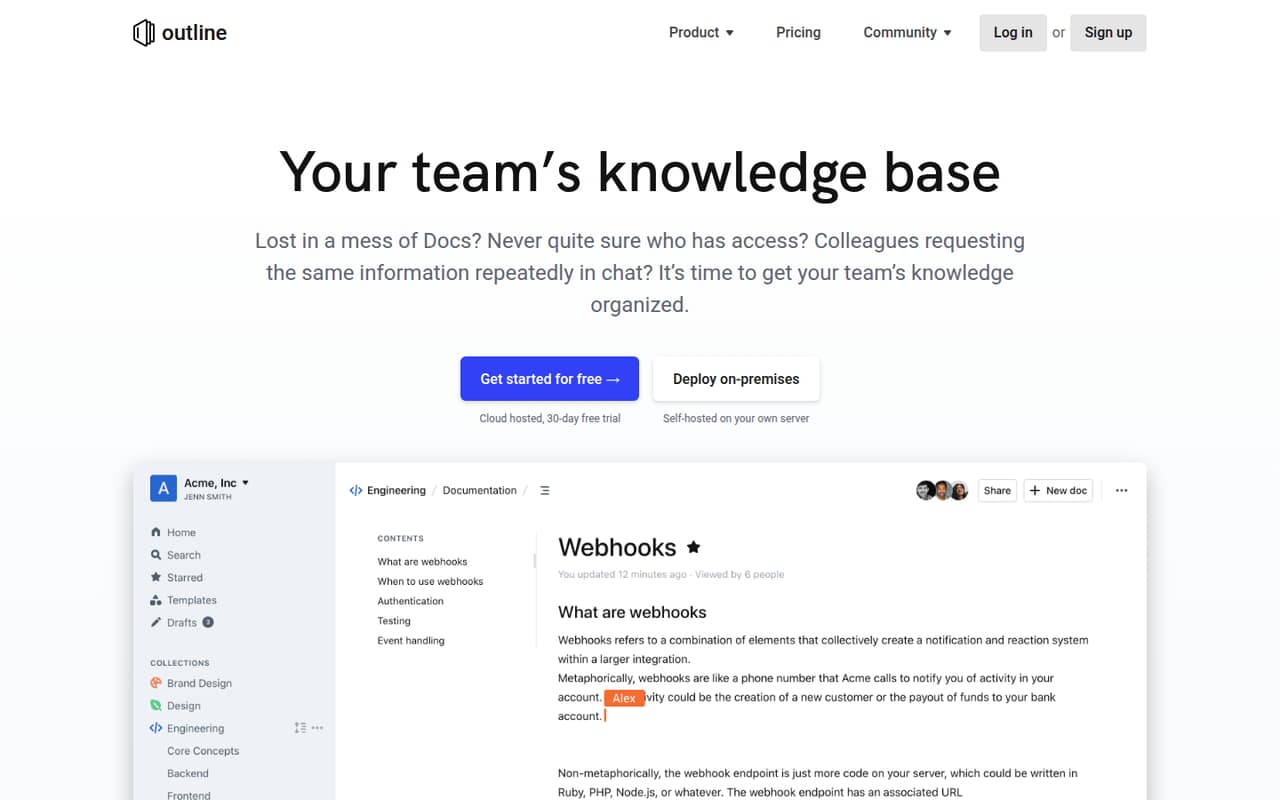
Outline fits a small team that wants shared company knowledge and AI document answers. It has a free plan and starts at $4, with self-hosting as another option. The budget question is whether the $10 monthly route or the work of hosting it yourself fits better. Check the plan details and hosting requirements before inviting the whole team.
What works
- Cloud plan costs $10 monthly for 1–10 members
- Unlimited docs and version history on listed plans
- Real-time collaborative editing
What doesn't
- Community Edition has no AI answers or support
- Self-hosting can take effort
- Cloud annual price is not published
- Best for how-to guidesScribeScribe
Scribe is aimed at teams documenting repeatable processes and sharing step-by-step guides. It has a free plan and starts at $13, but team collaboration has a five-seat minimum. That makes the entry price less useful for a one- or two-person team. It’s a better fit when several people will create or use the guides and the minimum seats make sense.
What works
- Free Basic plan covers web-app guides
- Share guides by link or embed
- Pro Personal supports web, mobile, and desktop apps
What doesn't
- Pro Team starts at five seats
- Three-seat teams pay for five to collaborate
- Enterprise pricing is custom
- Best guest sharingBit.aiBit.ai
Bit.ai combines shared documents and a knowledge base, with guest sharing and AI writing among its stated uses. A free plan is available, and listed pricing starts at $8. Check the free plan’s limits before relying on it for a team workspace, then confirm whether guests or internal collaborators count toward paid seats.
What works
- Free plan allows up to five members
- Free plan includes 50 documents and 1 GB storage
- Pro includes unlimited documents
What doesn't
- Free documents have a 5 MB file limit
- Free plan stops at 50 documents
- Monthly-billing prices are not published
- Best docs and workflowsCodaCoda
Coda makes sense for teams combining documents with structured data or project trackers. It has a free plan and starts at $12, but the number of Doc Makers matters when you upgrade. A small group with only a few people creating docs may find the economics workable; check who needs maker access versus who just needs to use the workspace.
What works
- Free plan available with no listed monthly charge
- Editors and Viewers are free in paid workspaces
- Combines documents, tables, forms, and formulas
What doesn't
- Free shared docs have limited pages and objects
- Free attachments are limited to 1 GB per doc
- Pro and Business charge for each Doc Maker
- Best self-hosted wikiDocmostDocmost
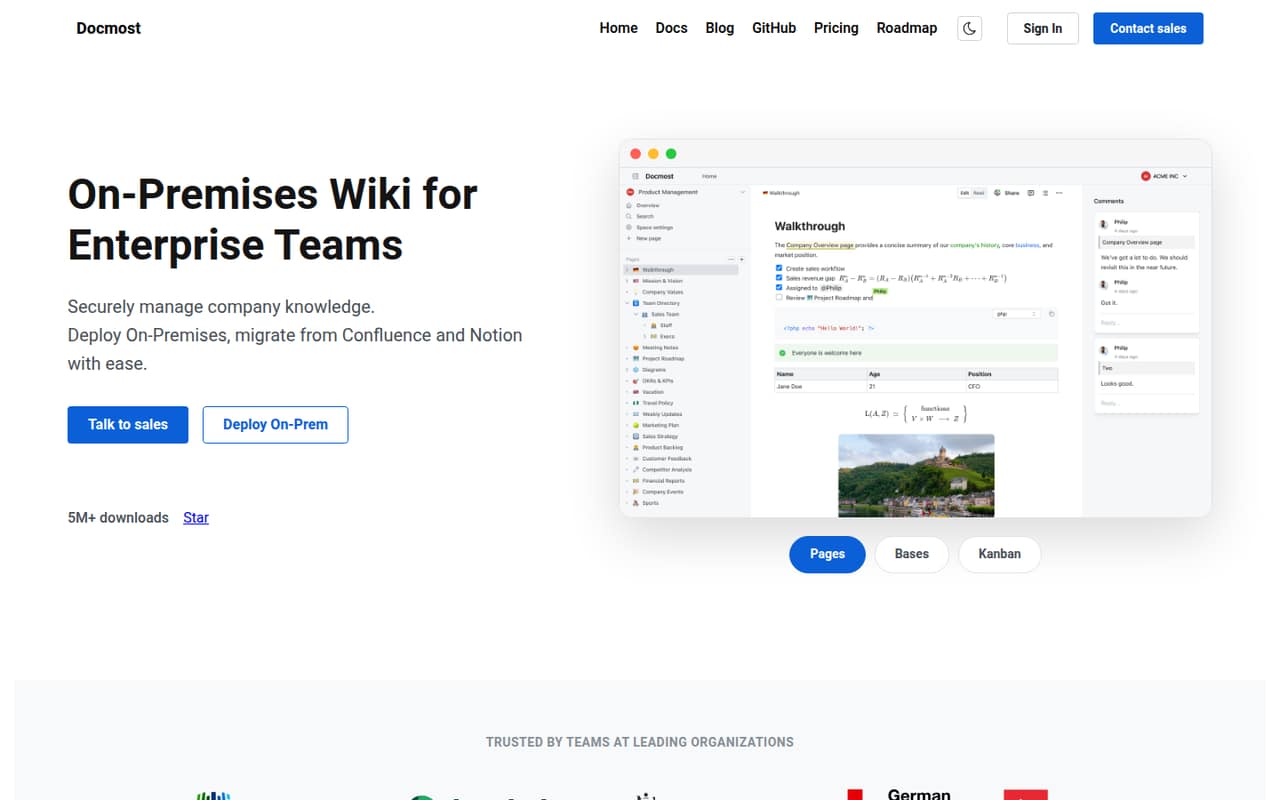
Docmost is a capable option for a small team comfortable running its own wiki. It has a free plan and starts at $6, and supports organizing knowledge by space and live editing. The main caveats are the self-hosting requirement and paid security features. Ask who will own setup and maintenance before treating the free plan as the lowest-effort option.
What works
- Community includes unlimited spaces
- Real-time collaboration is included free
- Full-text search is included free
What doesn't
- Business requires a 10-seat minimum
- Monthly Business billing price is not published
- SSO is listed on Business, not Community
- Best flexible workspaceNotionNotion
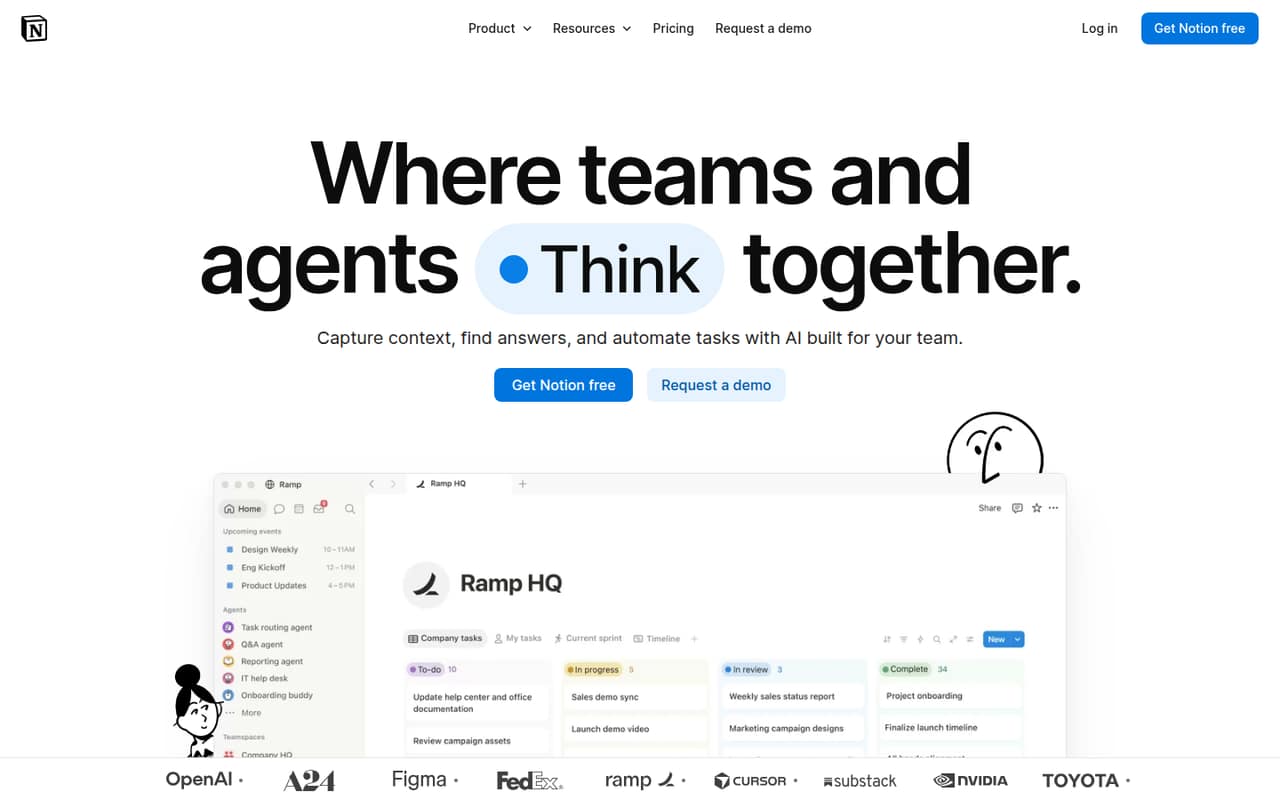
Notion suits teams building their own knowledge base and workflows, with a free plan for getting started and listed pricing from $9.50. Its flexibility is useful when the team wants to shape pages around its work, but that same freedom can invite overbuilding. Agree on a simple structure and owner first, then check which plan features your group needs.
What works
- Free plan costs nothing for individual use
- Plus is listed at €9.50 per member monthly
- Pages can support varied team workflows
What doesn't
- Free includes only a limited AI trial
- Free uploads are capped at 5 MB
- Flexible setup can invite ongoing tinkering
- Best for LaTeX teamsOverleafOverleaf
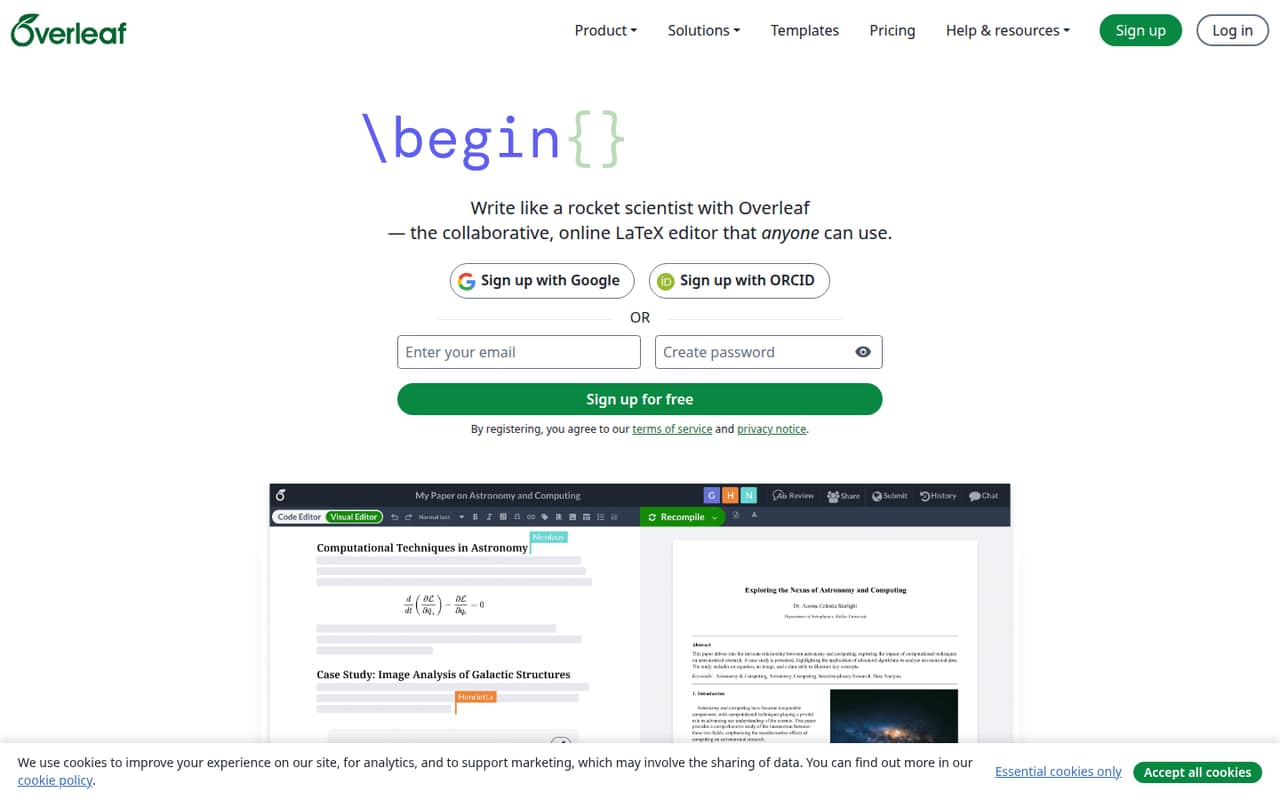
Overleaf is a straightforward fit for small academic writing groups and teams sharing LaTeX documents or templates. It has a free plan and starts at $8.25. Before settling on it, check whether compile limits suit your writing and how the seat cost works for every collaborator. Teams that don’t use LaTeX should choose a more general document workspace.
What works
- Free plan includes unlimited projects
- Visual and code editing options
- Shared editing and commenting
What doesn't
- Free plan allows one collaborator per project
- Free plan has a basic compile timeout
- Paid plans cost more month to month
- Best for shared plansCraftCraft
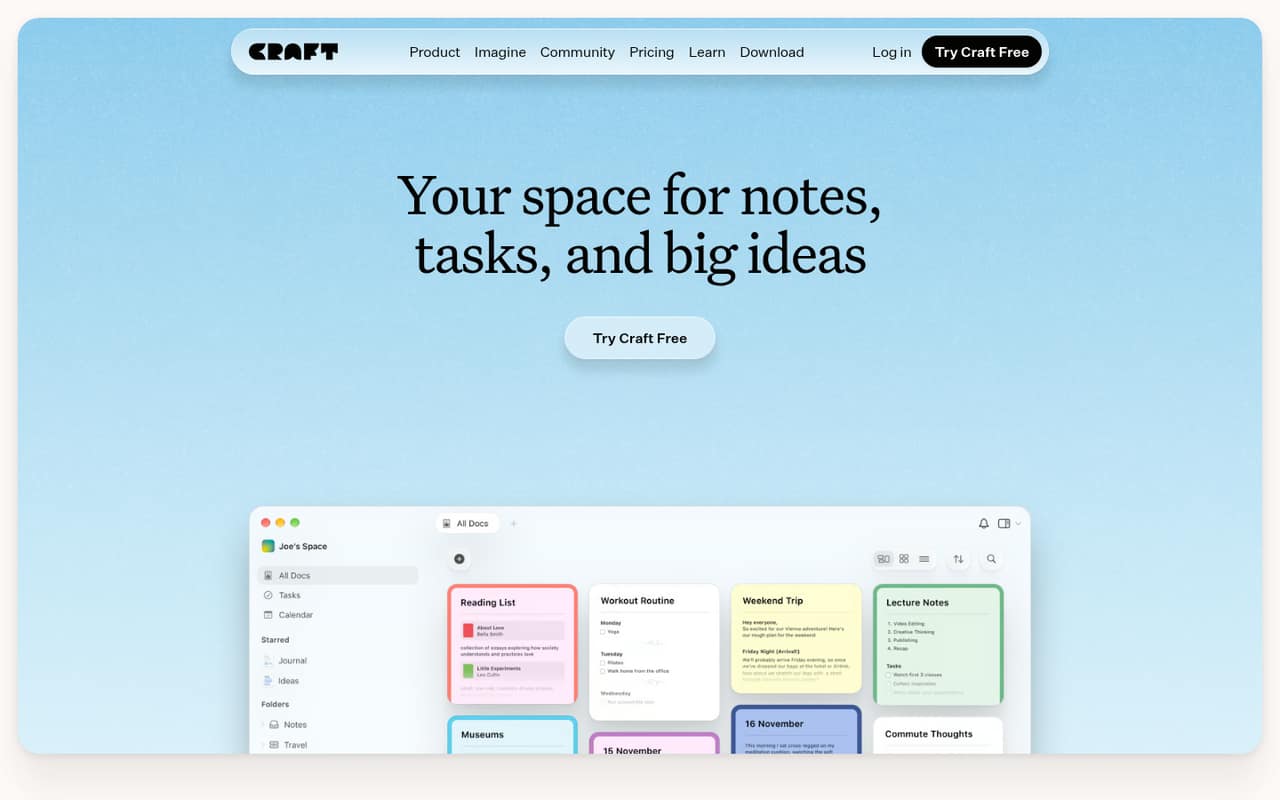
Craft suits small groups sharing documents and plans, especially people who organize work inside their notes or publish pages. It has a free plan and starts at $6.40, but the free plan is capped and team costs start at three seats. Check those limits against your group size; a solo user or pair may not get the same value as a three-person team.
What works
- Documents can hold connected tasks
- Calendar brings tasks and synced events together
- Spaces, folders, tags and collections organize work
What doesn't
- Free is capped at 1,500 blocks
- Free includes one personal space
- Free media uploads stop at 25 MB
- Best for maintained docsSliteSlite
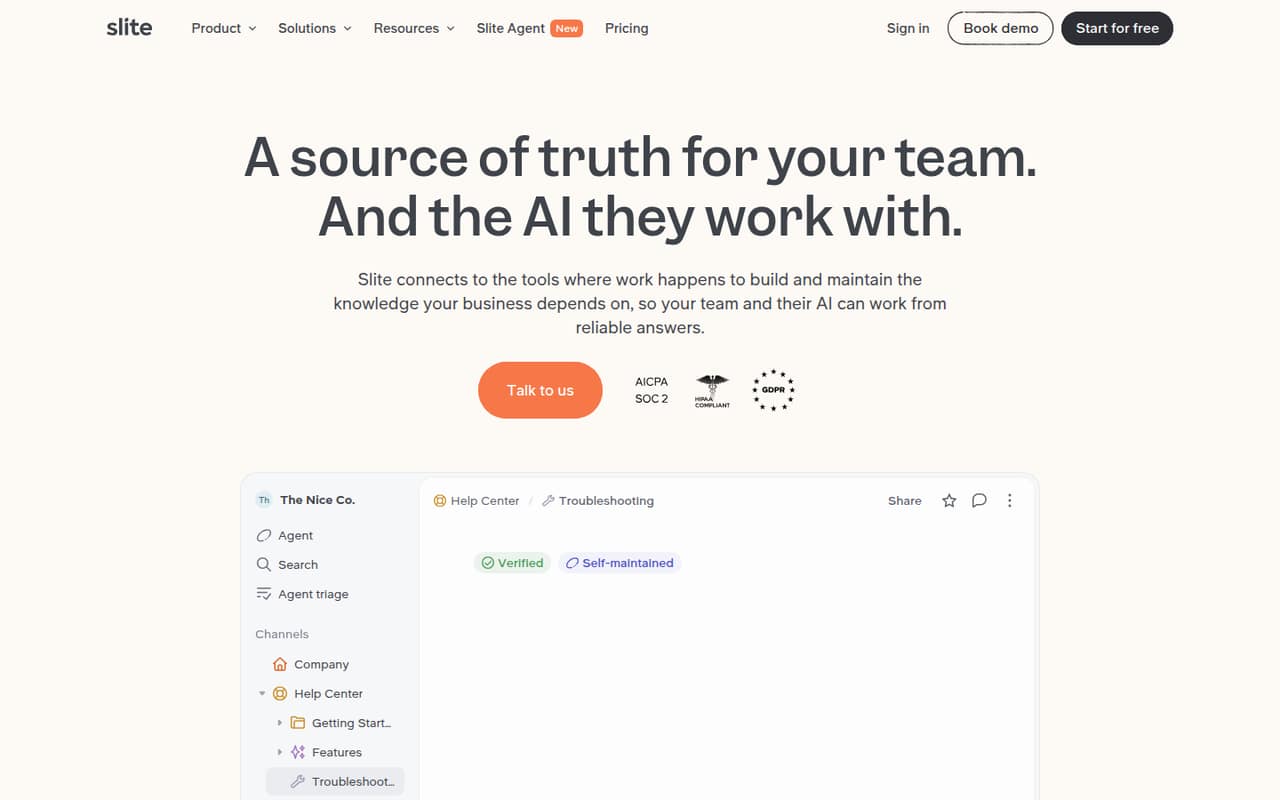
Slite is a fit for teams that keep procedures current and want to search across connected work tools. It starts at $10, and the listed positioning includes owners reviewing documentation regularly. The key small-team question is whether that per-seat cost is worth it for everyone who needs access. Check the plan details and decide who will maintain the shared knowledge.
What works
- Unlimited docs on Basic
- Cited AI answers across team knowledge
- Agent flags potentially outdated facts
What doesn't
- No free plan
- Monthly-plan prices are not published
- Basic limits AI questions and edits per seat
- Best for client portals
FuseBaseFuseBase
FuseBase is worth considering when client portals, internal documents, and client intake automation belong in the same service workflow. It has a free plan and starts at $32, so it is a bigger commitment than a basic team wiki. Choose it when client-facing work is central; if your need is simply shared internal documents, a simpler tool may cost less.
What works
- Free plan includes one portal and workspace
- Essentials supports five members and 100 clients
- Portals, docs, forms and tasks share one platform
What doesn't
- Free plan limits AI requests and automation runs
- Solo plan only includes one member and client
- Extra member seat prices require a sales inquiry

- Best for Salesforce teamsQuipQuip
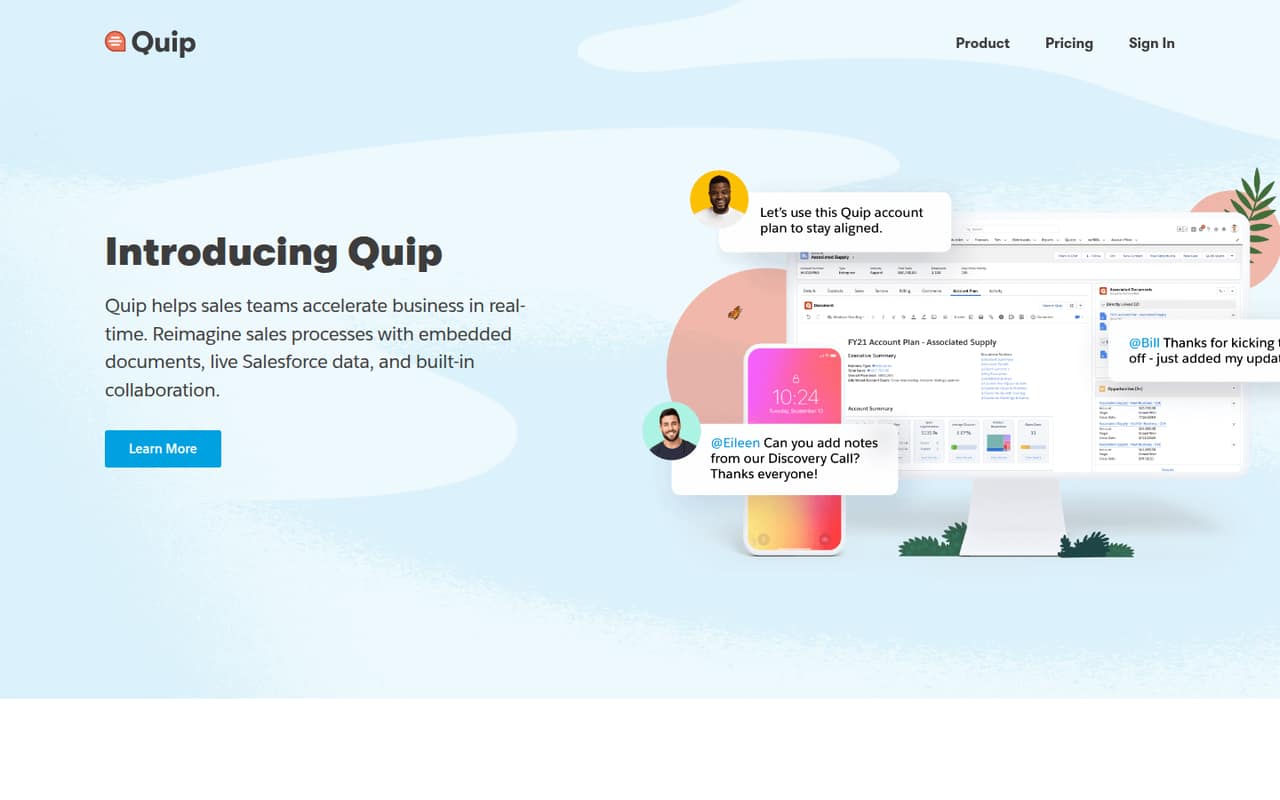
Quip brings documents, spreadsheets, and chat into Salesforce, which makes it most relevant to Salesforce-centered teams and shared account planning. It starts at $10, and the listed pricing is per seat. That adds up with each paid collaborator, so count the people who need access before comparing it with a general-purpose wiki or document tool.
What works
- Starter includes unlimited documents and spreadsheets
- Built-in chat works in docs and spreadsheets
- Spreadsheets can sit inside documents
What doesn't
- No free plan
- Starter costs per user
- Plus and Advanced monthly prices aren't published
- Best for shared citationsPaperpilePaperpile
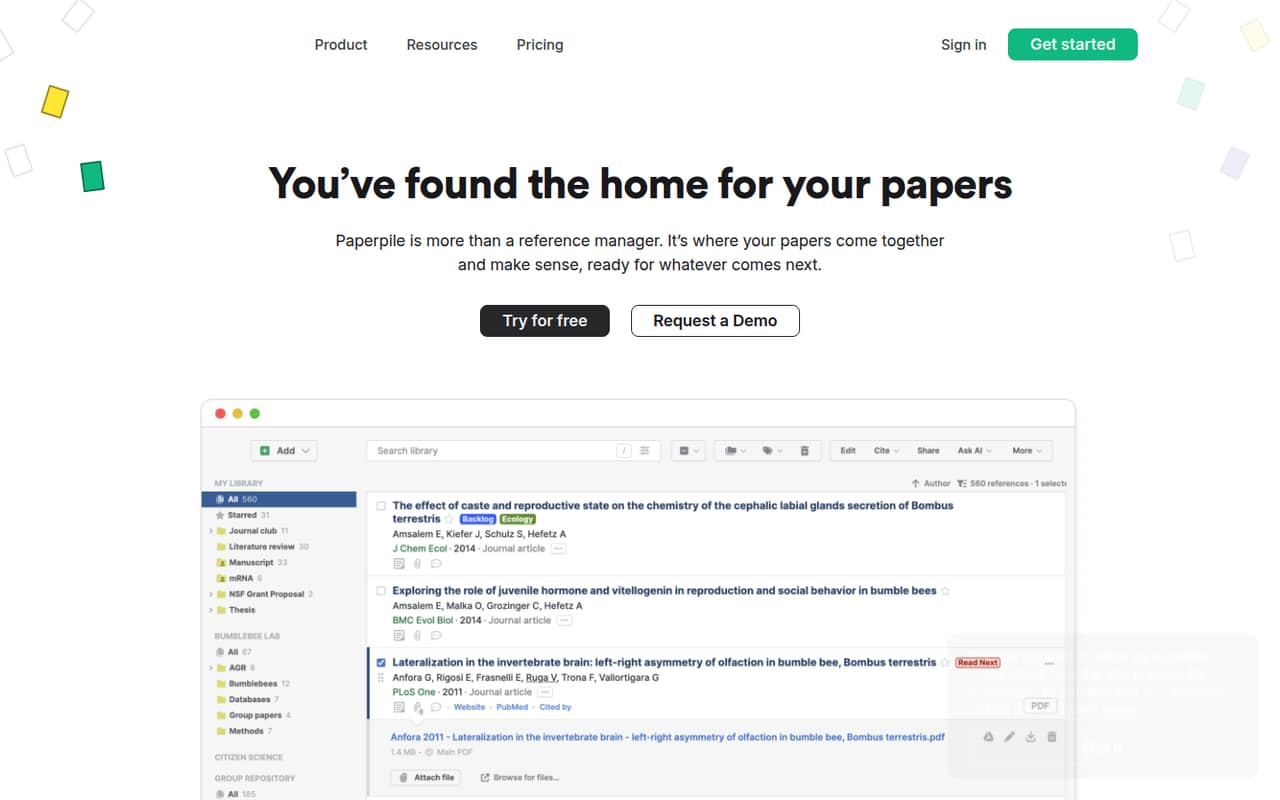
Paperpile is designed for research teams writing in Google Docs, sharing papers and annotations, or managing growing PDF libraries. Its listed starting price is $8.30. It is less compelling if a free reference manager already covers the team’s needs. Check how many collaborators require paid access and whether the shared-library workflow justifies another subscription.
What works
- Unlimited PDF storage on Regular
- Citations in more than 10,000 styles
- Word and Google Docs plugins
What doesn't
- No free plan
- Monthly billing is unavailable
- Annotations require Expert
- Best for tracked proceduresSweetProcessSweetProcess
SweetProcess is aimed at businesses that want procedures turned into trackable team tasks, particularly when they already have standard operating procedures. The entry price is $41.25, or $495 a year as listed, making it a meaningful expense for a small team. It’s best when assigning and tracking procedure-based work matters, not just storing documents.
What works
- Procedures, policies, and processes in one tool
- Turns documented steps into trackable tasks
- Version history supports review and rollback
What doesn't
- No free plan
- Small Team requires annual billing
- Small Team costs $495 per year
- Best research librariesEndNoteEndNote
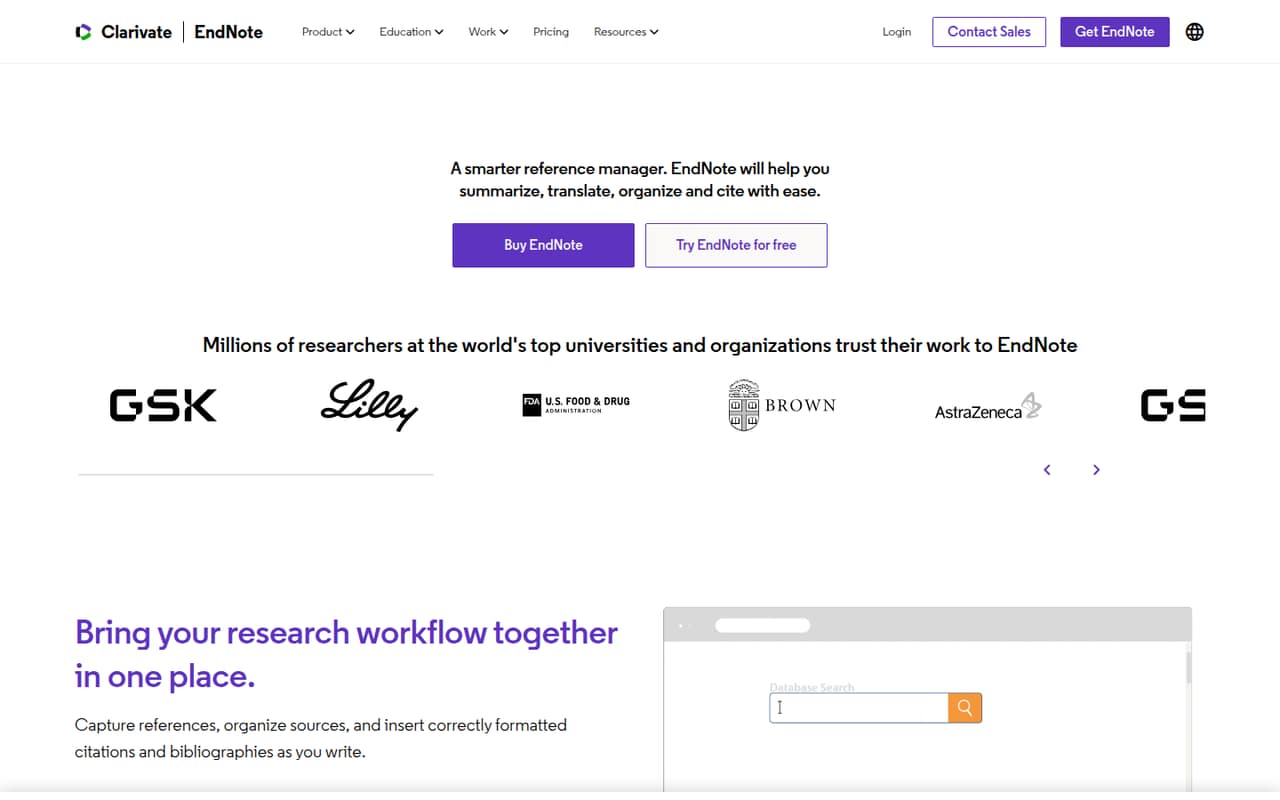
EndNote suits research-heavy teams sharing reference libraries and needing many citation styles. The listed starting figure is $140, and the product summary also notes a €310 first-time-user budget. Confirm the current price and license terms with the vendor before planning a team purchase. For a small group, its research-specific tools need to justify the cost over a simpler reference manager.
What works
- Access to over 7,000 citation styles
- Import references from databases, PDFs, and websites
- Smart groups, tags, folders, and automatic rules
What doesn't
- No free plan is listed
- First-time licenses cost €310 per person
- Three first-time licenses total €930 upfront
- Best branded workspacesClinkedClinked
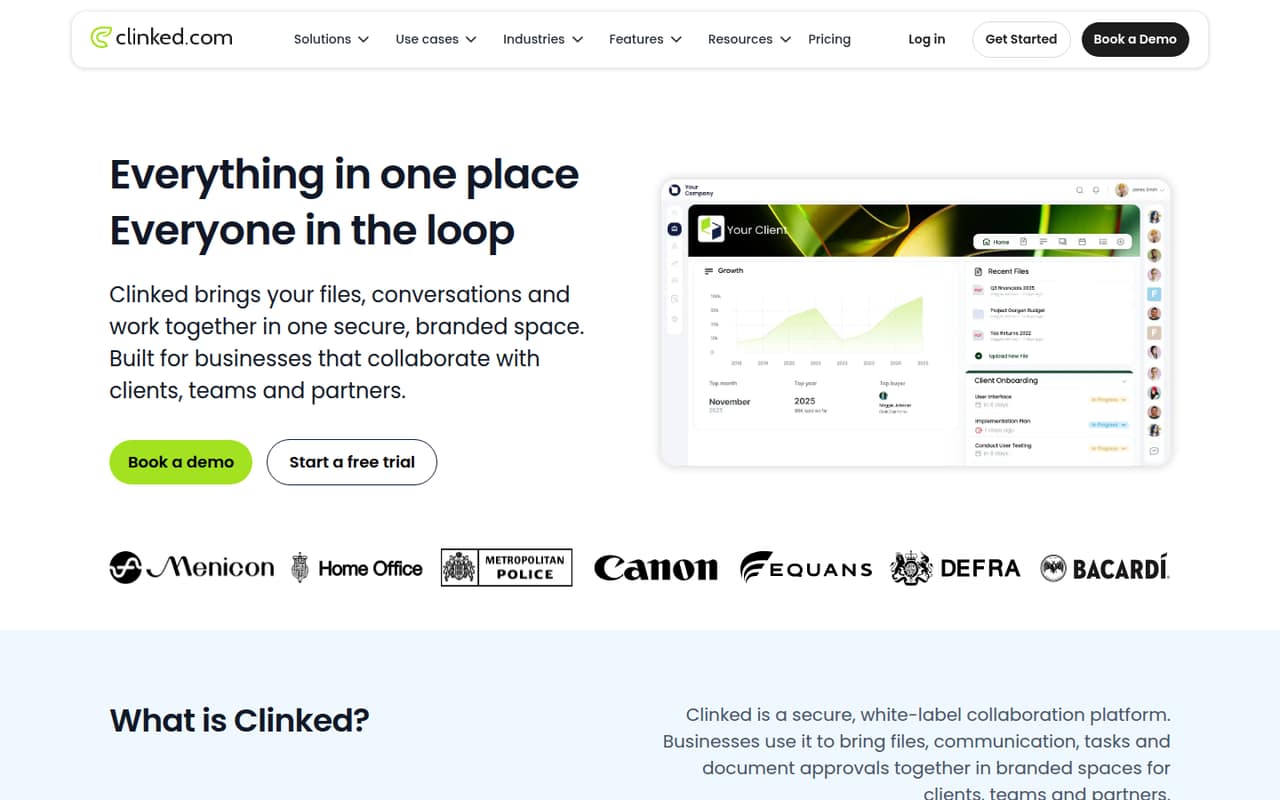
Clinked is built for client-facing project teams that need branded partner workspaces and document approvals. Its listed starting price is $11. That may be worthwhile when outside collaborators need a tailored shared space; it is less attractive if the team mainly wants an inexpensive internal workspace. Confirm the seat and plan terms for your expected client and staff access.
What works
- Combines files, conversations, tasks and approvals
- Branded workspaces support logos and colours
- Standard includes up to 100 members
What doesn't
- No free plan is listed
- Start Up is listed for one user
- Standard costs $239 monthly before annual billing
- Best intranet needsMyHubMyHub
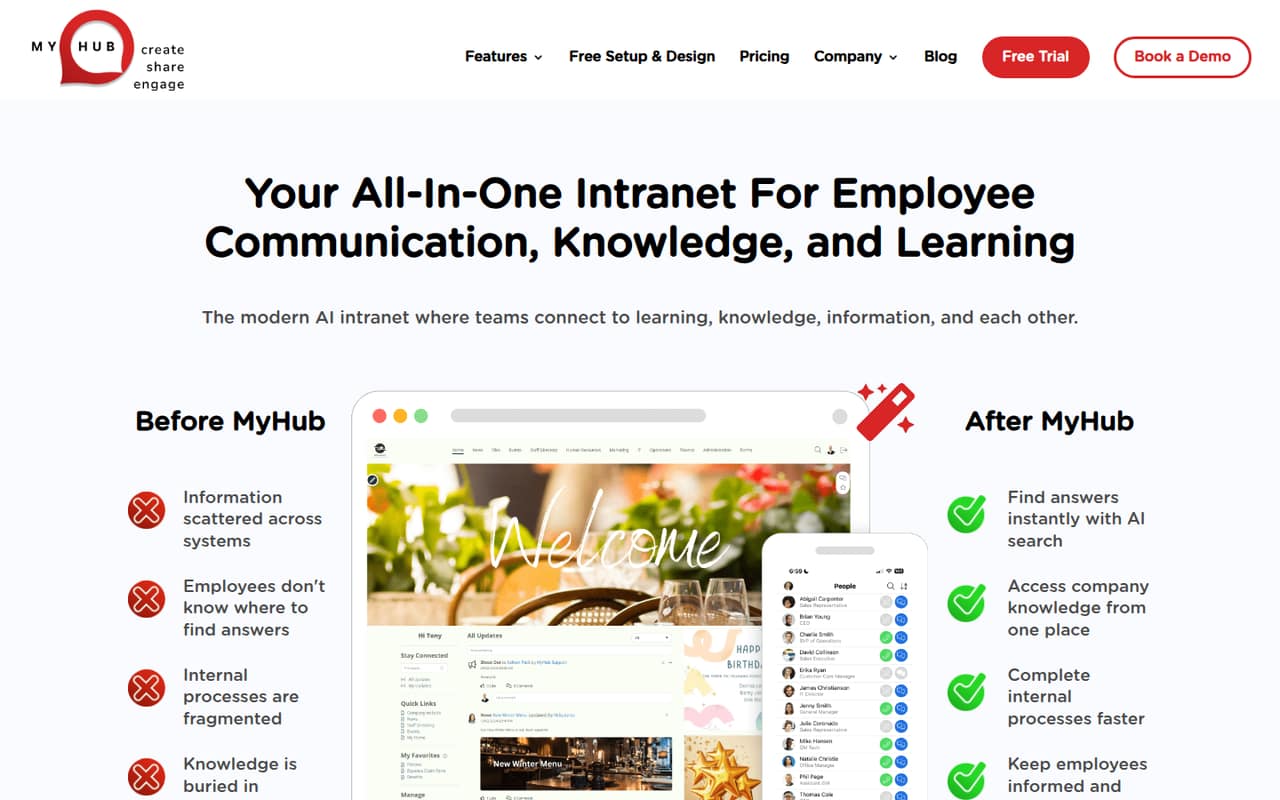
MyHub is positioned for centralizing company information and employee training, with nonprofits encouraged to ask about a discount. The vendor does not publish a starting price, so small-team value is hard to judge before speaking with sales. Ask for a quote for your headcount, setup requirements, and any training features you need, then compare that with a simpler knowledge base.
What works
- Combines communication, knowledge, and learning
- AI search helps find company information
- Unlimited data storage listed on plans
What doesn't
- No published starting price
- No free plan or trial listed
- LMS costs extra; price is not published
- Best document governanceM-FilesM-Files
M-Files is aimed at teams with compliance requirements, structured document workflows, or Microsoft 365-based operations. Its listed starting price is $65, and the added governance focus may be more than a typical small team needs. Consider it when document control is a real requirement. Ask the vendor about implementation effort, required services, and the total cost for your team.
What works
- Metadata connects documents to related people and work
- Lifecycle management supports document governance
- Configurable workflows adapt to business processes
What doesn't
- No free plan or trial is listed
- Essentials starts at $65 per seat monthly
- Subscriptions are typically billed annually
- Best free AI exploration
FYIFYI
FYI offers a $0 personal AI agent, with listed uses covering solo creators, project and call organization, and course-aware tutoring. It may be worth exploring individually, but team seat limits are unconfirmed. Ask the vendor whether the personal plan supports shared team work and what collaboration costs before putting business documents or team processes into it.
What works
- Free plan is listed at $0 per month
- Unlimited storage for digital files
- Agent can help with replies and scheduling
What doesn't
- User and seat limits aren't published
- Annual billing isn't published
- No paid plans are listed in current pricing

- Best controlled reviewsPleaseReviewPleaseReview
PleaseReview is aimed at regulated teams reviewing complex documents with multiple contributors, audit trails, and redaction. The vendor does not publish a starting price, so it is difficult to assess for a budget-conscious small team without a quote. Ask for pricing at your team size and confirm which review, audit, and redaction requirements are included in the quoted plan.
What works
- Supports simultaneous review and co-authoring
- Works with Word, Excel, PowerPoint, and PDF
- Zone permissions can restrict document access
What doesn't
- No free plan is listed
- Starting price is a custom quote
- Seat and usage limits aren't published
- Best IT adoption reportsInteractInteract
Interact is a specialized choice for IT teams tracking tool adoption, building tailored reports, and planning corrective actions. The vendor does not publish a starting price; teams need to request a quote. It is not a general-purpose document workspace, so shortlist it only when adoption reporting is the job. Ask for the smallest-team price and what setup the reports require.
What works
- Collects more than 800 indicators on PCs and tablets
- Monitors IT tool usage and adoption
- Presents collected indicators in dashboards
What doesn't
- No free plan is listed
- No free trial is listed
- Seat and usage limits are unpublished
- Best external collaborationIdeagen HuddleIdeagen Huddle
Ideagen Huddle focuses on secure external collaboration, sensitive shared documents, and client portals. Its 25-user minimum is larger than a team of 1–10, and the vendor does not publish a starting price. That makes it a poor budget fit for most small teams. Consider it only if the external collaboration needs are strong enough to justify the minimum and a custom quote.
What works
- Secure workspaces for cross-organization collaboration
- Supports file sharing and document collaboration
- Includes document version control
What doesn't
- No free plan is listed
- No free trial is listed
- Huddle Plus requires at least 25 users
03How we chose
We ranked these tools for teams of 1–10, not for the largest feature set. We gave more weight to a usable free plan, a clear starting price, and whether the product fits common small-team work such as a shared wiki, process guides, or collaborative writing. We also considered seat minimums, storage or feature limits, and setup demands such as self-hosting. Product documentation and user reports, including Reddit sentiment where available, are useful checks; we don’t treat them as substitutes for confirming current terms with the vendor. We did not run trials or benchmarks.
04Check the real cost for your headcount
A listed starting price is not always the price your team will pay. First count the people who need to create, edit, or administer documents, then check how the vendor charges for those roles. Scribe has a five-seat minimum for team collaboration, Craft team costs start at three seats, and Quip is listed per seat. Coda’s Doc Maker count matters when upgrading, while FYI’s team seat limits are unconfirmed. Ask the vendor for the cost at your actual headcount and whether view-only guests count as paid users.
Treat free plans as a way to check fit, not as a promise that your whole team can work indefinitely at no cost. Confirm storage, collaboration, and security limits before building your knowledge base there. If a key limit is not published, ask for it in writing.
05Match the tool to the work and setup
Start with the kind of documents your team actually shares. A general wiki such as Slab or Nuclino can suit company procedures; HackMD is aimed at Markdown collaboration, and Overleaf at LaTeX writing. If repeatable process guides are the priority, consider Scribe. These are different jobs, so don’t pay for a specialist tool unless its focus fits your work.
Then account for setup and upkeep. Docmost and Outline offer self-hosting options, which means someone on the team needs to own that choice and its ongoing work. For hosted tools, check the vendor’s docs for importing existing content, permissions, and sharing with outsiders. Ask for a walkthrough of anything important to your workflow. Pick the simplest tool that covers today’s needs, and revisit it when seat costs, limits, or document governance become a real constraint.
Questions people ask
Does a team of five need document collaboration software?
Not necessarily. If shared folders and basic editing already work, a separate tool may add cost and upkeep without solving a real problem. Consider a dedicated workspace when the team needs searchable procedures, structured knowledge, shared workflows, or specialist writing features.
What is a good free document collaboration tool for a small team?
Slab and Nuclino are worth a look for a shared team wiki, while HackMD suits Markdown-first groups of up to three on its free plan. Check each product’s limits before making it the permanent home for business documents.
How should we compare starting prices?
Count the people who need paid access and check seat minimums, role-based pricing, and plan limits. A $10 starting price does not tell you the team total if charges are per seat or a minimum number of seats applies. Ask the vendor for a quote at your actual headcount.
When should a small team move to a more advanced tool?
Move when a specific constraint starts slowing work: for example, you need stronger document governance, audit trails, client portals, or more capacity than your current plan allows. Confirm the new tool’s setup demands and full team cost before switching.