
We may earn a commission if you buy through links on this page. It never changes a score or a ranking. How we make money
The bottom line
Strong AML coverage for regulated businesses; the custom quote makes small-team costs tough to judge.
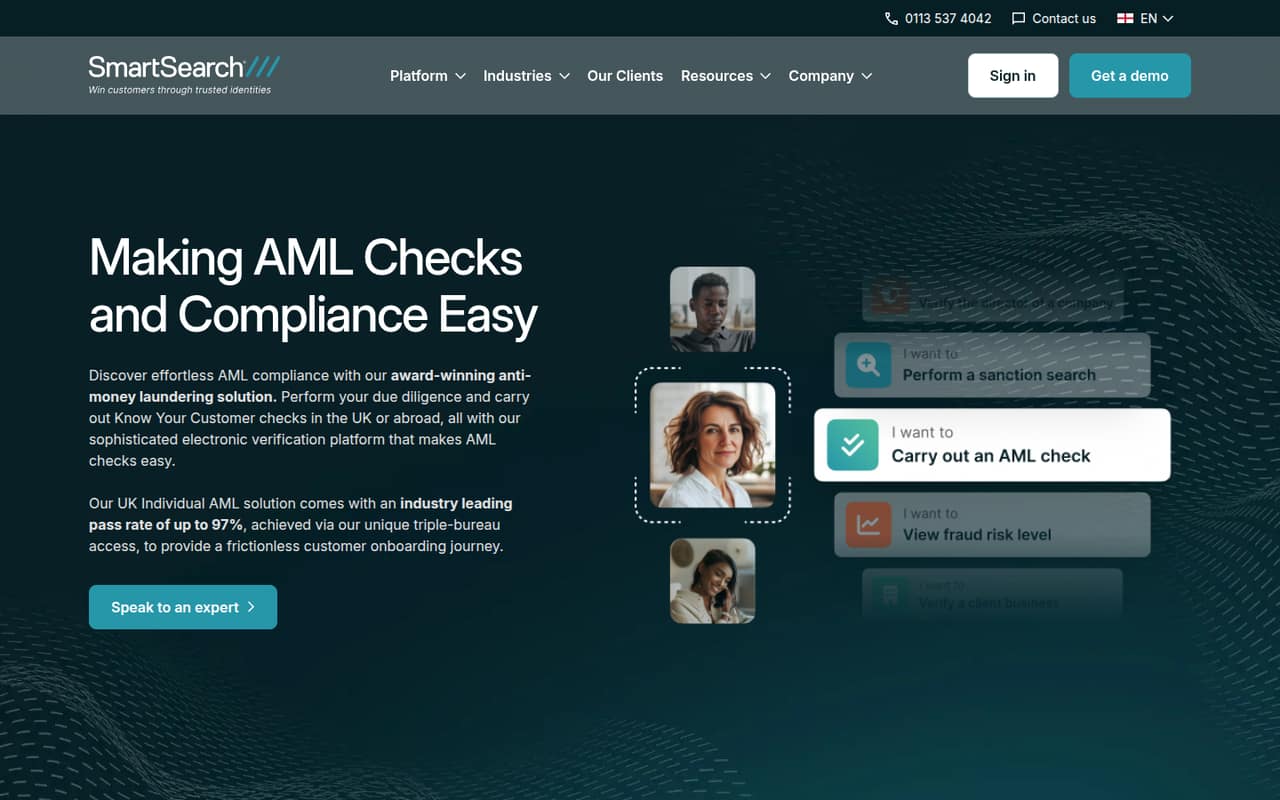
SmartSearch brings identity and business checks, sanctions screening, document verification, monitoring and risk assessment into a cloud-based compliance platform. It targets regulated businesses with UK and international clients.
There’s no free plan, trial or published starting price. SmartSearch uses custom quotes tied to a configurable tier and annual credit commitment, so teams of one, three or five need to ask for pricing before budgeting.
Good fit if
- Regulated businesses handling AML checks
- Teams screening UK and international clients
- Businesses needing ongoing client monitoring
Skip it if
- Teams that need a free starting tier
- Buyers requiring clear per-seat pricing
- Unregulated teams without AML duties
ScoresHow it rates
What works
- Electronic identity checks cover more than 200 countries
- Combines KYC and KYB checks
- Screens for sanctions, PEPs, SIPs and PSCs
- SmartDoc includes facial recognition technology
- Daily monitoring lasts for the contract lifetime
What doesn't
- No free plan
- No free trial is listed
- Starting price and seat costs are not published
- Annual credit commitment amount is not published
- Add-on and overage rates are not published
01Who SmartSearch is for
SmartSearch is aimed at regulated businesses that need to check customers or companies before onboarding and keep monitoring them afterward. That can include a small compliance team at a firm serving UK or international clients. The platform covers electronic identity checks, business checks, sanctions and politically exposed person screening, document verification, and risk assessment.
For a team of one to ten, the fit depends more on compliance workload and budget than headcount. SmartSearch says its electronic identity checks cover more than 200 countries, and daily monitoring is included for the lifetime of the contract. Those features may suit a small team handling varied client types, but the custom quote makes it difficult to know whether the price fits a tight budget before talking to sales. Teams that only need occasional checks should ask whether the annual credit commitment fits their expected search volume.
02SmartSearch free plan and trial
SmartSearch does not list a free plan or free trial. There is no self-serve free tier to try before putting the tool into a compliance workflow, so a small team should ask the vendor for a demonstration and a written quote before committing.
The cheapest way in is a custom-quoted configurable platform tier. SmartSearch says the quote depends on search types and frequency, with an annual credit commitment and agreed overage rate. The commitment amount and overage price are not published, so there is no confirmed minimum cost to use as a starting point. Ask what credit allowance the quote includes, whether unused credits expire, and what happens when searches exceed the allowance. Those details matter if your onboarding volume varies month to month.
03What a small team pays for SmartSearch
SmartSearch does not publish a monthly or annual price, a starting price, or a per-seat rate. Its pricing page lists custom quotes based on a configurable tier, an annual credit commitment, and the types and frequency of searches. That means we cannot calculate a reliable cost for one person or compare totals for three or five seats. Ask the vendor for both monthly and annual equivalents, if offered, and a quote showing the included credit allowance.
The annual commitment amount and overage rate are also not published. Search volume—not just headcount—helps determine the agreed allowance, so give the vendor a realistic estimate of checks by type. Potential add-ons include enhanced onboarding, dedicated Customer Success support and professional services; their costs are not published. A small team should request prices for each add-on separately and confirm whether support or onboarding is already included. Without those numbers, it is hard to compare SmartSearch fairly with per-seat compliance tools or set a dependable annual budget.
04Getting started with SmartSearch
SmartSearch describes itself as a cloud-based compliance platform, but its published details do not specify a setup timeline, implementation steps, or a learning curve. They also do not list integrations a team can connect on day one. We would not assume setup is self-serve or estimate the hours needed without asking the vendor.
Before signing, ask for a walkthrough of onboarding, user permissions, search workflows and reporting. Find out what information your team must provide, whether the vendor helps configure risk assessments, and whether enhanced onboarding or professional services are needed. Both are listed as possible paid add-ons, but their prices are not published. A small team should also confirm how checks fit its existing client intake process and whether any required integrations are supported. SmartSearch lists its checks and monitoring features, but setup specifics are not published.
05When small teams outgrow SmartSearch
SmartSearch does not publish seat limits, search caps or a standard upgrade threshold, so there is no stated headcount at which a team must move to another tier. Its allowance depends on search types and frequency, and extra usage is billed at an agreed rate. The annual credit commitment and overage rate are not published, making rising search volume the first budget pressure to clarify with the vendor.
A growing team should revisit its quote when it adds users, serves more clients, or needs more frequent checks. Ask whether the existing credit commitment still covers that workload and how a higher allowance changes the price. Add-on costs for Customer Success, onboarding and professional services may also affect the total. SmartSearch’s listed features cover a wide set of AML tasks, but if your team needs specific integrations, seat-based pricing or predictable usage caps, confirm those requirements before expanding. The vendor does not publish those details as standard terms.
Questions people ask
Does SmartSearch have a free plan?
No free plan is listed for SmartSearch. The vendor also does not list a free trial. A small team should ask for a demonstration and a written quote, including the annual credit commitment and any costs for setup or support, before deciding whether the platform fits its budget.
How much does SmartSearch cost?
SmartSearch uses custom quotes. Its pricing depends on the configurable platform tier, annual credit commitment, and search types and frequency. The vendor does not publish a starting price, monthly or annual totals, or per-seat rates, so ask for a quote based on your expected usage and team size.
What checks does SmartSearch offer?
SmartSearch lists electronic identity checks, business checks, sanctions screening, document verification, monitoring and risk assessment. Its screening includes sanctions, PEPs, SIPs and PSCs. SmartDoc checks documents and includes facial recognition technology, while identity checks cover domestic and international clients in more than 200 countries.
Does SmartSearch monitor clients after onboarding?
Yes. SmartSearch says it provides daily monitoring for the lifetime of the contract. Before buying, ask which searches are covered by your agreed credit allowance, how frequent monitoring affects usage, and what overage charges apply if your account goes beyond that allowance.
What does SmartSearch charge for onboarding or support?
Enhanced onboarding, dedicated Customer Success support and professional services are listed as possible add-ons. Their prices are not published. Ask the vendor which support is included in your quote and request separate costs for any onboarding or professional services your team expects to need.