
We may earn a commission if you buy through links on this page. It never changes a score or a ranking. How we make money
The bottom line
SmartVault suits accounting workflows, but seat minimums and no free plan raise the entry cost.
SmartVault brings client document collection, tax workflows, file sharing and archiving into one hub for accounting firms. Its integrations and compliance features are useful for tax teams, while the pricing page lists seat minimums that make it a tough buy for a solo operator.
Good fit if
- Small tax and accounting firms
- Teams needing tax software integrations
- Firms replacing scattered client files
Skip it if
- Solo users on a tight budget
- Teams wanting a free tier
- Non-accounting teams needing basic storage
ScoresHow it rates
What works
- Covers client collection through tax-return delivery
- Unlimited cloud storage on listed plans
- Integrates with major tax preparation tools
- Unlimited clients and external collaborators
- Lists SOC 2 Type 2 compliance
What doesn't
- No free plan
- Business Pro requires three seats
- Accounting plans require two seats
- Trial duration and terms are not stated
- Some add-on prices are not published
01Who SmartVault is for
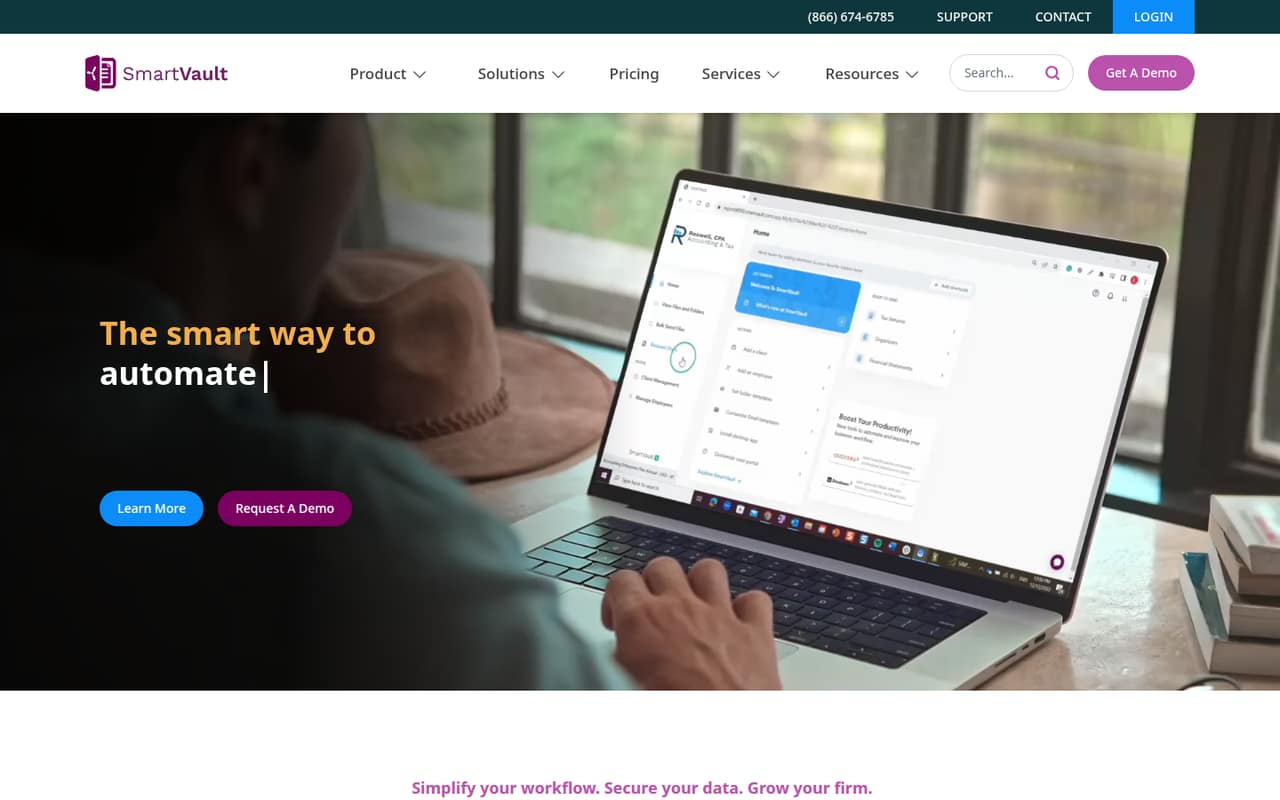
SmartVault is for accounting firms that want one place to collect client documents, manage tax work, deliver returns and archive files. The homepage describes a document hub for onboarding, document collection, tax preparation, delivery and archiving. It also lists secure sharing, audit logs and integrations with tools including Lacerte, ProConnect, ProSeries, UltraTax CS and Drake.
For a team of 3 to 10, it can be a fit when those tax workflows matter enough to justify a dedicated system. The pricing page lists unlimited storage and clients, but the entry plans still have seat minimums and per-user charges. That is a meaningful commitment for a small firm watching its software budget. Solo users and teams outside accounting may find the minimums hard to justify if they mainly need general file storage or occasional sharing. SmartVault says its service is SOC 2 Type 2 compliant and built to meet IRS and FTC Safeguards requirements.
02SmartVault free plan and trial
SmartVault has no free plan. The pricing page does list a trial, but it does not state the trial’s duration or terms, so ask the vendor what access includes and whether a payment method is required.
The cheapest entry depends on your work. Accounting Pro is listed at $65 per user per month with annual billing and requires two users, so the minimum is $130 per month on annual billing or $170 with monthly billing. That plan includes accounting software integrations. Business Pro is the general small-business option, but it requires three users: $195 per month at the annual rate or $255 with monthly billing. Neither route is a low-cost solo plan, and the trial is the only listed way to evaluate SmartVault before paying.
03What a small team pays for SmartVault
The pricing page lists Business Pro and Accounting Pro at $65 per user per month with annual billing, or $85 with monthly billing. Business Pro requires three users; Accounting Pro requires two. A single seat is not available at either minimum. The listed seat rate for one person is $65 or $85, but a solo buyer would have to meet a plan’s minimum instead.
For three users, either core plan costs $195 per month at the annual rate or $255 with monthly billing. For five users, that is $325 or $425 per month. Annual prices are per-user monthly rates; the total annual bill is higher because it covers 12 months. Accounting Unlimited costs $85 per user monthly with annual billing or $110 with monthly billing, with a two-seat minimum.
SmartRequestAI is available to annual Accounting Pro and Accounting Unlimited customers at $15 per return in 50-request bundles, or $750 per bundle. The pricing page says volume discounts are available. Other features marked as add-ons do not have published prices.
04Getting started with SmartVault
SmartVault setup means organizing clients, teams, documents and workflows in a central hub, then connecting the tax or accounting software your firm uses. Listed integrations include Lacerte, ProConnect, ProSeries, UltraTax CS and Drake. The vendor does not publish a setup timeline here, so ask about onboarding help, migration and configuration before you commit.
There is no clear Reddit report of a SmartVault implementation experience. A thread from a small law firm shows a team considering it after demos, but that is not a report of how setup went. One SmartVault user says cloud actions through Connected Desktop or a mapped drive communicate with the cloud, which can feel slower than a local server, especially with folders or many small files. Another commenter said they had not noticed a slowdown. Plan time to confirm your workflow and connection setup rather than assuming it will behave like a local drive.
05When small teams outgrow SmartVault
The first pressure point is cost: Business Pro starts at three seats, while both Accounting plans start at two. Adding people increases the bill at the listed per-user rate, and Accounting Unlimited raises that rate in exchange for unlimited e-signatures, PDF form fillers, quotes and proposals. SmartRequestAI and other add-ons can add more cost.
A team may also outgrow SmartVault if it wants a broader practice-management system rather than a document hub and tax workflow tool. SmartVault’s listed features focus on document management, sharing and tax work; the pricing page does not list general invoicing or project-management features. Reddit discussion is limited and mixed: one small law firm considered SmartVault as a lower-cost option, while a tax user reported slow downloads and another said they had not noticed a change. Treat those reports as individual experiences, not a guarantee of performance.
From the threadsWhat users say
Reddit sentiment is mixed but limited: a small law firm considered SmartVault as a potentially less expensive fit, while a tax user complained about slow downloads. Another commenter reported no slowdown, so the performance feedback is not consistent.
it is half the cost and appears to do what we need
Sometimes minutes to download a file
I haven't noticed a change
it can feel slower than a traditional network drive
Questions people ask
What is SmartVault used for?
SmartVault is document management and tax workflow software for accounting firms. The homepage describes using it to onboard clients, collect documents, prepare and deliver returns, and archive files. It also provides secure document sharing, audit logs and integrations with tax and accounting tools.
How much does SmartVault cost?
Business Pro and Accounting Pro are listed at $65 per user per month with annual billing or $85 with monthly billing. Business Pro requires three users; Accounting Pro requires two. Accounting Unlimited costs $85 with annual billing or $110 monthly, also with a two-user minimum.
Does SmartVault have a free plan or trial?
SmartVault does not have a free plan. Its pricing page lists a trial but does not state the duration or terms. Ask the vendor what the trial includes and whether you need to provide payment details before signing up.
Which accounting software does SmartVault integrate with?
SmartVault lists integrations with Lacerte, ProConnect, ProSeries, UltraTax CS and Drake. Accounting Pro includes accounting software integrations, as does Accounting Unlimited. Confirm that your specific version and workflow are supported with the vendor before choosing a plan.
Does SmartVault have a mobile app?
The available SmartVault homepage and pricing information do not identify whether a mobile app is available or which features it supports. Ask the vendor whether staff and clients can use an app for document uploads, approvals and file access, or whether they need a browser.