
We may earn a commission if you buy through links on this page. It never changes a score or a ranking. How we make money
The bottom line
Useful spend controls for finance teams; no free plan or published price makes the budget hard to assess.
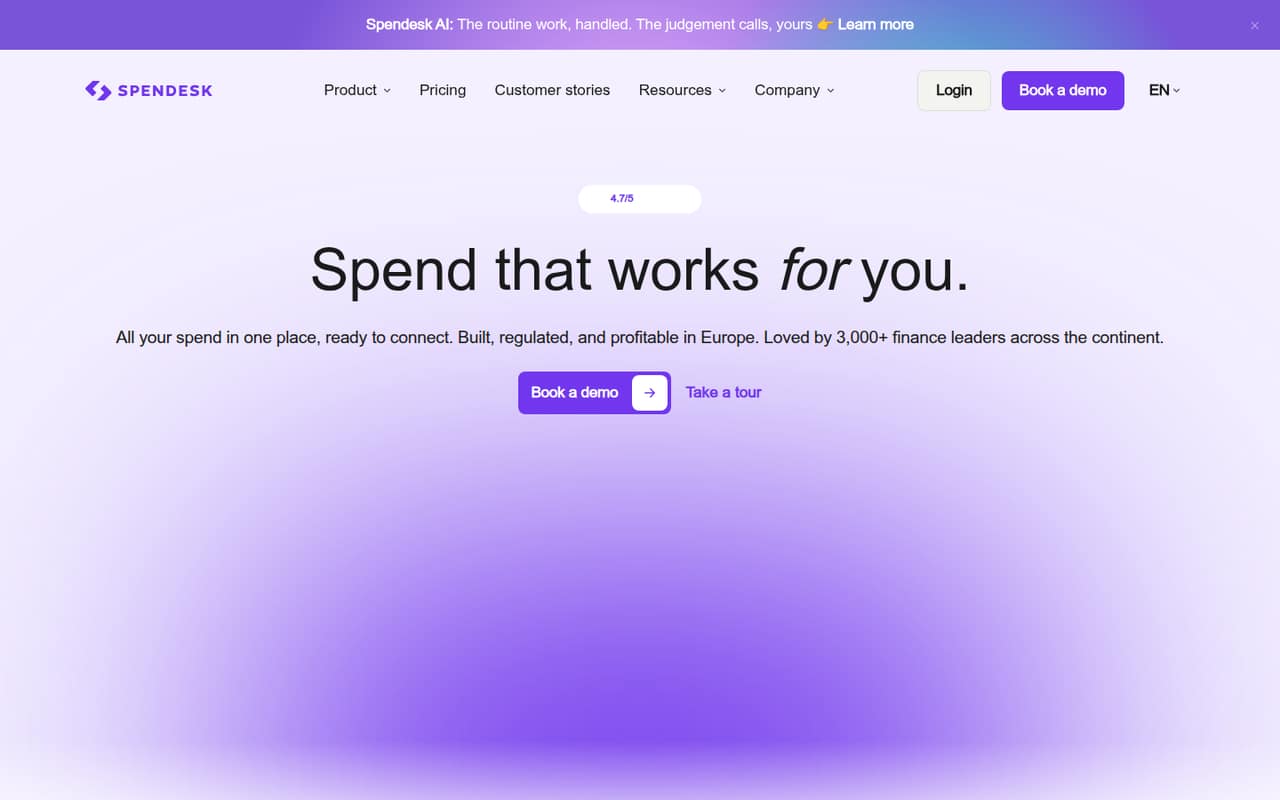
Spendesk combines corporate cards, expenses, invoices, procurement and budgets in one platform. That can suit a small team that wants finance workflows in one place, but it is more tool than many teams need for basic reimbursements.
There is no free plan, and Spendesk doesn’t publish prices for its plans. A small team will need a quote before it can compare the real cost of one, three or five seats.
Good fit if
- Finance teams centralizing company spend
- Teams needing card and invoice controls
- Companies managing multiple entities
Skip it if
- Teams that need a free tool
- Buyers requiring clear seat pricing
- Teams with only basic reimbursements
ScoresHow it rates
What works
- Cards, expenses, invoices and budgets in one platform
- Unlimited physical and virtual cards on listed plans
- Foundations includes unlimited users
- Premium lists 500 monthly transactions
- Procurement and workflow add-ons are available
What doesn't
- No free plan
- Monthly and annual prices aren’t published
- Seat caps aren’t published for most plans
- Several useful add-on prices aren’t published
- Overage costs beyond listed card fees aren’t published
01Who Spendesk is for
Spendesk is aimed at finance teams that want company cards, expense claims, invoices, procurement and budgets managed together. Its listed plans don’t set a minimum team size, and Foundations includes unlimited users, so a team of one to ten can ask for a quote. But a small team should weigh that breadth against its actual workload: if the main need is occasional reimbursements, a platform covering multiple finance processes may be more than it needs.
The best fit is a team that wants spend controls across employees, teams or entities, and can justify paying for a connected finance system. Spendesk lists unlimited physical and virtual cards across its plans, with transaction limits varying by plan. Procurement, accounts payable and advanced workflows are add-ons on Foundations, and their prices aren’t published. Before requesting a quote, list the features you need and your expected monthly transactions; those details will help you compare the offer with a simpler tool.
02Spendesk free plan and trial
Spendesk doesn’t offer a free plan. A free trial isn’t listed, so ask the vendor whether a trial or guided demo is available before planning a rollout. That means there’s no no-cost tier for a small team to keep using while it decides whether the workflows are worth paying for.
The cheapest way in is Foundations, but Spendesk doesn’t publish its price. The plan lists unlimited users and unlimited physical and virtual cards, with variable transaction usage; its thresholds and rates aren’t published. Foundations also lists Procurement, Accounts Payable, Advanced Workflows & Policies, Multi-Entity Management, HR & ERP Integrations, and AI Automation & Fraud Detection as add-ons. Their prices aren’t published either. Ask for a quote that separates the base plan, transaction charges and each add-on you need.
03What a small team pays for Spendesk
Spendesk’s pricing page lists four quote-based plans: Foundations, Essentials, Scale and Premium. It doesn’t publish monthly or annual prices, so we can’t calculate the cost for one person or a three- or five-person team, or compare monthly billing with annual billing. Foundations includes unlimited users; seat caps for the other plans aren’t published. Ask the vendor for a written quote for your exact team size and billing term.
The listed transaction allowances may help narrow the quote: Essentials and Scale include 100 transactions per month, while Premium includes 500. Foundations has variable transaction usage, but its thresholds and rates aren’t published. Scale includes multi-entity management for up to five entities; Essentials lists it for up to three, with fees not published. Foundations lists procurement, accounts payable and other add-ons at unlisted prices. Card fees listed are 2.99% for currency conversion and 0.75% for ATM withdrawals, with a minimum of €1.00 or €2.50 in foreign currencies. Other overage costs aren’t published.
04Getting started with Spendesk
Spendesk brings several finance workflows together, so setup will take more planning than turning on a card alone. Decide who approves card spend, expenses, invoices and purchase requests, then confirm which budgets and controls your team needs. Those are practical setup questions based on the listed features, not a published setup-time estimate; Spendesk doesn’t publish how long implementation takes here.
Integrations matter early if finance needs transactions and invoices to reach accounting or HR systems. Foundations lists HR and ERP integrations as an add-on, but the integration names, fees and setup steps aren’t published. A Reddit post about Spendesk’s MCP describes asking questions about spend, suppliers and payables through Claude, ChatGPT, Dust or Langdock. That may be useful for some teams, but it doesn’t replace checking core accounting connections. Ask Spendesk which integrations are included in your quote, who configures them and what training or support comes with setup.
05When small teams outgrow Spendesk
A team may need a higher plan when it regularly exceeds the transaction allowance: Essentials and Scale list 100 transactions a month, while Premium lists 500. Scale’s multi-entity management covers up to five entities; Premium lists unlimited entity management. Foundations uses variable transaction usage, but its thresholds and rates aren’t published. Before growing into a higher tier, ask for the cost of extra transactions and entities in writing.
A team can also outgrow the budget before it outgrows the features. Seat caps aren’t published for most plans, and plan prices and several add-on fees aren’t published, so growing headcount can make forecasting difficult. One Reddit post describes integrations, scalability and support as limitations reviewers cite, but it gives no detail on how common those concerns are. Another Reddit discussion highlights the need to keep AI access auditable. Treat these as prompts for vendor questions, not proof that every team will hit the same issues.
From the threadsWhat users say
The available Reddit discussion is too limited to establish broad user sentiment. The posts show interest in finance automation and structured invoicing, alongside practical concerns about controls and invoice exceptions.
Spendesk MCP lets you ask an AI assistant questions about your financial data using natural language
The biggest MCP win is not conversational access by itself, but reducing the distance between a question and an auditable answer
most of the existing process stays the same, but invoices should arrive automatically in structured format instead of as emailed PDFs
Supplier invoices, especially the exception path when a supplier VAT ID is invalid or the legal name doesn't match the incoming invoice
Questions people ask
What does Spendesk do?
Spendesk is a spend management platform for finance teams. It brings corporate cards, expenses, accounts payable, procurement and budgets into one system. Listed features include spend controls, approval workflows, transaction matching and reconciliation. A small team can use it to manage more of its spending process in one place, but should check which features are included in its quoted plan.
How much does Spendesk cost?
Spendesk doesn’t publish monthly or annual prices; its plans are quote-based. Foundations, Essentials, Scale and Premium have different transaction allowances and capabilities, while prices for add-ons and some entity features aren’t published. Ask for a quote that spells out the cost for your team size, billing term, transaction volume and required add-ons.
Does Spendesk have a free plan or trial?
Spendesk doesn’t offer a free plan, and a free trial isn’t listed. The lowest entry point is Foundations, but its price is quote-based and not published. Ask the vendor whether it offers a trial or demo, and request the total cost for the features your team expects to use.
Is Spendesk available in the USA?
Spendesk’s availability in the USA isn’t specified in the published details here. The pricing information lists USD as the currency, and it lists card fees for currency conversion and ATM withdrawals, but that doesn’t confirm where the service or cards are available. Ask Spendesk to confirm US eligibility, card availability and any location-specific fees.
How many transactions do Spendesk plans include?
Essentials and Scale list 100 transactions per month, while Premium lists 500. Foundations has variable transaction usage, but its thresholds and rates aren’t published. Ask Spendesk how it counts transactions, what happens when you exceed the allowance, and whether overage charges apply to your quote.
Sources
- Spendesk homepage
- Spendesk pricing, compiled via web search from techzella.com, expenditure.ai, buckinghamcapitalconsulting.com, g2.com, topalternatives.to, auditfriendly.co, airwallex.com
- Reddit: Want to ask Spendesk questions in Claude, ChatGPT or Dust? Here’s how MCP works
- Reddit: What actually changes in Spendesk when French e-invoicing starts?
- Reddit: The 6 best Spendesk alternatives of 2026