
We may earn a commission if you buy through links on this page. It never changes a score or a ranking. How we make money
The bottom line
Good for interactive 3D without building everything from scratch; budget for seats when you need clean exports.
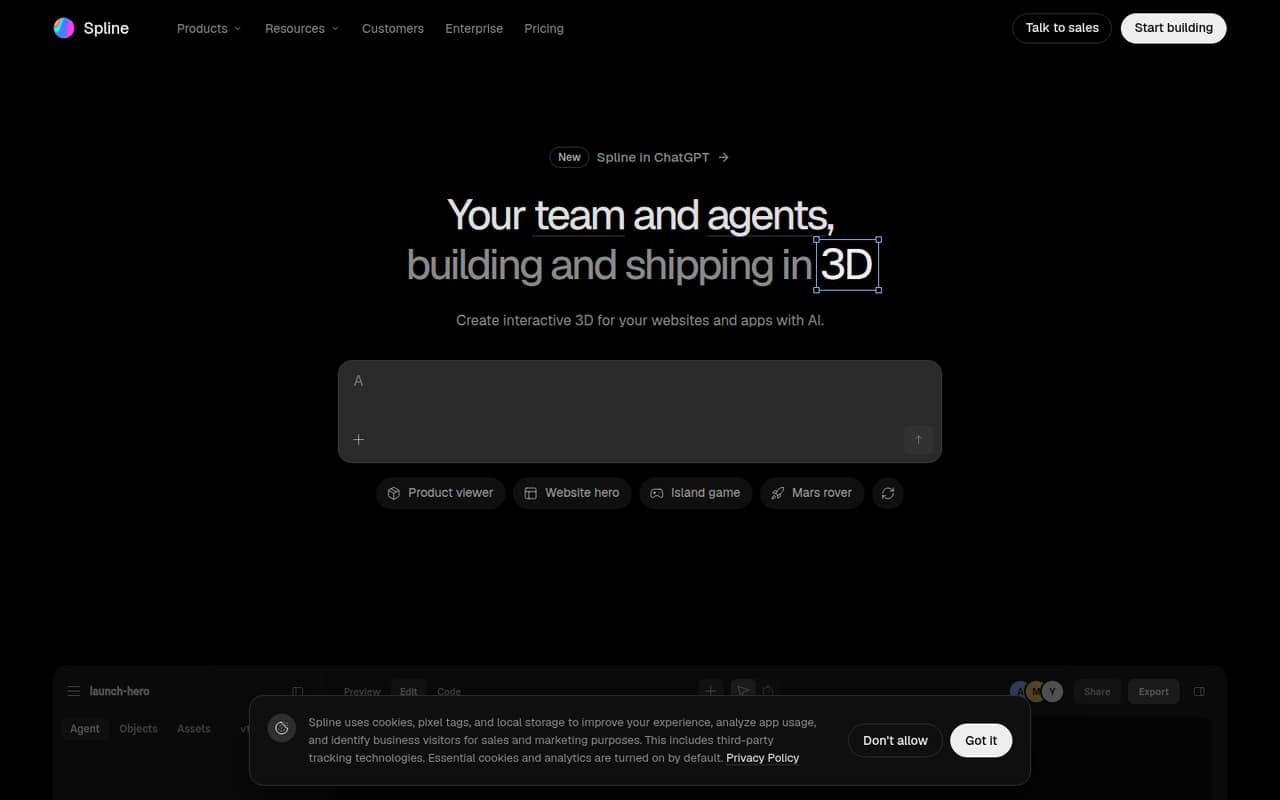
Spline lets a small team build interactive 3D scenes for websites and apps, with modeling, animation, interaction, and AI-agent editing in one editor. The free plan is useful for trying it or sharing scenes, but its web exports carry a watermark and personal files are limited.
For clean web exports, Hobby starts at $12 per seat monthly with annual billing, or $15 month to month. Teams that need Apple and Android exports need Pro, starting at $25 per seat monthly with annual billing. Reddit reactions are mixed: one user objected to paying to export simple scenes, while another praised an alternative project rather than Spline itself.
Good fit if
- Small teams building interactive web scenes
- Designers sharing 3D previews
- Teams using MCP-compatible AI agents
Skip it if
- Teams needing unlimited free files
- Mobile exporters on a tight budget
- Teams seeking published support details
ScoresHow it rates
What works
- Free plan includes unlimited viewers
- Modeling, materials, lighting, animation, and interaction in one editor
- AI agents can read and edit scenes
- Hobby removes the web-export watermark
- Pro includes Apple and Android exports
What doesn't
- Free plan limits personal files
- Free web exports carry a watermark
- Paid plans charge per seat
- MCP tool calls have daily caps
- Priority support is listed only on Max
01Who Spline is for
Spline suits a solo creator or a small team of roughly one to ten people that wants interactive 3D for a website or app without building every scene in code. The editor covers modeling with primitives, booleans, sculpting, and 3D generation, then lets you add materials, lighting, animation, events, and physics. Teams can publish scenes to the web or ship them in iOS and Android apps.
For a tight budget, the Free plan can be enough to explore the editor or share scenes with unlimited viewers. A team publishing clean web exports should budget for Hobby; a team that needs Apple or Android exports should look at Pro. AI agents can also work in the same editable file through MCP-compatible connections. Spline is less compelling if you only need a static 3D model or do not expect to use its interactive editor and publishing workflow.
02Spline free plan and trial
Spline’s Free plan costs $0 and includes 20 MCP tool calls per day, limited personal files, unlimited viewers, access to the Spline Library, and web exports with a watermark. That makes it a reasonable way to try scene creation or share a watermarked preview, especially if collaborators only need to view the result.
The main stopping points are the file limit and the watermark. Hobby starts at $15 per seat monthly, or $12 per seat monthly with annual billing, and includes unlimited 3D and 2D files plus web exports without a watermark. The pricing page lists a free plan; it does not list a separate free trial. If your first project needs a clean web export, plan for Hobby rather than assuming Free covers final publishing.
03What a small team pays for Spline
The pricing page lists Hobby at $15 per seat monthly, or $12 per seat monthly with annual billing. That works out to $15 or $12 per month for one person; for three seats, $45 monthly or $36 per month on annual billing ($432 per year); for five, $75 monthly or $60 per month on annual billing ($720 per year). Hobby adds unlimited files and removes the web watermark.
Pro is the plan to price if the team needs Apple and Android exports: $30 per seat monthly, or $25 with annual billing. Three seats cost $90 monthly or $75 per month on annual billing ($900 per year); five cost $150 monthly or $125 per month on annual billing ($1,500 per year). Pro also lists 3,000 AI credits per seat monthly. Extra AI credits cost $5 per month per seat for 1,000 more, with plan-specific caps; annual pricing lists those increments at $48 per year. Spline Expert Partners are optional, with custom pricing not published.
04Getting started with Spline
A small team can start by building a scene in the editor, then adding materials, lighting, animation, and interaction before publishing it to the web or an app. That is a broader workflow than making a static image, so expect some learning time for the editor’s modeling and interaction tools. Spline’s AI agents can help build in the same editable file, but the team still needs to decide what the scene should do and review the result.
For day one, the clearest named connection is an MCP-compatible agent: plans list daily MCP tool-call allowances, and the product supports agents reading and editing scenes. The product description does not name other required integrations for basic web publishing. Teams targeting mobile should account for the plan requirement too: Apple and Android exports are listed on Pro, not Free or Hobby.
05When small teams outgrow Spline
The first upgrade trigger is usually a publishing need: Free puts a watermark on web exports and limits personal files, while Hobby removes the watermark and includes unlimited 3D and 2D files. If the scene needs Apple or Android exports, Pro is the listed step up. A team with heavier AI use may need Max, which raises the allowance to 10,000 AI credits per seat monthly and 400 MCP tool calls per day; Enterprise lists SAML SSO, self-hosted exports, and file version history.
Per-seat pricing adds up as more people need paid access, and MCP calls and AI credits have plan limits. Reddit reactions point to a possible cost concern: one poster said they were tired of paying $20 a month to export and tweak simple scenes. Another commenter said they had never understood Spline, while a different user praised an alternative browser tool. Those are individual opinions, not a measure of every team’s experience.
From the threadsWhat users say
Reddit sentiment is mixed. One poster complained about paying to export simple scenes, while comments range from confusion about Spline to praise for a separate project.
I was honestly tired of paying the $20 monthly fee just to export and tweak simple interactive 3D scenes
i never understood spline, honestly
Love this
Way to laggy on my new iPhone but also awesome initiative
Spline in the news
Questions people ask
Is Spline completely free?
No. Spline has a free plan with 20 MCP tool calls per day, limited personal files, unlimited viewers, access to the Spline Library, and web exports with a watermark. Hobby and higher plans cost per seat. The free plan can work for trying the editor or sharing watermarked scenes, but not every publishing need.
What does Spline Hobby cost?
The pricing page lists Hobby at $15 per seat monthly, or $12 per seat monthly with annual billing. It includes unlimited 3D and 2D files, 100 MCP tool calls per day, 2,000 AI credits per seat monthly, video upload, and web exports without a watermark.
Which Spline plan removes the web watermark?
Hobby includes web exports without a watermark, as do the higher paid plans. Free web exports carry a watermark. Hobby starts at $15 per seat monthly, or $12 per seat monthly with annual billing, so include each person who needs a paid seat in your budget.
Can Spline export scenes to mobile apps?
The pricing page lists Apple and Android exports on Pro. Pro starts at $30 per seat monthly, or $25 per seat monthly with annual billing. Free and Hobby do not list those exports among their included features, so teams planning a mobile release should budget for Pro.
Can AI agents edit Spline scenes?
Yes. Spline supports MCP-compatible agents that can read and edit scenes in the same editable file as teammates. The plans list daily MCP tool-call allowances: 20 on Free, 100 on Hobby, 200 on Pro, and 400 on Max and Enterprise.