
We may earn a commission if you buy through links on this page. It never changes a score or a ranking. How we make money
The bottom line
Keep private notes in sync for free; pay for advanced editors, revision history, or file sharing.
A small team that needs private, mostly personal notes can start with Standard Notes for free. The free plan lists unlimited notes and device sync, plain text, and daily encrypted email backups.
Paid plans add advanced editors or encrypted storage and sharing, but Standard Notes is not presented as a full team workspace. Reddit users disagree about its pace of development and polish, so teams wanting frequent new features should weigh that uncertainty.
Good fit if
- Private notes across personal devices
- Small teams on a tight budget
- Plain-text notes and simple lists
Skip it if
- Teams needing shared project workflows
- People who need polished word processing
- Teams requiring published monthly prices
ScoresHow it rates
What works
- Free plan includes unlimited notes
- Unlimited device sync on the free plan
- End-to-end encryption for notes and files
- Offline access and automated backups
- Professional includes sharing with up to five accounts
What doesn't
- Monthly prices for paid plans are not published
- Advanced editors require the Productivity plan
- Professional is needed for listed file storage
- Listed plan features do not describe team workflows
- Reddit users report concerns about polish and development pace
01Who Standard Notes is for
We’d consider Standard Notes for a team of one to five people that wants a private place for notes, lists, drafts, or snippets—not a shared project hub. It stores notes with end-to-end encryption, syncs across devices, and supports offline access. The free plan gives a budget-conscious team a way to start without a subscription, as long as plain text is enough.
If people need Markdown, rich text, spreadsheets, or longer revision history, the annual Productivity plan lists those tools for $7.50 per month per account, billed annually. Teams that need encrypted file storage or sharing have to look at Professional. The product’s focus is secure note-taking; its listed plans do not promise team task management or collaborative document workflows. For a ten-person team, we’d first check whether everyone needs an account and whether the sharing feature fits the way the team works.
02Standard Notes free plan and trial
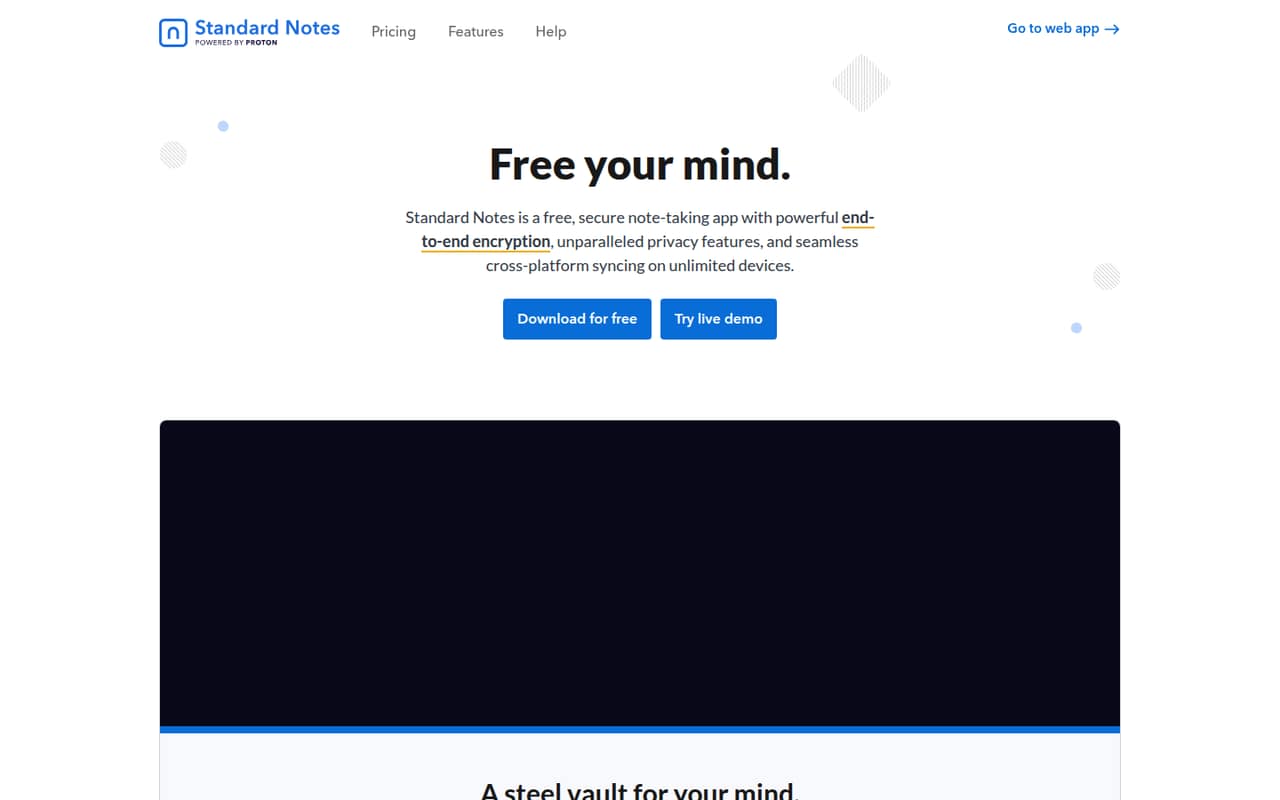
The Standard plan costs $0 and includes unlimited device sync, plain text notes, daily encrypted email backups, and community support. The homepage also lists unlimited notes, offline access, automated backups, and cloud syncing across unlimited devices. There is no free trial listed; the free plan is the no-cost way to start.
The free tier is for basic encrypted notes. The paid Productivity plan adds one-year note revision history, Markdown, rich text, spreadsheets, and dedicated support. Professional lists 100GB of encrypted storage and sharing with up to five accounts. The published plan details do not give the free tier a file-storage allowance, so ask Standard Notes what file storage is available before relying on it for team files.
03What a small team pays for Standard Notes
Standard is free. Productivity is listed at $90 per year, or $7.50 per month when billed annually. Professional is $120 per year, or $10 per month when billed annually. The vendor does not publish monthly billing prices.
For a rough team budget, if each person needs an individual paid account, three Productivity accounts work out to $22.50 per month equivalent, or $270 per year. Five accounts cost $37.50 per month equivalent, or $450 per year. Professional would be $30 per month equivalent for three accounts, or $50 for five; that is $360 or $600 per year. Professional’s sharing with up to five accounts is a feature limit, not a published team-seat price, so confirm with the vendor how account billing works for your setup.
There are no add-ons listed. The main upgrade cost is the jump from free plain-text notes to paid editors, revision history, or storage and sharing.
04Getting started with Standard Notes
The core job is straightforward: write notes, sync them across devices, and keep an offline copy available. The product lists cloud sync, automated backups, and end-to-end encryption, but setup steps and a time estimate are not published. We would expect a small team to decide first who needs an account and whether notes stay personal or get shared.
The listed plans do not name integrations with other team tools. That may be fine if the team only needs a secure notes app, but it is worth checking before making Standard Notes part of a larger workflow. Reddit comments are divided on ease of use: one commenter describes using it for small documents, lists, code snippets, and drafts, while another says the Mac keybindings feel awkward. Try the free plan with the team’s everyday note types before paying for advanced editors.
05When small teams outgrow Standard Notes
A team may need to upgrade when plain text stops being enough. Productivity adds Markdown, rich text, spreadsheets, and one-year note revision history. A need for encrypted files or sharing points to Professional, which lists 100GB of storage and sharing with up to five accounts. The vendor does not publish monthly billing prices, so a team should confirm its payment options before budgeting.
A different limit is the product’s fit. The listed features center on note-taking, not shared projects or team coordination. Reddit users report mixed feelings about development and usability: some describe a holding pattern or missing polish, while others are satisfied with stability work and the app’s simple focus. For a team that wants a broader collaborative workspace or expects frequent feature changes, compare alternatives before moving important workflows into a paid plan.
From the threadsWhat users say
Reddit sentiment is split: some users value the privacy and simple note-taking, while others criticize usability, price, or the pace of new features. Several comments describe ongoing fixes, but expectations for development vary.
I actually like it, no ai-slop or other useless fancy things, they keep the product simple and it does what I want
StandardNotes feels completely abandoned
They are focusing on stability and bug fixing, not on deploying new features
I find it helpful because I used to do all my work in productivity apps like Google Docs and Proton Docs, but my short-work would get buried in the chaos
Questions people ask
Is Standard Notes owned by Proton?
A Reddit commenter says Proton acquired Standard Notes, but another comment in that discussion frames speculation about the teams’ work as unverified. We would check Standard Notes’ current company information directly rather than rely on community guesses about ownership or staffing.
Is Standard Notes free?
Yes. The Standard plan costs $0 and lists unlimited device sync, plain text notes, daily encrypted email backups, and community support. The homepage also lists unlimited notes. Paid plans add advanced note tools or encrypted storage and sharing.
How secure is Standard Notes?
Standard Notes says notes and files are end-to-end encrypted so only you have the keys to decrypt them. The product also lists offline access, cloud syncing, and automated backups. For details about a particular device or account setup, check the vendor’s security information.
Can a team share notes in Standard Notes?
The Professional plan lists sharing with up to five accounts. The product details do not explain how that sharing works for a team or whether each person needs a paid account, so confirm the arrangement with Standard Notes before budgeting.
Does Standard Notes have a free trial?
No free trial is listed in the plan information. Standard Notes does have a free Standard plan for basic encrypted notes and syncing. Productivity lists a 14-day refund period, while Professional lists a 90-day refund period; check the terms with the vendor.
Sources
- Standard Notes homepage
- Standard Notes pricing page
- Reddit: Anyone else disappointed with Standard Notes lately? My Pro plan is ending soon and I’m not sure about renewing
- Reddit: Is Standard Notes development slowing down? Thinking about not renewing my Professional membership
- Reddit: Standard Notes in 2025 recap - and what’s coming in 2026
- Reddit: Is SN really "dead"?