
We may earn a commission if you buy through links on this page. It never changes a score or a ranking. How we make money
The bottom line
A capable browser backend for developers, but usage costs and API setup need planning.
Steel is worth considering if your small team is building AI agents that need to browse and interact with websites. Its free Launch plan gives you a way in, with up to three seats and 10 concurrent sessions.
The catch is that browser hours, proxy bandwidth, CAPTCHA solves and other usage can add to the bill. Scale is $250 per month for higher limits and unlimited seats, so it makes more sense when Launch’s caps are holding back production work.
Good fit if
- Teams building browser-based AI agents
- Developers already using Playwright
- Small teams testing browser workflows
Skip it if
- Teams needing a no-code browser tool
- Workloads with unpredictable usage budgets
- Teams needing more than three Launch seats
ScoresHow it rates
What works
- Free Launch plan includes three seats
- Supports Playwright, Puppeteer and Selenium
- Keeps cookies, tabs and session state
- Offers session traces, recordings and live views
- Can be self-hosted
What doesn't
- Launch is limited to three seats
- Launch credits are one-time, not monthly
- Browser usage is billed separately
- Scale costs $250 per month before usage
- Vendor does not publish a setup-time estimate
01Who Steel is for
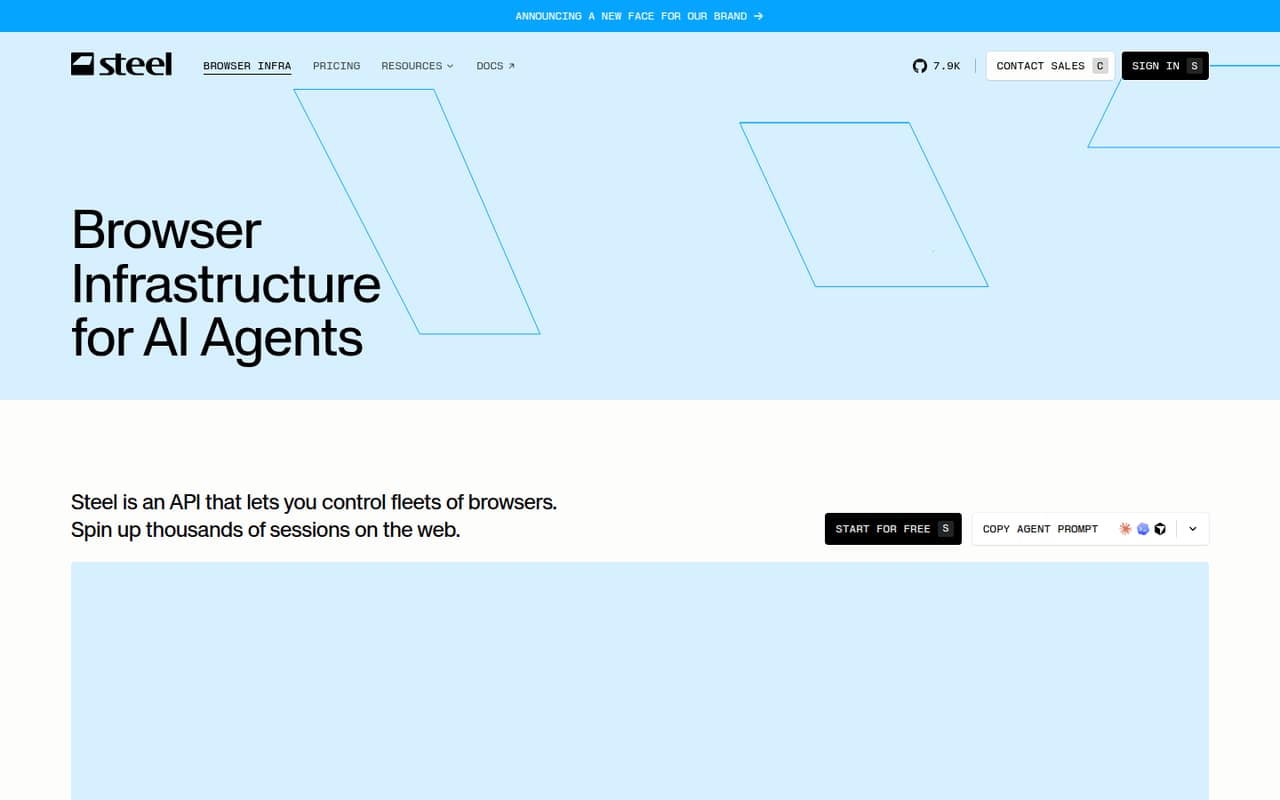
Steel is for small engineering teams building AI agents that need to use websites, not just read pages. It provides cloud browser sessions through an API, so an agent can navigate and interact with sites without your team managing browser infrastructure itself. The listed uses include scraping, research, testing and shopping workflows.
For a one-to-three-person team, Launch is a low-cost way to try the setup if 10 concurrent sessions, 15-minute sessions and 60 requests per minute are enough. Teams with five or more people, or production workloads that need longer sessions and more capacity, will likely look at Scale at $250 per month plus usage. This is a developer-facing tool: teams should be comfortable working with APIs and browser automation libraries. If you only need occasional manual browsing or a point-and-click scraper, Steel may be more infrastructure than you need.
02Steel free plan and trial
The pricing page lists Launch at $0 per month. It includes $30 in one-time usage credits, up to three seats, 10 concurrent sessions, sessions up to 15 minutes and a limit of 60 requests per minute. That gives a small team a way to start without a recurring plan fee, but the credits are one-time rather than a monthly allowance.
Launch stops being a fit when you need more than three seats, more than 10 concurrent sessions, longer sessions or a higher request rate. Usage add-ons can also cost extra after the included credits are used. Steel lists no separate free trial; Launch is the free entry plan. If your team needs higher limits, the cheapest paid option listed is Scale at $250 per month, plus usage.
03What a small team pays for Steel
Launch costs $0 per month for one person or a team of three, which works out to $0 per seat before usage. It includes up to three seats and $30 in one-time credits. For five people, Launch is not an option under its seat limit, so the next plan is Scale at $250 per month: $250 per seat for one person, about $83.33 each for three, or $50 each for five. Scale has unlimited seats and $100 in usage credits each month.
Those figures are monthly, before usage charges. The pricing page shows no annual price. Browser hours cost $0.10 on Launch or $0.08 on Scale; proxy bandwidth is $10/GB or $6/GB. CAPTCHA solving is $3 per 1,000 solves on Launch and $1 per 1,000 on Scale. Browser tools such as /scrape cost $5 per 1,000 requests on both plans. Scale also lists dedicated IPs at $5 each. Ask Steel how your expected usage maps to credits before setting a production budget.
04Getting started with Steel
Steel is an API rather than a no-code browser tool, so expect some developer setup to connect your agent to browser sessions. It lists support for Playwright, Puppeteer and Selenium, giving teams using those tools a familiar route into browser automation. Sessions can retain cookies, tabs and other state across runs.
The features a team may need on day one include session observability, human handoff for tasks such as 2FA or payments, and the listed stealth and CAPTCHA options. Steel also describes session traces, recordings and live sessions for monitoring what an agent is doing. The vendor does not publish a setup-time estimate, so the effort will depend on your existing code and browser workflow. Start by checking that your chosen automation library and session needs fit the API; Steel's pricing limits make session length and concurrency worth planning early.
05When small teams outgrow Steel
The first ceiling is seats: Launch supports up to three, so a five-person team has to move to Scale even if it does not need Scale’s higher concurrency. Capacity is the next reason to upgrade. Launch allows 10 concurrent sessions, sessions up to 15 minutes and 60 requests per minute; Scale raises those limits to 100 sessions, one-hour sessions and 600 requests per minute for $250 per month plus usage.
Teams with sessions longer than an hour or workloads beyond 100 concurrent sessions may need Enterprise, which lists sessions up to 24 hours and 1,000-plus concurrent sessions at custom pricing. It is a reminder that CAPTCHA handling can be a workflow concern; test your own requirements and ask Steel about expected solve rates and costs before scaling.
From the threadsWhat users say
Reddit sentiment is hard to call: Steel appears in an open-source announcement, while a separate agent-building question describes CAPTCHA failures without evaluating Steel. Treat community feedback as limited, not a clear endorsement.
Steel is an open-source browser API for AI agents and apps
The steel-browser repo is the main building block powering us over at Steel.dev
Each session gets dedicated resources (2GB VRAM/CPU)
i find it fail on captchas
Questions people ask
What does Steel do?
Steel provides cloud browser sessions that AI agents can control through an API. Teams can use those sessions for tasks such as scraping, research, testing and shopping workflows. It also lists session persistence, browser automation integrations, session monitoring and human handoff among its features.
Does Steel have a free plan?
Yes. Launch is listed at $0 per month and includes $30 in one-time usage credits, up to three seats, 10 concurrent sessions, sessions up to 15 minutes and 60 requests per minute. Usage add-ons can cost extra, and the credits are not a monthly recurring allowance.
Which browser automation libraries does Steel support?
Steel lists support for Playwright, Puppeteer and Selenium. Check the vendor’s current API documentation for integration instructions and any library-specific requirements before choosing it for a workflow.
Does Steel handle CAPTCHAs?
Steel lists CAPTCHA solving as an add-on. The pricing page lists it at $3 per 1,000 solves on Launch and $1 per 1,000 on Scale, with custom pricing for Enterprise. Ask Steel about the CAPTCHA types and success expectations that matter to your workload.
Can we self-host Steel?
Steel can be self-hosted. The available plan details do not specify self-hosting requirements, operating costs or support terms, so ask the vendor what infrastructure and maintenance your team would need to provide.