
We may earn a commission if you buy through links on this page. It never changes a score or a ranking. How we make money
The bottom line
Good for shaping stream footage into social clips; budget more if you want AI clipping.
Small teams that already stream and need a quicker path to social clips may find StreamLadder worth considering. Its free plan covers basic layouts and 720p exports, while paid plans add higher-quality exports, social account connections, and—at $27/month—AI clipping.
The tool can spot moments, but it does not remove the editing work entirely: Reddit users say they still adjust clips, and some report missed moments or soft-looking exports. We’d start free, then pay only if the editing and publishing workflow saves your team enough time.
Good fit if
- Small creator teams repurposing streams
- Streamers who edit clips themselves
- Creators posting to several social platforms
Skip it if
- Teams needing fully automatic finished shorts
- Creators who need guaranteed export quality
- Teams wanting published seat-by-seat pricing
ScoresHow it rates
What works
- Free plan exports without watermarks
- Free plan includes facecam and gameplay layouts
- Starter supports 1080p / 60 fps exports
- Creator includes unlimited ClipGPT AI clipping
- Pro adds editor invitations and permissions
What doesn't
- Free uploads are capped at 200 MB
- Starter does not include ClipGPT AI clipping
- Creator costs $27/month before annual billing
- Annual plan prices are not published
- Reddit users report missed moments and soft exports
01Who StreamLadder is for
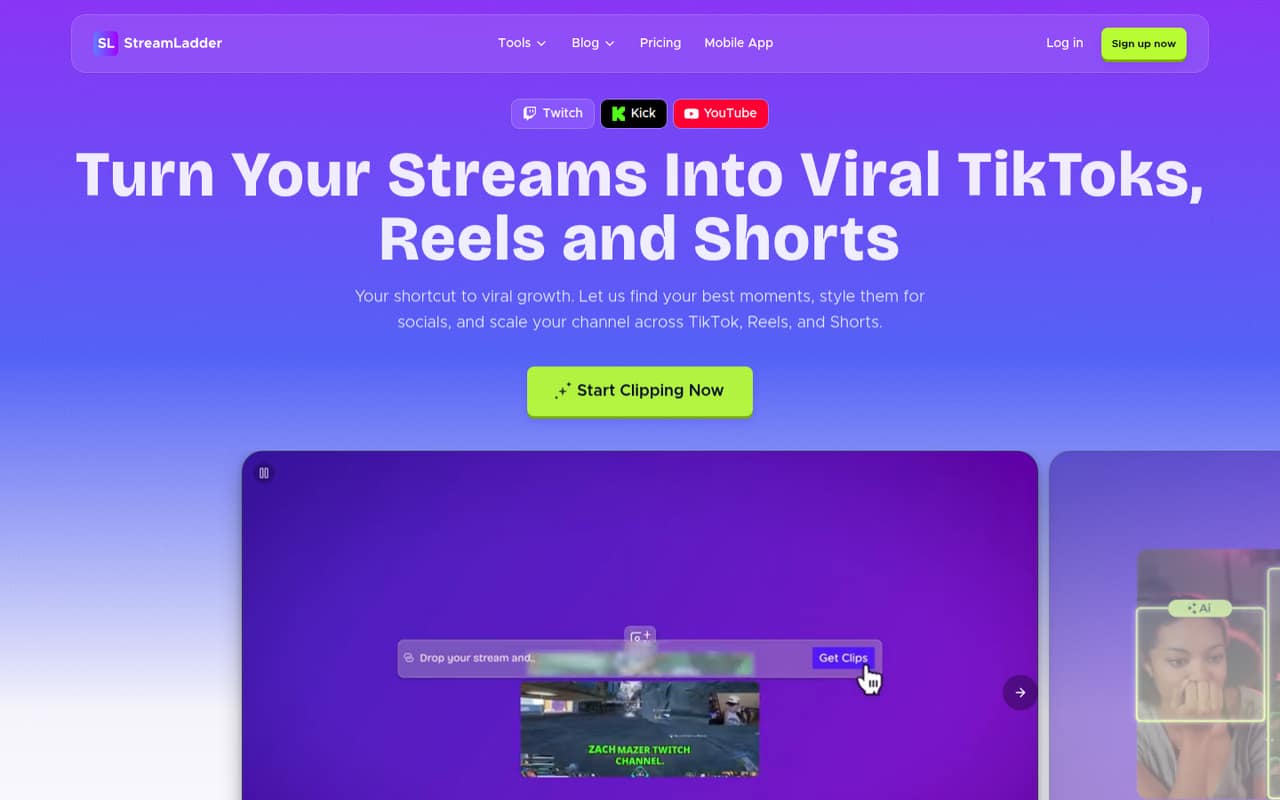
StreamLadder suits a solo creator or a small team of roughly 1–10 people that already has livestream footage and wants to turn it into social content. It combines clipping, editing, publishing, scheduling, and analytics in a browser-based creator toolkit. The basic job is straightforward: find moments in a stream or VOD, format them for vertical video, add captions or effects, then prepare them for social platforms.
For a tight budget, the free plan is enough to try basic layouts and exports. If you’re posting regularly and need higher resolution, Starter is the least expensive paid plan at $15/month. Teams that want AI to identify candidate moments need Creator at $27/month. The tool is less suited to a team expecting finished, story-edited shorts without human review. A Reddit user says the AI finds useful moments, but still needs some editing; another describes it as hit or miss for funny clips.
02StreamLadder free plan and trial
The pricing page lists a free plan with 720p / 30 fps exports, a 200 MB maximum upload, facecam and gameplay layouts, and no watermarks. That makes it a reasonable starting point for testing the basic clipping and layout workflow without committing to a subscription. The main constraint is the upload limit, and the free plan doesn’t list AI clipping.
A 7-day free trial is also listed, though the published pricing page details don’t say which plan it applies to or what happens when it ends. Ask StreamLadder before relying on it for a specific paid feature. If you hit the free plan’s limits, Starter is the cheapest paid option at $15/month. It raises export quality to 1080p / 60 fps and allows uploads up to 2 GB, but still excludes ClipGPT AI clipping.
03What a small team pays for StreamLadder
The pricing page lists monthly prices of $15 for Starter, $27 for Creator, and $39 for Pro. If each person needs a separate subscription, that works out to $15/$45/$75 per month for 1/3/5 people on Starter; $27/$81/$135 on Creator; or $39/$117/$195 on Pro. These are simple per-person calculations, not a published team quote: StreamLadder doesn’t publish whether every editor needs a paid seat or how editor invitations affect billing.
Starter is the cheapest paid plan and covers higher-resolution exports, larger uploads, multiple social accounts, captions, effects, and custom layouts. Creator adds unlimited ClipGPT clipping and up to 30 clips per stream. Pro adds 4K / 60 fps exports, posting and scheduling to X, and editor permissions. Annual billing is listed as offering two months free, but specific annual prices are not published. No add-ons are listed. Before budgeting for a team, ask StreamLadder how it charges for invited editors and connected accounts.
04Getting started with StreamLadder
The workflow appears approachable for creators who already know how to trim a clip: bring in stream footage, choose a layout, edit the clip, add captions or effects, then publish or schedule it. The listed import options include Twitch, Kick, and video, with imports up to 10 GB on Starter. Starter also supports multiple social accounts; publishing and scheduling are listed for TikTok, YouTube Shorts, and Instagram Reels, while Pro adds X.
Reddit users describe the editor as easy and intuitive, and one says clips can be extended before trimming. That still leaves a human review step: users report adjusting AI picks and captions rather than accepting every result. We couldn’t verify a published setup checklist or onboarding time, so plan to connect your accounts and confirm permissions before building a team workflow. Pro lists editor invitations and permissions, but the number of included editors isn’t published.
05When small teams outgrow StreamLadder
The first reason to upgrade is a concrete limit: the free plan caps uploads at 200 MB and exports at 720p / 30 fps. Starter raises those limits, but it does not include ClipGPT AI clipping. Creator is the next step if finding candidate moments is worth $27/month; it allows up to 30 clips per stream. Teams needing 4K exports, X scheduling, or editor permissions have to look at Pro at $39/month.
A growing team may outgrow the workflow rather than the plan. Reddit users say AI can miss subtle or funny moments, cut sentences short, or choose footage that needs editing. One user also reports that an export made their facecam look soft, though that is an individual account, not a confirmed general issue. If you need more predictable output, a larger editor team, or a fully finished short without manual review, ask StreamLadder about current limits and support before committing. Its published pricing doesn’t specify paid seat counts.
From the threadsWhat users say
Reddit sentiment is mixed but leans useful for creators willing to review and edit the clips. Users praise the time saved and straightforward editor, while others report inconsistent AI picks, export concerns, or account and payment issues.
It’s the only reason I’ve been able to do clips
You then have to edit the clips yourself, but their editor is super easy and intuitive to use
It's hit or miss finding funny moments some days
my webcam becomes blurry
Questions people ask
Does StreamLadder have a free plan?
Yes. The pricing page lists a free plan with 720p / 30 fps exports, a 200 MB maximum upload, facecam and gameplay layouts, and no watermarks. AI clipping isn’t included in the listed free-plan features. If you need larger uploads or 1080p / 60 fps exports, Starter is listed at $15/month.
How much does StreamLadder cost?
The listed monthly prices are $15 for Starter, $27 for Creator, and $39 for Pro. Annual billing is listed as offering two months free, but specific annual prices aren’t published. The pricing page also doesn’t say whether editor invitations require a paid seat, so ask StreamLadder for a team quote before budgeting.
Which StreamLadder plan includes AI clipping?
Creator includes unlimited ClipGPT AI clipping and up to 30 clips per stream, according to the pricing details. It costs $27/month. Starter is $15/month but explicitly excludes ClipGPT AI clipping. Reddit users say AI can find useful moments, but clips may still need manual editing.
Can StreamLadder publish clips to social media?
The listed features include scheduling and publishing clips to TikTok, YouTube Shorts, and Instagram Reels. Starter includes connecting multiple social accounts. Pro adds posting and scheduling to X. Confirm current account connection requirements with StreamLadder before planning a team publishing workflow.
Does StreamLadder automatically make finished shorts?
Not entirely. A Reddit user says StreamLadder finds interesting moments but still requires you to edit the clips yourself. The listed toolset includes editing, layouts, captions, and publishing, so expect to review and shape candidate clips rather than treating every AI pick as a finished post.