
We may earn a commission if you buy through links on this page. It never changes a score or a ranking. How we make money
The bottom line
A capable browser studio, but confirm team seats and the real cost before upgrading.
Small teams that need to host remote guests, record shows, and stream to multiple platforms can get a lot from StreamYard’s browser-based studio. The free plan is useful for trying the workflow, though its streaming limits and StreamYard branding make it a starting point, not a full production setup.
Paid plans start at $18.99 per month, or $14.99 per month with annual billing. That’s the price listed for a subscription, not a confirmed per-person seat rate: paid-plan seat allowances aren’t published in the published pricing details, so check before budgeting for a team.
Good fit if
- Small teams hosting remote interviews
- Creators streaming to multiple platforms
- Teams needing branded live shows
Skip it if
- Teams needing published seat pricing
- Shows requiring extensive production control
- Buyers prioritizing highly rated support
ScoresHow it rates
What works
- Guests can join from a browser or phone
- Streams to several major social platforms
- Local recordings capture separate participant files
- Free plan includes one seat
- Higher plans add branding and webinar capacity
What doesn't
- Free plan has streaming limits and branding
- Free local recordings stop at two hours monthly
- Paid-plan seat allowances aren't published
- Annual billing is needed for the lowest listed price
- Reddit users report price increases and support frustrations
01Who StreamYard is for
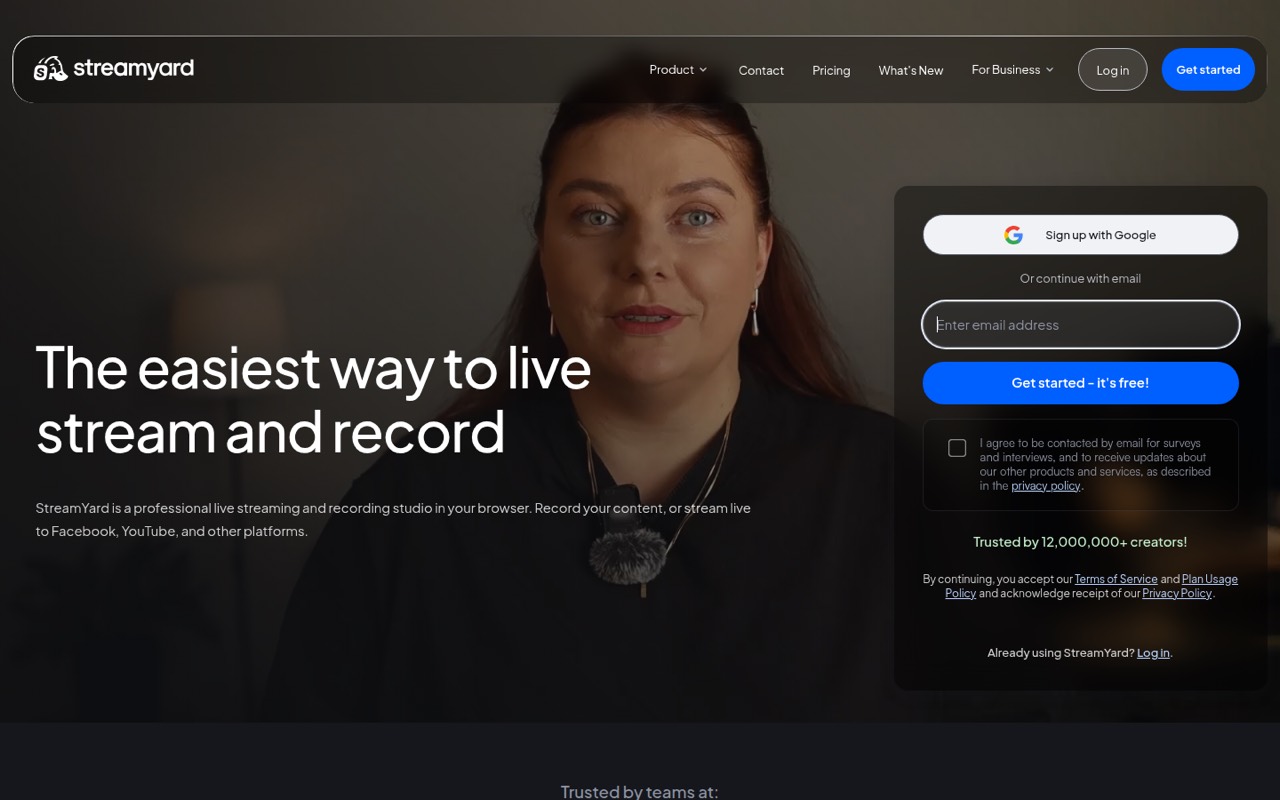
StreamYard suits a small team that runs interviews, podcasts, webinars, or regular live shows and wants guests to join without installing software. The studio runs in a browser, supports remote guests on a browser or phone, and can stream to platforms such as Facebook, YouTube, Instagram, LinkedIn, X, and Twitch.
For a team of one, the Free plan can cover occasional experiments. A team that needs unlimited streaming, two destinations, or full HD should look at Essential, listed at $18.99 monthly or $14.99 per month with annual billing. Core adds branding controls and more destinations. Keep in mind that those prices don’t tell us how many paid team seats are included; ask StreamYard before multiplying the subscription price or inviting the whole crew.
This is less suited to teams that want a deep production setup or need predictable, published per-person costs. It’s a browser studio first, not a promise of unlimited staff access.
02StreamYard free plan and trial
StreamYard is still free: the Free plan costs $0 and includes one seat, six on-screen participants, streaming limits, the StreamYard logo on streams, and two hours of local recordings per month. That can be enough to test a simple show, but the time limit on local recordings and platform branding may be deal-breakers for a regular branded production.
The pricing page also lists a seven-day free trial. It doesn’t specify which paid plan the trial covers, so confirm that before relying on it. The cheapest paid plan is Essential, at $18.99 per month or $14.99 per month with annual billing. Essential lists unlimited streaming, multistreaming to two destinations, and full HD. The listed price doesn’t establish how many team seats are included.
03What a small team pays for StreamYard
Essential is the cheapest paid plan: $18.99 per month, or $14.99 per month with annual billing. That works out to $227.88 for 12 monthly payments, or $179.88 at the annual rate. Core is $44.99 monthly or $35.99 per month with annual billing; it removes the StreamYard logo and adds multistreaming to three destinations.
The pricing details don’t publish paid-plan seat counts or a per-seat rate. To illustrate a team budget, if every person needs a separate Essential subscription, three subscriptions would total $56.97 monthly or $44.97 per month at the annual rate ($539.64 for 12 months). Five would total $94.95 monthly or $74.95 per month at the annual rate ($899.40 for 12 months). These are conditional calculations, not confirmed seat pricing. Six on-screen participants on Free and larger participant limits on paid plans describe who appears in a show, not how many staff seats are included. No add-ons are listed. Ask StreamYard for the paid-seat details before committing.
04Getting started with StreamYard
StreamYard is browser-based, so the host can start with a web browser rather than installing studio software. Guests can join through a browser or phone without downloading software. For a first show, a small team will need to choose its streaming destinations and decide who will host, appear on screen, and handle branding or overlays.
The product details list streaming to Facebook, YouTube, Instagram, LinkedIn, X, Twitch, and other platforms, plus logos, colors, overlays, and intro or outro videos. Local recordings create separate audio and video files on each participant’s device. That makes the studio relevant to teams that edit shows after a live session, too.
The exact setup steps and connection requirements aren’t published in the details available here, so check StreamYard’s docs for your destinations before a scheduled event. The browser-and-guest workflow looks like a lighter starting point than a production setup built around separate tools, but teams wanting elaborate scene control should confirm the fit first.
05When small teams outgrow StreamYard
The first pressure point is the Free plan’s streaming limits, logo, and two-hour monthly allowance for local recordings. Essential removes the streaming limit and supports two destinations, but it still doesn’t list no-logo branding. Core adds that, three destinations, 10 on-screen participants, 50 hours of permanent storage, and two-hour prerecorded streams. Advanced raises the multistream limit to eight destinations and lists On-Air webinars for 100 viewers.
The next issue is team access. The pricing details list one seat on Free but don’t publish paid-plan seat allowances. A growing team should ask whether its subscription covers producers and hosts, or whether it needs more subscriptions. StreamYard Business has custom pricing, with plan details not published.
Reddit users describe frustration with price increases and support during outages. One small organization said its price rose by more than 100%, while other commenters described switching or considering alternatives. Those are individual reports, not a measure of every customer’s experience, but they’re a reason to weigh the cost and support expectations before building a critical event workflow around the tool.
From the threadsWhat users say
The product has a useful mix of browser-based guest access, multistreaming, and local recording. Reddit sentiment leans negative on pricing and support, though some comments focus on alternatives rather than detailed use of StreamYard.
our price jacked up over 100% and we're just a tiny small organization
Streamyard’s recent pricing change felt like a nudge to pay more for features I didn’t need
We've watched support and service go continually downhill
It gives you a ton of flexibility, but a ton of complexity too
Questions people ask
Is StreamYard still free?
Yes. StreamYard lists a Free plan at $0 with one seat, six on-screen participants, streaming limits, the StreamYard logo on streams, and two hours of local recordings per month. It’s a useful way to try the studio, but regular shows may run into the limits or branding.
Can you use StreamYard on your phone?
StreamYard says guests can join from a phone or browser without downloading software. The product details don’t specify whether every host or production control works on a phone, so confirm the mobile workflow if the host needs to run the show from one.
Can you record on StreamYard without going live?
StreamYard is described as a live streaming and recording studio, and it offers local recordings with separate participant audio and video files. The exact record-only workflow isn’t specified in the available product details. Check StreamYard’s docs if recording without a live broadcast is essential.
Which platforms can StreamYard stream to?
The listed destinations include Facebook, YouTube, Instagram, LinkedIn, X, and Twitch, among others. The number of destinations varies by plan: Essential lists two, Core lists three, and Advanced lists eight. Confirm support for a particular destination before choosing a plan.
Does StreamYard support TikTok?
TikTok isn’t named in the listed destination examples. Because StreamYard also refers to other platforms, check directly with the vendor to confirm whether TikTok is supported for your account and whether your chosen plan allows it.