
We may earn a commission if you buy through links on this page. It never changes a score or a ranking. How we make money
The bottom line
Best for small teams already using Stripe that want in-person payments in the same payment stack.
Stripe Terminal lets businesses accept payments in person and online through Stripe. It can suit a small service team consolidating payments, but a team building a custom checkout may need API work.
There’s no free Terminal plan or published per-seat price. The Standard pay-as-you-go plan charges per successful charge, and readers cost extra, so the real bill depends on card mix, transaction volume and hardware needs.
Good fit if
- Small teams already using Stripe
- Service businesses taking in-person payments
- Teams connecting payments to custom workflows
Skip it if
- Teams needing a free payment tool
- Businesses wanting a published flat monthly price
- Teams needing a ready-made POS
ScoresHow it rates
What works
- Accepts payments in person and online
- No monthly Terminal plan listed
- Dashboard offers no-code in-person payment options
- APIs can support custom workflows
- Connect integration is described by a customer
What doesn't
- No free plan or free trial listed
- Reader hardware adds an upfront cost
- Processing fees vary by card category
- Tap to Pay adds a per-authorisation fee
- Custom workflows may take development work
01Who Stripe Terminal is for
Stripe Terminal is for businesses that want to accept payments in person as well as online through Stripe. For a team of one to ten, it’s most appealing when staff already use Stripe and want in-person transactions connected to the same payment setup. A service business collecting amounts or invoices may have less need for product inventory features than a retailer, though the team still needs a way to send payment details to the reader.
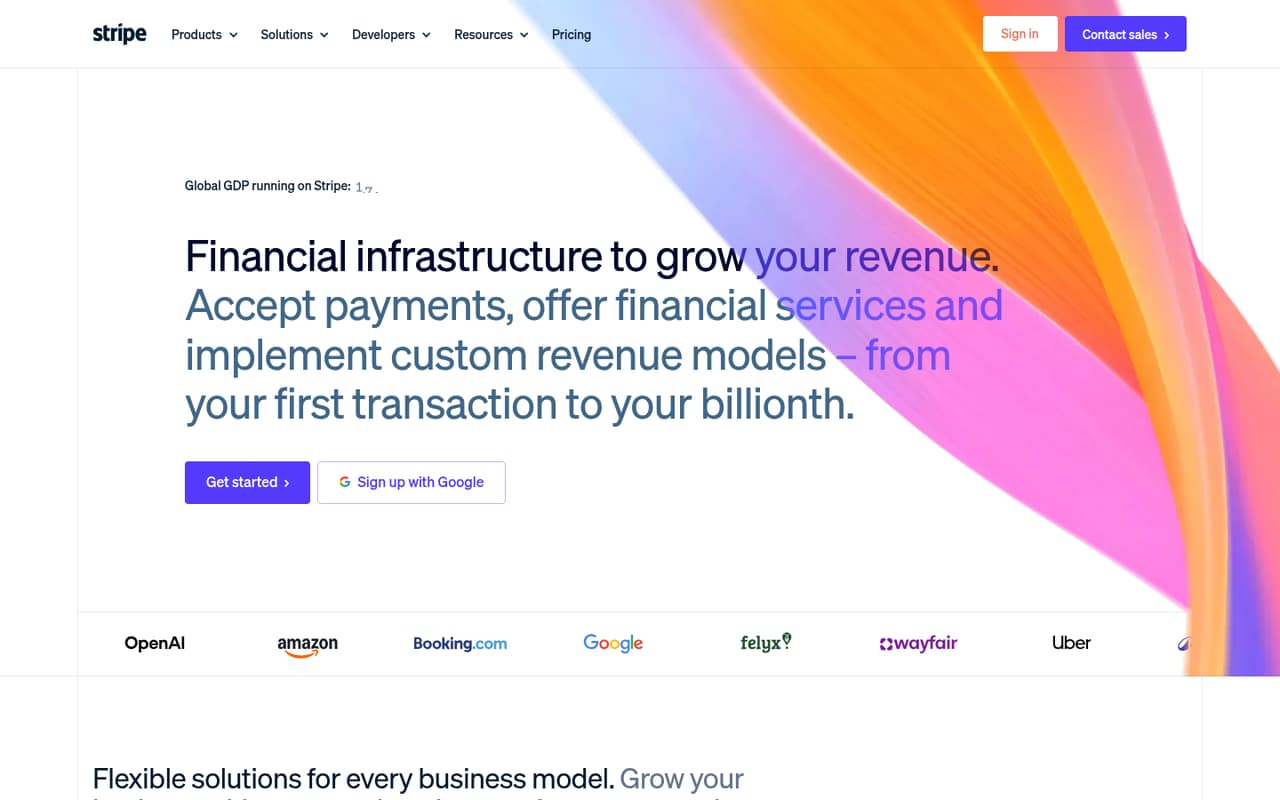
Stripe’s homepage lists support for 135+ currencies and payment methods, API connections for custom workflows, and ways to take in-person payments from the Dashboard without coding. A customer quote describes Terminal and Connect as an integrated solution. That gives small teams options, but doesn’t mean every setup is ready-made: Reddit users describe questions about POS connections and custom development. We’d shortlist Terminal when consolidating payment operations matters more than getting a standalone POS.
02Stripe Terminal free plan and trial
Stripe Terminal has no free plan, and a free trial is not listed. The cheapest way in is Standard (pay-as-you-go): there’s no monthly or annual Terminal plan listed, and processing is charged per successful charge. That avoids a fixed Terminal subscription, but it doesn’t make payments free. Reader hardware costs extra, and optional services can add per-authorisation or monthly charges.
Stripe says users can take in-person payments from the Dashboard without coding, while its APIs can support custom workflows. A Reddit commenter describes Terminal as a way to bring card-present payments into the same Stripe stack, but notes that some workflows need an app or light custom development. Before buying hardware, decide whether the Dashboard option fits your checkout or whether you’ll need a developer.
03What a small team pays for Stripe Terminal
There’s no per-seat price in the listed Standard plan, so one person, three people and five people don’t have separate subscription totals. Each pays according to successful charges and any reader-related costs; Stripe doesn’t publish a flat monthly or annual Terminal fee. The pricing page lists EEA and UK cards at 1.4% + €0.10 per successful charge, and other cards at 2.9% + €0.10. Tap to Pay adds €0.10 per authorisation; optional P2PE adds €0.05 per authorisation.
Hardware is an additional purchase: the listed readers range from €59 to €259, excluding VAT. Enabled-reader data is €9 per reader per month, with Apps on Device limited to 10 GB per reader per month. There’s no annual billing discount listed. Because card mix, transaction volume and reader count change the total, a precise monthly cost for a one-, three- or five-person team isn’t published. Ask Stripe to confirm applicable rates and any local terms before budgeting.
04Getting started with Stripe Terminal
Setup effort depends on how you want to take payments. Stripe says businesses can take in-person payments from the Dashboard without coding, which is the simpler route. If you need Terminal to connect to a POS, pass amounts or invoice IDs, or support a custom workflow, Stripe’s APIs can connect third parties and support that work. Plan for developer time if your checkout needs custom integration.
The Reddit discussion reflects that range: a service-business owner asks whether a POS is required, while another user is building a web app and looking for guidance on physical card payments. A commenter says Terminal can work with a POS or light custom development. For day one, decide how staff will enter payment amounts, choose a compatible reader, and confirm whether the Dashboard flow covers your needs. The vendor’s homepage does not publish a Terminal-specific setup timeline.
05When small teams outgrow Stripe Terminal
A growing team may outgrow Terminal when its workflow needs more than the Dashboard option or a custom integration can provide. Stripe’s homepage says APIs can connect third parties and support custom workflows, but it doesn’t publish Terminal plan limits, seat limits or a list of POS features. Ask Stripe which setup supports your devices, checkout flow and operational needs before committing to a fleet of readers.
Cost can also become harder to forecast as transaction volume and reader count rise: the plan charges per successful charge, and enabled-reader data is billed monthly. Reddit users raise practical questions about connecting readers, POS software and remote control. One commenter says some reader models support the server-driven API while others connect through Bluetooth or a local network. That’s a reason to confirm device and connection requirements early, not a published guarantee for every model. If you need a fixed subscription budget or a specific POS workflow, compare alternatives before expanding.
From the threadsWhat users say
The Reddit discussion is mixed and mostly practical: users ask about POS requirements, device connections and development, while one commenter sees value in keeping in-person and online payments together. The threads also include unresolved setup questions, so we’d validate the intended workflow before buying readers.
Stripe Terminal is really just a way to bring in-person card present payments into the same Stripe stack you already use online
Product management is integrating with a POS so the checkout process knows what is being purchased, as opposed to just an amount?
I get errors trying to Initialize and connect the NFC reader
The WisePOS E and S700 support the server-driven API. The other models connect via Bluetooth or local network, so can’t be controlled remotely
Questions people ask
Do I need a POS to use Stripe Terminal?
Not necessarily. Stripe says businesses can take in-person payments from the Dashboard without coding, and APIs can support custom workflows. The best route depends on how you enter amounts or connect checkout details. A Reddit commenter says Terminal can work with a POS or light custom development, so confirm your intended flow before choosing hardware.
Does Stripe Terminal have a free plan?
No free Terminal plan or free trial is listed. The listed option is Standard (pay-as-you-go), which charges per successful charge rather than a monthly or annual Terminal subscription. Reader hardware, Tap to Pay authorisations, optional P2PE and enabled-reader data can add costs.
Can Stripe Terminal work with a custom app?
Stripe says its APIs can connect third parties and support custom workflows. That can fit teams building their own checkout, but it may require development work. Reddit users discuss app and reader integration questions; confirm the specific device and connection method with Stripe before building around them.
Can Stripe Terminal readers be controlled remotely?
A Reddit commenter says the WisePOS E and S700 support Stripe’s server-driven API, while other models connect by Bluetooth or local network and can’t be controlled remotely. Treat that as model-specific guidance and confirm current compatibility and requirements with Stripe before purchasing.
Can I use Stripe Terminal for online and in-person payments?
Yes. Stripe’s homepage describes businesses accepting payments online and in person, and lists Terminal among its products. It also describes support for 135+ currencies and payment methods. Check Stripe’s current terms for availability and the rates that apply to your business and location.