
We may earn a commission if you buy through links on this page. It never changes a score or a ranking. How we make money
The bottom line
A promising design-to-code workspace, with a free plan but no published paid pricing.
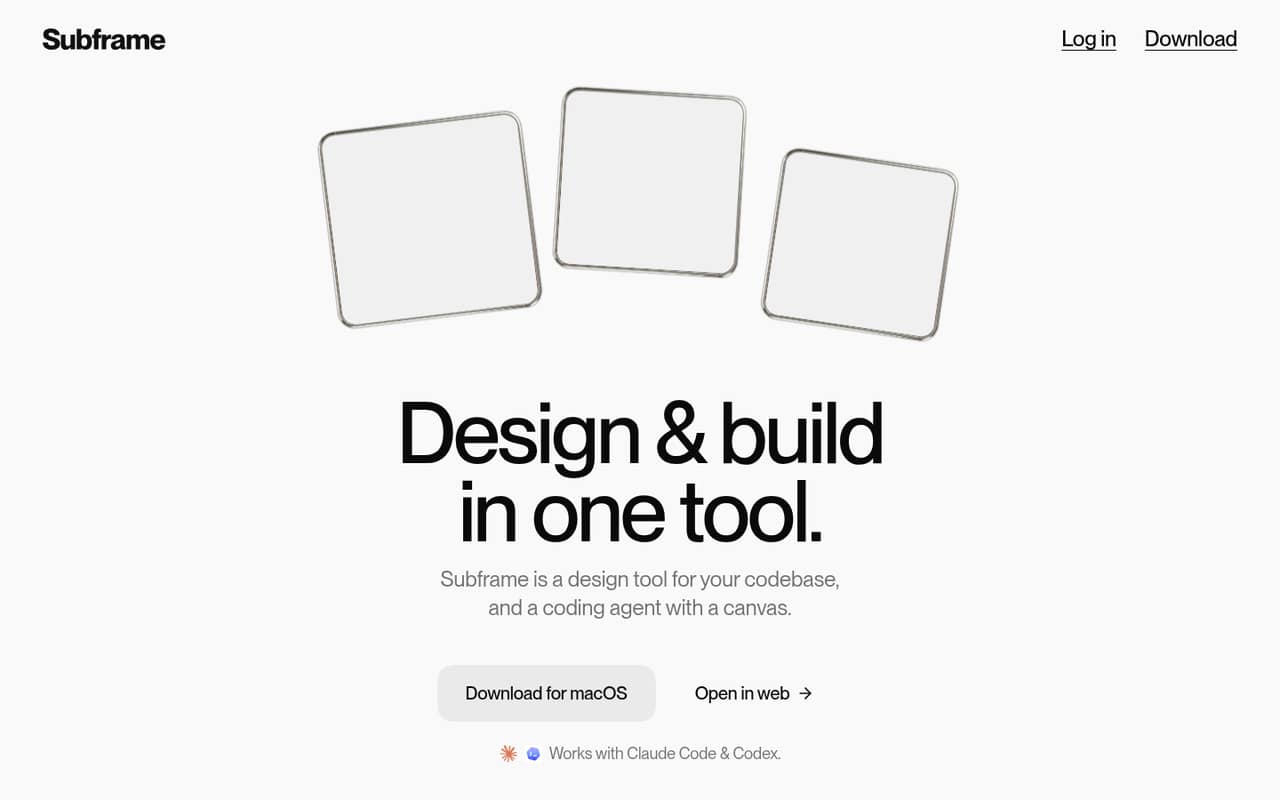
Subframe combines a design canvas, browser preview, and coding agent workflow for software projects. Its canvas uses HTML and React, with layers that map to code elements, and it works with Claude Code and Codex.
The pricing page lists a free plan, but not its limits, paid plan prices, or billing terms. That makes it difficult for a small team to compare the cost of one seat with a three- or five-person rollout.
Good fit if
- Product teams working in React
- Designers collaborating with coding agents
- Teams wanting design tied to code
Skip it if
- Teams needing known seat costs
- Nontechnical teams avoiding code workflows
- Buyers needing published plan limits
ScoresHow it rates
What works
- Canvas uses HTML and React
- Layers map to code elements
- Includes drag-and-drop design controls
- Built-in browser previews a live app
- Works with Claude Code and Codex
What doesn't
- Paid prices aren't published
- Monthly and annual terms aren't listed
- Free-plan limits aren't specified
- Add-on prices aren't listed
- Per-seat team costs can't be calculated
01Who Subframe is for
Subframe is for product and design teams that want design work to stay close to an existing software project. Its canvas uses HTML and React, and layers can map to code elements, so the workflow is aimed at teams building and iterating on apps rather than people making standalone graphics.
For a small team of one to ten, the appeal is having a design canvas, live browser preview, and coding-agent collaboration in one product. Designers get drag-and-drop controls, layers, and an inspector; developers can work with components that support props, slots, and variants synced with the codebase. Subframe works with Claude Code and Codex.
The free plan gives budget-conscious teams a way to consider it, but its included limits and paid costs aren't listed. We’d treat it as a possible fit for a code-oriented product team, not a budget-approved choice until the vendor confirms the plan details and team price.
02Subframe free plan and trial
The pricing information marks Subframe as having a free plan. It doesn’t list which features, usage limits, or collaboration options that plan includes, so we can’t say whether a small team can do its whole design-to-code workflow without paying. The pricing page also doesn’t list a free-trial term.
For a team watching subscriptions, the free plan is the lowest-cost way to start evaluating Subframe, but confirm what it covers before building a process around it. Ask whether the canvas, browser preview, code-mapped layers, components, and agent collaboration are included, and whether the plan has seat or project limits. Those details determine whether “free” works for one person only or for a small team.
03What a small team pays for Subframe
The pricing page lists no plan prices, monthly or annual billing terms, or add-ons. It marks a free plan as available, but doesn’t give enough detail to calculate a paid starting price.
That leaves the basic budget math unanswered: the cost for one person is not published, and neither are totals for three or five seats. We can’t multiply a per-seat rate because the vendor doesn’t list one. Monthly versus annual savings also can’t be compared.
For a small team, ask Subframe for the price at your intended seat count and whether the quote is per user or per workspace. Confirm whether the free plan has seat, project, or usage limits, and whether any features or services cost extra. No add-on prices are listed, so leave room in the budget until the vendor confirms what’s included. The product may be worth evaluating, but teams that need a firm software budget should get written pricing before rolling it out.
04Getting started with Subframe
Subframe brings together a code-aware canvas, browser preview, and coding agent workflow. That combination should suit teams already comfortable working with software projects, but it may be a learning curve for a designer expecting a canvas that’s separate from code. The available information doesn’t describe onboarding steps or setup time, so we wouldn’t promise a quick setup.
For day one, check how your project connects to the canvas and how changes move between design and code. Subframe says its canvas uses HTML and React, and it works with Claude Code and Codex. Confirm which of those tools your team needs and whether your existing project fits the workflow before committing.
Also ask the vendor how teammates join, share links, and review designs. Those collaboration features are described, but the setup details aren’t. A small team can assess the fit by confirming these points before planning a wider rollout.
05When small teams outgrow Subframe
The clearest reason to pause before expanding Subframe is budget uncertainty. The pricing page doesn’t list paid rates or billing terms, so a team can’t forecast the cost of adding seats from the published information. If your team needs predictable per-person costs for a larger rollout, get a quote before depending on it.
Fit can also change as your workflow grows. Subframe’s canvas is built around HTML and React, and its components sync with the codebase; teams whose projects or design process don’t match that approach may need a different tool. The available feature list doesn’t give usage limits or plan-by-plan differences, so ask the vendor what happens when you add collaborators or need more capacity.
That’s not proof that Subframe has a particular seat cap or missing feature. It means small teams should check those details against their growth plans rather than assume the free plan or current workflow will scale unchanged.
Questions people ask
What is Subframe?
Subframe combines a design canvas, browser preview, and coding-agent workflow for software projects. Its canvas uses HTML and React, and it includes design controls, code-mapped layers, and components that sync with the codebase.
Does Subframe have a free plan?
The pricing information lists a free plan. It doesn’t specify the plan’s features, usage limits, or seat limits, so ask the vendor what’s included before relying on it for a team workflow.
How much does Subframe cost for a team?
Subframe’s paid prices and billing terms aren’t listed on the pricing page. The cost for one, three, or five people can’t be calculated from the published information. Ask the vendor for a quote at your intended seat count.
Does Subframe work with Claude Code or Codex?
Subframe says it works with both Claude Code and Codex. If your team plans to use one of them, confirm the setup steps and any plan requirements with the vendor before rollout.
Is Subframe suitable for a small team?
It may suit a small product team working in a code-oriented design process, especially one using HTML and React. The free plan offers a way to evaluate it, but confirm its limits and get paid seat pricing before budgeting for a team.