
We may earn a commission if you buy through links on this page. It never changes a score or a ranking. How we make money
The bottom line
Useful short-video automation, but the per-seat price and reliability concerns deserve a close look.
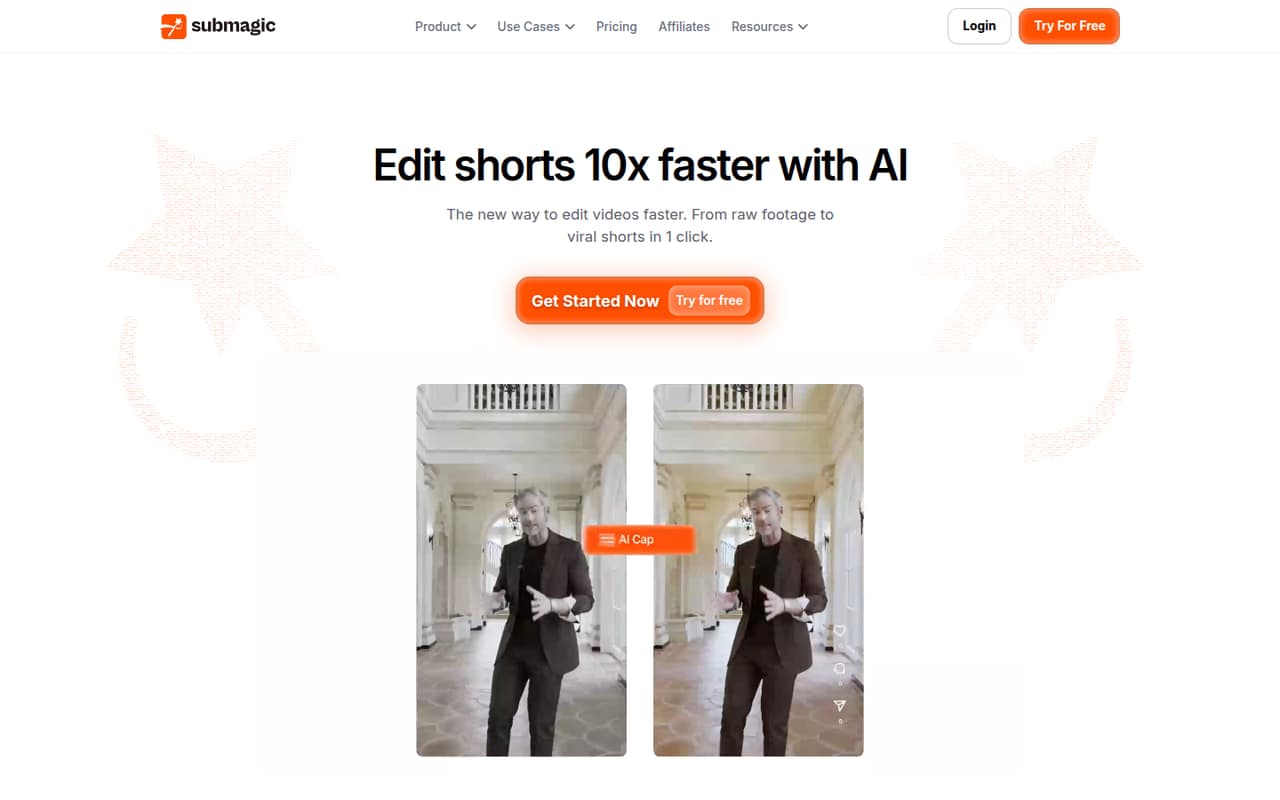
Submagic turns uploaded videos or YouTube links into short clips with captions, edits, and highlights. Scheduling, team collaboration, and exports up to 4K at 60 FPS make it more than a caption tool.
There’s no free plan, and seats add up quickly: Starter is $19 per person monthly, or $12 per person monthly with annual billing. Reddit feedback is mixed, with reports of glitches and downtime alongside comments praising support.
Good fit if
- Teams publishing short videos regularly
- Creators who want automatic captions
- Small teams sharing editing work
Skip it if
- Teams needing a free editor
- Caption-only users on tight budgets
- Teams with zero tolerance for downtime
ScoresHow it rates
What works
- Turns uploaded videos or YouTube links into short clips
- Captions are listed in 123 languages
- Magic Clips finds highlights in longer videos
- Scheduling and publishing are included
- Business lists exports up to 4K at 60 FPS
What doesn't
- There is no free plan
- Prices are per user, so seats multiply the bill
- Starter limits videos to two minutes
- A Reddit thread reports downtime and glitched exports
- The listed Business pricing has an unexplained $120 monthly figure
01Who Submagic is for
Submagic is for solo creators and small teams that need to turn existing footage into short-form videos without building every edit from scratch. Upload a video or use a YouTube link, then the AI can generate captions, find highlights, remove silences, and add B-roll. Magic Clips is aimed at pulling several short videos from longer recordings.
For a team of one to five, the fit depends on how often you publish. Starter covers 15 videos per month per user, while Pro covers 40. That can work for a steady content schedule, but the per-seat bill matters if several people need access. A small team that only wants captions may find the full editor hard to justify. Teams that also need shared review, scheduling, and publishing can get more out of the subscription. Business adds higher video limits and 4K, 60 FPS exports, but its price is a bigger commitment.
02Submagic free plan and trial
Submagic has no free plan. The vendor doesn’t publish a free-trial offer, so a team should check with Submagic before assuming it can try the paid editor without paying.
The cheapest published way in is Starter: $19 per user per month with monthly billing, or $12 per user per month with annual billing. Each Starter seat includes 45 credits, listed as 15 videos per month, a two-minute video limit, 1080p exports at 30 FPS, and 10 API minutes per month. Those limits make Starter the entry point for a solo creator or a small team testing a regular short-video workflow, but it is not a no-cost option. If you need longer videos, more monthly volume, or 2K exports, compare Pro before buying.
03What a small team pays for Submagic
Submagic charges per user. Starter is $19 per user monthly, or $12 per user monthly with annual billing. That works out to $57 or $36 per month for three seats, and $95 or $60 for five. At the annual rate, those totals mean $432 or $720 billed across a year.
Pro costs $39 monthly or $23 per user monthly with annual billing: three seats are $117 or $69 a month, and five are $195 or $115. Business is $69 monthly or $41 annually per user: three seats are $207 or $123, and five are $345 or $205. The pricing page also displays Business at $120 per month without explaining how that relates to its per-user prices, so confirm the quote before budgeting.
API credit packs are optional published add-ons, from $57 per month for 250 minutes to $1,000 for 10,000 minutes. For most small teams, the first decision is whether Starter’s video and length limits are enough.
04Getting started with Submagic
The basic workflow looks straightforward: upload footage or use a YouTube link, let Submagic generate clips and captions, then review and export. The product also lists silence removal, B-roll, highlights, scheduling, publishing, and shared team workspaces. That gives a small team several steps to learn, but it avoids having to assemble a separate captioning and clipping workflow.
The vendor doesn’t publish a setup-time estimate or a specific list of supported publishing channels in the pricing details. Check which channels and account connections your team needs before choosing a plan; Business lists three publishing profiles per platform. API access is included in monthly minutes, with 10 minutes on Starter and Pro and 100 on Business.
Reddit feedback suggests some users have encountered bugs, while one commenter said a reported bug was resolved quickly. For a team with deadlines, it makes sense to test the review and export process before relying on it for a full publishing schedule.
05When small teams outgrow Submagic
You’ll need to upgrade when your team exceeds its plan’s video volume or length limit. Starter allows 15 videos per user monthly and videos up to two minutes; Pro raises that to 40 videos and five minutes. Business lists 100 videos per user, a 30-minute limit, 4K exports at 60 FPS, and 100 API minutes. Its publishing allowance is three profiles per platform. Custom Plan offers tailored video, member, and API limits, plus unlimited custom templates and dedicated customer success; the vendor doesn’t publish its price.
Seats can become the bigger hurdle before feature limits do. A five-person team pays $95 monthly for Starter on monthly billing, or $60 per month at its annual rate. Reddit reports are mixed: one thread describes recurring downtime and glitched exports, while other commenters describe prompt, helpful support. If missed publishing dates would be costly, weigh those reports against your own need for dependable output and ask the vendor about service expectations.
From the threadsWhat users say
Reddit feedback is mixed. Some users describe downtime, bugs, and caption fixes; others say their issues were resolved quickly and praise the product.
The site is down multiple times throughout the month
You'll get a lot of glitched exports. Some will be out of sync
I had a bug and it was resolved in 24 hours and was even compensated with more credits
any ways you might have to fix few captions manually
Questions people ask
Is Submagic free?
No. Submagic does not list a free plan. The cheapest published plan is Starter, at $19 per user monthly or $12 per user monthly with annual billing. The vendor doesn’t publish a free-trial offer, so ask Submagic whether a trial is available before subscribing.
What does Submagic Starter include?
Starter lists 45 credits, which Submagic equates to 15 videos per month, a two-minute video limit, 1080p exports at 30 FPS, and 10 API minutes per month. It costs $19 per user with monthly billing or $12 per user monthly with annual billing.
Can Submagic make clips from long videos?
Yes. Magic Clips finds key moments in longer videos and turns them into multiple short clips. The maximum video length depends on the plan: Starter lists two minutes, Pro five minutes, and Business 30 minutes.
Does Submagic support team collaboration?
Yes. Submagic lists a team workspace for uploading, editing, reviewing, and exporting videos together. Business includes three publishing profiles per platform. Check with the vendor for the exact channel connections and workspace details your team needs.
What should I know about Submagic reliability?
Reddit feedback is mixed. Some users report downtime, buggy behavior, and glitched exports, while another commenter says a bug was resolved within 24 hours and credits were added. If a missed deadline would hurt your team, ask the vendor about support and service expectations.