
We may earn a commission if you buy through links on this page. It never changes a score or a ranking. How we make money
The bottom line
Capable billing and analytics for SaaS finance teams with room in the budget.
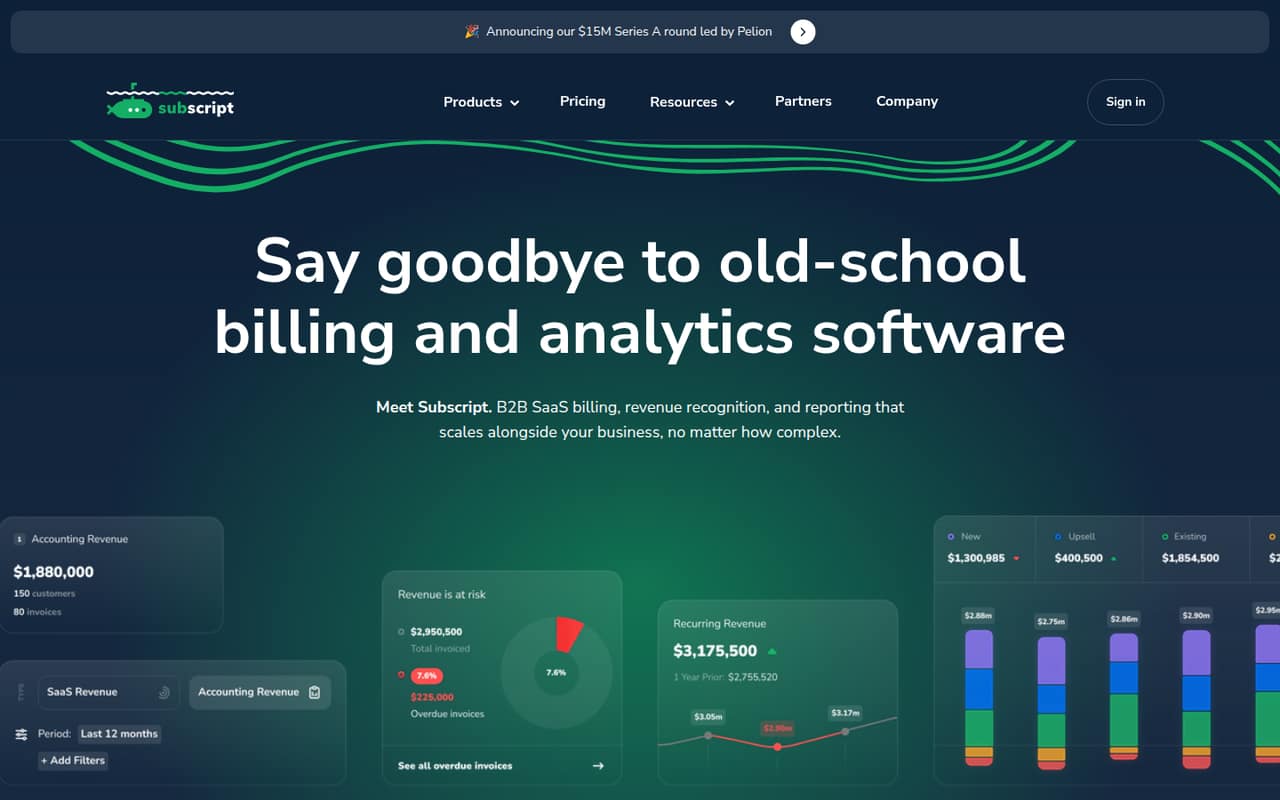
Subscript combines billing, accounts receivable, revenue recognition, and SaaS analytics for B2B software companies. It supports flat-rate, usage-based, and hybrid contracts, plus complex enterprise billing cases.
The pricing page lists a $15,000-per-year minimum ballpark, with $24,000 per year as the most common ballpark. There’s no free plan, and pricing is tailored, so small teams should ask for a quote before planning around the starting figure.
Good fit if
- B2B SaaS finance teams
- Companies with usage-based contracts
- Teams automating revenue recognition
Skip it if
- Bootstrapped teams on tight budgets
- Businesses seeking a free billing tool
- Teams needing published per-seat pricing
ScoresHow it rates
What works
- Handles flat-rate, usage-based, and hybrid billing
- Automates ASC 606 and IFRS 15 schedules
- Includes SaaS metrics and dashboard segmentation
- Automates collections and payment reminders
- Supports multi-currency and parent-child organizations
What doesn't
- No free plan
- $15,000 per year is the minimum ballpark
- Pricing is tailored to each company
- Onboarding fee amount is not published
- Monthly payment and per-seat prices are not published
01Who Subscript is for
A small B2B SaaS team may need Subscript when billing has become more complicated than recurring invoices. The platform combines invoicing, accounts receivable, revenue recognition, and reporting, with support for flat-rate, usage-based, and hybrid contracts. It also handles contract edge cases, multi-currency transactions, and parent-child organizational structures.
That makes it a better fit for a finance team dealing with enterprise agreements or usage charges than for a new company that only needs to send a few simple invoices. Subscript also calculates more than 50 SaaS metrics and automates ASC 606 and IFRS 15 schedules, which can help bring billing and financial reporting into one system. The pricing page lists a $15,000-per-year minimum ballpark, so even a one-to-five-person team needs a budget for a substantial software contract. The vendor does not publish a per-seat price; ask for a quote based on your billing volume and contract needs.
02Subscript free plan and trial
Subscript has no free plan, and a free trial is not listed. That means there’s no no-cost way to keep using the platform for a small team’s billing or reporting. The cheapest way in is the Analytics + Billing plan, whose pricing page lists a $15,000-per-year minimum ballpark. The page also gives $24,000 per year as the most common ballpark, while actual pricing is tailored by company.
The listed figures are annual ballparks, not published monthly payment options. The $15,000 minimum works out to a $1,250 monthly equivalent, but that is not a listed monthly subscription price. There’s also a small onboarding fee, but the vendor does not publish its amount. Before budgeting, ask Subscript for a written quote, payment schedule, onboarding cost, and any minimum contract terms.
03What a small team pays for Subscript
The pricing page lists a $15,000-per-year minimum ballpark for Analytics + Billing, with $24,000 per year as the most common figure and $150,000 per year as the maximum ballpark. As monthly equivalents, those figures are $1,250, $2,000, and $12,500, respectively. They are annual figures divided by 12 for budgeting—not published monthly billing options.
Subscript does not publish per-seat pricing. So the listed minimum for a one-person team is still a $15,000-per-year ballpark; for three or five people, the available figures do not support multiplying the price by the number of seats. The company tailors pricing, so ask for a quote covering your actual team and usage. A small onboarding fee is listed, but its amount is not published. The free plan and trial are not listed, so a quote is the first step to confirming the actual cost and payment terms.
04Getting started with Subscript
Subscript’s feature set covers billing, accounts receivable, revenue recognition, and analytics, so setup may involve more than switching on invoice reminders. A team will likely need to map its contract and billing cases to the platform, especially if it uses usage-based or hybrid pricing. Subscript also says it can ingest data and parse non-standard enterprise contracts and billing edge cases.
The vendor does not publish a setup timeline, step-by-step onboarding requirements, or a list of integrations a small team needs on day one. The pricing page mentions a small onboarding fee but does not state the amount. That leaves the effort and initial work unclear from published details. Before signing, ask which financial and billing systems need to connect, what data Subscript will migrate or ingest, who handles configuration, and how long onboarding typically takes. Those answers will help a lean team judge the workload and full first-year cost.
05When small teams outgrow Subscript
Subscript’s listed limits are less likely to be the issue than the price and fit. The pricing page gives a $15,000-per-year minimum ballpark and $24,000 as the most common figure, while the vendor does not publish a per-seat rate. A small team may decide it has outgrown simpler invoicing tools when it adds usage-based or hybrid contracts, needs automated revenue recognition, or has to manage collections and multiple entities. Those are the kinds of jobs Subscript is designed to handle.
On the other hand, a team can outgrow Subscript as a budget choice if its billing remains straightforward or its revenue does not justify the annual commitment. The pricing page’s maximum ballpark is $150,000 per year, and the onboarding fee is additional, though its amount is not published. Ask for a quote as your contract volume and reporting needs change. If the price is hard to justify, compare simpler billing and accounting tools before taking on a tailored annual contract.
Questions people ask
How much does Subscript cost?
The pricing page lists a $15,000-per-year minimum ballpark for Analytics + Billing and $24,000 per year as the most common ballpark. Pricing is tailored by company, and those annual figures do not establish a monthly payment option. Ask Subscript for a quote that includes onboarding, since the onboarding fee amount is not published.
Does Subscript have a free plan or trial?
A free plan and free trial are not listed. The cheapest published entry point is Analytics + Billing, with a $15,000-per-year minimum ballpark. Since pricing is tailored, contact Subscript for a quote and confirm the payment schedule and onboarding cost before deciding whether it fits your budget.
Can Subscript handle usage-based billing?
Yes. Subscript supports usage-based billing as well as flat-rate and hybrid contracts. Its feature set includes automated recurring invoices and payment tracking. The vendor also describes contract ingestion for non-standard enterprise contracts and billing edge cases, which may be useful when customer agreements do not fit a simple recurring plan.
Does Subscript automate revenue recognition?
Subscript automates revenue recognition schedules for ASC 606 and IFRS 15 and includes revenue waterfalls. It also brings invoicing, accounts receivable, and reporting together. If your company has specific accounting workflows or reporting requirements, confirm with Subscript that its setup supports them before you commit.
Is Subscript priced per user?
Subscript does not publish a per-seat price. Its pricing page provides annual ballpark figures and says pricing is tailored by company, so a one-person team should not assume the listed minimum will be multiplied by seats for a larger team. Ask the vendor for a quote covering your team size and needs.