
We may earn a commission if you buy through links on this page. It never changes a score or a ranking. How we make money
The bottom line
Worth considering if your team wants a hosted website without leaving Notion.
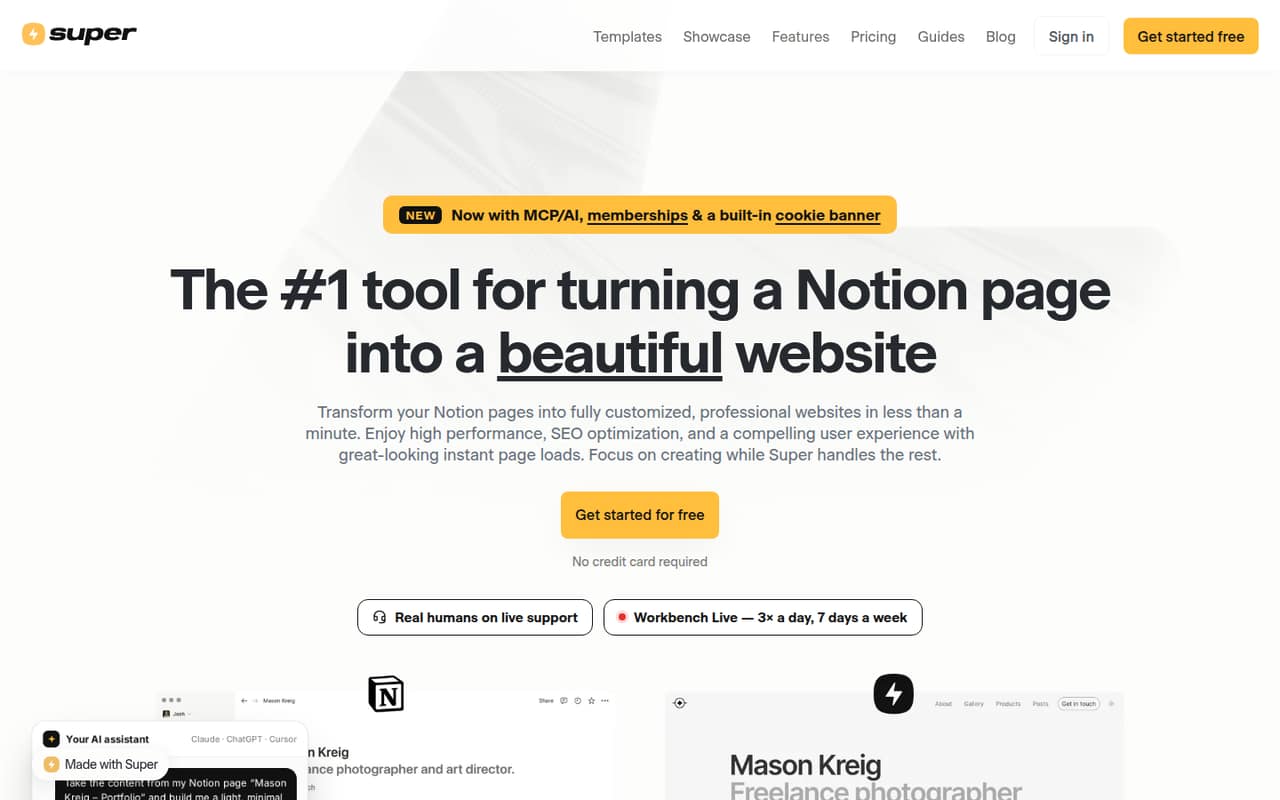
Super turns Notion pages into hosted websites, with design controls, SEO settings and custom domains. It makes the most sense if your team already manages its content in Notion; it is less appealing if you want a website builder that stands on its own.
The Free site plan is useful for trying the setup, but it uses a super.site address and includes a Made with Super badge. A custom domain starts at $12 per site monthly with annual billing, or $16 month to month.
Good fit if
- Small teams already using Notion
- Creators publishing simple websites
- Notion-based membership sites
Skip it if
- Teams avoiding Notion
- Sites needing advanced publishing for free
- Teams wanting predictable analytics costs
ScoresHow it rates
What works
- Notion edits sync automatically to the site
- Free hosting on a super.site address
- Themes and design options need no code
- Personal site includes custom domains and memberships
- Pro adds search, file uploads and multilingual publishing
What doesn't
- A custom domain requires the Personal site plan
- Free sites display a Made with Super badge
- Pro annual pricing is not published
- Analytics is a separate, traffic-priced add-on
- Website content remains managed in Notion
01Who Super is for
Super is for a solo creator or a small team of roughly 1–10 people that already keeps its content in Notion. It turns Notion pages into hosted websites, while the team continues editing the source content in Notion and manages site settings in Super.
That setup suits a portfolio, publication, business site or members-only area when the goal is to publish without building a separate content workflow. Themes, design options, SEO settings and custom domains cover the main website basics. Personal site adds password-protected pages, memberships and redirects; Pro adds tools such as advanced search, file uploads and multilingual publishing.
The budget starts at zero for a site on super.site. For a custom domain, budget $12 per site monthly with annual billing or $16 month to month. Super is a weaker fit if the team does not use Notion or wants its website content managed somewhere else.
02Super free plan and trial
The Free site plan costs $0 and includes hosting on a super.site address, themes and design options, compatibility with any Notion page, and a Made with Super badge. That gives a small team a way to publish a Notion-powered site without adding a subscription.
The plan does not list a custom domain among its inclusions, and the free address carries Super branding. The cheapest listed option with a custom domain is Personal site: $16 per site monthly, or $12 per month when billed annually at $144 per year. Personal also includes custom code and fonts, password-protected pages, memberships and page redirects. A free trial is not listed, so the free plan is the no-cost starting point.
03What a small team pays for Super
Super’s site plans are priced per site, not per person, so the base website price is the same for a team of one, three or five. Personal site is $16 monthly or $144 yearly ($12 per month). Pro site is $28 monthly; the vendor does not publish an annual price. Free site costs $0 but uses a super.site address and includes a Made with Super badge.
Teams is a separate add-on listed at $5 per member monthly or $50 per member annually. If all members need it, three seats add $15 monthly or $150 yearly; five add $25 monthly or $250 yearly. Combined with Personal site, that is $31 monthly or $294 yearly for three seats, and $41 monthly or $394 yearly for five seats, using annual Personal billing and annual Teams billing for yearly totals.
Analytics is another add-on: $10 monthly for up to 10,000 views, $20 for 100,000 and $30 for 200,000. Billing combines traffic across analytics-enabled sites and moves to a higher tier automatically when traffic crosses its limit.
04Getting started with Super
A small team needs a Notion page to publish, then uses Super to choose a theme and manage the site settings. If the site needs a branded address, connect a custom domain on Personal site or above. The main content workflow stays in Notion: edits there sync to the published site.
That split should be approachable for teams already comfortable with Notion, but it means there are two places to manage: Notion for content and Super for site settings. No-code themes reduce the need to build a design from scratch, while SEO settings and social sharing cards help configure how pages appear online. Custom code and fonts are available on Personal site.
The product also lists an MCP / AI option for building, designing and publishing by chatting with an AI assistant. The exact time needed to launch, and any extra steps for a particular domain or site, are not published. Teams should check their domain setup and content structure before moving a site live.
05When small teams outgrow Super
The first reason to upgrade is a custom domain: the Free site plan hosts on super.site, while Personal site includes connecting your own domain. A team can also move to Personal for password-protected pages, memberships, redirects, custom code and fonts.
Pro is the next step when publishing needs become more involved. Its listed tools include manual publishing controls, advanced search, file uploads and a multilingual site. At $28 per site monthly, Pro costs more than Personal’s $16 monthly rate, and its annual price is not published. The Teams add-on can also raise the bill as more members are added.
Traffic-heavy sites should account for analytics separately. The add-on moves automatically to a higher monthly tier when combined traffic across analytics-enabled sites passes a tier threshold; the listed tiers reach $400 for 20 million monthly views, with higher traffic requiring contact with Super. If a team needs tailored hosting, single sign-on or custom design, Custom solutions starts at $50 plus modification fees.
Super in the news
Questions people ask
Can I use Super for free?
Yes. The Free site plan costs $0 and includes hosting on a super.site address, themes and design options, and support for any Notion page. It also includes a Made with Super badge. A custom domain is listed with Personal site, which costs $16 monthly or $12 per month with annual billing.
Do I need Notion to use Super?
Yes. Super turns Notion pages into websites, and the content remains managed in Notion while site settings are managed in Super. If your team does not want to create and maintain its content in Notion, Super may not fit your workflow.
How much does Super cost for a custom domain?
Personal site is the cheapest listed plan with a custom domain. It costs $16 per site monthly, or $144 per year when billed annually, which works out to $12 per month. The plan also includes custom code and fonts, password-protected pages, memberships and page redirects.
Can Super create members-only pages?
Yes. Personal site lists memberships and password-protected pages, which support gated website content. The listed monthly price is $16 per site, or $12 per month with annual billing. Super does not publish a separate per-member price for the memberships feature.
What does Super Pro add?
Pro site adds manual publishing controls, advanced search, file uploads and a multilingual site. The listed price is $28 per site monthly. An annual Pro price is not published, so ask Super about annual billing before budgeting for a full year.