
We may earn a commission if you buy through links on this page. It never changes a score or a ranking. How we make money
The bottom line
Swept gives commercial cleaning crews unlimited users, but charges by location and has no free plan.
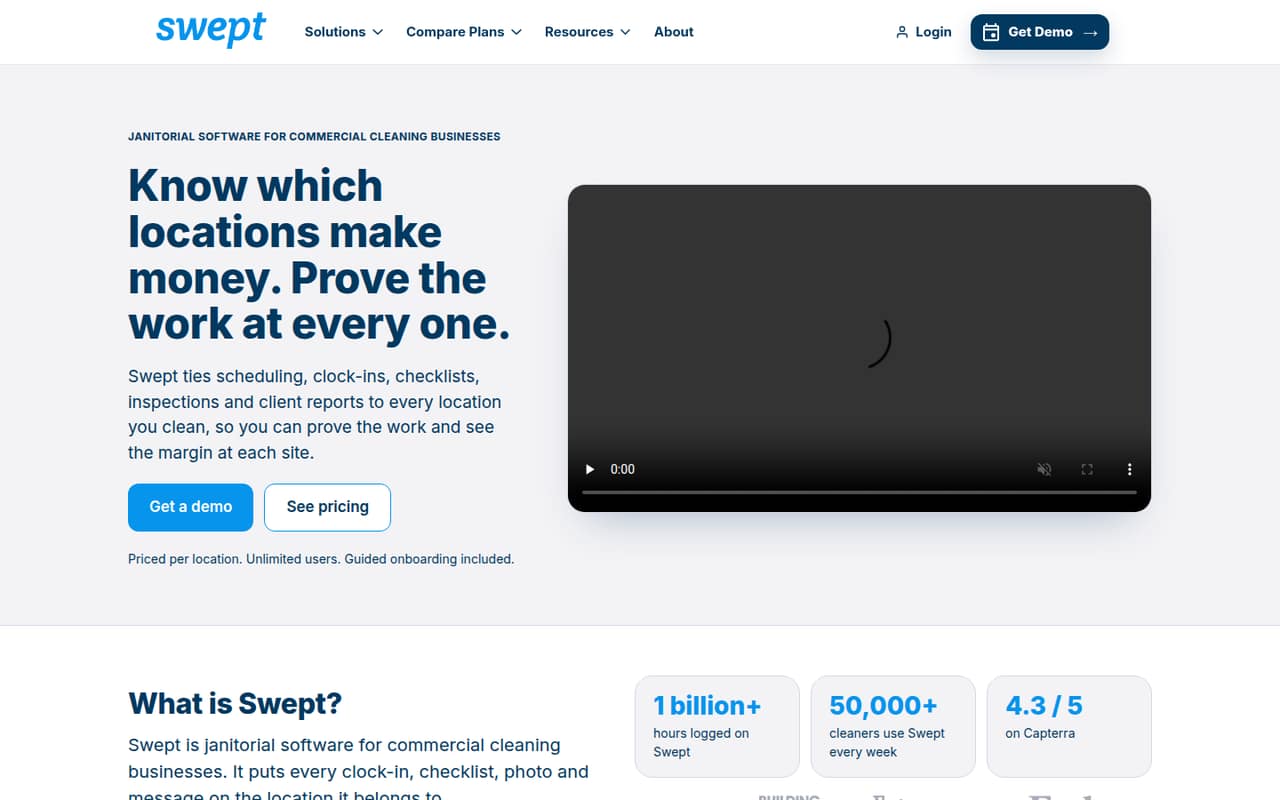
Swept is janitorial software for commercial cleaning businesses that organize work by location. Its listed tools cover scheduling, geofenced clock-ins, location checklists, photo inspections, messaging, and client reporting on eligible plans.
The trade-off for a small team is the price structure: there is no free plan, and Optimize starts at $150 per month, billed monthly, for up to 15 locations. Unlimited users can make that easier to justify as a crew grows, but teams with only a few workers still pay by location.
Good fit if
- Commercial cleaners managing multiple sites
- Crews needing location-based checklists
- Teams sharing client inspection reports
Skip it if
- Residential cleaning businesses
- Teams needing a free plan
- Businesses seeking back-office accounting
ScoresHow it rates
What works
- Unlimited employees and subcontractors on Optimize
- Scheduling and shifts organized across locations
- Geofenced clock-ins and late-arrival alerts
- Photo inspections provide proof of work
- Scale adds client reporting and location profit tracking
What doesn't
- No free plan
- Optimize starts at $150 monthly
- Pricing is by location, not by seat
- Client portal and profit reporting require Scale
- Accelerate pricing is custom
01Who Swept is for
Swept is for commercial cleaning businesses that dispatch people to client sites and need to keep each location’s work organized. It brings schedules, shifts, clock-ins, checklists, inspections, and messages together around those locations. That makes it a plausible fit for a small owner-led operation as well as a growing crew with several cleaners or subcontractors.
The plan is priced by location, not by employee, and Optimize includes unlimited employees and subcontractors. So a team of three or five can use the same starting plan, provided its location needs fit the plan’s listed allowance. The pricing page lists Optimize at $150 per month with monthly billing, or $120 per month with annual billing, for up to 15 locations at the starting price. This is not a free-first tool, and it is aimed at commercial field operations—not residential cleaning or back-office accounting.
02Swept free plan and trial
Swept has no free plan, so there is no permanent free tier to use for scheduling, clock-ins, checklists, or inspections. The vendor does not publish a free-trial offer in its current plan details, so ask Swept directly whether a trial or guided evaluation is available before committing.
The cheapest listed way in is Optimize: $150 per month with monthly billing, or $120 per month when billed annually. The starting price covers up to 15 locations and includes unlimited employees and subcontractors, scheduling and shift management, GPS site verification, photo inspections, and support for 150+ languages. That is a meaningful entry cost if you only want to try software with a couple of workers. It makes more sense when location-based coordination is already a regular part of the business.
03What a small team pays for Swept
The pricing page lists Optimize at $150 per month with monthly billing, or $120 per month on annual billing, at the starting price for up to 15 locations. Since the charge is by location and users are unlimited, the subscription does not rise when you add a second, third, or fifth person. For a one-person team, that works out to $150 or $120 per person per month; for three people, $50 or $40 each; for five, $30 or $24 each. Those are cost-allocation figures, not seat prices, and the plan bill remains tied to locations.
Scale is $225 monthly or $180 per month with annual billing, also for up to 15 locations at its starting price. It adds a client portal and messaging, profit and loss by location, and QuickBooks Online payroll integration. Swept Connect, which adds API, Webhooks, and MCP, is an add-on for Scale, but its price is not published. Accelerate has custom pricing and no location cap. The pricing page says annual billing saves 20% on Optimize and Scale.
04Getting started with Swept
Swept’s listed workflow is built around locations, so a sensible rollout starts by organizing your sites and then setting up schedules, shifts, checklists, and inspection routines for them. Staff then use the location-based tools for clock-ins, messages, and proof-of-work photos. That is a practical outline based on the features, not a published setup checklist or time estimate.
The vendor does not publish a setup-duration estimate or enough onboarding detail to judge the learning curve precisely. Ask for a walkthrough using your own number of locations and crew roles before signing up, especially if your team has different routines at different client sites. If payroll integration is needed on day one, the listed QuickBooks Online payroll integration is on Scale, not Optimize. Swept Connect is also listed as an add-on for Scale; its price is not published. For a small team without those needs, the Optimize feature list covers the core location-based field workflow.
05When small teams outgrow Swept
Swept’s listed plans don’t impose an employee or subcontractor cap on Optimize, so adding cleaners alone does not force a seat-based upgrade. The more likely reasons to move up are needing client-facing reporting, profit and loss by location, or QuickBooks Online payroll integration; those features are listed on Scale, which starts at $225 monthly or $180 per month with annual billing.
Location count is the other trigger. Optimize and Scale have starting prices for up to 15 locations, while Accelerate is the listed option with no location cap and custom pricing. The pricing page does not spell out what each additional location costs beyond the starting allowance, so ask Swept for a quote based on your contract pipeline. A team can also outgrow the product’s focus if it needs residential cleaning workflows or back-office accounting rather than field operations. Those are outside Swept’s stated fit.
Questions people ask
Does Swept have a free plan?
No. Swept’s pricing details list no free plan. The vendor does not publish a free-trial offer in those plan details, so ask directly whether you can evaluate the software before paying. The cheapest listed option is Optimize, starting at $150 per month with monthly billing or $120 per month with annual billing.
How does Swept charge for small teams?
Swept prices its plans by location, not by employee. Optimize includes unlimited employees and subcontractors, so a team of one, three, or five does not pay a separate seat fee. Its starting price is $150 monthly or $120 per month with annual billing, for up to 15 locations.
What does Swept Scale add?
Scale includes everything in Optimize, plus a client portal and client messaging, profit and loss by location, and QuickBooks Online payroll integration. The listed starting price is $225 per month with monthly billing or $180 per month with annual billing, for up to 15 locations.
Does Swept work for residential cleaning?
Swept is positioned for commercial cleaning businesses managing field operations by location. Its listed tools focus on site schedules, clock-ins, checklists, inspections, and client reporting. It is not positioned as residential cleaning software or back-office accounting, so confirm with the vendor if your workflows cross those lines.
When should a cleaning company consider Accelerate?
Accelerate is listed for operators managing large contracts and scaling quickly. It includes everything in Scale, has no location cap, and offers guided rollout support and flexible payment terms. Its pricing is custom, so ask Swept for a quote based on your locations and contract requirements.