
We may earn a commission if you buy through links on this page. It never changes a score or a ranking. How we make money
The bottom line
Useful payment options for small businesses, with a price you’ll need to request.
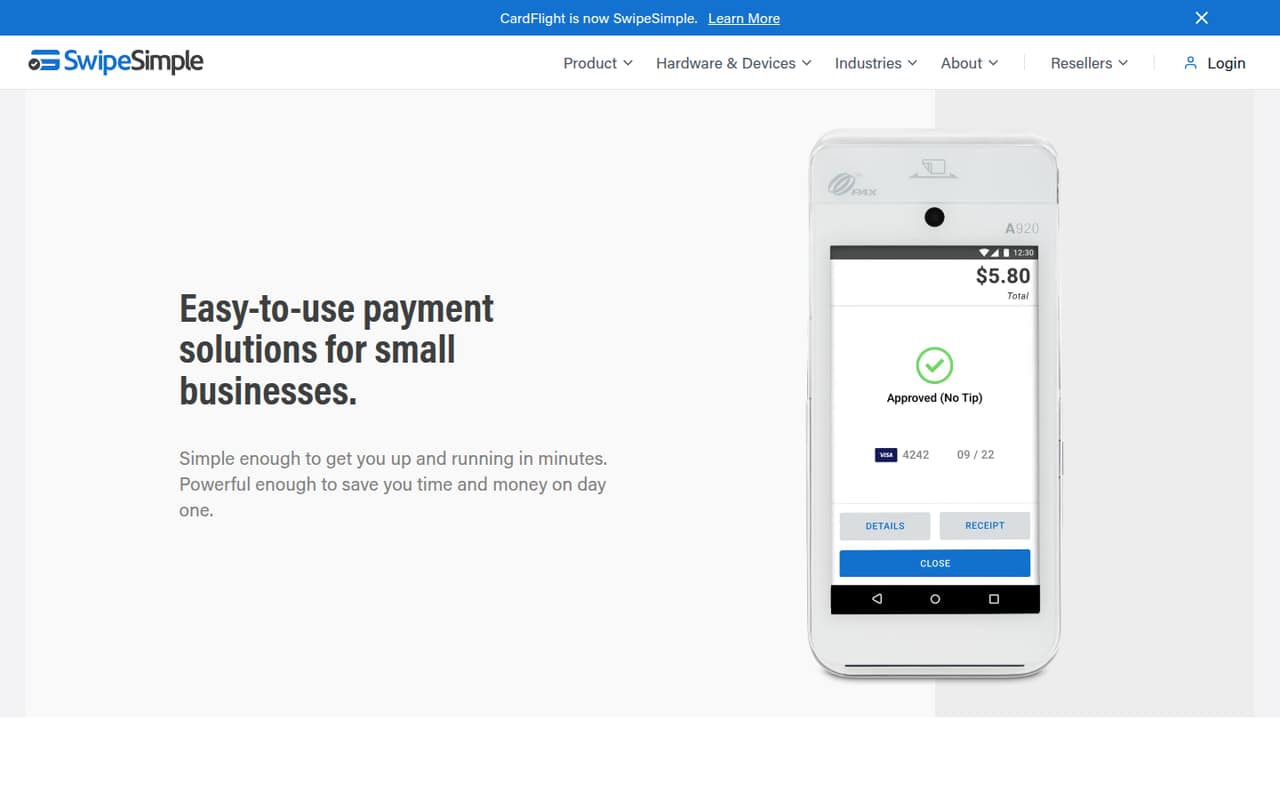
SwipeSimple brings in-person payments, invoices, payment links and a virtual terminal into one small-business payment platform. Its Starter plan covers up to three users, while Standard supports unlimited users.
The catch for a budget-minded team: SwipeSimple doesn’t publish plan prices, and there’s no free plan or trial listed. Ask the merchant service provider or reseller for the full quote, including add-ons and payment processing fees.
Good fit if
- Small businesses taking card payments
- Teams needing in-person and online payments
- Businesses sending invoices and payment links
Skip it if
- Teams that need a free payment platform
- Buyers who require clear public pricing
- Starter teams needing QuickBooks sync
ScoresHow it rates
What works
- Supports mobile card payments and a virtual terminal
- Sends invoices by email or text
- Payment links offer another way to collect money
- Starter includes up to three users
- Standard includes unlimited users and ACH availability
What doesn't
- Plan prices aren't published
- No free plan or trial is listed
- Starter is limited to three users
- Several features cost extra on Starter or Standard
- QuickBooks Online Sync isn't available on Starter
01Who SwipeSimple is for
SwipeSimple is for small businesses that take card payments and want tools for both face-to-face sales and remote transactions. It combines phone or tablet payments, a virtual terminal for taking payments by phone or computer, invoices, payment links, customer records and sales reporting.
A solo operator or team of up to three can start with Starter, which includes up to three users. If you have five people who need access, Standard is the named plan for the job: it includes unlimited users. The pricing page doesn’t list dollar amounts, though, so this is a plan-fit recommendation rather than a known budget estimate.
It may suit a business that wants to manage repeat customers or connect payment operations with accounting, scheduling, loyalty or marketing tools. Before choosing, ask the provider or reseller for a full quote. SwipeSimple says fees are set by them, so the plan price alone may not represent your total cost.
02SwipeSimple free plan and trial
SwipeSimple doesn’t list a free plan or free trial. Its lowest named plan is Starter, aimed at small businesses taking cards occasionally. Starter includes up to three users, unlimited mobile card readers, the first merchant account and the first terminal.
The price for Starter isn’t published, so there’s no confirmed dollar amount for getting started. Fees are set by the merchant service provider or reseller. Ask for the monthly charge, any payment processing fees, and the cost of any equipment or services beyond what the plan includes.
Starter also has limits that matter as you add tools: additional merchant accounts and terminals cost extra, ACH is an add-on, and Appointments and Text Loyalty & Reviews are add-ons. QuickBooks Online Sync isn’t available on Starter. If your team needs more than three users, Standard is the next plan to ask about.
03What a small team pays for SwipeSimple
SwipeSimple’s pricing page doesn’t publish monthly or annual plan prices. It says fees are set by the merchant service provider or reseller, so we can’t calculate a reliable cost for one person, three people or five people—or compare monthly with annual billing. Get a written quote for the team size you expect to have.
For one person or a team of three, Starter is the plan that fits the published user limit: up to three users. A five-person team would need Standard, which includes unlimited users. The plans don’t list per-seat charges, but that doesn’t mean the total cost is the same; confirm how the provider prices each plan and payment processing.
Watch for add-ons in your quote. Extra merchant accounts and terminals cost more on Starter and Standard; ACH is an add-on where it isn’t included; Appointments and Text Loyalty & Reviews are also add-ons. QuickBooks Online Sync costs extra on Standard and isn’t available on Starter. Premium includes ACH and the full App Marketplace at no extra cost.
04Getting started with SwipeSimple
SwipeSimple covers several payment workflows: mobile card payments, a virtual terminal, invoices and payment links. You can also store customer card details securely for repeat payments, view sales reporting and export reports. The exact setup steps, learning curve and time to get running aren’t published, so ask the provider what onboarding involves and when you can begin taking payments.
The plan includes a first merchant account and first terminal on Starter and Standard, but ask whether the equipment and account setup carry any separate charges. For integrations, the App Marketplace connects with accounting, scheduling, loyalty and marketing tools. The pricing page specifically lists QuickBooks Online Sync as a Standard add-on; it’s unavailable on Starter.
Before signing, confirm which integrations your team uses, whether they cost extra and who handles support during setup. The pricing page doesn’t name a setup timeline or specify support terms.
05When small teams outgrow SwipeSimple
The clearest reason to move up is team size. Starter stops at three users, so a four- or five-person team should ask about Standard, which includes unlimited users. The pricing page doesn’t publish a price difference, so compare a full Standard quote with your current plan before adding seats or tools.
More locations or a need for broader account and terminal access may point toward Premium. It includes unlimited locations, unlimited users and unlimited mobile card readers, along with ACH and the full App Marketplace at no extra cost. Premium’s price isn’t published either, so ask how its included features change the total bill.
A growing team may also hit add-on costs before it hits a user limit. Extra merchant accounts and terminals cost more on Starter and Standard; Appointments and Text Loyalty & Reviews are add-ons there, and QuickBooks Online Sync isn’t available on Starter. If those tools are central to your workflow, compare the cost of upgrading with another provider’s full quote.
Questions people ask
How much does SwipeSimple cost?
SwipeSimple doesn’t publish monthly or annual prices for Starter, Standard or Premium. Its pricing page says fees are set by the merchant service provider or reseller. Ask for a quote that includes your plan, payment processing, equipment and any add-ons your team needs.
Does SwipeSimple have a free plan or trial?
SwipeSimple doesn’t list a free plan or trial. Starter is its lowest named plan and includes up to three users, unlimited mobile card readers, a first merchant account and a first terminal. The price isn’t published, so request a quote from the provider or reseller.
How many users can use SwipeSimple Starter?
Starter includes up to three users. Standard and Premium include unlimited users. The pricing page doesn’t publish plan prices or per-seat charges, so ask the provider how it would price your team and whether adding users changes your total bill.
Can SwipeSimple take payments online and in person?
Yes. SwipeSimple supports mobile card payments using a phone or tablet, plus a virtual terminal for payments by phone or computer. It also offers invoices by email or text and shareable payment links for collecting payments remotely.
How long does SwipeSimple take to deposit funds?
The pricing details don’t state a deposit timetable. Ask your merchant service provider or reseller how long deposits usually take, whether the schedule depends on your account, and whether weekends or holidays affect when funds arrive.