
We may earn a commission if you buy through links on this page. It never changes a score or a ranking. How we make money
The bottom line
A free option for small meetings; paid pricing and seat limits need a closer look.
Sylaps offers link-based video meetings and audio calls, plus screen and file sharing. Its free consumer plan allows up to 8 participants per meeting, making it worth considering for occasional small-group calls.
Paid plans start at $19.90 per month, but the listed tiers are priced around usage rather than seats. Seat limits are not published, so a team should confirm what its plan includes before budgeting.
Good fit if
- Small teams with occasional meetings
- Calls with up to eight participants
- Developers building with video
Skip it if
- Teams needing published seat limits
- Buyers wanting clear per-seat pricing
- Organizations needing known integrations
ScoresHow it rates
What works
- Free meetings allow up to 8 participants
- Meetings can be started or joined with a link
- Homepage lists audio and video calls
- Screen and file sharing are listed
- Homepage says meetings use end-to-end encryption
What doesn't
- Free meeting duration limit is not published
- Seat limits are not published
- Paid plans focus on monthly usage
- Enterprise pricing is not published
- Premium support costs $199 per month
01Who Sylaps is for
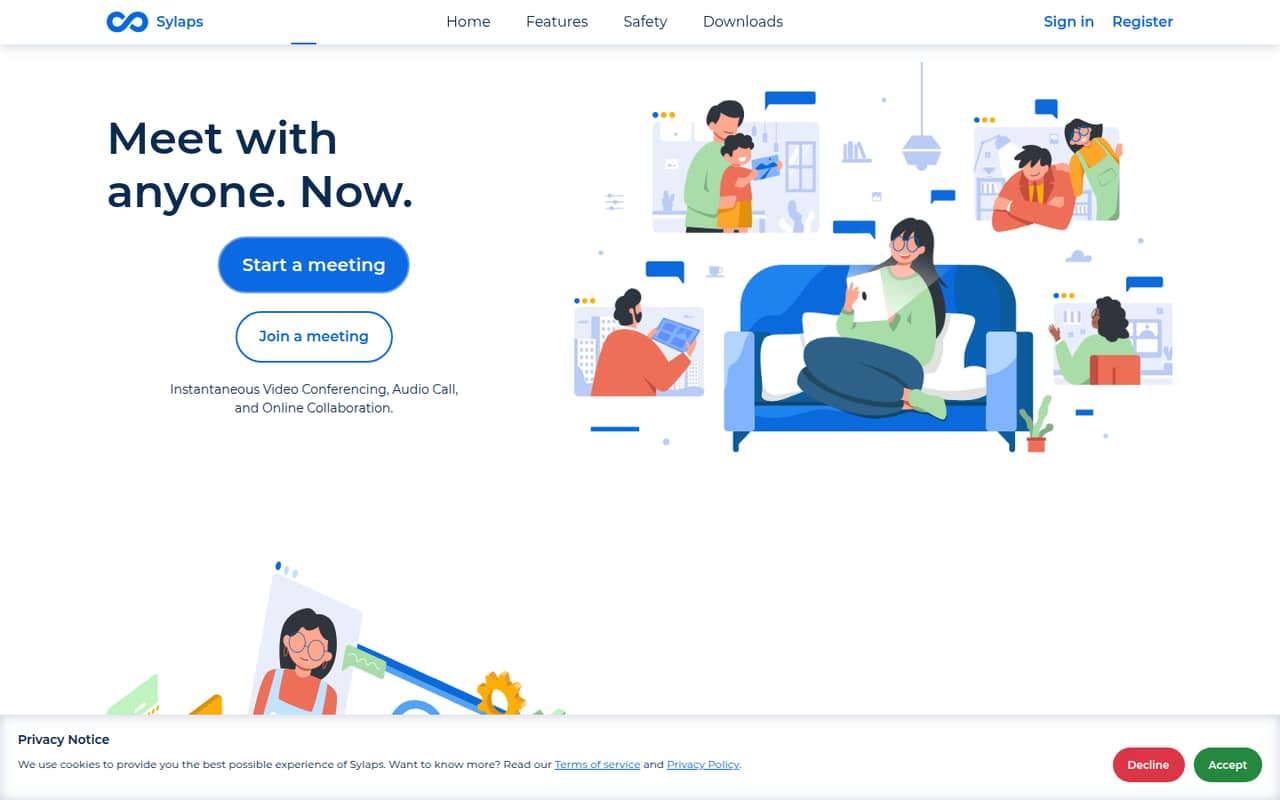
Sylaps is aimed at people who want to start or join a meeting through a link, rather than manage a more elaborate meeting setup. The homepage lists video meetings, audio calls, screen sharing and file sharing, and says meetings are encrypted end-to-end.
For a small team of 1–10 people, the free consumer plan may suit occasional calls with up to 8 participants. That makes it a possible fit for a founder, freelancer or small group that does not need every colleague in every meeting. The catch is that the participant cap is not the same as a published seat limit: Sylaps does not list how many team members an account can have. If you need regular calls with the whole team, ask the vendor about account membership and meeting duration before relying on the free tier. Developers building with Sylaps are a different audience; the paid Developer plan is priced by monthly minutes, not by a published per-seat rate.
02Sylaps free plan and trial
The pricing page lists a free Sylaps Consumer plan at $0 per month, with up to 8 participants per meeting. That is a useful starting point for small calls without a subscription. The vendor does not publish a meeting-duration limit or a seat limit, so confirm how long calls can run and how many people can belong to an account before making it your team’s regular meeting tool.
Sylaps describes video and audio calls, screen sharing, file sharing and end-to-end encryption on its homepage, but the pricing details do not spell out which capabilities are included in the free tier. Check that the functions you need are available at no cost. Trial terms are not published. If the free plan is too limited, the listed Developer plan is $19.90 per month and includes up to 5,000 minutes monthly.
03What a small team pays for Sylaps
The pricing page lists the Developer plan at $19.90 per month for up to 5,000 minutes, and Cloud at $199 monthly or $1,990 annually, equivalent to $165.83 per month, for up to 50,000 minutes. Cloud includes the Developer plan. These are plan prices, not published per-seat prices; Sylaps does not list seat limits.
For one person, the listed Developer subscription is $19.90 monthly. For a team of 3 or 5, the listed plan price is still $19.90 if the plan allows those users, but the vendor does not publish enough seat information to confirm that assumption or calculate a dependable per-seat cost. Cloud works the same way: $199 monthly, or $1,990 paid annually, with the number of seats not stated. Ask Sylaps to confirm account size and any overage rules before choosing. Premium support is an extra $199 per month or $1,990 per year. SIP Interconnect, Voice Call - Only and custom packages have no published prices.
04Getting started with Sylaps
The homepage describes starting or joining a meeting with a link, which suggests a straightforward way to get people into a call. It also lists audio and video meetings, screen sharing and file sharing, so a small team can check those needs against its usual meeting routine before committing to a paid plan.
The vendor does not publish setup steps, a learning curve, or a list of integrations in the published product and pricing details. We would not assume it connects to your calendar, chat app or identity provider without checking first. For day one, ask whether users need accounts to join, how meeting links are managed, and whether the free plan includes the sharing features your team needs. Those answers matter more than the low entry price if you are replacing an established meeting workflow. The link-based description points to a light start, but the missing setup and integration details mean teams should confirm the practical requirements directly with Sylaps.
05When small teams outgrow Sylaps
The first constraint to check is the free plan’s cap of 8 participants per meeting. A team that regularly needs more people in one call will need to ask Sylaps what upgrade or package supports that use; the published pricing does not state a larger participant limit. The free plan also has no published duration or seat limit, so sustained team use could run into uncertainty before it runs into a clearly stated threshold.
Paid plans are organized around minutes: Developer includes up to 5,000 per month, and Cloud includes up to 50,000. A team approaching those allowances should compare the $19.90 monthly Developer plan with Cloud at $199 monthly or $1,990 annually, while checking how overages work. Enterprise includes unlimited minutes, but its price is not published. Teams may also outgrow Sylaps if they require known seat counts, integrations or support coverage; ask the vendor about those needs before moving several people onto a paid plan.
Questions people ask
How many people can join a free Sylaps meeting?
The pricing page lists up to 8 participants per meeting on the free Sylaps Consumer plan. It does not publish a meeting-duration limit or an account seat limit. If you need larger calls or want to know how many team members can use an account, ask Sylaps to confirm those limits before depending on the free plan.
Does Sylaps have a free trial?
Trial terms are not published in the pricing details. Sylaps does list a free Consumer plan with meetings for up to 8 participants, so you can check whether that plan suits your calls. Confirm with the vendor whether paid plans have a separate trial or evaluation period.
How much does Sylaps cost for a small team?
The listed Developer plan costs $19.90 per month and includes up to 5,000 minutes monthly. Sylaps does not publish seat limits or per-seat pricing, so the cost for a team of 3 or 5 cannot be confirmed from the listed price alone. Ask whether the plan covers your team size and how excess usage is billed.
What features does Sylaps offer?
Sylaps lists video meetings, audio calls, screen sharing and file sharing, and describes collaboration through a shared link. Its homepage says meetings are encrypted end-to-end. The pricing details do not specify which of these features are included in each plan, so verify the functions you need before choosing a tier.
What is included in Sylaps Cloud?
The pricing page lists Cloud at $199 per month or $1,990 per year, equivalent to $165.83 per month, with up to 50,000 minutes monthly. It also says Cloud includes the Developer plan. Seat limits and overage terms are not published, so ask Sylaps how the allowance and account size work for your team.