
We may earn a commission if you buy through links on this page. It never changes a score or a ranking. How we make money
The bottom line
Strong finance-specific communications, but no published price or free plan for budget-conscious teams.
A small team only needs Symphony if its work depends on secure financial-services communications, client channels, trader voice or industry-specific contacts. Its feature set goes beyond team chat, with analytics and open APIs too.
The pricing page lists a quote-based Enterprise plan, but no seat price, usage limits or trial. That makes the cost for even a few people impossible to compare before talking to sales.
Good fit if
- Financial firms with compliance needs
- Teams connecting with clients across channels
- Trading teams needing cloud voice
Skip it if
- Teams looking for free team chat
- Buyers needing predictable seat pricing
- Teams without finance-specific communication needs
ScoresHow it rates
What works
- Secure messaging built for global finance
- Client channels include WhatsApp, SMS and WeChat
- Cloud9 offers trader and broker voice
- Industry directory helps find counterparties
- Open APIs connect workplace and market tools
What doesn't
- No free plan is listed
- Free-trial availability is not published
- Enterprise pricing requires a sales quote
- Seat and usage limits are not published
- Add-on and overage costs are not published
01Who Symphony is for
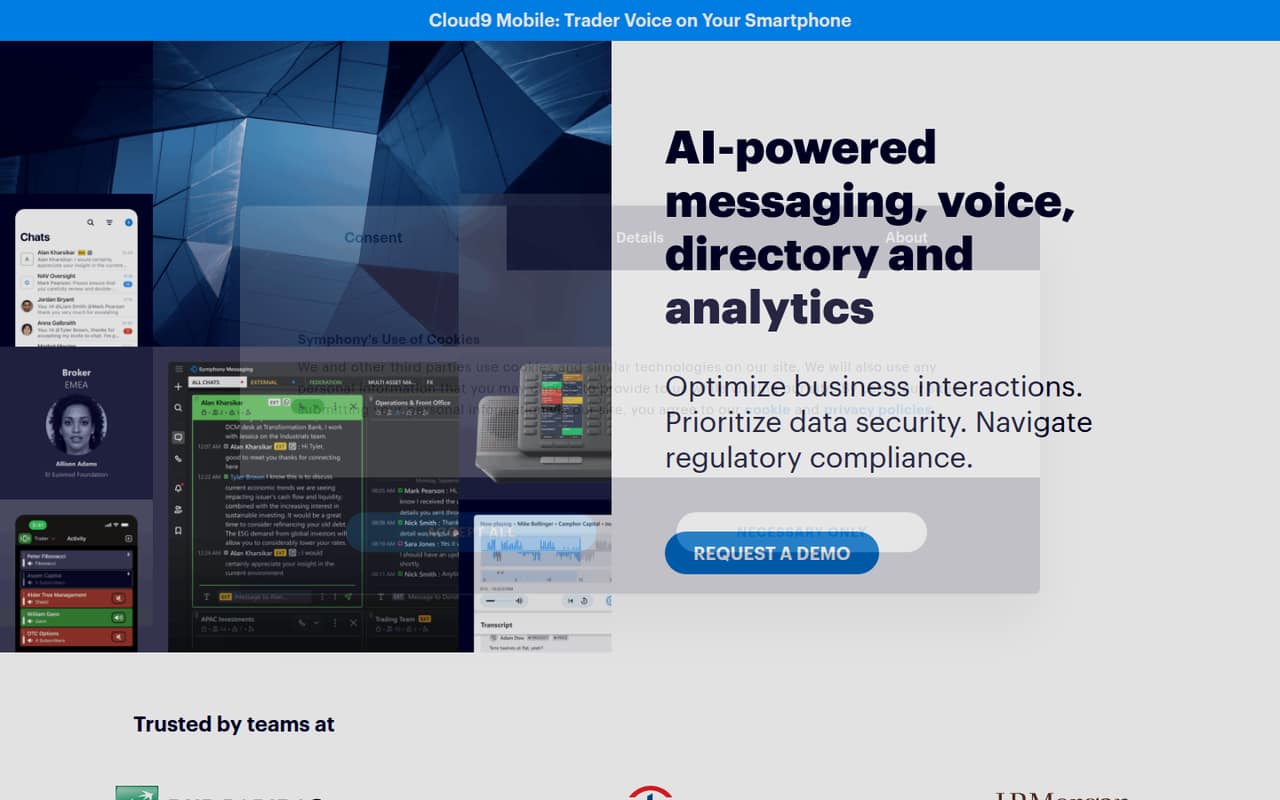
Symphony is for financial-services teams that need more than ordinary workplace chat. It combines secure messaging, client communications, trader voice, an industry directory and analytics. A small team of one to ten people might consider it if those finance-specific tools solve a real daily need, such as communicating with clients through WhatsApp or connecting traders and brokers through Cloud9.
For a small team watching every subscription, the budget fit is hard to judge: the pricing page lists Enterprise as quote-based, with no published starting price. This is not an obvious pick for a general-purpose team chat need or a team that mainly wants low-cost internal messaging. Before booking a sales conversation, map out which features are essential, how many seats you need and which integrations matter. Symphony describes open APIs for connecting communication, productivity and market-specific tools, but the cost and implementation details need to be confirmed with the vendor.
02Symphony free plan and trial
The pricing page lists no free plan, and it does not publish free-trial availability. That means a small team should not assume it can start with a no-cost version or test the full service before committing. Ask Symphony whether it offers a trial, pilot or short-term evaluation, and get the terms in writing.
The listed route in is Enterprise, sold through a quote-based contract. The vendor does not publish a minimum seat count or a starting price, so even a one-person team would need to contact sales to find out whether it can buy access and what the commitment would be. Ask what features are included in the quote, whether pricing depends on usage, and what happens if you add seats. Without those answers, the cheapest way in is not a known amount; it is a sales conversation.
03What a small team pays for Symphony
The pricing page lists one plan: Enterprise, with quote-based contracts. It publishes no per-seat rate, so the monthly and annual cost for one person is not published. The same is true for three or five people: there is no disclosed rate to multiply, and no annual discount or monthly billing price to compare. Ask sales for written quotes at your actual seat count and billing term.
The vendor also does not publish seat or usage limits, add-on prices or overage charges. That leaves key budget questions unanswered: whether messaging volume, voice, client channels, analytics or integrations affect the quote, and what it costs to expand. Those are questions to settle before treating the initial quote as your full bill. For a small team, the practical cost comparison is therefore not a price table against other tools; it is a vendor quote against the value of the finance-specific features you expect to use.
04Getting started with Symphony
Symphony describes a broad set of tools rather than messaging alone: secure collaboration, client channels, Cloud9 trader voice, an industry directory, analytics and integrations. A small team should decide which of those it needs on day one. Connecting every channel and workflow at once could add coordination work, so start by identifying the people, client channels and workplace tools that must be included.
The product description says open APIs connect communication, productivity and market-specific tools, but setup steps, implementation timelines and technical requirements are not published. We can't give a reliable estimate of the learning curve or setup effort from the available details. Ask the vendor for a configuration plan, what help is included, and whether your chosen integrations are ready to use or need development. That answer matters especially for a team without dedicated IT staff.
05When small teams outgrow Symphony
Symphony's main growth challenge for a budget-conscious team may be the opposite of a usual seat limit: the vendor does not publish seat or usage limits, so you cannot plan expansion from a public pricing table. As you add colleagues or rely on more of its channels and tools, ask sales how the contract changes and whether added seats or usage trigger a new quote, add-on or overage.
A different kind of growing pain is paying for a suite whose finance-specific features the team does not use. If secure financial messaging, client channels, trader voice, the directory and analytics are not central to your work, the quote may be difficult to justify against simpler team chat options. The published pricing gives no cost threshold for that decision. Before renewing or expanding, compare actual required features with the contract and request written prices for the next team size. Move or upgrade when the current scope no longer fits, but verify the terms with Symphony first.
Questions people ask
Does Symphony have a free plan?
The pricing page lists no free plan. It also does not publish free-trial availability, so ask Symphony whether a trial or pilot is available before committing. The listed plan is Enterprise, which requires a quote from sales; the vendor does not publish a starting price.
How much does Symphony cost for a small team?
Symphony does not publish a per-seat price or a starting price. Its Enterprise plan is quote-based, so the costs for one, three or five people are not published. Request quotes for your seat count and billing term, and ask whether usage, voice, integrations or other needs change the price.
What does Symphony include?
Symphony describes secure messaging, client communication through channels such as WhatsApp, SMS, WeChat and LINE, and Cloud9 voice for traders and brokers. It also offers an industry directory, analytics and open APIs for connecting communication, productivity and market-specific tools. Confirm which features are included in your quote.
Is Symphony only for financial-services teams?
Symphony presents its tools for financial-services professionals, with messaging built for global finance and features such as trader voice, an industry directory and capital-markets analytics. A team without those needs may not benefit from its specialized focus. Ask the vendor whether your intended use case fits the Enterprise plan.
What should we ask Symphony before signing?
Ask for a written quote at your current and expected seat counts, plus monthly and annual terms if available. Confirm seat and usage limits, add-on and overage charges, trial or pilot options, included features, integration requirements and setup support. The pricing page does not publish those contract details.