
We may earn a commission if you buy through links on this page. It never changes a score or a ranking. How we make money
The bottom line
Capable AI-led service management, but the annual per-agent cost is a hurdle for small teams.
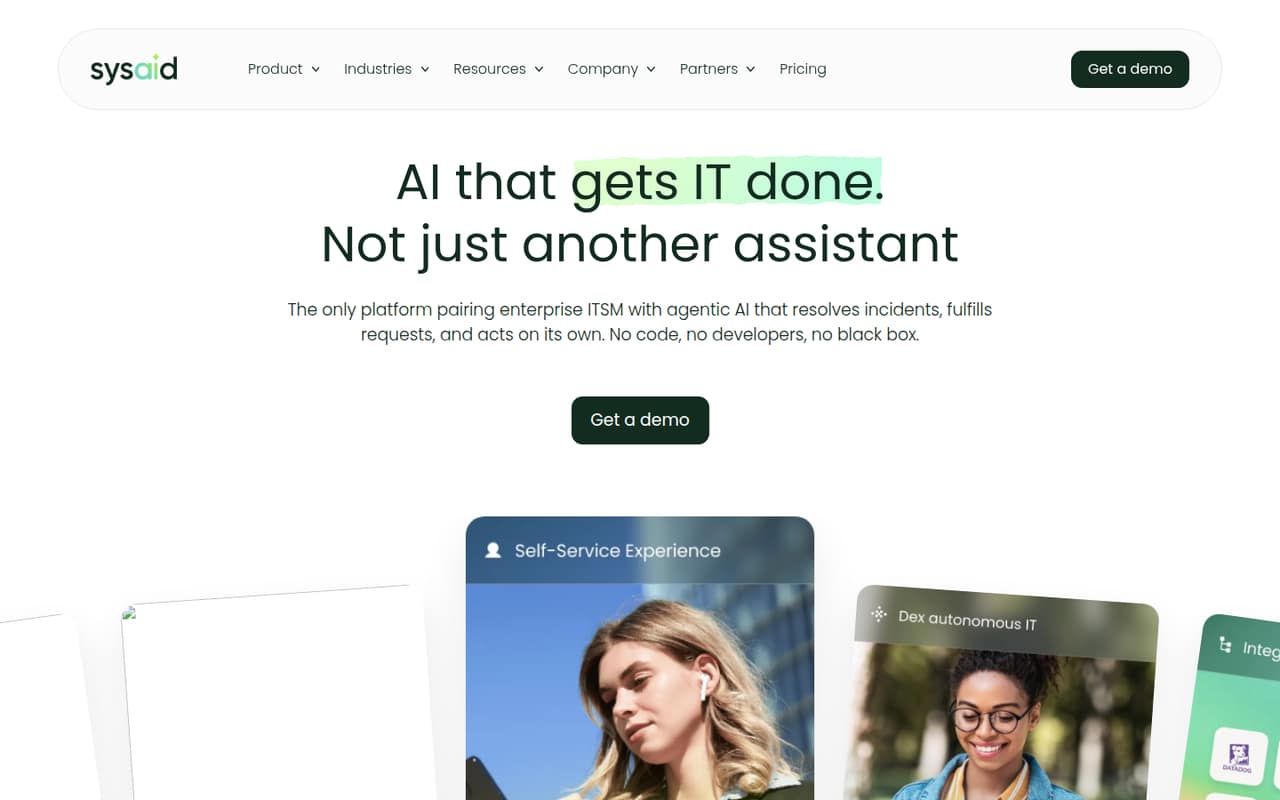
SysAid is IT service management software with AI Agents and SysAid Copilot. Its homepage features customer reports of AI-handled tickets, more self-service, and reduced ticket volume, but those testimonials are not a guarantee of results for your team.
There’s no listed free plan, and Professional starts at $59 per agent per month when billed annually. That’s $177 per month for three agents or $295 for five, with annual billing. Reddit users report mixed experiences, including complaints about support and setup.
Good fit if
- IT teams prioritizing AI-assisted service
- Teams with up to 250 managed assets
- Buyers comfortable with annual billing
Skip it if
- Teams needing a free service desk
- Very small teams on tight budgets
- Teams requiring published setup estimates
ScoresHow it rates
What works
- Professional includes unlimited agentic AI
- Professional covers 250 managed assets
- Homepage testimonials cite more self-service
- Customer says AI agents were easy to create
- Enterprise includes a sandbox environment
What doesn't
- No free plan is listed
- Professional costs $59 per agent monthly, billed annually
- Monthly billing price is not published
- Enterprise starts at 20 agents
- Reddit users report support and interface problems
01Who SysAid is for
SysAid is for IT teams that need a service desk for handling employee requests, managing assets, and supporting self-service. Its AI Agents and SysAid Copilot are aimed at teams hoping to reduce repetitive ticket work. The homepage features customer reports of AI-handled tickets, higher self-service use, and work reduced to seconds; those are customer claims, not a promised result.
For a team of one to ten agents, the Professional plan is the relevant starting point: it costs $59 per agent per month when billed annually and includes 250 managed assets. That makes it a better fit for teams that will use the IT service-management features than for a small company looking only for a basic ticket inbox. There is no listed free plan, so even a three-agent team is looking at $177 per month on annual billing. Teams needing customization and testing should note that Enterprise starts at 20 agents.
02SysAid free plan and trial
SysAid does not list a free plan, and a free trial is not published in the pricing details. That means a small team should not plan on running the full service desk for free or rely on a trial before budgeting. Ask SysAid whether it can arrange a demo or evaluation, and confirm the terms directly before committing.
The cheapest listed way in is Professional at $59 per agent per month when billed annually. It includes unlimited agentic AI, 250 managed assets, 100K Workato credits, two-year data retention, and 24/6 support with a three-hour response time for P1 issues. If your team only needs a basic ticket portal, the entry price may be hard to justify.
03What a small team pays for SysAid
Professional is listed at $59 per agent per month when billed annually. One agent works out to $59 monthly, or $708 for the year. Three agents cost $177 per month, or $2,124 annually; five cost $295 per month, or $3,540 annually. These totals use the listed per-agent rate, before any applicable taxes or other charges.
The pricing page does not publish a monthly-billing rate, so the annual figures are the only published basis for budgeting. Professional includes 250 managed assets and 100K Workato credits. If you need more Workato integration credits, the price of additional packs is not published. A sandbox for Professional and a private AWS instance are also listed as add-ons without published prices. Enterprise is custom-priced and starts at 20 agents, so it is not the natural step up for most teams under ten. Ask SysAid for a written quote that covers any add-ons you expect to need.
04Getting started with SysAid
SysAid’s pricing details do not publish a setup-time estimate or a step-by-step onboarding process. Ask the vendor what configuration, data import, and admin training your team will need, and whether those services carry a separate charge. Professional includes Workato credits for integrations, but the pricing information does not identify which integrations your team can use or how much setup each one takes.
Workflow needs are worth checking before you sign. In one Reddit discussion, a commenter said SysAid workflows were available only on the cloud version and full license, not a basic license. That is a user report, so confirm which current plan supports your workflows. Other Reddit users describe the interface as clunky and report problems with support. We’d request a walkthrough of the employee portal and a sample workflow, then confirm how agents and assets are licensed.
05When small teams outgrow SysAid
The first pressure point is cost: Professional charges per agent, so the bill grows with every seat. The plan includes 250 managed assets, 100K Workato credits, and two-year data retention; teams needing a Professional sandbox, a private AWS instance, or more integration credits will need to ask for add-on prices. Enterprise adds a sandbox and seven-year retention, but it is custom-priced and starts at 20 agents—too large a minimum for many teams with one to ten IT staff.
Reddit users have also described licensing gaps that limited access to features such as email notifications, password resets, screenshots, asset tracking, and remote support. Another commenter said workflows required the cloud version and full license. These are user reports, not a current plan guarantee, so verify requirements with SysAid. If your support team is growing toward Enterprise or repeatedly needs licenses and add-ons, compare the full quote with tools that fit your seat count.
Questions people ask
What is SysAid help desk?
SysAid is an IT service-management and service-desk product. Its feature set includes AI Agents and SysAid Copilot, and its homepage highlights customer-reported AI ticket handling and self-service use. Professional also includes managed assets and Workato credits. Check with SysAid to confirm that the plan you choose supports your specific workflows.
How much does SysAid cost per month?
Professional is listed at $59 per agent per month when billed annually. That equals $177 monthly for three agents and $295 monthly for five, with annual billing. SysAid does not publish a monthly-billing price in the pricing details, and Enterprise is custom-priced.
Does SysAid have a free plan or trial?
A free plan and free trial are not listed in SysAid’s pricing details. The cheapest published plan is Professional at $59 per agent per month when billed annually. Ask SysAid whether it can arrange an evaluation and what conditions apply before you budget around one.
Does SysAid include AI features?
Yes. Professional lists unlimited agentic AI, and SysAid offers AI Agents and SysAid Copilot. The homepage features customer testimonials about AI-handled tickets and improved self-service. Those are customer-reported outcomes, so ask for a demonstration using workflows similar to your team’s.
Does SysAid have a mobile app?
The pricing details do not specify whether SysAid offers a mobile app or what it includes. If mobile access matters for your employees or IT agents, ask SysAid to demonstrate the current app and confirm which plans include it before signing.
Sources
- SysAid homepage
- SysAid pricing page
- Reddit: I f'n hate Sysaid. Are there any ticketing systems that have workflows (on/offboarding, notify manager that user wants access, etc) and a super simple ticket entry portal?
- Reddit: Looking for ticketing systems to compare to SysAid for prece comparison and potential replacement
- Reddit: SysAid vs. Track-It/BMC Client Management