We may earn a commission if you buy through links on this page. It never changes a score or a ranking. How we make money
A small team may not need a full ITSM platform: a shared inbox or lightweight ticket tool can be enough if requests are simple. If you need asset tracking, service workflows, or incident coordination, start by checking what the free plan actually covers and whether the entry price applies to each seat. Our top pick for budget-conscious teams is GLPI, provided you can handle setup and maintenance. ServiceDesk Plus and iTop are also worth a look for free access. For a few seats, compare the total monthly bill—not just the advertised starting price.
Quick picksThe shortlist
 GLPIGLPIBest low-cost ITSM · €19/mo
 iTopiTopBest free toolkit · Free
 ServiceDesk PlusServiceDesk PlusBest free service desk · $10/mo
 Genuity IT Management SoftwareGenuity IT Management SoftwareBest free IT bundle · $39.99/mo
 OpsgenieOpsgenieBest free alerting · $9.45/mo
 FreshserviceFreshserviceBest for formal support · $19/mo
 RootlyRootlyBest for incident response · $20/mo
 HaloITSMHaloITSMBest broad ITSM · $83,333.33/mo
 AteraAteraBest for internal IT · $129/mo
 Incident IQIncident IQBest for school districts · Custom
 SysAidSysAidBest for AI-assisted service · $59/mo
 TOPdeskTOPdeskBest for service requests · Custom
 xMattersxMattersBest for on-call workflows · Free
 TeamDynamixTeamDynamixBest for broader services · Custom
 ConnectWise PSAConnectWise PSABest for MSP billing · Custom
 SyncroSyncroBest for small MSPs · $129/mo
 SuperOpsSuperOpsBest for 150+ endpoints · Custom
 HaloPSAHaloPSABest for MSP workflows · $83,333.33/mo
 Track-It!Track-It!Best for tickets and devices · Custom
 Ivanti Neurons for ITSMIvanti Neurons for ITSMBest for workflow automation · Custom
 BMC Helix ITSMBMC Helix ITSMBest for BMC buyers · Custom
01Compared at a glance
| Tool | Score | From | Free plan | Trial |
|---|---|---|---|---|
| GLPIGLPI | 7.6 | €19/mo | No | 45 days |
| iTopiTop | 7.0 | Free | Yes | — |
| ServiceDesk PlusServiceDesk Plus | 6.5 | $10/mo | Yes | — |
| Genuity IT Management SoftwareGenuity IT Management Software | 7.0 | $39.99/mo | Yes | 30 days |
| OpsgenieOpsgenie | 5.8 | $9.45/mo | Yes | — |
| FreshserviceFreshservice | 7.0 | $19/mo | No | 14 days |
| RootlyRootly | 7.5 | $20/mo | No | 2 weeks |
| HaloITSMHaloITSM | 7.6 | $83,333.33/mo | No | 30 days |
| AteraAtera | 7.2 | $129/mo | No | 30 days |
| Incident IQIncident IQ | 7.2 | Custom | No | — |
| SysAidSysAid | 6.2 | $59/mo | No | — |
| TOPdeskTOPdesk | 5.8 | Custom | No | — |
| xMattersxMatters | 6.0 | Free | Yes | — |
| TeamDynamixTeamDynamix | 6.0 | Custom | No | — |
| ConnectWise PSAConnectWise PSA | 6.2 | Custom | No | — |
| SyncroSyncro | 6.8 | $129/mo | No | 14 days |
| SuperOpsSuperOps | 6.3 | Custom | No | — |
| HaloPSAHaloPSA | 5.2 | $83,333.33/mo | No | 30 days |
| Track-It!Track-It! | 5.8 | Custom | No | 30 days |
| Ivanti Neurons for ITSMIvanti Neurons for ITSM | 3.2 | Custom | No | — |
| BMC Helix ITSMBMC Helix ITSM | 2.2 | Custom | No | — |
02The picks, in detail
- Best low-cost ITSMGLPIGLPI
GLPI is our first pick for a small IT team that needs tickets and inventory and can take on setup and maintenance. Its listed starting price is $19, and the published product summary describes it as a low-license-cost option. It is Linux-friendly and can be self-hosted. Check which hosting and support costs apply to your setup before comparing its price with hosted tools.
What works
- Open-source platform for self-hosting
- Helpdesk, assets, and CMDB in one system
- Automated inventory and SNMP reporting
What doesn't
- No free hosted plan is listed
- Self-hosting requires technical ownership
- Ticketing setup can be tricky
- Best free toolkitiTopiTop
iTop offers a free plan and core ITSM features, including a free CMDB, making it a practical starting point for a small team. The published summary recommends getting a quote before planning beyond Community. That leaves future costs less predictable, so confirm which features and limits apply to the free edition before building important workflows around it.
What works
- Free Community plan
- Recommended for up to 10 agents
- Combines service management and CMDB
What doesn't
- Paid plans require a custom quote
- Billing terms are not published
- Add-on and overage costs are not published
- Best free service deskServiceDesk PlusServiceDesk Plus
ServiceDesk Plus has a free plan and a listed starting price of $10. It suits budget-focused teams tracking requests and assets, especially if they have time for setup. The published summary flags setup effort and seat minimums, so confirm the minimum purchase and which plan includes the features you need before treating the low entry price as your likely bill.
What works
- Free plan allows up to five technicians
- Unlimited end users on listed plans
- Professional plans include 250 IT assets
What doesn't
- Standard paid plans require ten technicians
- Free plan excludes IT asset management
- Free plan excludes phone and email support
- Best free IT bundleGenuity IT Management SoftwareGenuity IT Management Software
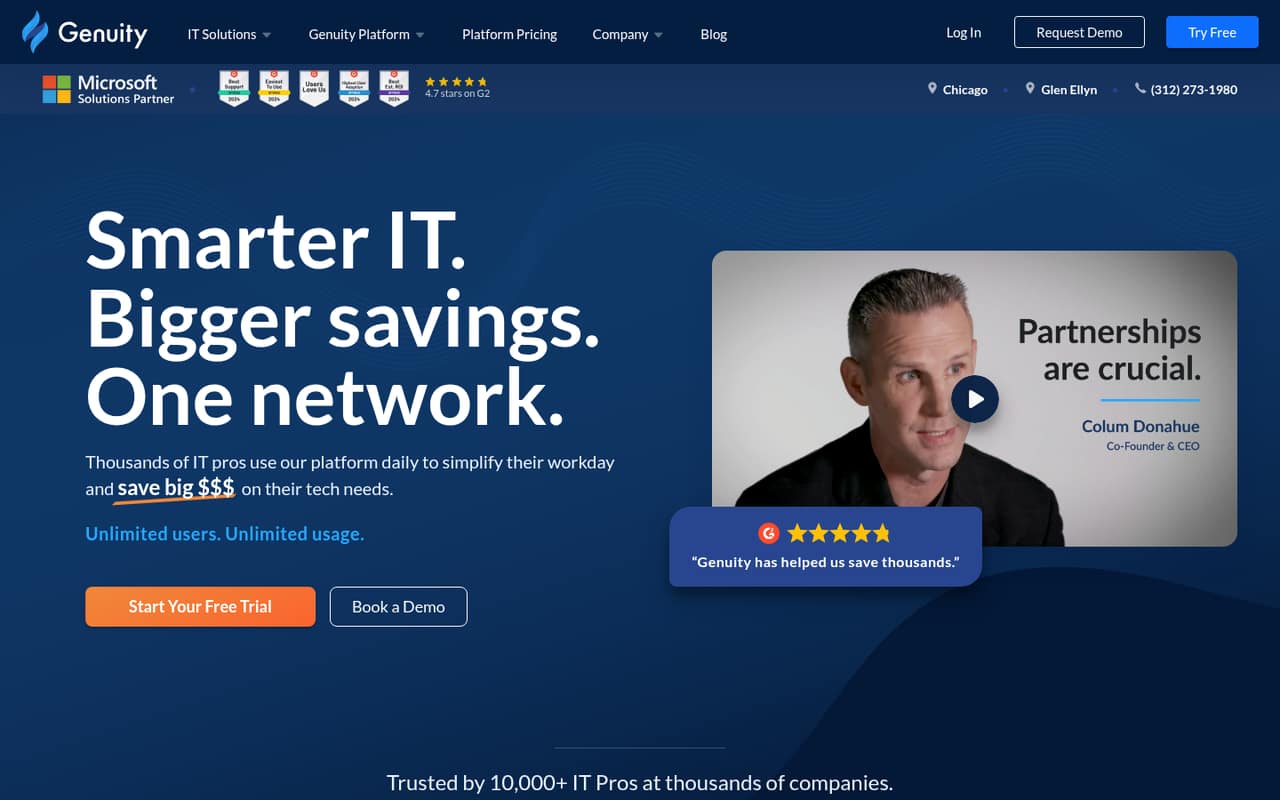
Genuity lists a free plan and a starting price of $39.99. It is aimed at small teams consolidating IT tools and tracking vendors and assets. The free plan has strings attached, so check its limits and the conditions for using it. If you buy through Genuity, confirm the total cost for the seats and capabilities your team needs.
What works
- Broad IT management suite in one platform
- Free plan includes unlimited users and usage
- Paid plans start at $39.99 monthly with annual billing
What doesn't
- Free plan requires $12,000 in yearly gross sales through Genuity
- Trial scope is not published
- Paid-plan user limits are not listed
- Best free alertingOpsgenieOpsgenie
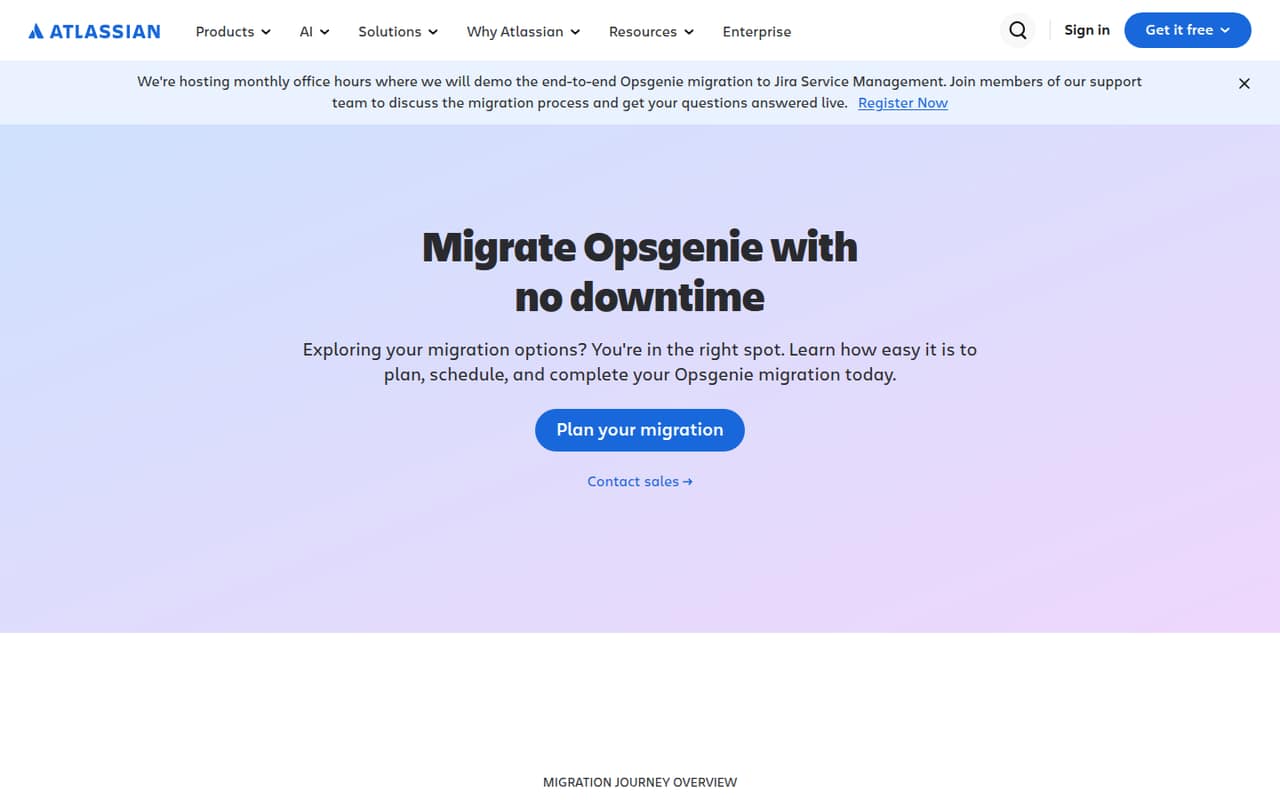
Opsgenie’s free alerting is positioned for teams of up to five, which makes it a fit for a very small team with basic alerting needs. Its listed starting price is $9.45. The product summary flags a major Jira Service Management transition to plan around. Confirm the current product path and any migration implications before making it part of your response process.
What works
- Free plan covers up to five users
- Free plan includes unlimited alerts
- Paid Essentials starts at $9.45 per user monthly
What doesn't
- Atlassian is moving Opsgenie to Jira Service Management
- Free plan has one routing rule maximum
- Free SMS allowance is 100 account-wide
- Best for formal supportFreshserviceFreshservice
Freshservice is a reasonable step up for a small IT team formalizing support or adding service workflows. The pricing page lists a starting price of $19 per agent monthly, but there is no free plan. At three seats, that listed rate comes to $57 per month before any applicable extras. The published summary also notes mixed support feedback, so check support terms before buying.
What works
- Starter includes incident, knowledge and task management
- One support portal and four listed support channels
- Growth adds service catalog and SLA management
What doesn't
- No free plan
- Monthly-billed rates are not published
- Starter costs $19 per agent monthly, billed annually
- Best for incident responseRootlyRootly
Rootly is a fit when the team needs coordinated incident response rather than only a request queue. Its listed starting price is $20 per seat monthly, or $60 monthly for three seats at that rate. The published summary describes it as a Slack-centered option for on-call teams. Check that your team needs those response workflows before paying for seats.
What works
- Incident coordination, alerting and reviews in one product
- AI Scribe and retrospectives included in Incident Response
- On-Call includes 20 schedules and escalation policies
What doesn't
- No free plan
- Both listed entry plans cost $20 per user monthly
- Annual billing rates are not published
- Best broad ITSMHaloITSMHaloITSM
HaloITSM targets small IT teams that need ITIL-aligned workflows, assets, and service requests in one platform. The published summary says it has a clear per-agent price, but gives no amount to budget against, and it has no free plan. Paid onboarding is required. Ask for the exact seat price and onboarding cost before comparing it with lower-cost tools.
What works
- Incident, change, asset and catalogue tools in one platform
- End users and portal customers are free
- No charges based on tickets or data volume
What doesn't
- No free plan
- Required onboarding has bespoke pricing
- Monthly-billed standard price is not published
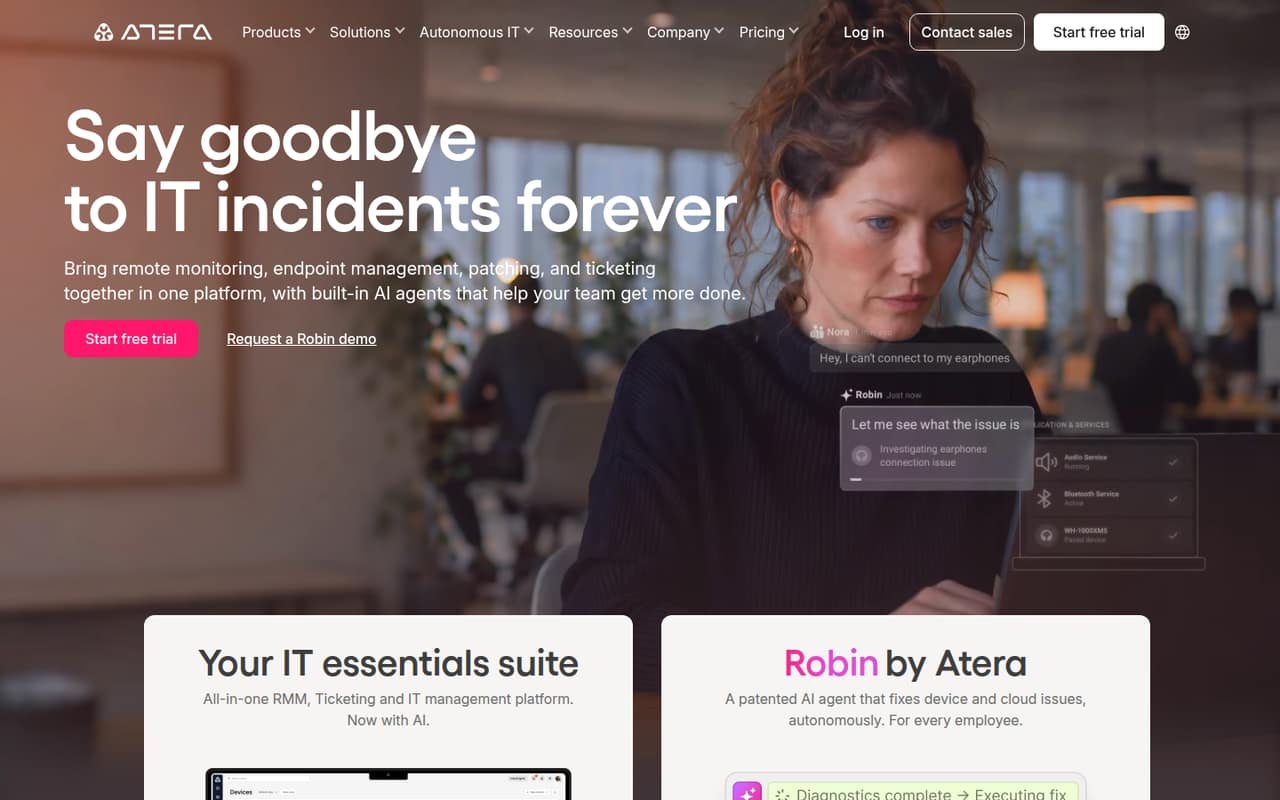
- Best for internal ITAteraAtera
Atera bundles IT tools with ticketing and is aimed at small internal IT departments as well as MSPs managing many endpoints. Its listed starting price is $129, and the published summary warns small teams to check per-tech costs and plan limits first. Ask whether the quoted price covers the number of technicians and endpoints you actually need.
What works
- Unlimited endpoints on listed technician plans
- RMM and ticketing in one platform
- AI Copilot included across plans
What doesn't
- No free plan
- Costs rise with each technician
- Robin AI agent costs are not published
- Best for school districtsIncident IQIncident IQ
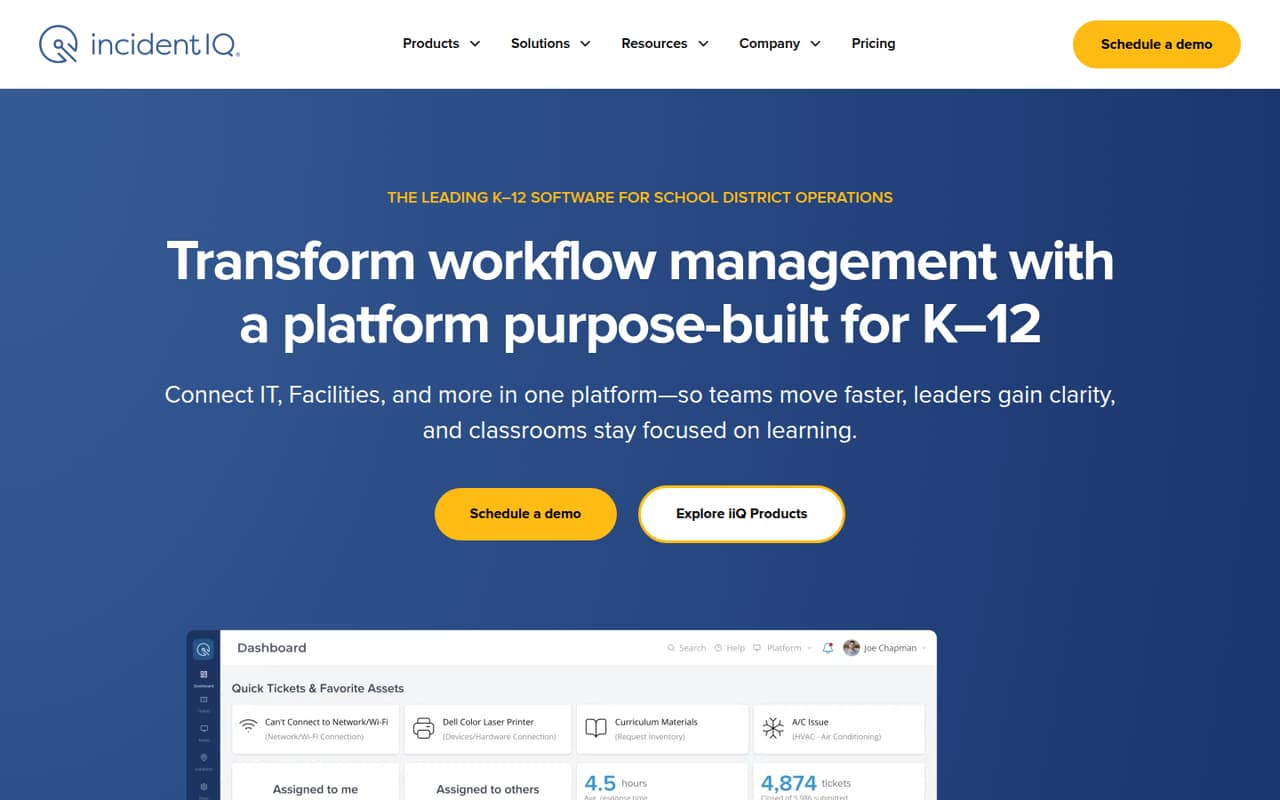
Incident IQ is tailored to K–12 districts centralizing support, managing school devices, and connecting operational workflows. It may suit a district better than a general small-business IT team. Pricing is custom, and the published summary flags hands-on setup. Ask for a quote and an implementation outline before deciding whether the broader school-focused scope fits your team.
What works
- Connects tickets, assets, and work orders
- Pricing lists no added costs for users, requests, or assets
- AI-guided intake helps gather ticket details
What doesn't
- No published starting price or free plan
- Additional modules and some integrations may cost extra
- Districts may need to customize fields and workflows
- Best for AI-assisted serviceSysAidSysAid
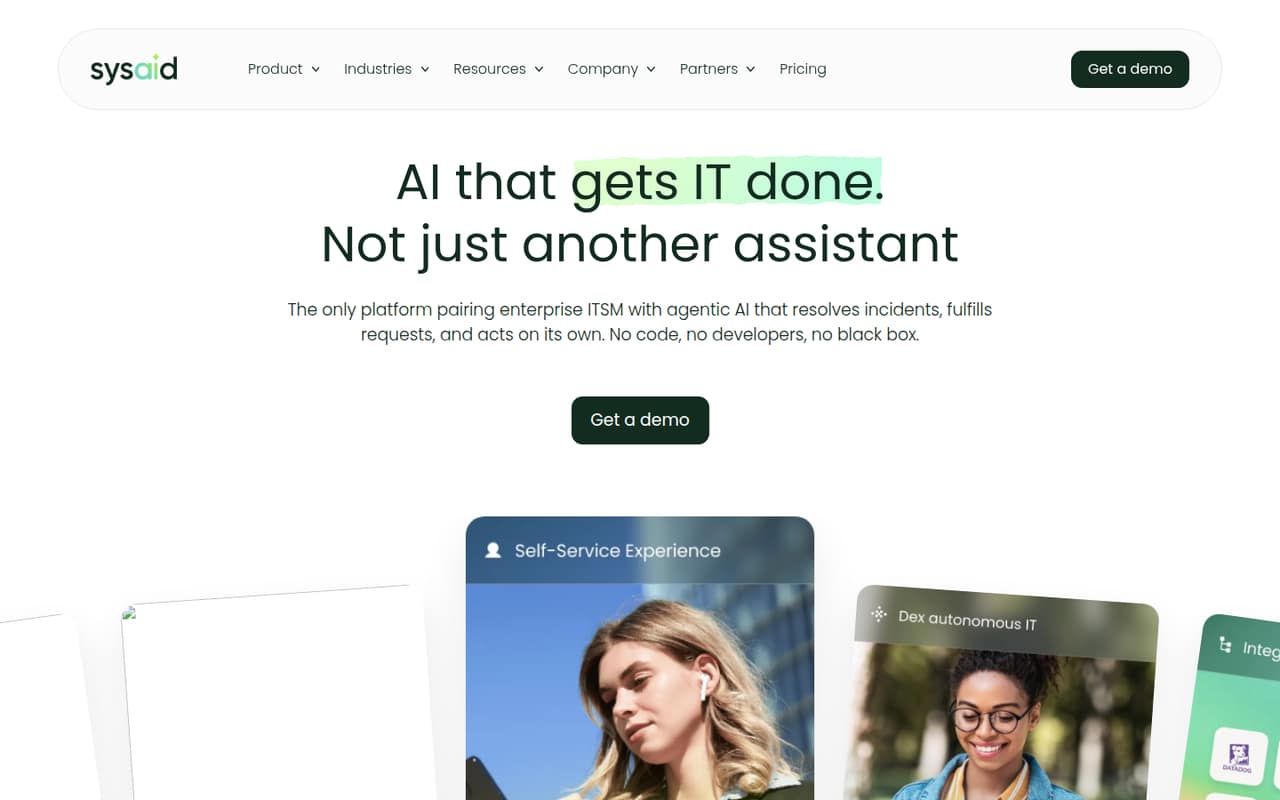
SysAid is aimed at IT teams prioritizing AI-assisted service and teams with up to 250 managed assets. Its listed starting price is $59, and the published summary flags annual billing and per-agent costs as hurdles for small teams. Ask whether the starting rate is per agent and what the annual commitment would total for your seats before budgeting.
What works
- Professional includes unlimited agentic AI
- Professional covers 250 managed assets
- Homepage testimonials cite more self-service
What doesn't
- No free plan is listed
- Professional costs $59 per agent monthly, billed annually
- Monthly billing price is not published
- Best for service requestsTOPdeskTOPdesk
TOPdesk is worth considering if your team wants to consolidate service requests while tracking assets and tickets. It is a broader ITSM suite, but the published summary says it involves per-agent costs and hands-on setup. Pricing is not listed here, so request a quote for your seat count and ask what implementation work your team would need to handle.
What works
- Essential includes unlimited assets, tickets and end users
- Self-service portal and knowledge base are included
- Higher plans add change and problem management
What doesn't
- No free plan is listed
- Essential starts at £51 per agent per month
- USD and annual rates aren't published

- Best for on-call workflowsxMattersxMatters
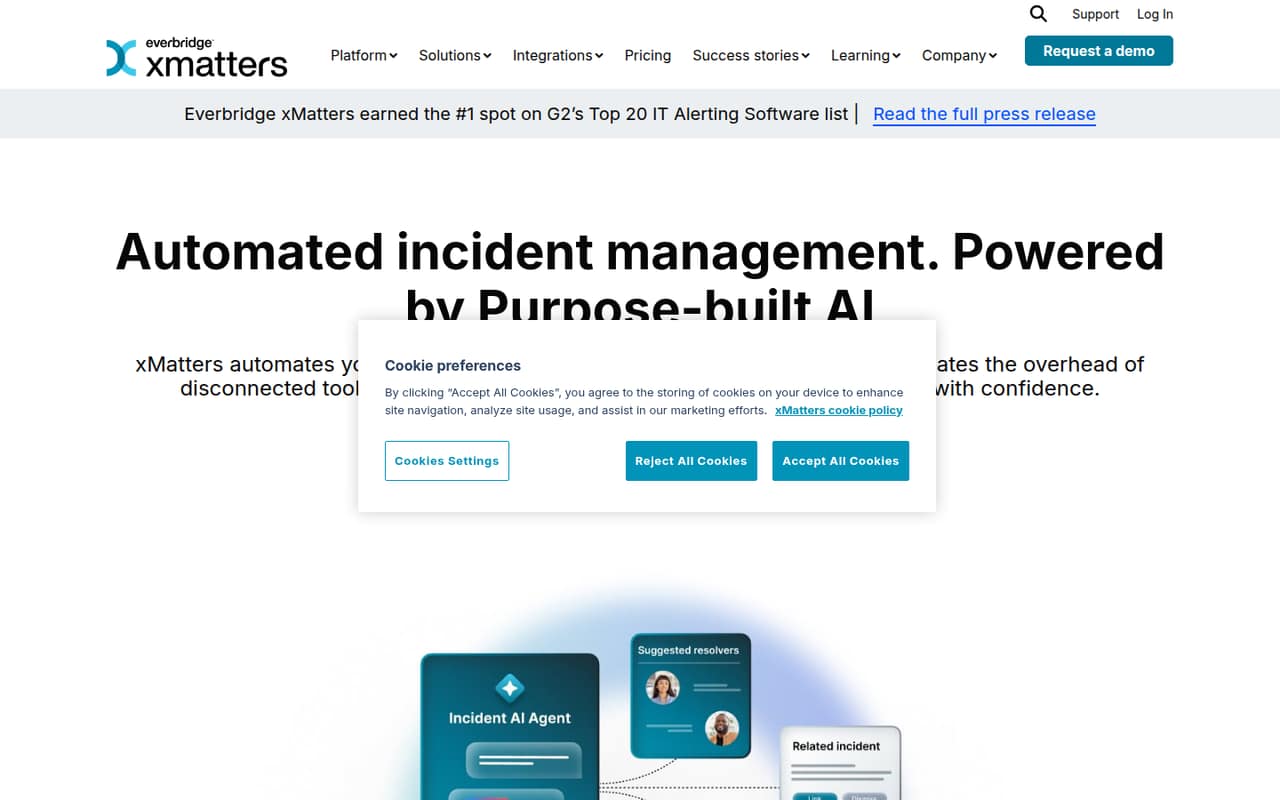
xMatters focuses on coordinating on-call incident response and automating alert workflows, with enriched incident alerts. It has a free plan, but the published summary says its limits and prices are not published. Ask the vendor which capabilities the free plan includes and what paid seats cost before depending on it for incident response.
What works
- AI-guided incident response
- No-code workflow automation
- Alerts can include service context
What doesn't
- Plan prices aren't published
- Free-plan inclusions aren't listed
- SMS and voice cost extra on paid tiers
- Best for broader servicesTeamDynamixTeamDynamix
TeamDynamix is designed for teams centralizing IT and other services, with project and asset tools also in scope. That breadth may help an organization with several service functions, but custom pricing and implementation work make it a cautious choice for a small team. Ask for a seat-based quote and an estimate of the work needed to get started.
What works
- No-code workflows and system integrations
- ITSM plus asset management
- Includes employee experience and enterprise services
What doesn't
- No free plan is listed
- No standard price or starting rate is published
- Trial availability and billing terms are not published
- Best for MSP billingConnectWise PSAConnectWise PSA
ConnectWise PSA is aimed at MSPs that want tickets and billing together, with automated ticket triage among its cited strengths. That scope may be more than a small internal IT team needs. Pricing is quote-only, making a few-seat budget hard to estimate. Ask for a quote that separates seat costs from any connected tools you plan to use.
What works
- Tickets, projects and billing in one PSA
- Service Desk Agents triage tickets 24/7
- AI agents automate routine queue work
What doesn't
- No free plan
- Starting price and billing terms aren't published
- No trial terms are published
- Best for small MSPsSyncroSyncro
Syncro bundles RMM and PSA for MSPs, and its published summary highlights unlimited managed endpoints and Microsoft 365 use. Its listed starting price is $129, but small teams should budget carefully for each seat. Confirm the seat rate and included capabilities before comparing its bundle with separate endpoint and service tools.
What works
- RMM and PSA included in both plans
- Unlimited managed endpoints on both plans
- Remote access included with RMM features
What doesn't
- No free plan
- Core starts at $129 per user monthly with annual billing
- Month-to-month pricing is higher
- Best for 150+ endpointsSuperOpsSuperOps
SuperOps combines endpoint and PSA capabilities and is aimed at IT teams managing at least 150 endpoints or MSPs consolidating endpoint tools. That endpoint minimum may rule it out for a smaller operation. Rates are not published, so ask for a quote and confirm the minimum endpoint commitment before spending time on implementation.
What works
- Endpoint management and patching in one platform
- Ticketing and endpoint work share a queue
- Unlimited technicians on listed plans
What doesn't
- Most plans require at least 150 endpoints
- Monthly and annual rates aren’t published
- No free plan is listed
- Best for MSP workflowsHaloPSAHaloPSA
HaloPSA brings CRM and service workflows together and targets MSPs replacing several service tools. The published summary lists £66 per agent monthly plus onboarding, a significant commitment for a small team. At three agents, the listed seat price alone is £198 monthly before onboarding. Ask what onboarding includes and whether the bundled workflows replace tools you already pay for.
What works
- One platform for service, CRM, and MSP work
- All features, modules, and integrations included
- End users and portal customers are free
What doesn't
- No permanent free plan
- £66 per agent monthly when billed annually
- US-dollar standard rate is not published
- Best for tickets and devicesTrack-It!Track-It!
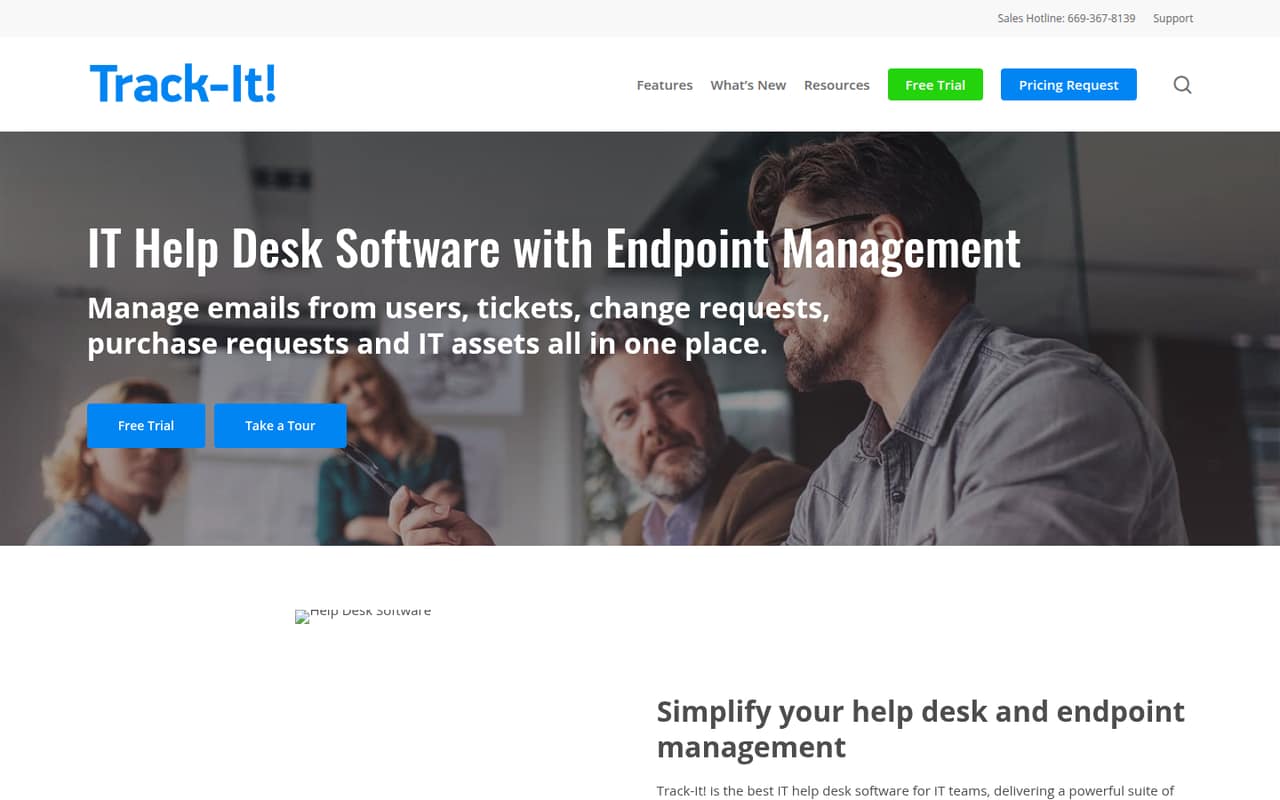
Track-It! combines IT help desk and endpoint capabilities, including ticketing and asset tracking. It may fit an IT team that wants those functions together, but the vendor does not publish a price for a few seats. Request a quote for your team size and ask which support and device-management capabilities are included.
What works
- Combines help desk and endpoint management
- Includes automated ticket creation and routing
- Offers a self-service portal and knowledge base
What doesn't
- No free plan is listed
- Starting price is not published
- Seat and usage limits are not published
- Best for workflow automationIvanti Neurons for ITSMIvanti Neurons for ITSM
Ivanti Neurons for ITSM is positioned for teams standardizing service workflows and seeking workflow automation. The vendor does not publish a price, so small teams need a sales quote to understand the cost. The published summary also flags sharply negative user feedback. Ask about pricing, implementation, and support expectations before committing.
What works
- Ivanti says it automates IT service workflows
- Designed to improve employee experience
- Aims to reduce downtime and operating costs
What doesn't
- No free plan is listed
- Trial availability is not published
- Prices and per-seat costs are not published
- Best for BMC buyersBMC Helix ITSMBMC Helix ITSM
BMC Helix ITSM is most relevant to teams already evaluating BMC or considering self-managed deployment. The vendor does not publish enough pricing or product detail for a confident small-team cost comparison. Ask for a quote and a clear breakdown of deployment, implementation, and ongoing costs before weighing it against simpler service desks.
What works
- A quote-based purchasing route is listed
- A Reddit user describes containerized self-managed deployment
- A user reports migrating data, workflows and customizations
What doesn't
- No starting price is published
- No free plan is listed
- Trial availability is not published
03How we chose
We ranked these tools for a team of 1–10 by how accessible they look at the start: whether a free plan is listed, whether there is a usable entry price, and what a few seats might cost when a per-seat rate is stated. We also weighed the setup burden and limits called out for each product. A free plan does not automatically mean a good fit if its limits are unclear. Where pricing is custom or not published, we rank the tool more cautiously and recommend asking for a written quote. We make no claims of hands-on testing.
04Check the real cost for your seats
Start with the seat count your team will actually use, then work from the listed rate. Freshservice lists $19 per agent monthly, so three seats come to $57 at that rate. Rootly lists $20 per seat monthly, or $60 for three. HaloPSA lists £66 per agent monthly, making three agents £198 before onboarding. Those examples are not directly comparable across currencies or plans; they show why the unit matters. For tools with a starting price but no stated billing unit, such as GLPI or Atera, ask whether the amount is per agent, per technician, or for a package. For quote-only products, request a price for your exact seat count and ask about onboarding, annual commitments, and required add-ons. A low headline price is useful only if it covers the workflows you need.
05Match setup and scope to your team
A small team should buy for the work it needs to manage now, not for every workflow it might add someday. If you mainly need requests and asset tracking, compare GLPI and ServiceDesk Plus, while accounting for GLPI’s setup and maintenance needs and ServiceDesk Plus’s setup effort and seat minimums. If free access matters, check the actual limits on iTop, Genuity, Opsgenie, or xMatters before building a process around a free tier. For incident response, Rootly and Opsgenie have a clearer focus than broad ITSM suites. Tools aimed at K–12 districts or MSPs may be a mismatch for an internal team. Before signing, ask who handles implementation, what your team must configure, and how the product’s price changes as seats or managed endpoints grow.
Questions people ask
Does a small team need ITSM software?
Not always. A shared inbox may be enough for a small team with simple requests. ITSM software becomes more useful when you need consistent request handling, incident workflows, asset tracking, or service processes shared across teams. Start with the problem you need to solve, then compare plans.
Which ITSM tools have a free plan?
The published product summaries list free plans for ServiceDesk Plus, Genuity, Opsgenie, xMatters, and iTop. Their limits are not all stated, so check with each vendor what the free tier includes, how many users it supports, and what happens when you need more features.
What is the cheapest ITSM software for a few seats?
The listed starting prices include $10 for ServiceDesk Plus, $19 for Freshservice, and $19 for GLPI. Only Freshservice’s published starting rate is explicitly per agent monthly. Confirm billing units, seat minimums, free-plan limits, and any setup costs before choosing based on the headline amount.
What should we ask about custom pricing?
Ask for a written quote for your exact number of agents and the features you need. Confirm onboarding or implementation fees, billing frequency, minimum seats or endpoints, and the cost of adding users later. For quote-only tools, request a clear breakdown rather than comparing an unknown total with a published starting price.