
We may earn a commission if you buy through links on this page. It never changes a score or a ranking. How we make money
The bottom line
Broad visual automation, but unclear per-licence pricing makes costs hard to forecast.
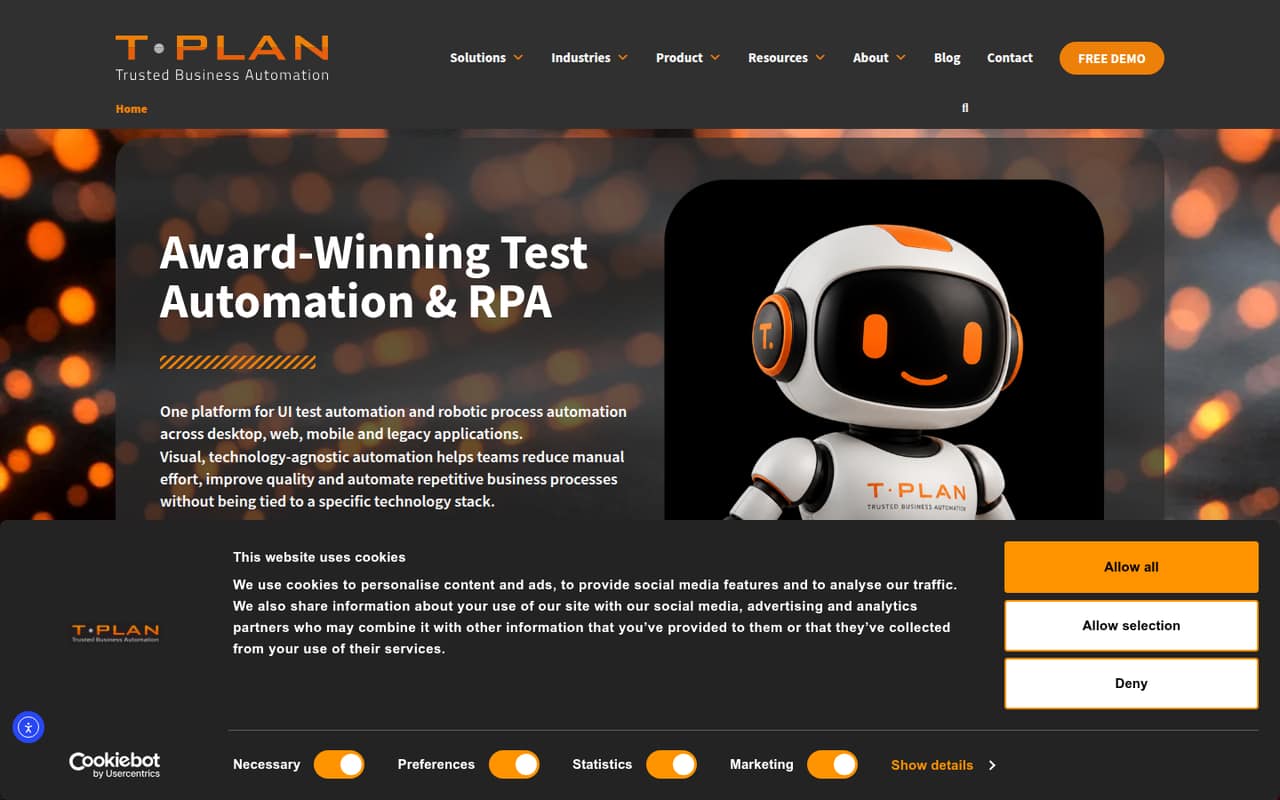
T-Plan Robot combines UI test automation and robotic process automation for desktop, web, mobile and legacy apps. Its homepage describes no-code and low-code workflows, visual validation, record-and-playback, and links to external data sources.
For a small team, the main drawback is budgeting: the listed starting price is £200 per month when billed annually, but individual licence prices and monthly rates aren’t published. There’s no free plan, and the time-limited trial has no published duration.
Good fit if
- Teams automating UI tests and repetitive tasks
- Mixed technical and non-technical teams
- Workflows spanning legacy and modern apps
Skip it if
- Teams needing a free ongoing plan
- Buyers requiring predictable per-seat pricing
- Teams with no automation owner
ScoresHow it rates
What works
- Combines UI testing and robotic process automation
- Covers desktop, web, mobile and legacy apps
- Offers visual validation and record-and-playback
- Supports no-code and low-code workflows
- Can use spreadsheets, databases, PDFs and APIs
What doesn't
- No free plan
- Trial length isn’t published
- Individual licence prices aren’t published
- Monthly billing rates aren’t published
- Setup effort and learning curve aren’t specified
01Who T-Plan Robot is for
T-Plan Robot is for small teams that need to automate software testing, repetitive computer work, or both. The homepage describes visual workflows for desktop, web, mobile and legacy applications, with no-code and low-code options. That could suit a team where some people build automations and others run them, though the best licence depends on whether they develop tests or execute them.
For a team of one to ten, this is easiest to justify when automation replaces a recurring, costly task or supports a testing workload that simpler tools can’t cover. It is harder to justify for occasional checks: there’s no free plan, and licence prices beyond the £200-per-month annual starting point aren’t published. Before budgeting, ask T-Plan for a quote based on the number of concurrent users or live system connections you need. The product’s range is broad; the right fit depends on having a clear automation job.
02T-Plan Robot free plan and trial
T-Plan Robot has no free plan, so there isn’t an ongoing free tier for a small team to use after evaluation. The pricing information lists a time-restricted trial, but the trial length isn’t published.
The trial includes development and execution features for the Developer Licence. For the Execution Licence, it includes execution through the UI and/or CLI. That gives a team a way to assess both creating and running automations, but ask the vendor how long access lasts and whether the trial covers the apps and connections you need.
If you need the product beyond the trial, the cheapest way in isn’t clear from the published individual plan prices. The listed starting price is £200 per month when billed annually; confirm which licence and quantity that starting point covers before committing.
03What a small team pays for T-Plan Robot
The pricing information lists two licences: Developer Licence, charged per concurrent user per month, and Execution Licence, charged per live connection per month. The overall starting price is £200 per month when billed annually. Individual plan prices and monthly billing rates aren’t published, so we can’t give a reliable total for one person, three people or five people, or compare monthly billing with annual billing beyond that stated starting point.
Don’t treat either licence as a simple per-seat price. A Developer Licence allows one concurrent user per licence and can be installed on multiple machines. An Execution Licence covers one live system connection per licence. A team of three developers and a team running three live connections may therefore need different licence quantities. Ask T-Plan for a written quote for each setup, including whether any minimum applies.
No add-ons are listed in the pricing information. Confirm whether your required applications, connections or usage bring extra charges before signing.
04Getting started with T-Plan Robot
The homepage presents T-Plan Robot as a visual tool with no-code and low-code workflows, plus record-and-playback. Those features suggest a team can create automations visually, while low-code workflows leave room for technical input. They don’t tell us how much training or configuration a particular setup takes. T-Plan doesn’t publish a setup-time estimate in the pricing information, so ask for a walkthrough using one of your real workflows before you budget staff time.
For day one, list the apps you want to automate and the data they need. The feature list names spreadsheets, databases, PDFs, APIs and other external data sources. Confirm which connections apply to your workflow and what configuration is required. The product is described as supporting desktop, web, mobile and legacy apps, but the setup details for your specific environment aren’t stated here. A small team should assign an owner to build and maintain automations rather than assume visual tools need no upkeep.
05When small teams outgrow T-Plan Robot
T-Plan Robot may stop fitting when your team needs a clear, predictable per-seat budget. The published starting point is £200 per month when billed annually, but individual licence prices and monthly rates aren’t published. That makes it difficult to forecast the cost of adding developers or live system connections as work expands.
The licence units also matter as usage grows: Developer Licence is per concurrent user, while Execution Licence is per live connection. Installing a Developer Licence on multiple machines doesn’t mean it covers multiple concurrent users. Ask the vendor how your expected concurrency and connections affect the quote before expanding.
The available information doesn’t set out licence caps, automation limits or feature thresholds that trigger an upgrade, so we can’t name a specific point where a team must move up. Revisit the fit when your quote changes, your workflows outgrow the supported setup, or the product’s terms no longer match your testing and execution needs.
Questions people ask
Does T-Plan Robot have a free plan?
No. The pricing information lists no free plan, but does list a time-restricted trial. The trial’s length isn’t published. It includes development and execution features for the Developer Licence, and UI and/or CLI execution for the Execution Licence. Ask T-Plan how long the trial lasts before planning an evaluation.
How much does T-Plan Robot cost for a small team?
The listed starting price is £200 per month when billed annually. Individual Developer Licence and Execution Licence prices, plus monthly billing rates, aren’t published. A team of one, three or five should request a quote based on concurrent developers and live system connections rather than assume a flat per-seat price.
What is the difference between the two T-Plan Robot licences?
The Developer Licence is for building and running tests and is priced per concurrent user per month. The Execution Licence is for teams running tests against a system and is priced per live connection per month. Each licence covers one concurrent user or one live connection, respectively.
What does the T-Plan Robot trial include?
The pricing information says the Developer Licence trial includes development and execution features. The Execution Licence trial includes execution via the UI and/or CLI. The trial is time-restricted, but its duration isn’t published. Ask the vendor whether your intended apps and workflow are included.
What can T-Plan Robot automate?
The homepage describes visual UI test automation and robotic process automation for desktop, web, mobile and legacy applications. Listed capabilities include recording and replaying interactions, visual validation, and using external data sources such as spreadsheets, databases, PDFs and APIs.