
We may earn a commission if you buy through links on this page. It never changes a score or a ranking. How we make money
The bottom line
A free, focused PDF table extractor for small teams that do not need shared workflows.
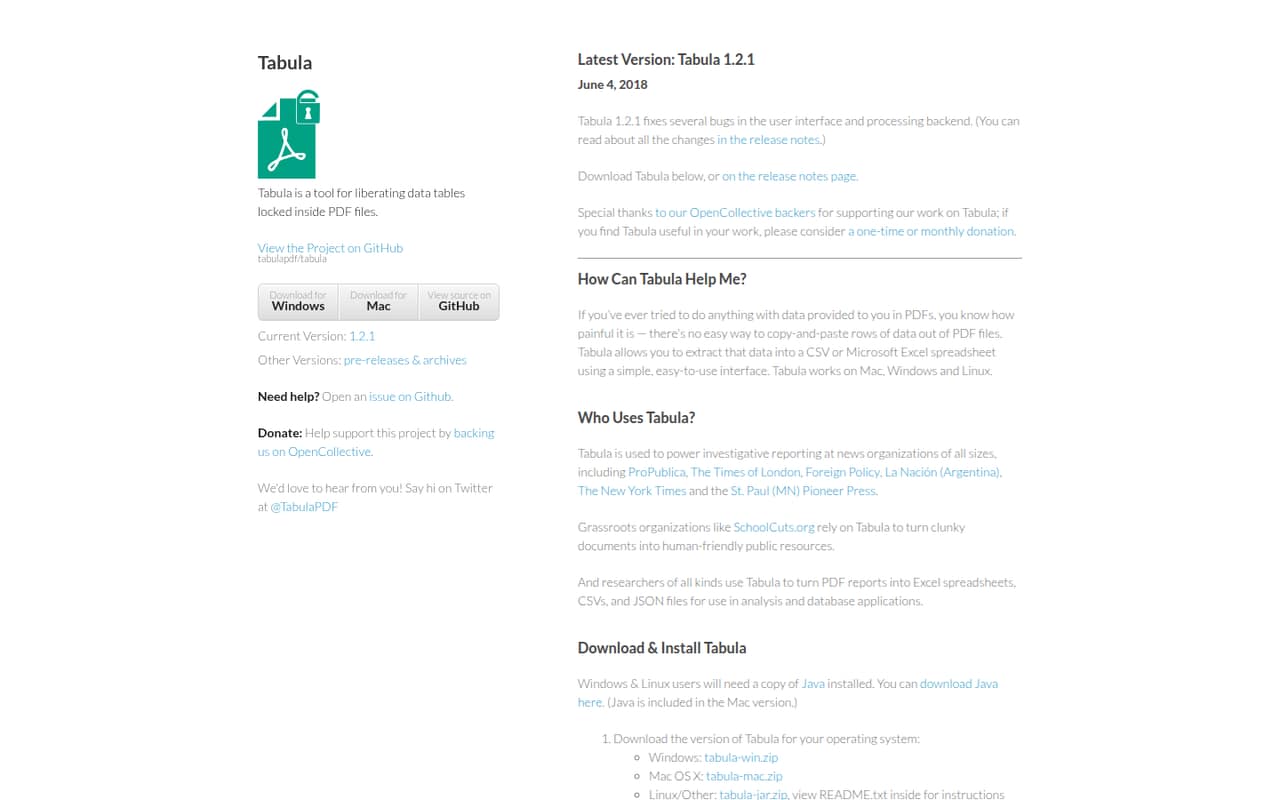
Tabula is free desktop software for selecting tables in text-based PDFs and exporting the results to CSV or Excel. It runs on Mac, Windows, and Linux, but does not work with scanned documents.
For a small team with occasional PDF data jobs, the price is hard to beat: $0 for one or five people. It is a focused extraction tool, not a shared data workspace, and the vendor does not publish support details.
Good fit if
- Small teams with occasional PDF tables
- Researchers on a tight budget
- CSV or Excel export workflows
Skip it if
- Teams processing scanned PDFs
- Shared, multi-user data workflows
- Teams needing published support terms
ScoresHow it rates
What works
- Free under the MIT license
- Runs on Mac, Windows, and Linux
- Exports extracted tables to CSV and Excel
- Lets users preview results before export
- No seat or usage limits published
What doesn't
- Does not work with scanned documents
- No paid support plan is listed
- No setup-time estimate is published
- No integrations are listed beyond file exports
- Optional donation amounts are not published
01Who Tabula is for
Tabula fits a one-to-ten-person team that occasionally needs to turn a table in a text-based PDF into usable spreadsheet data. It is free, so it suits founders, journalists, researchers, and operations staff who need to keep software costs down and do not need a recurring data platform.
The workflow is plain: open a PDF, drag a box around the table, preview the extracted data, then export it to CSV or Excel. Tabula runs on Mac, Windows, and Linux. The key limitation is the source document: it does not work with scanned PDFs, so it is not a fix for every PDF that looks like a table. One Reddit user describes using it for quick, one-off extraction when in a rush. For a team doing that kind of job now and then, a free desktop tool may be all it needs.
02Tabula free plan and trial
The pricing page lists Tabula as open-source software under the MIT license, free to use at $0 per month. It runs locally on your machine, extracts tables from text-based PDFs, and exports to CSV or Excel. A preview lets you check the extracted data before exporting. No seat or usage limits are published.
There is no paid tier or free trial to evaluate: the software itself is free. The main stop sign is format, not a usage cap. Tabula does not work with scanned documents. Optional one-time or monthly donations are available through OpenCollective; the pricing page does not list suggested amounts. For a small team, the cheapest way in is simply the free software, with no annual billing listed.
03What a small team pays for Tabula
The pricing page lists one plan, Tabula (Open Source), at $0 per month. That makes the listed cost $0 for one person, $0 for three people, and $0 for five people, whether you look at a month or a year. There is no annual billing listed because the software is free rather than sold on a monthly or annual subscription. No seat or usage limits are published, so there is no per-seat price to multiply.
The only listed add-on is an optional one-time or monthly donation through OpenCollective. Donation amounts are not published, so a team can choose whether to contribute and how much after checking the donation page. There are no paid plans or mandatory add-ons listed. That makes budgeting easy, but it also means the pricing page does not offer a paid upgrade for teams that later want additional services or features.
04Getting started with Tabula
The listed workflow has a short learning curve: open a text-based PDF, click and drag a box around the table, review the preview, and export to CSV or Excel. Tabula runs on Mac, Windows, and Linux. The vendor does not publish a setup-time estimate, so we would not promise a specific number of minutes for installation or team rollout.
For day-one use, the listed handoff is through exported files rather than a named app integration: CSV or Excel can carry the extracted data into the next step in your workflow. The vendor does not list other integrations. One Reddit user calls the tool simple and describes using it for a quick, one-shot task. Before rolling it out, check that your PDFs contain selectable text; scanned documents are not supported.
05When small teams outgrow Tabula
A team may outgrow Tabula when PDF extraction becomes a regular shared process rather than an occasional task. The listed workflow centers on a local desktop app and CSV or Excel exports; the vendor does not list shared workspaces or other integrations. Teams that need a central review queue, automated handoffs, or a managed support plan should ask the vendor whether those needs are covered before standardizing on it.
Scanned PDFs are a hard boundary: Tabula does not work with them. The pricing page publishes no seat or usage limits, so rising seat costs are not the obvious trigger to move. One Reddit user says Tabula helps with rushed, one-off extraction and when PowerQuery does not interpret a document well. That is a useful signal for occasional jobs, not evidence of a larger team workflow. If your volume or collaboration needs grow, compare tools built for those requirements.
From the threadsWhat users say
The available Reddit post is positive, describing Tabula as simple and useful for quick, one-off extraction. That is one user's account, so it offers a narrow sentiment signal rather than a broad consensus.
Very simple guide this time
totally free tool
when i'm in the rush
PowerQuery is not interpreting well a document that Tabula does a better job of reading
Questions people ask
Is Tabula free for a small team?
Yes. The pricing page lists Tabula as free under the MIT license, at $0 per month. It also says no seat or usage limits are published, so the listed price for one person or a small team is still $0. Optional one-time or monthly donations are available through OpenCollective.
Can Tabula extract tables from scanned PDFs?
No. Tabula extracts tables from text-based PDFs and does not work with scanned documents. Check that the text in your PDF is selectable before relying on Tabula for a job. The listed features do not describe an OCR option for scanned files.
What file formats can Tabula export?
Tabula exports extracted table data to CSV or Excel, according to the product details and pricing page. The vendor does not list other export formats. You can preview the extracted data before exporting it, which gives you a chance to review the result.
Which operating systems does Tabula support?
Tabula is a desktop app that runs on Mac, Windows, and Linux. The vendor does not publish a setup-time estimate in the pricing information. If your team uses a less common operating system or needs managed deployment, check with the vendor before planning a rollout.
Does Tabula have a trial or paid plan?
The pricing page lists Tabula as free open-source software rather than a paid subscription, so there is no separate paid plan or trial listed. Optional donations can be made once or monthly through OpenCollective. Donation amounts are not published on the pricing information.