
We may earn a commission if you buy through links on this page. It never changes a score or a ranking. How we make money
The bottom line
Good breadth for IT teams, but annual pricing and user limits can pinch small budgets.
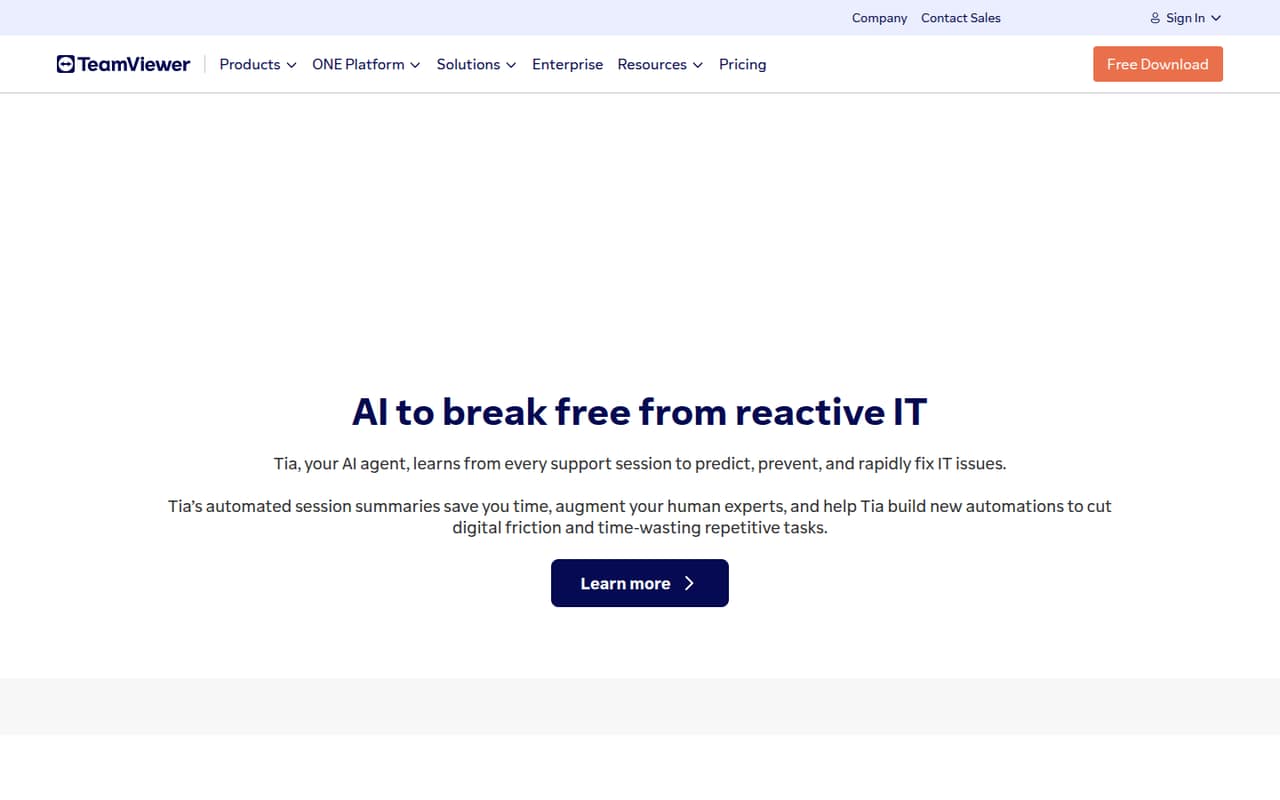
TeamViewer goes beyond remote access, with listed tools for asset management, mobile devices, monitoring, endpoint protection, and AI-assisted issue resolution. A personal-use free plan is available, but commercial work starts with paid plans.
For one person, Remote Access is listed at $24.90 per month with annual billing. Teams of three to five need to look at Premium, listed at $120.90 per month for up to 15 users. Reddit discussions raise concerns about security, support, and product changes, so check those requirements before choosing it.
Good fit if
- Small internal IT teams
- Remote support and device management
- Teams wanting AI-assisted IT tools
Skip it if
- Commercial users needing a free tier
- Teams needing several simultaneous sessions
- Buyers wary of interface changes
ScoresHow it rates
What works
- Free personal plan covers up to three devices
- Remote Access starts at $24.90 monthly with annual billing
- Premium supports up to 15 licensed users
- Listed tools cover assets, devices, and protection
- AI features include issue prediction and session summaries
What doesn't
- Free plan is for non-commercial use only
- Paid plans are listed with annual billing
- Month-to-month prices are not published
- Premium includes only one concurrent connection
- Reddit users report security and interface concerns
01Who TeamViewer is for
A small team needs remote access if someone has to fix computers, support remote workers, or manage devices without being in the same room. TeamViewer is aimed at that work, with plans for remote access and a broader set of IT tools. Its listed features include asset management, mobile device management, device monitoring, endpoint protection, and Tia, an AI agent for predicting and resolving IT issues.
For a solo operator, Remote Access is the lowest listed commercial plan at $24.90 per month with annual billing. A team of three to five should budget for Premium at $120.90 per month, which supports up to 15 licensed users but only one concurrent connection. That makes it a better fit when several people need accounts but do not need to run multiple support sessions at once. Teams wanting only occasional help may not need a paid remote-support product.
02TeamViewer free plan and trial
Free (Personal Use) costs $0 and includes one user and up to three managed devices. The catch is in the name: connections are for non-commercial use only. It is suitable for personal support, not a small business helping customers or staff as part of its work.
TeamViewer also lists a 14-day free trial. The trial’s exact user, device, and feature limits are not published, so confirm those details before relying on it for a team rollout. For commercial use, Remote Access is the cheapest listed paid plan at $24.90 per month with annual billing. It includes one licensed user, one concurrent connection, and up to three assigned or managed computers. Month-to-month pricing is not published.
03What a small team pays for TeamViewer
For one person accessing assigned computers, Remote Access is listed at $24.90 per month with annual billing, or $298.80 for a year. It includes one licensed user and one concurrent connection. Business is listed at $50.90 per month, also for one licensed user, with up to 200 managed devices; it is not the tier that adds more users.
For three or five licensed users, Premium is the relevant listed plan: $120.90 per month with annual billing, or $1,450.80 for a year. That works out to $40.30 per user monthly for three people or $24.18 for five, if the plan price is divided across those seats. Premium supports up to 15 users but still has one concurrent connection. Corporate is $245.90 per month for up to 30 users and three concurrent connections.
Mobile Device Support and TeamViewer AI credits are listed as Business add-ons. Premium and Corporate also list additional concurrent channels and Remote Management. Add-on prices are not published.
04Getting started with TeamViewer
The exact setup steps, onboarding time, and supported integrations for a small team are not published in the pricing details. Before rollout, check the docs for how users are assigned, how unattended computers are set up, and what account security controls your plan includes. If you need mobile support, confirm which features require the Mobile Device Support add-on.
There is a reason to test the installation path before asking everyone to update. In one r/msp thread, users complained that a new version changed how unattended access and account allocation worked, and warned that installing over an existing version could remove access. Another r/sysadmin thread discussed an automatic interface change and a limited rollback period. Treat those as user reports, not universal outcomes: pilot the update with a non-critical device and confirm recovery steps before wider deployment. Integration availability is not published.
05When small teams outgrow TeamViewer
The first limit to watch is concurrent connections, not just user count. Remote Access and Business each list one licensed user and one concurrent connection. Premium allows up to 15 licensed users but still lists one concurrent connection; teams that need several technicians working at once may need extra channels or Corporate, which includes three. Prices for additional channels are not published.
Device counts also change by plan: Remote Access lists up to three assigned or managed computers, Business up to 200, Premium up to 300, and Corporate up to 500. A team may need to move up as its device fleet grows, even if its headcount stays small.
Reddit discussions include complaints about security, support, licensing perceptions, and changes to the interface or installer. Those reports are not proof of what every customer will experience, but they make it sensible to review account controls, support terms, and update procedures before scaling. Ask TeamViewer about specific security requirements, including MFA enforcement.
From the threadsWhat users say
The Reddit discussion is strongly negative overall, with complaints about security, support, interface changes, and commercial licensing. A few users describe staying with the product, but the threads also show some teams looking for a replacement.
Stopped using teamviewer after they were breached in 2016 and the clients were used to gain access to customer networks
We’re flipping the switch whether you like it or not
Teamviewer is not a serious product for MSPs
We’re still on it from the panic buy during the COVID days
Questions people ask
What is TeamViewer used for?
TeamViewer provides remote support and IT tools for organizations. Its listed features include asset management, mobile device management, device monitoring, endpoint protection, and Tia, an AI agent for predicting and fixing IT issues. The right plan depends on how many people and devices need access.
Is TeamViewer any good for a small business?
It may suit a small business that needs remote support plus device and IT management tools. For one commercial user, Remote Access is listed at $24.90 per month with annual billing. Reddit discussions raise concerns about security, support, and product changes, so check those points against your needs before buying.
Can I use TeamViewer for free at work?
No. Free (Personal Use) is limited to non-commercial connections and includes one user and up to three managed devices. TeamViewer lists a 14-day trial, but its exact limits are not published. For ongoing commercial use, the cheapest listed paid plan is Remote Access.
Does TeamViewer support Android devices?
TeamViewer lists Mobile Device Management for onboarding, managing, and monitoring company mobile devices, plus Mobile Device Support as an add-on for some plans. The specific Android remote-support capabilities and add-on prices are not published here, so confirm the required device functions and plan with the vendor.
How can I tell if someone is connected to my TeamViewer?
TeamViewer’s listed plan details do not describe the connection alerts or status indicators users can see. Check the current docs for session and connection-status instructions, and ask the vendor whether your plan can provide the alerts or audit records your team requires.
Sources
- TeamViewer homepage
- TeamViewer pricing, compiled via web search from g2.com, spotsaas.com, poketpc.com, trustradius.com, realvnc.com, techpresso.co, teamviewer.com, vendr.com, thetechbag.com
- Reddit: TeamViewer: Upgraded whether you like it or not. Enjoy your ‘missing out’ benefits.
- Reddit: Teamviewer has TOTALLY changed their methodology as of today
- Reddit: Teamviewer-Alternativen?
- Reddit: Best replacement for TeamViewer?