
We may earn a commission if you buy through links on this page. It never changes a score or a ranking. How we make money
The bottom line
Strong infrastructure access controls; unclear enterprise costs make budgeting hard for small teams.
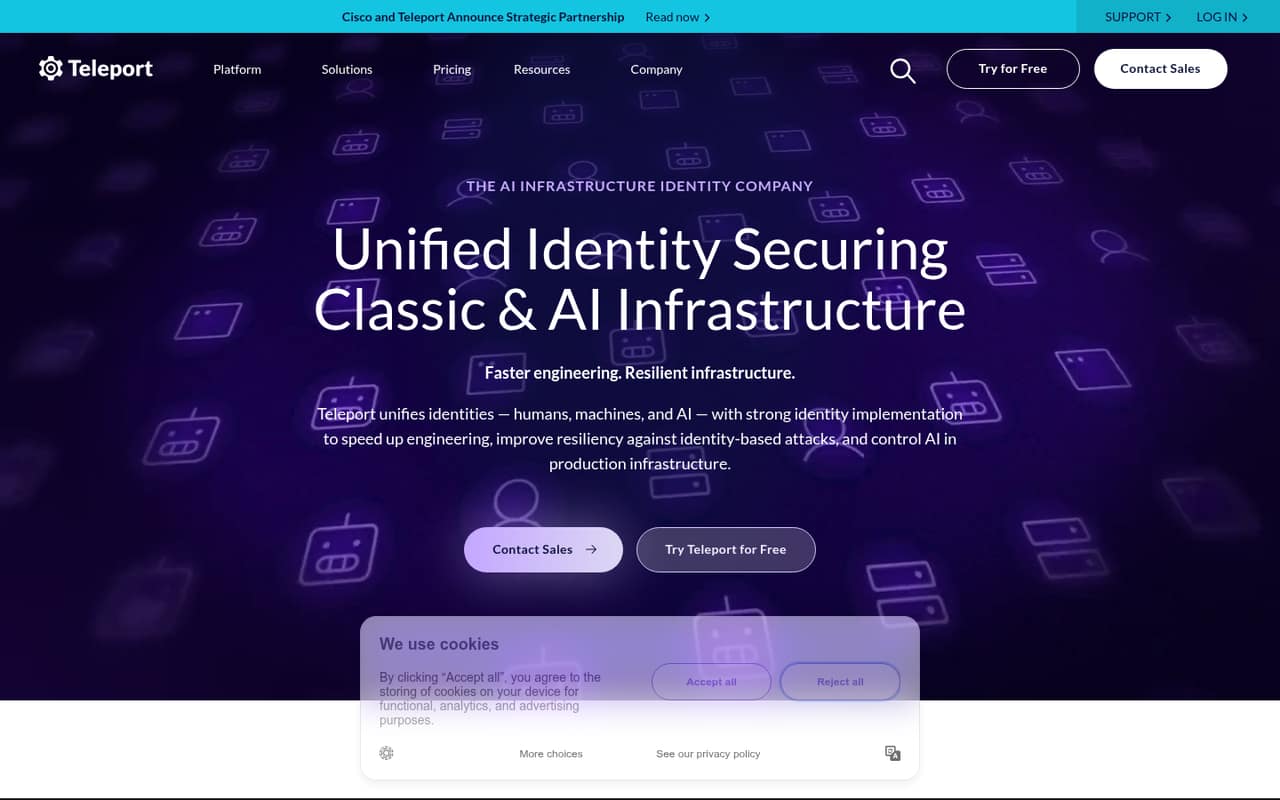
Teleport gives teams one way to manage access for people, machines, workloads, and AI agents, with expiring privileges and audit logs. That’s useful when infrastructure access is a real security job, not just a remote-work convenience.
The Community Edition is free to self-host for qualifying organizations. Enterprise plans use MAUs and Teleport Protected Resources (TPRs) to set pricing, but the vendor doesn’t publish rates or seat limits. Get a quote before making it part of your budget.
Good fit if
- Teams managing sensitive infrastructure access
- Qualifying organizations able to self-host
- Teams needing expiring privileges and audit logs
Skip it if
- Teams wanting a published monthly price
- Small teams without self-hosting capacity
- Companies seeking simple remote desktop access
ScoresHow it rates
What works
- Unifies access for humans, machines, workloads, and AI
- Uses expiring privileges instead of standing access
- Includes audit logs for sessions and infrastructure access
- Free self-hosted Community Edition for qualifying organizations
- Supports up to 50,000 resources with Standard HA
What doesn't
- Enterprise monthly and annual prices aren’t published
- Enterprise seat limits aren’t published
- Enterprise pricing depends on MAUs and TPRs
- Community Edition usage limits aren’t published
- Setup steps and integrations aren’t detailed on the vendor's site
01Who Teleport is for
Teleport is for teams that need to control access to infrastructure, not just give employees a way to connect remotely. It brings access for humans, machines, workloads, and AI agents under one identity platform. Its cryptographic identities, expiring privileges, and audit logs are aimed at reducing credential exposure and tracking infrastructure access.
For a small team, the fit depends more on the job than headcount. A team of one to ten could benefit if it manages sensitive infrastructure and needs to limit who—or what—can reach it. The free Community Edition is restricted to organizations with fewer than 100 employees and under $10 million in revenue, and it must be self-hosted. Teams outside those criteria need to look at Enterprise Edition. Teleport doesn’t publish Enterprise rates, so a small team should request a quote and confirm the pricing inputs before committing.
02Teleport free plan and trial
Teleport’s free option is Community Edition, a free-to-download, self-hosted plan for organizations with fewer than 100 employees and under $10 million in revenue. The vendor doesn’t publish its usage limits, so ask which limits apply to your resources and access needs before relying on it in production.
The Enterprise Edition is priced according to monthly active users (MAUs) and Teleport Protected Resources (TPRs), and the vendor doesn’t publish a seat limit. A free trial isn’t listed. If your organization qualifies, Community Edition is the cheapest way in: there’s no listed license price, but your team must self-host it. If you don’t qualify, ask Teleport for an Enterprise quote rather than assuming a small-seat price.
03What a small team pays for Teleport
The pricing page lists no monthly or annual rates for Enterprise Edition - Standard or Enterprise Edition - Premium. Both are usage-based, with pricing tied to MAUs and TPRs. That means we can’t give a grounded dollar total for one person, a team of three, or a team of five—or calculate monthly versus annual per-seat costs. Ask Teleport to quote your expected MAUs and connected resources, and confirm whether other usage factors apply.
Community Edition is free to download and self-host for organizations with fewer than 100 employees and under $10 million in revenue. Its usage limits aren’t published, so free doesn’t tell you how much infrastructure it will cover. Enterprise Standard lists up to 50,000 connected resources per tenant with Standard HA, or up to 130,000 with Multi-Region HA. Multi-Region High Availability and additional tenants are offered as cloud deployment and support packages; prices aren’t published. Ask whether those packages apply to your deployment and what they cost.
04Getting started with Teleport
Teleport’s product details describe the access model—cryptographic identities, just-in-time privileges, and auditing—but don’t spell out setup steps or name specific integrations. We can’t give a reliable setup-time estimate from that information. A small team should treat this as an infrastructure project rather than assume it is a quick, no-admin sign-up.
Before choosing a plan, list the infrastructure and people or services that need access, then ask Teleport what setup those require. For Community Edition, include the work of self-hosting in your decision. For Enterprise, ask what onboarding help is included and whether your deployment needs a cloud package or additional tenants. Also request a walkthrough of how MAUs and TPRs are counted. Those answers will give a small team a better view of both the technical effort and the eventual bill.
05When small teams outgrow Teleport
Teleport’s published resource limits are substantial: Enterprise Edition lists up to 50,000 connected resources per tenant with Standard HA and up to 130,000 with Multi-Region HA. For most small teams, resource count may not be the first reason to change plans. The more immediate issue is whether Community Edition’s unpublished usage limits fit the team’s needs and whether self-hosting remains manageable.
A growing team should also revisit its quote as monthly active users or protected resources increase, since Enterprise pricing is based on MAUs and TPRs. Seat limits aren’t published, and there are no public monthly or annual rates to use for forecasting. Additional tenants and Multi-Region High Availability are offered as cloud deployment and support packages, with prices not published. Ask for costs at current and expected usage before expansion; if the bill or deployment needs no longer fit, compare alternatives using those requirements.
Questions people ask
What is Teleport used for?
Teleport is an infrastructure identity platform for managing access by people, machines, workloads, and AI agents. It uses cryptographic identities and expiring privileges, and supports audit logs for remote connection sessions and infrastructure access.
How does Teleport work?
Teleport uses cryptographic identities to manage infrastructure access and just-in-time privileges that expire instead of leaving standing access. It brings access for humans, machines, workloads, and AI agents together, with audit logs for sessions and infrastructure access.
Is Teleport free for a small team?
Community Edition is free to download and self-host for organizations with fewer than 100 employees and under $10 million in revenue. Teleport doesn’t publish Community Edition usage limits, so ask whether your planned resources and access fit before depending on it.
How much does Teleport cost for a small team?
Teleport doesn’t publish monthly or annual Enterprise rates. Enterprise Edition - Standard and Enterprise Edition - Premium use pricing based on monthly active users and Teleport Protected Resources. Ask for a quote for your team and expected resource count.
Does Teleport offer a free trial?
A free trial isn’t listed. The free option is Community Edition, which qualifying organizations can download and self-host. If your organization doesn’t qualify, ask Teleport about an Enterprise evaluation and any costs before starting.