
We may earn a commission if you buy through links on this page. It never changes a score or a ranking. How we make money
The bottom line
Worth considering for Windows-based editing, but not a free or full-IDE solution.
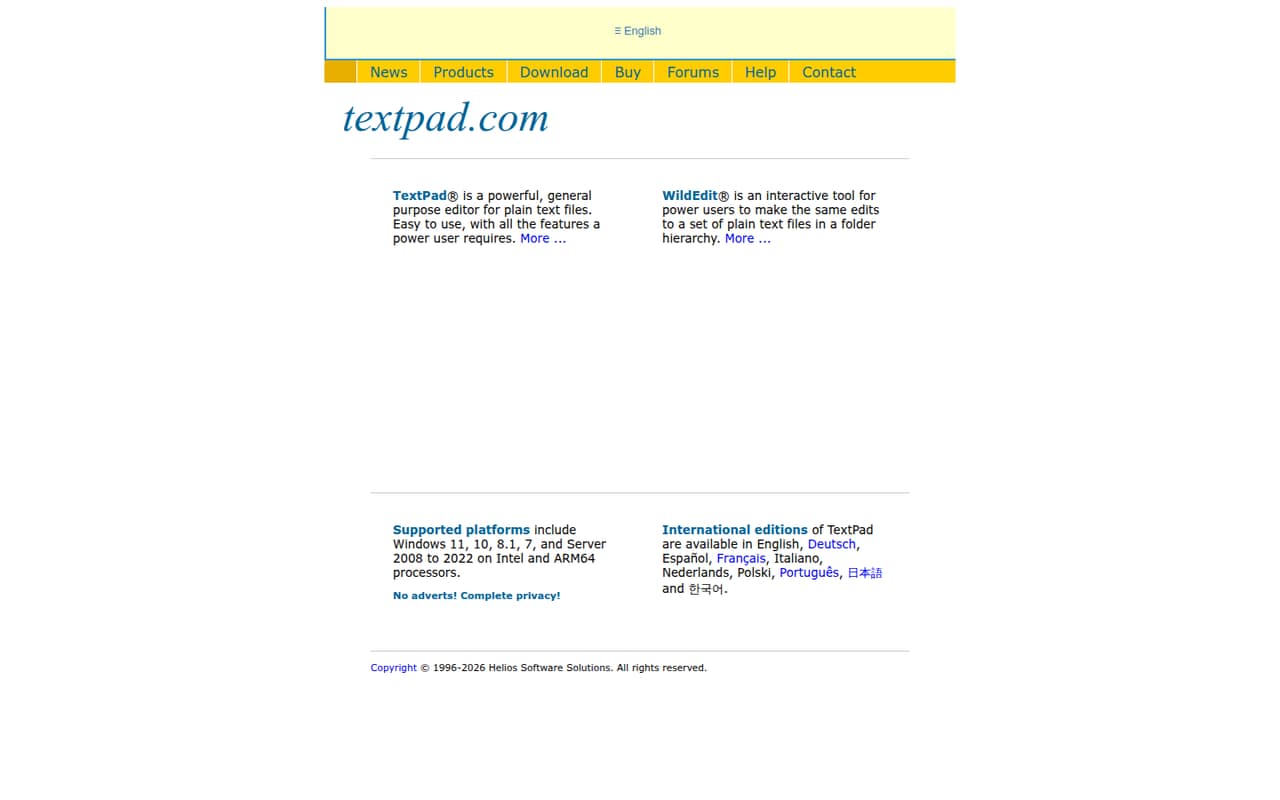
TextPad is a Windows text editor for code, web pages and large data files. Its search, macros, file comparison and navigation tools suit small teams that want a focused editor rather than a full IDE.
The pricing page lists a one-time $27 Single User License and a $73 five-user site license. There is no free plan, and site licenses are for a single physical location.
Good fit if
- Windows-based teams editing text and code
- Small teams working at one physical site
- People who need search and file tools
Skip it if
- Teams that require a free editor
- Mac or Linux users
- Developers who need a full IDE
ScoresHow it rates
What works
- Opens files up to virtual-memory limits
- Runs multiline regular-expression searches across files
- Records macros for repetitive text transformations
- Includes a hex viewer and file comparison
- One-time licenses avoid monthly or annual billing
What doesn't
- No free plan
- Windows only
- Five-user site license requires one physical site
- Evaluation duration is not published
- WildEdit is sold separately at an unpublished price
01Who TextPad is for
TextPad fits a small Windows team that needs a capable text editor for source code, web pages, logs or structured data. It is aimed at editing work, not at replacing a full development environment. The feature set includes syntax highlighting, regular-expression search and replace, recorded keystroke macros, file comparison and a hex viewer.
For one person, the pricing page lists a $27 one-time license. For several coworkers at one physical site, the five-user site license is $73, making it a realistic option for a budget-conscious group of three to five. The 10-user license is $128 for a larger group at that same site. These are one-time prices, not recurring subscriptions.
TextPad is a poor fit if the team needs Mac or Linux support, a free editor, or an all-in-one IDE workflow. A commenter on r/javahelp favored Notepad++ for its plug-in support, while another pointed to IDEs and VS Code for a broader coding setup.
02TextPad free plan and trial
TextPad has no free plan. The cheapest listed way in is the Single User License, a one-time $27 purchase for one user. The license may be installed on multiple PCs for that same user; it does not cover multiple people sharing the license.
An evaluation is available, but the vendor does not publish its duration. Ask the vendor how long the evaluation lasts and what happens to saved work when it ends before relying on it for a team rollout.
Some extras are free: syntax definitions, macros and clip libraries. WildEdit is sold separately, and its price is not published. Those free extras do not make TextPad itself free, so teams looking for a no-cost editor should compare their needs before buying.
03What a small team pays for TextPad
The pricing page lists a $27 one-time Single User License. For three people at one physical site, the listed 5-User Site License costs $73 and covers up to five users. That works out to $14.60 per licensed seat if all five are used, or about $24.33 per person if only three use it. Buying three individual licenses would total $81, so the five-user option costs less while leaving two seats unused.
For a full five-person team, the same $73 license comes to $14.60 per seat. The 10-User Site License costs $128, or $12.80 per seat when all ten seats are used. Site licenses are for a local network at a single physical site, so they may not suit a distributed team.
These licenses are one-time purchases. The vendor does not publish monthly or annual billing prices. Free syntax definitions, macros and clip libraries are included; WildEdit is a separate add-on with an unpublished price.
04Getting started with TextPad
TextPad is a Windows editor, and its listed tools are centered on editing and managing files: tabs, two views per file, synchronized scrolling, bookmarks, search and replace, and reusable clip libraries. A team with a straightforward editing workflow can begin with those built-in tools rather than connecting a separate service.
The vendor does not publish setup time or a step-by-step onboarding process. The feature set suggests some learning for people who want to use regular expressions, macros or the hex viewer, but basic text editing is the core job. One Reddit poster described TextPad as simple and praised its regular-expression support and macros; that post also called the recorded macros uneditable.
No integrations are listed among the product features. If your team needs a particular version-control, cloud-storage or collaboration connection, ask the vendor whether it is supported before making TextPad part of your workflow.
05When small teams outgrow TextPad
TextPad may stop being enough when the team wants a full development environment rather than an editor with developer tools. Its listed features cover syntax highlighting, search, macros, file comparison and large-file editing. If your workflow depends on capabilities beyond those, such as a particular coding or collaboration tool, confirm support with the vendor before standardizing on it.
Seat costs can also become awkward as a team grows. A 10-user site license is $128 one time, but it covers a local network at one physical site. Teams spread across locations should check the licensing terms with the vendor rather than assume the site license applies.
Reddit discussion is mixed and limited: one TextPad fan praised its simplicity, regular expressions and macros, while a Java-help commenter preferred Notepad++ for plug-ins and another Reddit user recommended broader IDE options. That points to a practical dividing line: TextPad suits focused editing, but developers wanting a larger coding toolkit may prefer to move on.
From the threadsWhat users say
The small amount of Reddit discussion is mixed. One poster likes TextPad’s simplicity and editing tools, while other commenters favor Notepad++ or broader IDEs for coding work.
I love TextPad: its support of regular expressions and ability to record macros with them
It looks like Textpad isn't specifically for coders
NP++ has really nice plug-in support
When I write in Japanese the text looks completely terrible
Questions people ask
How much does TextPad cost?
The pricing page lists the Single User License at $27 as a one-time purchase. The five-user site license is $73, and the 10-user site license is $128. Site licenses cover users on a local network at one physical site. Monthly and annual billing prices are not published.
Is TextPad free?
No. TextPad does not have a free plan. The listed entry price is a one-time $27 for one user. An evaluation is available, but the vendor does not publish its duration. Syntax definitions, macros and clip libraries are free extras, but they do not make the editor itself free.
Is TextPad the same as Notepad?
No. TextPad is a Windows text editor with features including syntax highlighting, tabbed documents, multiline regular-expression search and replace, macros, file comparison and a hex viewer. The Reddit discussion compares it with Notepad++, but those are separate editors.
Can TextPad edit large files?
TextPad’s listed feature set says it opens and edits files up to the limits of virtual memory. That describes a limit based on the computer’s available virtual memory, rather than a published fixed file-size cap. If you have a specific large file to handle, ask the vendor about your system requirements.
Does TextPad work on Mac?
TextPad is described as a Windows text editor, so it is not presented as a Mac product. A Reddit user looking for a Mac alternative also said they had a Mac and needed a replacement. Check with the vendor if you need to confirm compatibility with a specific Windows setup.
Sources
- TextPad homepage
- TextPad pricing, compiled via web search from capterra.ca, tms-outsource.com, arunet.co.uk, techjockey.com, softpedia.com, softwareone.com, gralio.ai, uiowa.edu, softmart.in, textpad.com
- Reddit: Notepad++ vs TextpPad
- Reddit: Mac alternative to TextPad?
- Reddit: Non-coder textpad alternatives?