
We may earn a commission if you buy through links on this page. It never changes a score or a ranking. How we make money
The bottom line
A strong free starting point for TikTok LIVE, with unclear team access and mixed reports on reliability.
If your small team runs interactive TikTok LIVE streams, TikFinity offers useful tools without an upfront bill: alerts, text-to-speech, overlays, goals and viewer-triggered games. If you don't need those stream interactions, you probably don't need another tool to manage.
The free plan has daily caps, while Pro starts at $9.99 monthly for Mobile or $19 for Desktop. Annual-billing equivalents are listed as $5 and $14.25 per month, respectively. Reddit users report delays and occasional integration problems, so keep overlays simple and check whether the paid limits match your setup.
Good fit if
- TikTok LIVE creators on a tight budget
- Streamers adding viewer-triggered actions
- Small teams sharing streaming duties
Skip it if
- Teams needing published seat pricing
- Creators avoiding on-screen overlays
- Streams requiring guaranteed real-time alerts
ScoresHow it rates
What works
- Free plan covers basic streaming features
- Alerts and actions respond to viewer activity
- Includes text-to-speech and AI voices
- Pro raises limits for desktop or mobile
- Viewer-triggered games add stream interaction
What doesn't
- Free plan has daily limits
- Team and per-seat pricing isn't published
- Reddit users report alert and goal delays
- Reddit users describe Spotify request issues
- Some Reddit users worry about overlay effects
01Who TikFinity is for
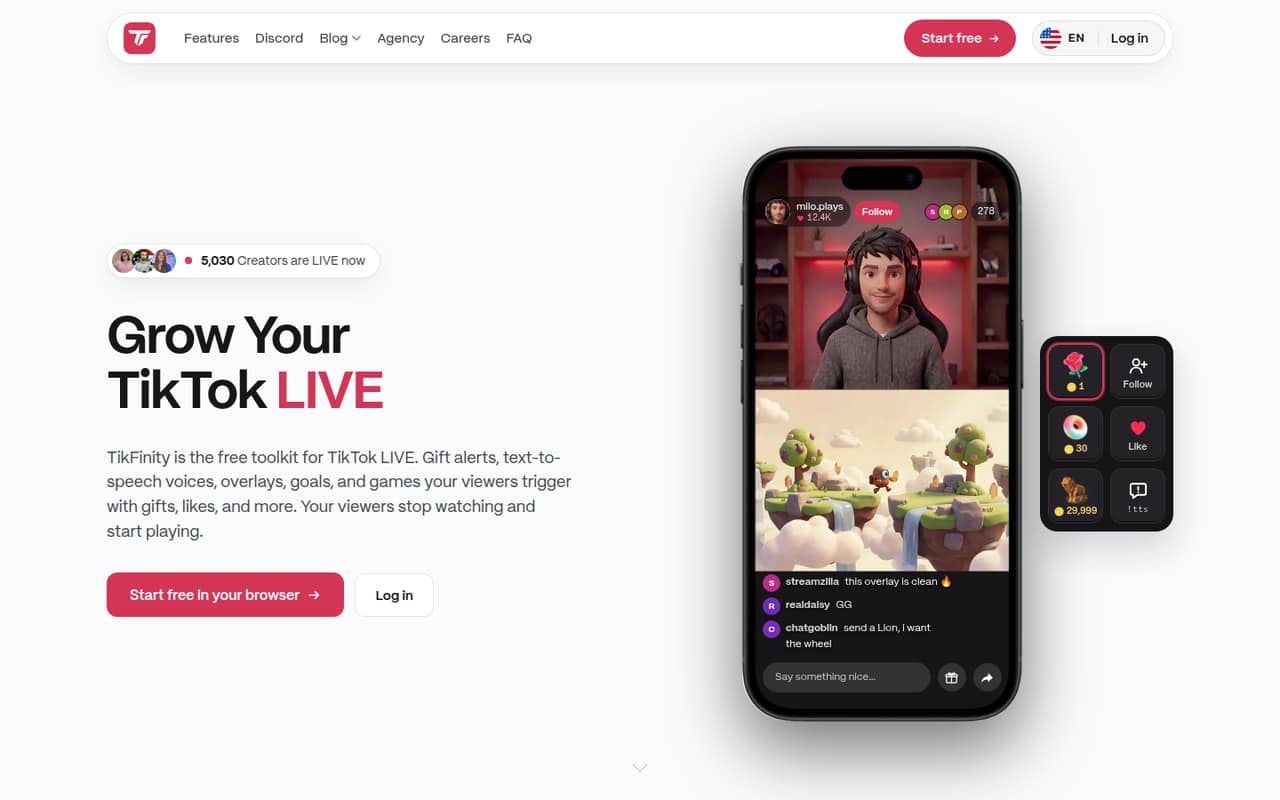
TikFinity is for creators who stream on TikTok LIVE and want viewers to trigger things during the show. A one-to-five-person creator team can use it to connect gifts, likes, follows or comments with sounds, messages and other actions. It also offers text-to-speech, graphics, goals and counters, plus games that let viewers trigger wheels, challenges or keystrokes in PC games.
For a team watching every subscription, the free plan is a sensible place to start if its caps fit your stream. You may not need TikFinity at all if you only need a basic live broadcast and don't want alerts, overlays or audience-triggered actions. The Pro plans target individual desktop or mobile streamers with higher limits, rather than clearly priced team seats. The vendor doesn't publish multi-user pricing, so a team should check how account access works before treating one subscription as a shared team tool.
02TikFinity free plan and trial
The Free plan costs $0 per month, and the pricing listing describes limits for both mobile and desktop. Mobile includes three sound alerts and 75 text-to-speech chat messages per day. Custom sounds can be set up on mobile, but the listing says they can't play live on the free plan. Desktop includes actions, sound alerts and daily voice messages, all capped; the exact desktop caps aren't published in the listing.
A free trial isn't listed. The free plan is enough to try basic streaming features, but frequent alerts or heavier TTS use may push you toward Pro. TikFinity's homepage says Free has limits and Pro offers higher limits, premium overlays and more AI voice credits. The pricing page itself isn't published on the vendor's site, so confirm current limits and terms before paying.
03What a small team pays for TikFinity
The pricing listing gives two Pro options: Mobile is $9.99 monthly or $5 per month with annual billing; Desktop is $19 monthly or $14.25 per month with annual billing. That makes one Mobile plan $119.88 over 12 monthly payments, versus $60 at the listed annual equivalent. Desktop is $228 over 12 monthly payments, versus $171 at its annual equivalent.
TikFinity doesn't publish per-seat prices or say whether a subscription supports multiple team members. For simple arithmetic only, splitting one plan's price evenly across three people would be $3.33 or about $1.67 per person monthly for Mobile, and about $6.33 or $4.75 for Desktop, monthly or annual billing. Across five people, those figures would be $2 or $1 per person for Mobile, and $3.80 or $2.85 for Desktop. These aren't published team rates or confirmation that sharing is allowed. Add-on TTS credits are listed at $3.99, $8.99 and $22.99; their billing period isn't published.
04Getting started with TikFinity
TikFinity is browser-based. For a basic stream, decide which viewer activity should trigger an action, then set up the corresponding alert, sound or text-to-speech. If you want graphics in a broadcast, the toolkit offers browser-source overlays and actions that include OBS scenes. Mobile users can also set up custom sounds, though the free plan doesn't include their live playback.
The vendor doesn't publish a setup time, so we wouldn't promise a five-minute launch. A simple alert setup should involve fewer moving parts than building overlays, goals and game interactions together; that is a practical estimate, not a published setup claim. Reddit reports suggest checking timing and scene compatibility before building a complicated layout: one streamer described alert and goal updates not syncing in real time, while an OBS user said TikFinity stopped recognizing vertical scenes. Start with one alert and one overlay, then add more only if they behave as expected.
05When small teams outgrow TikFinity
The first reason to upgrade is hitting the free limits: mobile is capped at three sound alerts and 75 TTS messages a day, while desktop actions, sound alerts and voice messages are capped too. Mobile Pro lists unlimited sound alerts and TTS, custom audio playback and 100,000 premium AI voice credits monthly. Desktop Pro lists unlimited actions and sound alerts, up to 10 stream profiles and up to 100,000 points-system users.
A growing team may outgrow the pricing model before the feature set. TikFinity lists streamer plans, not team seats, and doesn't publish multi-user terms, so ask the vendor how access works before budgeting for shared use. Reddit users report alert and goal delays, a Spotify song-request issue, and trouble with vertical OBS scenes. One streamer also blamed TikFinity for a sharp view-count drop after enabling it, but that is an individual report, not proof that the toolkit caused the change. Teams that depend on precise timing should verify those workflows before relying on them live.
From the threadsWhat users say
Reddit sentiment is mixed: streamers value the interactive toolkit, but posts also describe delays, integration trouble and concerns about overlays. One view-count complaint is anecdotal and doesn't establish that TikFinity caused the drop.
And suddenly, I’m lucky if I get 200 viewers for a six-hour stream
my problem with it is its wide delay, updates on alerts/goals are not syncing with real time
Unfortunately, not yet. It seems to be a Spotify issue
Tikfinity has stopped recognizing the vertical scenes in OBS recently
Questions people ask
How much does TikFinity cost?
The pricing listing shows a free plan, Mobile Pro at $9.99 monthly or $5 per month with annual billing, and Desktop Pro at $19 monthly or $14.25 per month with annual billing. The vendor's pricing page isn't published on its site, so confirm current prices and terms before subscribing.
What does TikFinity's free plan include?
The listing gives mobile users three sound alerts and 75 TTS chat messages per day. Mobile custom sounds can be set up but not played live on Free. Desktop actions, sound alerts and daily voice messages are capped, though the exact desktop caps aren't published in the listing.
What is the difference between Mobile Pro and Desktop Pro?
Mobile Pro lists unlimited sound alerts and TTS, custom stream audio playback and 100,000 premium AI voice credits per month. Desktop Pro lists unlimited actions and sound alerts, up to 10 stream profiles and up to 100,000 points-system users. Check which platform and limits fit your streaming setup.
Can I use TikFinity with OBS?
TikFinity's listed features include OBS scenes and browser-source overlays. A Reddit user reported that TikFinity stopped recognizing vertical OBS scenes, so check your scene setup before depending on that workflow in a live stream.
How do I cancel a TikFinity subscription?
TikFinity's cancellation steps aren't published in the pricing information. Before subscribing, ask the vendor where to cancel, when cancellation takes effect and whether annual plans are refundable. Keep the confirmation and billing details so you can check that the subscription has ended.
Sources
- TikFinity homepage
- TikFinity pricing, compiled via web search from rngrow.com, tikfinity.com, nexus-tok.com, livecade.io, patreon.com, apple.com
- Reddit: Tikfinity killing view counts on TikTok
- Reddit: Tikfinity delay / alternatives?
- Reddit: Tikfinity/Spotify Integration not working
- Reddit: Tikfinity + OBS Aitum Vertical Sources