
We may earn a commission if you buy through links on this page. It never changes a score or a ranking. How we make money
The bottom line
TimeCo covers core workforce needs, but ask for a quote before counting on it for a budget.
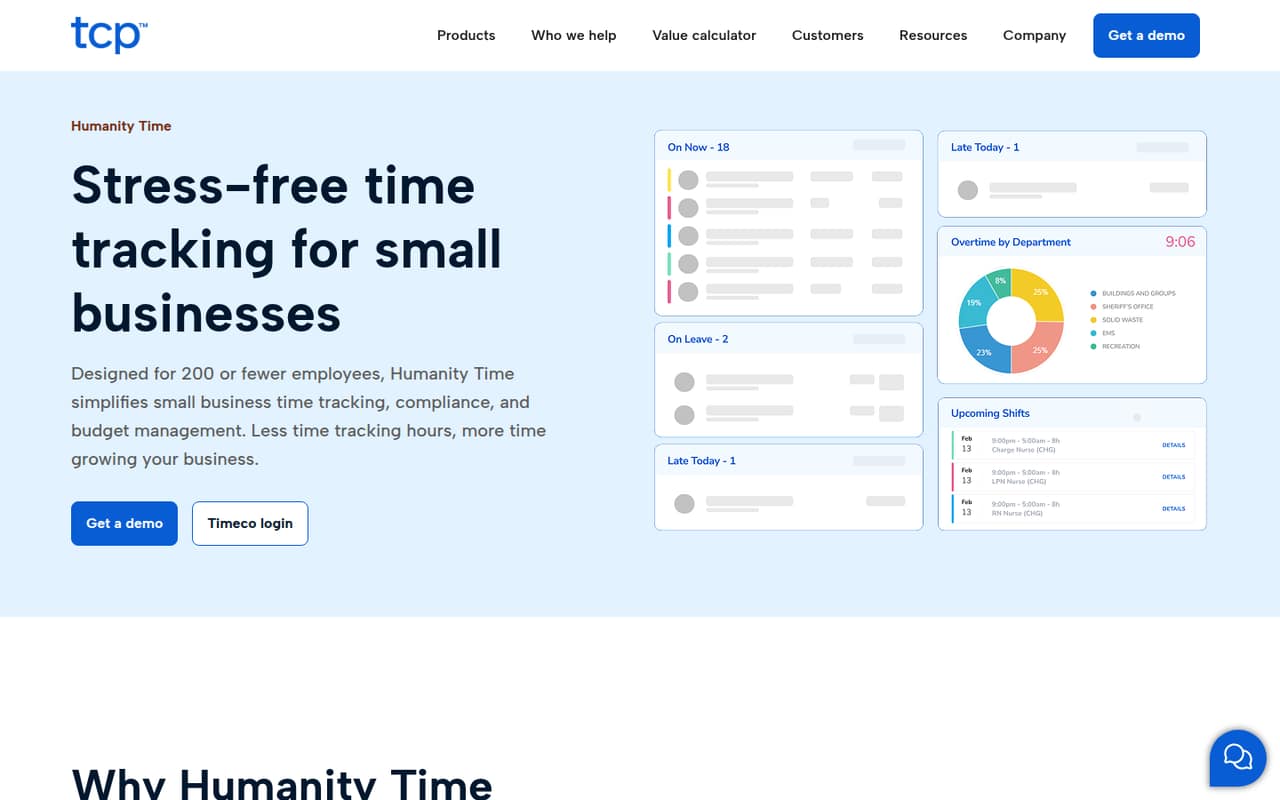
TimeCo combines time clocks, timesheets, scheduling, leave management, payroll support and labor-cost reporting. It is designed for businesses with 200 or fewer employees, so its scope can suit a small team that wants these tools together.
There is no published free plan, trial or starting price. TimeCo sells by custom quote, and its billing terms are not published, making it difficult to compare the cost for one, three or five people. Get a quote before investing time in setup.
Good fit if
- Small businesses tracking employee hours
- Teams managing schedules and leave
- Businesses reviewing labor costs
Skip it if
- Teams that need a free plan
- Buyers who require public pricing
- Businesses with over 200 employees
ScoresHow it rates
What works
- Supports mobile, desktop and physical-clock punches
- Combines time tracking and scheduling
- Includes leave management and accruals
- Offers payroll exports and connections
- Tracks labor costs against budgets
What doesn't
- No free plan is listed
- Trial availability is not published
- Pricing requires a custom quote
- Billing terms are not published
- Integration details are not published
01Who TimeCo is for
TimeCo is built for businesses with 200 or fewer employees. For a small team of one to ten, it is worth considering if you need more than a basic clock-in tool: the product combines time tracking, timesheets, scheduling, leave management, payroll support and labor-cost reporting.
In plain terms, employees can record punches through mobile, desktop or physical clocks, while managers can build schedules, handle time-off requests and review labor costs. Location rules can help keep punches on-site, and compliance settings cover breaks, overtime and attendance records. That breadth could save a team from juggling separate tools, but the budget fit is hard to judge before a quote. TimeCo does not publish a starting price or billing terms, so a very small business watching every subscription should confirm the full cost before committing.
02TimeCo free plan and trial
TimeCo does not list a free plan, and trial availability is not published. The cheapest way in is therefore a custom quote; the vendor does not publish a minimum price, billing term or number of seats included. Ask whether a trial or guided demo is available before agreeing to a paid plan.
The product description covers time clocks, timesheets, scheduling, leave, payroll support, compliance tools and labor-cost reporting, but it does not identify a free tier with limits on any of those features. If your team only needs basic time tracking, compare the quote with simpler tools that publish free-plan limits and per-seat prices. Get the quote in writing, including what features and support are included.
03What a small team pays for TimeCo
TimeCo’s pricing and billing terms are not published; the pricing information says costs are available by custom quote. That means there is no reliable public figure for one person, three seats or five seats, and no per-seat calculation we can give for monthly or annual billing. The starting price is not published.
The product description does not list paid plan names or priced add-ons either. Before comparing TimeCo with a per-seat tool, ask the vendor for a written quote covering your current headcount and the next few hires. Confirm whether the price is per employee, per location or a flat fee; whether billing is monthly or annual; and whether setup, physical clocks, payroll connections, support or particular features cost extra. Those details can change the real cost for a small team. Until the vendor shares them, treat TimeCo as a custom-priced option rather than a budget pick with a known entry price.
04Getting started with TimeCo
TimeCo’s setup steps, learning curve and onboarding requirements are not published. The product description indicates that a team can use mobile, desktop or physical clocks, configure location rules, set break and overtime rules, build schedules and manage leave. How long those tasks take, and whether the vendor helps with them, is something to ask before signing up.
For day one, confirm how TimeCo connects to your payroll system. The product description says it can export timecards and connect payroll systems, but an integration list and setup instructions are not published. Ask which payroll connections are supported, whether your existing clocks can be used and what data needs to be imported. Also clarify who configures compliance rules and leave accruals. Without those details, we would not assume setup is plug-and-play or budget a specific amount of staff time for it.
05When small teams outgrow TimeCo
The clearest stated size boundary is 200 employees: Humanity Time is described as time-tracking software for businesses with 200 or fewer employees. A business approaching or passing that size should confirm directly with the vendor whether TimeCo can support its needs before relying on it for a larger workforce.
A small team could also decide the tool no longer fits if it needs predictable per-seat pricing, published plan limits or clear monthly and annual billing options. Those details are not published, so adding employees may leave you without a public way to forecast the bill. There is no published tier ladder to show when a team would need to upgrade, and no add-on prices to budget. Ask for costs at your current headcount and a few planned growth points. If the quote or supported integrations do not fit, compare alternatives before moving employee records and payroll routines.
Questions people ask
How much does TimeCo cost?
TimeCo's pricing and billing terms are not published. The available pricing information says costs are available by custom quote, so there is no public starting price or per-seat figure for a one-, three- or five-person team. Ask the vendor for a written quote and confirm billing frequency and included features.
Does TimeCo have a free plan or free trial?
TimeCo does not list a free plan, and trial availability is not published. The cheapest way to start is to request a custom quote. Before purchasing, ask the vendor whether it offers a trial or demo and what access or features are included.
What does TimeCo include?
TimeCo combines time tracking, timesheets, scheduling, leave management, payroll support, compliance tools and labor-cost reporting. Employees can record punches using mobile, desktop or physical clocks. Managers can use location rules, set break and overtime rules, handle time-off requests and review labor costs.
Does TimeCo connect to payroll systems?
The product description says TimeCo can export timecards and connect payroll systems. It does not publish a list of supported payroll services or explain the setup process. Ask the vendor to confirm that your payroll system is supported and whether the connection is included in your quote.
How many employees is TimeCo for?
Humanity Time is described as time-tracking software for businesses with 200 or fewer employees. If your company is near that size or expects to grow beyond it, ask the vendor to confirm which employee limits apply and whether the service can support your plans.