
We may earn a commission if you buy through links on this page. It never changes a score or a ranking. How we make money
The bottom line
Useful field-team tracking, but small teams pay from the start and should check payroll fit first.
Timeero brings time, GPS, mileage, and job activity records together for mobile teams. Basic covers the essentials for up to 10 users, while auto clock-in, scheduling, and California break tools start with Pro.
There’s no free plan: Basic starts at $5 per user per month with annual billing or $6 month to month. A Reddit user reports a good experience with support and payroll, but teams should confirm integration fit and consider employee privacy around location tracking.
Good fit if
- Field crews across job sites
- Teams tracking work mileage
- Small teams preparing payroll records
Skip it if
- Teams that need a free plan
- Office-only time tracking
- Buyers needing published setup details
ScoresHow it rates
What works
- Tracks hours, GPS location, and mileage
- Basic includes up to 10 users
- Pro adds scheduling and auto clock-in
- Mileage includes IRS rate calculations
- A Reddit user praises support responsiveness
What doesn't
- No free plan
- Basic stops at 10 users
- Messaging and segmented tracking cost extra
- Trial features and terms aren’t published
- Check payroll compatibility before signing up
01Who Timeero is for
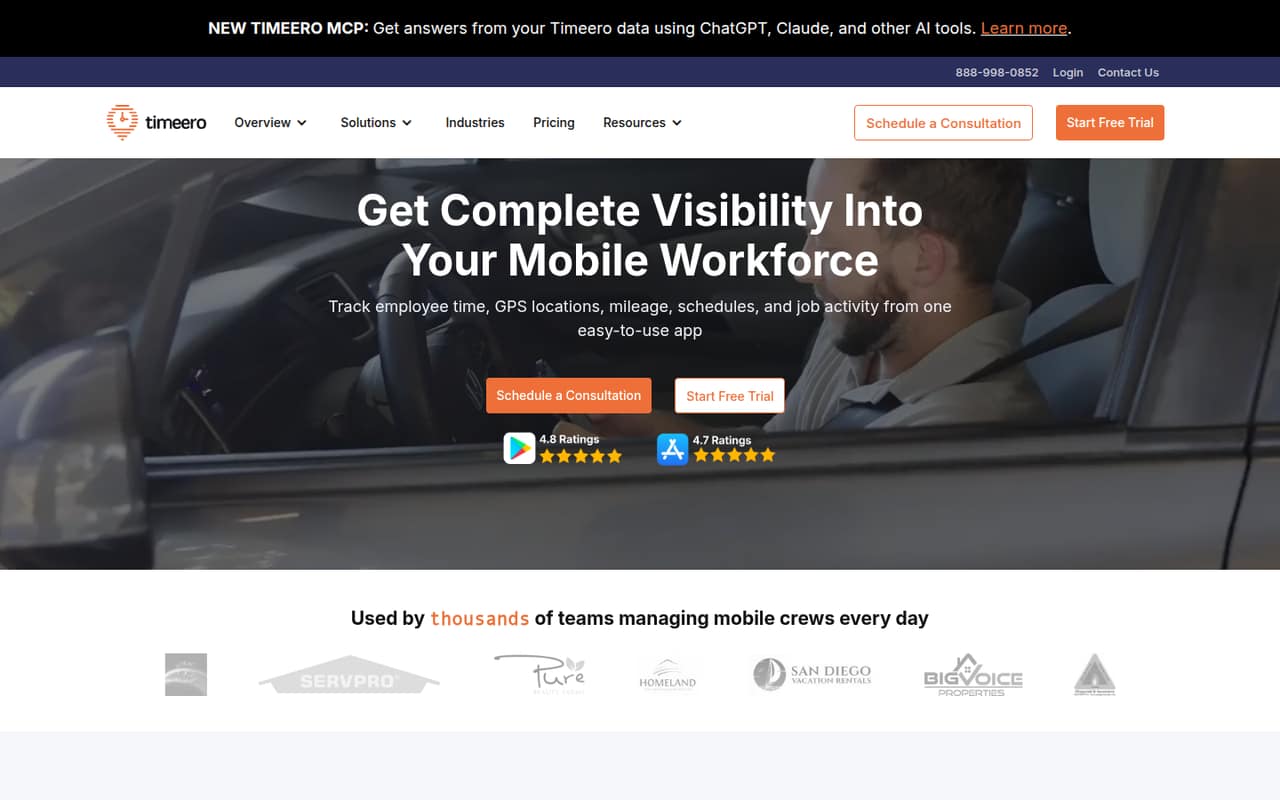
Timeero is built for teams whose people move between job sites, service calls, and client locations. It records hours, breaks, overtime, GPS location, mileage, schedules, and job activity, then organizes time and mileage records for payroll. That makes it a better fit for field operations than a small office that only needs a basic timer.
Basic is aimed at small teams and allows up to 10 users. At its annual rate, five seats cost $25 per month; paying month to month costs $30. That’s a reasonable starting point if location and mileage records are part of the work, not just a nice-to-have. Pro is the next step for teams that need auto clock-in and out, scheduling, or California break tools. A Reddit user says Timeero works with their payroll provider, and another mentions a Gusto connection, but check that your specific payroll setup is supported before choosing.
02Timeero free plan and trial
Timeero has no free plan. The pricing page lists a 14-day free trial, but doesn’t publish which plans or features the trial includes, whether a payment card is required, or what happens to account data when the trial ends. Ask Timeero to confirm those details before inviting your crew.
For ongoing use, Basic is the cheapest plan: $6 per user per month when billed monthly, or $5 per user per month with annual billing. It allows up to 10 users and includes time tracking, GPS tracking, mileage tracking, and break tracking. That’s enough to evaluate the core job-site tracking workflow, but it doesn’t include Pro features such as auto clock-in and out, scheduling, or the California Break Policy. If your team needs those, plan on the higher Pro rate rather than assuming the trial will cover them.
03What a small team pays for Timeero
Basic costs $6 per user per month with monthly billing or $5 per user per month with annual billing. That puts one seat at $6 or $5 per month, three seats at $18 or $15, and five seats at $30 or $25, respectively. The pricing page says annual billing gets two months free. Basic includes up to 10 users, time tracking, GPS, mileage, and break tracking.
Pro costs $9 per user per month month to month or $7.50 with annual billing. Three Pro seats come to $27 or $22.50 per month; five cost $45 or $37.50. Pro adds auto clock-in and out, scheduling, and California Break Policy tools.
Add-ons can raise the bill: Segmented Tracking starts at $5 per user per month, and Messaging is $2 per user per month; both are listed for Pro and Premium. SMS notifications are approximately $0.02 per message, billed separately. Expert-Guided Onboarding has no published price. Ask for the full total if you need add-ons.
04Getting started with Timeero
Timeero’s setup effort and learning curve aren’t published, so we wouldn’t assume it takes only a few minutes to roll out across a crew. Before launch, decide which employees, locations, and work activities need tracking, and make sure workers understand how location and mileage records are used. For teams using personal phones, the GPS data deserves a clear conversation; one Reddit post raises privacy concerns about employees being required to use a GPS time-tracking app on their own devices.
Payroll compatibility is another day-one check. One commenter says Timeero works with their payroll provider, and another says their team has it integrated with Gusto. Those are individual reports, not a complete integration list, so confirm your provider and the data flow with Timeero. Ask what the trial includes, what setup help costs, and whether the team needs to configure schedules or break rules before the first shift.
05When small teams outgrow Timeero
The clearest limit is Basic’s 10-user cap. If your team grows beyond that, Pro is the listed next step and allows unlimited users; it also includes auto clock-in and out, scheduling, and California Break Policy tools. Moving from Basic to Pro raises the monthly rate from $6 to $9 per user, or from $5 to $7.50 with annual billing. At five seats, that’s an increase of $15 per month at either billing rate.
You may also need Pro before reaching 10 users if you want its scheduling or automatic clock features. Teams needing time-off management, facial recognition at a kiosk, or a public API have to look at Premium, listed at $12 per user per month or $10 with annual billing. Reddit users discussing multi-site time tracking bring up payroll accuracy, location visibility, and employee privacy as practical concerns. Check those workflows—and the cost of add-ons—before expanding your setup.
From the threadsWhat users say
The Reddit mentions that speak directly to Timeero are positive about support and a reported Gusto integration. Other posts raise payroll-fit and GPS privacy questions, so the overall picture is encouraging but limited.
Used Timeero and totally happy with it. It works with our payroll provider and their great support team is very responsive
We use timeero and have it integrated with Gusto
What payroll provider do you use? I'm looking for one that we can integrate with Timeero
I immediately had some general concerns regarding security and the use of GPS data
Questions people ask
Does Timeero have a free plan?
No. Timeero lists a 14-day free trial, but there is no ongoing free plan. The vendor doesn’t publish which plans or features the trial includes, so ask before relying on it to evaluate a specific feature.
How much does Timeero cost for a small team?
Basic costs $6 per user per month with monthly billing or $5 per user per month with annual billing. Three Basic seats cost $18 or $15 per month, respectively. Basic allows up to 10 users. Pro costs more and adds scheduling and automatic clock-in and out.
Can Timeero track mileage and work routes?
Yes. Timeero’s listed features include mileage tracking, work routes, and stop timestamps, with built-in IRS rate calculations. Basic includes mileage tracking. Confirm how the mileage records are delivered to your payroll workflow before choosing a plan.
Does Timeero clock employees in automatically?
Auto clock-in and out is listed as a Pro feature. It starts or stops time tracking when employees arrive at or leave a job site. Basic includes time and GPS tracking but does not list automatic clock-in and out.
Does Timeero support scheduling and California breaks?
The pricing page lists both scheduling and California Break Policy under Pro. The California tools track breaks, rest periods, and overtime, and include alerts and shift audit trails. Basic does not list those Pro features.
Sources
- Timeero homepage
- Timeero pricing page
- Reddit: Trying to choose between Jibble and Timeero for attendance tracking
- Reddit: Jibble vs Timeero vs ClockShark - which is the best construction time tracking software for growing teams?
- Reddit: Timeero app concerns
- Reddit: What do you use for GPS and mileage tracking when there’s no service?