
We may earn a commission if you buy through links on this page. It never changes a score or a ranking. How we make money
The bottom line
TimeForge connects POS sales to labor scheduling, but you’ll need a quote to judge the cost.
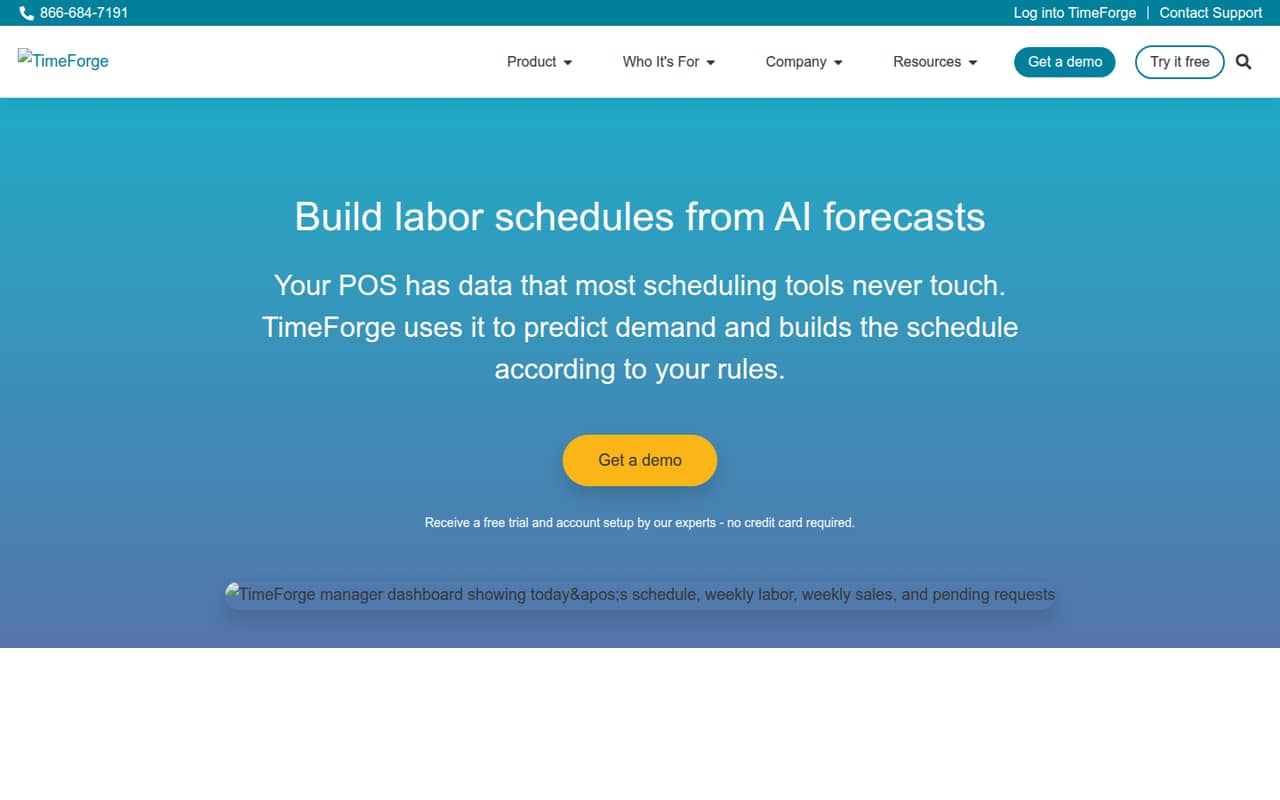
TimeForge connects POS sales data with labor forecasting and scheduling, with time tracking, overtime alerts, compliance checks, and reports across locations. That’s a focused tool for teams whose schedules need to follow sales demand.
The catch for a small team is pricing: the vendor lists four plans but publishes no prices, and there’s no listed free plan. Ask for a quote, POS compatibility details, and a walkthrough of what each tier includes before committing.
Good fit if
- Teams scheduling around POS sales
- Businesses managing multiple locations
- Managers tracking labor and attendance
Skip it if
- Teams needing a free scheduler
- Buyers requiring clear seat pricing
- Businesses without relevant POS data
ScoresHow it rates
What works
- Forecasts labor demand from connected POS sales history
- Builds schedules around forecasts and team rules
- Tracks hours and attendance in real time
- Flags overtime before it happens
- Reports labor and sales across locations
What doesn't
- Starting price isn't published
- No free plan is listed
- Free-trial availability isn't published
- Event Scheduling add-on price isn't published
- Plan-by-plan feature differences aren't clear
01Who TimeForge is for
TimeForge is worth considering for a small team—roughly 1 to 10 people—if labor schedules need to track sales patterns from a connected POS. Instead of building shifts from scratch, managers can use sales history to forecast labor demand and make schedules around that forecast and their rules.
The product also covers time and attendance, overtime alerts, labor-law checks before schedules are posted, and reporting across locations. That breadth may suit a small operator that wants scheduling and labor oversight in one system, particularly when it manages more than one location. But the pricing page lists unlimited employees and locations across several plans, not a per-seat price or a clear breakdown of which features belong to each tier. For a tight budget, ask for a quote for your actual locations and headcount, plus confirmation that your POS connects. If you mainly need a basic shared calendar, these labor-focused features may be more than your team needs.
02TimeForge free plan and trial
The pricing information lists no free plan. It also doesn't state whether a free trial is available, so ask the vendor rather than budgeting on a trial or assuming you can test the service first.
Simple is the first plan listed and may be the place to ask about getting started, but the vendor doesn't publish its price or identify it as the cheapest option. The pricing page lists unlimited locations and employees for Simple, Core Labor, and Workforce Plus; that doesn't tell a small team what features come with each tier. Before requesting a quote, ask whether the plan includes POS-based demand forecasting, scheduling, time and attendance, and compliance checks. Get the trial terms and any setup charges in writing as well.
03What a small team pays for TimeForge
The pricing page lists Simple, Core Labor, Workforce Plus, and Enterprise, but publishes no monthly or annual prices. It also doesn't say which plan is cheapest or give a per-person rate. That means we can't calculate a supported cost for one person, three people, or five people—or compare monthly billing with annual billing. Ask TimeForge for quotes at your actual headcount and location count, and confirm whether the quote changes with either.
The page lists unlimited employees and locations for Simple, Core Labor, and Workforce Plus, but does not publish those inclusions for Enterprise. That is not enough to determine which tier a small team needs, because the plan-by-plan feature differences aren't listed. Event Scheduling is an add-on, and its price isn't published either. Ask whether it is optional for your use case, what it costs, and whether onboarding or POS connection carries a separate charge. Until you have those answers, treat the starting price as unknown rather than assuming unlimited seats mean a low bill.
04Getting started with TimeForge
TimeForge's setup starts with a connected POS, because the demand forecast uses sales history from that source. The product description also says schedules can use your rules, and the service includes time and attendance, compliance checks, and location reporting. The vendor material available for this review doesn't publish setup steps, onboarding time, training requirements, or a list of supported POS systems, so we can't estimate the effort for a particular team.
Before signing, ask whether your POS is supported and what data the connection needs. Confirm who configures labor rules, employee access, locations, and attendance tracking, and whether TimeForge provides onboarding. A small team should also ask how long sales history needs to be available for forecasting and whether schedule approval or payroll connections are included. Those details will determine whether setup is a quick configuration or a larger operations project.
05When small teams outgrow TimeForge
The published plan details don't show a stated employee or location ceiling for Simple, Core Labor, or Workforce Plus: each lists unlimited employees and locations. So headcount alone may not be the point at which a team needs to move up. The pricing page doesn't publish plan prices or explain the differences in features, which makes it hard to predict when an upgrade becomes necessary—or what it will cost.
A growing team should revisit its plan when it needs a feature that isn't included in its current tier, adds Event Scheduling, or wants clearer terms for multiple locations. The vendor doesn't publish enough plan detail to identify those thresholds from the pricing page alone. Ask for a written feature comparison and quotes for your current and expected team size before choosing a tier. If your POS isn't supported or you need an integration the vendor can't confirm, that may be a reason to look elsewhere rather than upgrade.
Questions people ask
Does TimeForge have a free plan?
The pricing information lists no free plan. It also doesn't publish whether a free trial is available. Ask TimeForge whether it offers a trial and what it includes before signing, especially if you want to confirm POS compatibility or test scheduling with your team.
How much does TimeForge cost for a small team?
The vendor doesn't publish monthly or annual prices, per-person rates, or a starting price. The pricing page lists four plans but doesn't identify the cheapest one. Request quotes for your headcount and number of locations, and ask whether onboarding or POS connection costs extra.
Which POS systems does TimeForge connect to?
TimeForge uses sales history from a connected POS to forecast labor demand, but the pricing material doesn't list supported POS systems. Ask the vendor to confirm your exact POS and whether the connection includes the sales data needed for forecasts.
Does TimeForge include time and attendance?
Yes. Time and attendance is among TimeForge's listed capabilities, and the product description says it tracks hours and attendance in real time. Confirm which plan includes it, since the pricing page doesn't give a feature-by-feature comparison of the plans.
Does TimeForge help with overtime and labor compliance?
TimeForge lists overtime monitoring that flags overtime before it happens and labor compliance checks that review schedules against local labor laws before posting. Ask the vendor how those checks apply to your locations and which plan includes them.