
We may earn a commission if you buy through links on this page. It never changes a score or a ranking. How we make money
The bottom line
Strong security features for client file exchanges, with no free plan and a $16-per-seat starting price.
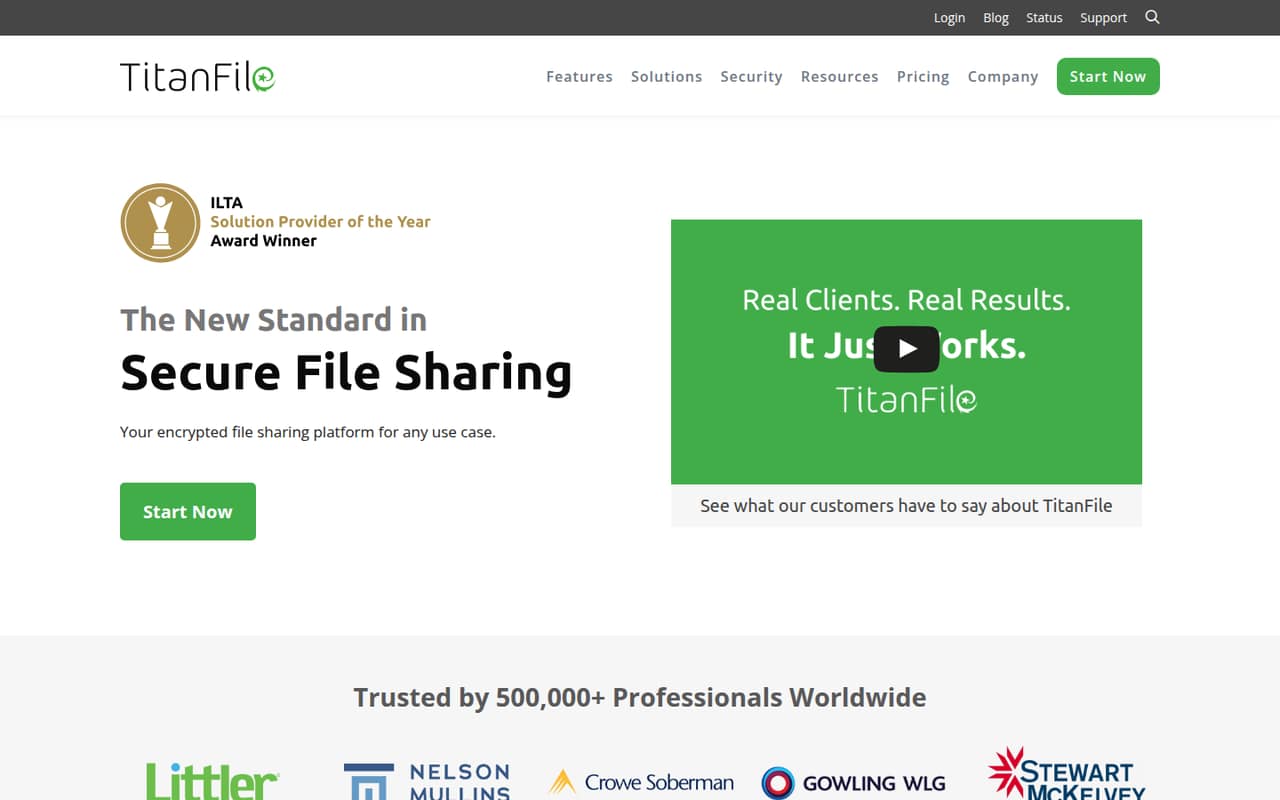
TitanFile is secure file sharing for businesses that exchange confidential files and messages with clients or other outside contacts. The homepage lists encryption, workspaces, access controls, compliance certifications and data residency choices.
There’s no free plan. The pricing page lists Business Starter at $16 per user monthly, with a two-user minimum, and a 15-day trial. That makes TitanFile easier to justify when secure external sharing is a real need than as a general-purpose file drive.
Good fit if
- Small firms sharing confidential client files
- Teams that need external collaboration
- Organizations with data residency needs
Skip it if
- Teams that need a free plan
- One-person teams on a tight budget
- Teams needing published annual prices
ScoresHow it rates
What works
- Unlimited external collaborators on listed plans
- Business Starter includes as much storage as needed
- Workspaces support files and messages
- Data residency options include the US, Canada and Europe
- Homepage lists ISO 27001, SOC 2 Type II, PIPEDA and HIPAA
What doesn't
- No free plan
- Business Starter requires at least two users
- Annual per-month prices are not published
- Add-on prices are not published
- Plan upload caps differ from the homepage's large-file claims
01Who TitanFile is for
TitanFile is for small firms that regularly send confidential files to clients, customers or other external contacts. Instead of treating file sharing as a link attached to email, it gives a business a place to exchange files and messages in secure workspaces.
A two-to-five-person firm can start on Business Starter, which the pricing page lists at $16 per user per month with a two-user minimum. That means at least $32 monthly, before any paid add-ons. The plan lists unlimited external collaborators, uploads up to 10GB and as much storage as needed. It may suit legal, financial or other firms handling sensitive information, but the homepage's security and compliance claims should be checked against your specific requirements.
For a solo user, the Individual plan is $22 monthly. Teams that need uploads above 10GB may need Business Pro or a custom Enterprise plan. If your main need is inexpensive everyday file storage, the minimum paid spend may be hard to justify.
02TitanFile free plan and trial
TitanFile has no free plan. The pricing page lists a 15-day free trial, but does not publish the trial's specific user, storage or upload limits. Confirm those details with the vendor before using the trial to move real client files.
The cheapest listed paid option is Business Starter at $16 per user per month, with a minimum of two users. That makes the lowest listed monthly commitment $32. The plan includes unlimited external collaborators, uploads up to 10GB and as much storage as needed. A solo user can instead choose Individual at $22 per month, which allows one user and also lists unlimited external collaborators and uploads up to 10GB.
The trial can help a team assess whether workspaces and its security controls fit its file-sharing process, but it is not a continuing free tier.
03What a small team pays for TitanFile
The pricing page lists Individual at $22 per month for one user. Business Starter is $16 per user monthly, with a two-user minimum. That works out to $48 per month for three seats and $80 for five seats. Both plans list unlimited external collaborators, uploads up to 10GB and as much storage as needed.
Business Pro costs $24 per user monthly and requires at least two users. It raises the listed upload limit to 50GB, so a three-person team would pay $72 monthly and a five-person team $120. Annual billing saves up to 11%, according to the pricing page, but the vendor does not publish the annual per-month prices.
A small team may also need to ask about add-on costs. The iManage web portal integration has an additional fee, while its price is not published. API and API-based SIEM integration are paid options with unpublished prices. Customer-managed encryption keys are also paid options on Individual and Business Starter, with no price listed. Ask the vendor for a full quote before budgeting.
04Getting started with TitanFile
The basic workflow appears straightforward from the features the homepage describes: create a workspace, exchange files and messages with external contacts, then manage access with controls such as multi-factor authentication. The homepage also lists audit logs. Those features give teams a clear starting point for client exchanges, but the vendor does not publish a setup-time estimate or a detailed onboarding checklist in the pricing information.
For day one, decide who should create workspaces, invite outside contacts and set access permissions. Confirm which data residency option—US, Canada or Europe—fits your requirements. The pricing page lists iManage web portal integration as a paid add-on; API and API-based SIEM integrations are paid options too. Their prices are not published, so ask whether you need them and what they cost before signing up.
A small team with simple sharing needs may be able to begin with workspaces and external collaborators. More involved security or compliance processes may require vendor guidance; setup support details are not published in the pricing information.
05When small teams outgrow TitanFile
The first reason to change plans is the upload cap. Business Starter and Individual list uploads up to 10GB; Business Pro raises that to 50GB. Enterprise is listed for organizations with at least 50 users and uploads of 50GB or more, with custom pricing. The homepage also promotes files over 100GB and says there are no file-size or quantity limits, so ask the vendor which plan supports the file sizes your team needs before committing.
Seat costs are another pressure point. A five-person team pays $80 per month on Starter or $120 on Pro at the listed monthly rates, before add-ons. A team needing custom requirements or the Enterprise tier faces custom pricing, and the listed minimum is 50 users.
You may also need to revisit the plan if your workflow depends on iManage, API or SIEM integration, or customer-managed encryption keys. These are paid options, and their prices are not published. Get a quote as your team grows rather than assuming the base seat price covers them.
Questions people ask
Is TitanFile secure?
TitanFile's homepage lists encryption for files in transit and at rest, including 256-bit TLS for client-server communication. It also lists multi-factor authentication, granular access controls and audit logs. The homepage names ISO 27001, SOC 2 Type II, PIPEDA and HIPAA. Check with the vendor that its controls and certifications meet your organization's specific requirements.
What does TitanFile do?
TitanFile is a business file-sharing platform for exchanging confidential files and messages with clients and other external contacts. Teams can use workspaces for collaboration. The homepage also lists access controls, audit logs and data residency choices in the US, Canada or Europe.
Does TitanFile have a free plan?
No. The pricing page lists a 15-day free trial, but no free plan. The cheapest listed paid option is Business Starter at $16 per user per month, with a two-user minimum, for a minimum monthly cost of $32. The vendor does not publish the trial's specific limits in the pricing information.
How much does TitanFile cost for a small team?
Business Starter is listed at $16 per user monthly and requires at least two users. Three seats cost $48 per month and five cost $80. Business Pro is $24 per user monthly, making three seats $72 and five $120. Annual billing can save up to 11%, but annual per-month prices are not published.
What are TitanFile's file upload limits?
The pricing page lists uploads up to 10GB on Individual and Business Starter, up to 50GB on Business Pro, and 50GB or more on Enterprise. The homepage also describes support for files over 100GB. Ask the vendor which plan supports your required file size, since the published plan limits differ.