
We may earn a commission if you buy through links on this page. It never changes a score or a ranking. How we make money
The bottom line
A flexible website calendar with a free plan and paid options from $8 monthly.
A small organization that needs a public, branded events calendar can start with Tockify’s free plan, which lists unlimited events. Layouts, recurring events, RSVP forms, community submissions and read-only Google Calendar sync cover common calendar needs.
The pricing page lists Premium at $8 per month and White Label at $40, but doesn’t publish seat limits or annual prices. That makes the entry price attractive, while leaving teams to confirm whether one subscription covers their staff.
Good fit if
- Organizations publishing events on a website
- Small teams wanting a free calendar
- Groups collecting event submissions and RSVPs
Skip it if
- Teams needing published seat limits
- Buyers requiring annual pricing
- Organizations needing known higher-tier costs
ScoresHow it rates
What works
- Free plan lists unlimited events
- Pinboard, agenda and monthly layouts
- Custom themes need no programming
- Supports recurring events and RSVPs
- Google Calendar sync is available
What doesn't
- Seat limits are not published
- Annual billing prices are not published
- Higher-limit pricing is not published
- White Label costs $40 monthly
- Setup time is not published
01Who Tockify is for
Tockify suits a small organization that needs an events calendar on its website, rather than a team looking for a general-purpose scheduling system. A 1–10 person nonprofit, club, school group or local organization could use it to publish events in a branded format and collect RSVPs or community submissions.
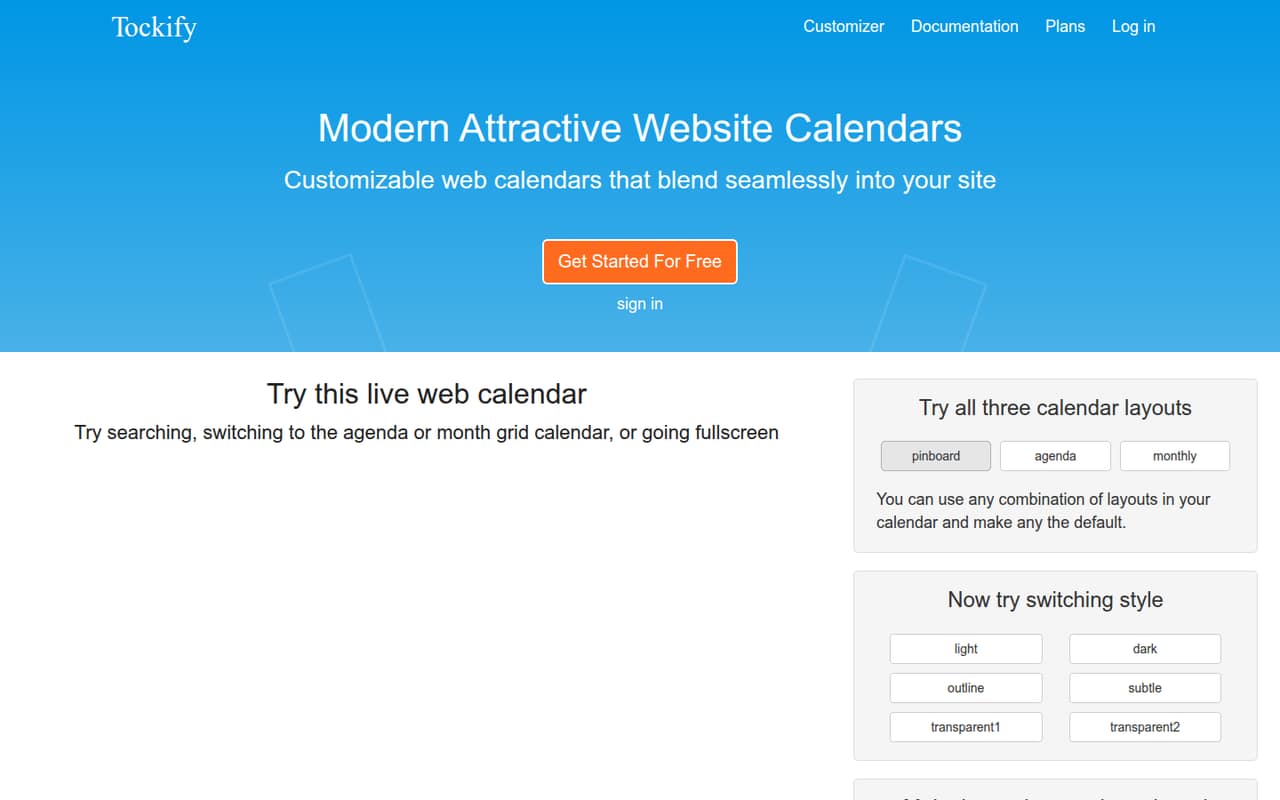
The calendar can use pinboard, agenda or monthly layouts. Tockify also supports recurring events and read-only Google Calendar sync, so it can fit teams that already maintain event details in Google Calendar. The customizer lets teams adjust colors, fonts and layout without programming.
For a small budget, the free plan is a practical place to start. Premium is listed at $8 per month, while White Label is $40. The catch for a team is that Tockify doesn’t publish seat limits, so confirm how staff access works before treating either price as the full cost for your group.
02Tockify free plan and trial
Tockify’s Free plan lists unlimited events and costs $0 per month. The pricing page also lists a 14-day free trial and says no credit card is required. Those terms are listed for the paid plans too, so a team can review the paid offering before committing.
The published plan details don’t specify which features are included in Free. In particular, they don’t say whether custom themes, RSVP forms, community submissions or Google Calendar sync require Premium. Check the current plan details or ask Tockify before building your workflow around one of those features.
The clear limit is pricing transparency: seat limits aren’t published, and neither are annual prices. Free is a low-cost way to start publishing events, but confirm the feature and access terms that matter to your team.
03What a small team pays for Tockify
The pricing page lists Free at $0 per month, Premium at $8 per month and White Label at $40 per month. Those are monthly plan prices; annual billing prices are not published. Premium is the cheapest listed paid plan, and White Label is described as the option for organizations needing a branded calendar.
Tockify doesn’t publish seat limits or say whether these prices are per user. So a reliable one-person, three-person or five-person total—and per-seat math—can’t be calculated from the listed prices. If a single subscription covers your whole team, the listed plan price would remain $8 or $40 monthly; confirm that access arrangement with Tockify before budgeting on it.
The listing includes a 14-day trial and says no credit card is required. It also describes a higher-limits option, but its price and exact limits aren’t published. No add-ons are listed. Ask about user access, feature availability and higher-limit pricing before upgrading.
04Getting started with Tockify
Getting started means choosing a calendar layout, adjusting its appearance, and adding the calendar to your website. Tockify’s customizer supports changes to colors, fonts and layout without programming, which should suit a small team without a developer on hand. The available layouts are pinboard, agenda and monthly.
For day-one event data, Tockify supports read-only Google Calendar sync. That lets a public events calendar sync from Google Calendar, but the published details don’t describe the connection steps or setup time. The vendor doesn’t publish a setup-time estimate here, so teams with a launch deadline should confirm the process before committing.
Recurring events, RSVP forms and community submissions can add more configuration choices. Tockify supports those features, but the plan details don’t identify which plans include each one. Confirm availability and access requirements before planning a workflow around them.
05When small teams outgrow Tockify
The first reason to revisit Tockify is team access. Seat limits aren’t published, and the listed monthly prices don’t say whether they cover one person or several. If staff need separate accounts or permissions, ask Tockify what each plan allows before your calendar becomes central to team operations.
A second trigger is needing higher limits. Tockify lists a “Need something else?” option for organizations that need them, but exact limits and pricing aren’t published. That makes it hard to forecast the cost of a larger events program. Get a quote and specific limits before relying on that tier.
You may also need to reassess if a required feature isn’t included in your plan. The listed plan summaries don’t spell out feature-by-feature access for RSVPs, submissions, themes or Google sync. Premium starts at $8 per month and White Label at $40, but verify plan access and team terms before upgrading.
Questions people ask
Does Tockify have a free plan?
Yes. The pricing page lists a Free plan at $0 per month with unlimited events. It also lists a 14-day free trial and says no credit card is required. The plan details don’t specify which paid features are included in Free, so check feature availability before setting up your calendar.
How much does Tockify cost?
The pricing page lists Free at $0 per month, Premium at $8 per month and White Label at $40 per month. Annual prices aren’t published. The page also lists a higher-limits option, but its price is not published.
Does Tockify charge per user?
Tockify doesn’t publish seat limits or specify whether its listed prices are per user. The page lists monthly plan prices, but doesn’t provide totals for a team of a particular size. Ask the vendor how staff access is priced before budgeting.
Can Tockify sync with Google Calendar?
Yes. Tockify supports syncing Google Calendar to a public events calendar with read-only access. The available details don’t describe the setup steps, so confirm the connection process if you need to launch by a specific date.
Can visitors submit events or RSVP through Tockify?
Tockify supports community event submissions for review and approval, as well as custom RSVP forms to collect and manage responses. The plan listings don’t specify which plans include these features, so confirm plan access before relying on them.