
We may earn a commission if you buy through links on this page. It never changes a score or a ranking. How we make money
The bottom line
Powerful animation software, but a steep learning curve and paid seats make it a considered buy.
Toon Boom Harmony is built for making animation for films, TV, games, explainers and ads. For a small studio producing animation regularly, its purpose-built focus may justify the cost; for occasional clips, the price and learning curve are a lot to take on.
There’s no free plan. Harmony Essentials starts at $22 per month when billed annually, and Ember AI tools are an optional add-on with pricing not published. Reddit users disagree on how approachable Harmony is, but several describe a difficult learning curve.
Good fit if
- Small animation studios
- Teams producing TV or film animation
- Animators willing to learn complex tools
Skip it if
- Teams needing a free animation tool
- Casual or occasional video projects
- Buyers needing published seat limits
ScoresHow it rates
What works
- Made for animation production
- Used for films, TV, games and explainers
- Three plans for different skill levels
- Premium lists a free trial option
- Ember AI tools are optional
What doesn't
- No free plan
- Annual plans cost $259 or more per seat
- Seat and usage limits aren't published
- Ember add-on pricing isn't published
- Reddit users report a steep learning curve
01Who Toon Boom Harmony is for
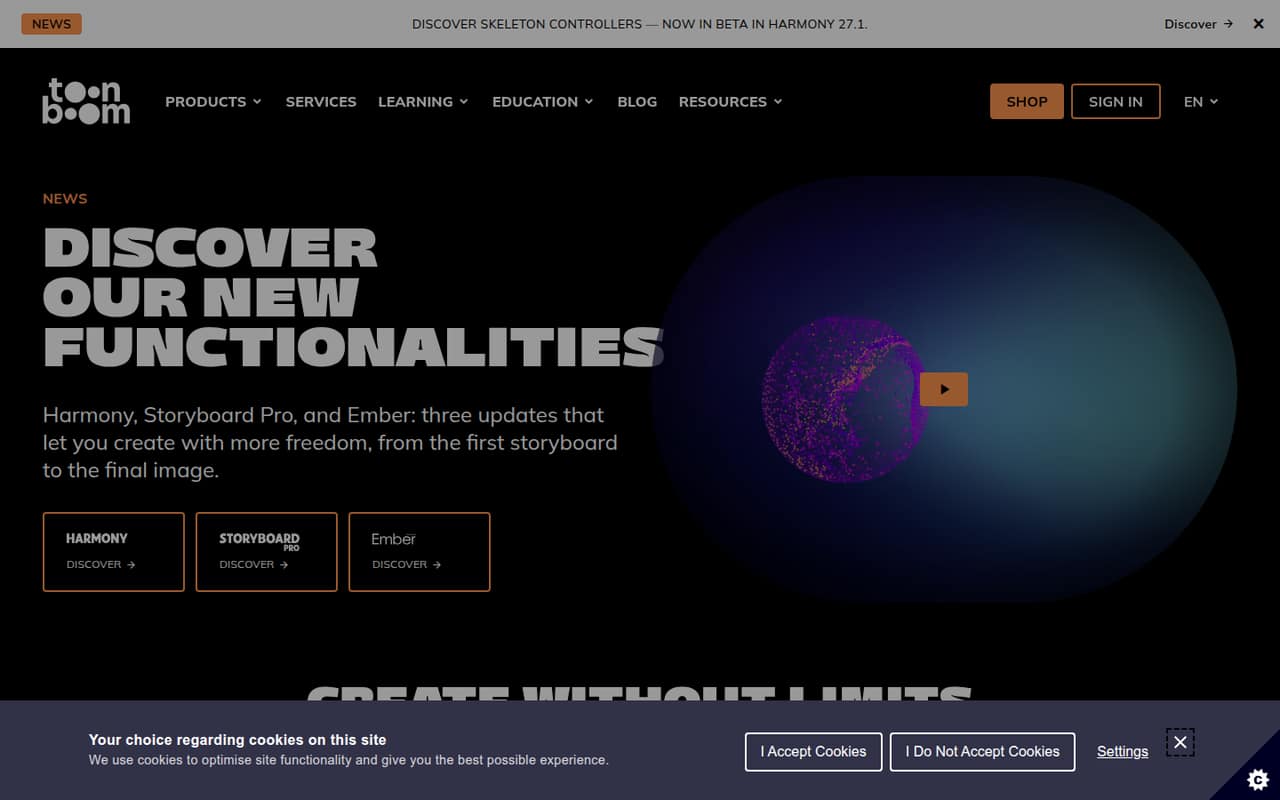
Harmony is animation software for producing movies, TV shows, games, explainer videos and advertisements. For a team of one to ten, it makes most sense when animation is a regular part of the work—not when you need an occasional clip and want the cheapest possible tool. The homepage says customers use Toon Boom software across those production types, while the plans range from Essentials for individual animators and beginners to Premium for professional studios.
Budget matters. Essentials starts at $259 per year per listed plan price, while Advanced and Premium cost more; if every teammate needs a license, costs rise quickly. The vendor doesn't publish seat or usage limits, so ask how a team license works before budgeting. Reddit users describe Harmony as difficult to learn, though one commenter says the effort can pay off. We’d favor it for a small studio ready to invest time in animation workflows, not a general-purpose video team.
02Toon Boom Harmony free plan and trial
Toon Boom Harmony has no free plan. The cheapest listed way in is Harmony Essentials: $31 per month, or $259 per year billed annually (about $22 per month). The pricing page also lists a $738 three-year option. Seat and usage limits are not published, so confirm how many people a license covers before you commit.
Harmony Premium has a “Try for Free” option, but the trial duration isn't published. The published plan details don't list a free trial for Essentials or Advanced. If you're evaluating the software, ask Toon Boom what the Premium trial includes, how long it lasts and whether it requires payment details. A commenter on Reddit recommends trying demos and points to free short courses; those may help you judge the learning curve, but they don't replace a free plan.
03What a small team pays for Toon Boom Harmony
The listed prices are per month, with annual billing available. If each person needs a separate license, Essentials costs $31 per person monthly or $259 per person for a year billed annually (about $22 per month). That works out to $93 monthly or $777 annually for three people, and $155 monthly or $1,295 annually for five. These totals assume a license for each person; the vendor doesn't publish seat limits or team pricing, so confirm the arrangement.
Advanced is $79 monthly or $606 per year per person. At those rates, three people cost $237 monthly or $1,818 annually; five cost $395 monthly or $3,030 annually. Premium lists $143 monthly or $1,161 annually per person: three would be $429 monthly or $3,483 annually, and five would be $715 monthly or $5,805 annually. Three-year billing is also listed for all three plans. Ember AI tools are an optional add-on, but the vendor doesn't publish its price. Ask about add-on charges and any seat minimums before buying.
04Getting started with Toon Boom Harmony
Plan for a learning curve, not a quick handoff. Reddit users disagree about how approachable Harmony is: one beginner found it hard even with prior experience, while another commenter says the right animation style affects how difficult it feels. A user specifically points to cut-out animation, rigging and the node view as challenging areas. Another says Toon Boom offers free short courses, which could give a new animator a place to start.
The vendor doesn't publish a setup-time estimate or a required integrations list in the plan details. We wouldn't assume a team can plug Harmony into its existing workflow without checking first. Before rollout, ask Toon Boom about installation requirements, collaboration across seats, file handoffs and any integrations your team depends on. For a small group, choose one person to learn the workflow and share it before expecting everyone to work independently.
05When small teams outgrow Toon Boom Harmony
Harmony's listed tiers are Essentials, Advanced and Premium, with prices rising from $31 to $79 to $143 per month when paid monthly. A team may need to consider a higher tier as its animation needs change, but the plan details don't list a feature-by-feature comparison or published seat and usage limits. Ask Toon Boom which plan covers your specific production needs before treating an upgrade as necessary.
The more immediate growing-team issue is cost: even Essentials adds up when each animator needs a license, and Ember is a separate opt-in add-on with pricing not published. Ask about team pricing, seat minimums and add-on charges before expanding. Reddit comments also flag the learning investment: one user says understanding the tools took months, while another calls the software difficult. If your team mostly needs simple frame-by-frame work or general video editing, reassess whether Harmony's animation focus and cost still fit.
From the threadsWhat users say
Reddit sentiment is mixed: some users value Harmony and its learning resources, while others say it takes substantial time to learn. Price is a concern for at least one would-be buyer.
No, it's hard to learn even as a non-beginner in my opinion
it took me months (im still learning new things till this day and I got it a couple years ago)
Whatever you decide, Toon Boom offers free short courses I learned a lot from
It's far too expensive for me
Questions people ask
Does Toon Boom Harmony have a free plan?
No free plan is listed. Harmony Premium has a “Try for Free” option, but the trial duration isn't published. The cheapest listed plan is Harmony Essentials, at $31 per month or $259 per year when billed annually. Ask the vendor to confirm what the Premium trial includes before you sign up.
How much does Toon Boom Harmony cost for one person?
Harmony Essentials is listed at $31 per month or $259 per year billed annually. Advanced is $79 monthly or $606 annually, and Premium is $143 monthly or $1,161 annually. Three-year billing is also listed. Confirm license terms with Toon Boom because seat limits and team pricing aren't published.
Can a small team share one Toon Boom Harmony plan?
The vendor doesn't publish seat limits or usage limits in the plan details. Don't assume one plan covers multiple people. Ask Toon Boom whether each animator needs an individual license, and whether team pricing or minimum seat counts apply.
Does Toon Boom Harmony have rigging tools?
A Reddit user describes cut-out animation, rigging and composition using the node view as part of what makes Harmony useful, and says those areas can be hard to learn. Check Toon Boom's current product details to confirm the specific tools included in the plan you want.
How long is the Toon Boom Harmony free trial?
Harmony Premium lists a “Try for Free” option, but the trial duration isn't published. The published pricing details don't list a trial for Essentials or Advanced. Ask Toon Boom how long the Premium trial lasts, what features it includes and whether payment details are required.