
We may earn a commission if you buy through links on this page. It never changes a score or a ranking. How we make money
The bottom line
A wide-ranging IT help desk and endpoint tool, with no published price for a few seats.
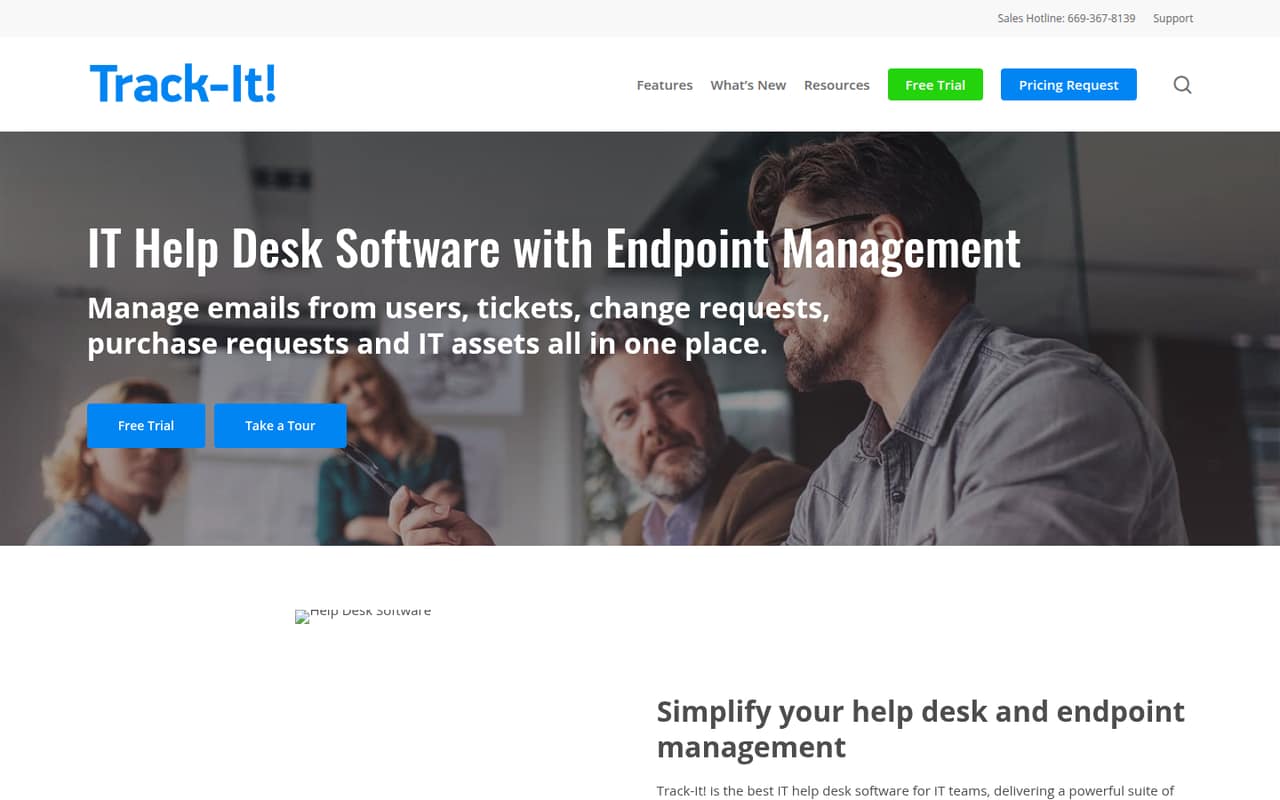
Track-It! combines help desk ticketing with asset and knowledge management, change and purchase management, and endpoint tools. Its listed capabilities include ticket automation, device scanning, patch management, software deployment, and mobile device management.
There’s no free plan, and the available pricing information lists a 30-day trial and custom quotes rather than a starting price. Small teams should ask for a quote covering seats, usage limits, and any required add-ons before deciding.
Good fit if
- IT teams managing tickets and devices
- Teams wanting asset tracking alongside support
- Buyers open to requesting a custom quote
Skip it if
- Teams that need a free help desk
- Buyers who require upfront seat pricing
- Teams seeking published integration details
ScoresHow it rates
What works
- Combines help desk and endpoint management
- Includes automated ticket creation and routing
- Offers a self-service portal and knowledge base
- Lists device scanning and asset management
- A 30-day trial is listed
What doesn't
- No free plan is listed
- Starting price is not published
- Seat and usage limits are not published
- Several endpoint capabilities are paid add-ons
- Integration details are not published
01Who Track-It! is for
Track-It! is for IT teams that need one system for support tickets and device management. It combines ticketing, asset and knowledge management, change and purchase management, and endpoint management. The listed tools include automated ticket handling, a self-service portal, device scanning, patch management, software deployment, and mobile device management.
For a small team of one to ten people, the fit depends less on headcount than on whether you need both a help desk and endpoint controls. If you only need a straightforward ticket queue, this may be more scope than you need. If you also manage hardware, software, and patches, the combined feature set could be useful. There’s no published starting price, seat limit, or usage limit, so a budget-conscious team should request a quote for its actual team size and confirm which capabilities cost extra.
02Track-It! free plan and trial
Track-It! has no free plan listed. The available pricing information lists a 30-day free trial, but doesn’t publish what the trial includes, whether all features are available, or whether there are seat or usage limits during the trial.
That means the trial is the only listed way to evaluate Track-It! without first buying a subscription, but it won’t tell you the ongoing cost unless you also request a quote. Before starting, ask which modules are enabled, whether endpoint add-ons are included, and what happens when the 30 days end. If you need a free tool to keep using beyond an evaluation period, Track-It! isn’t listed as offering one.
03What a small team pays for Track-It!
Track-It! pricing is by custom quote. The available pricing information doesn’t publish a monthly or annual price, per-seat rate, or starting price. So we can’t calculate a reliable cost for one person, three people, or five people, or compare monthly billing with annual billing. Ask the vendor for quotes at each team size and check whether the quote changes with usage.
The listed pricing also leaves seat and usage limits unpublished. Remote Management, Patch Management, Software Deployment, and Compliance Management are listed as add-ons, with prices not published. Barcode and End User Surveys are also listed add-ons without published prices. If your team needs any of those capabilities, ask for an itemized quote that separates the core product from each add-on. Without that breakdown, it’s difficult for a small team to know the cost of the setup it actually needs.
04Getting started with Track-It!
Track-It! brings together ticketing and endpoint functions, so a team evaluating it should decide which parts it needs before setup. The product description lists automated ticket handling, a self-service portal, a knowledge base, device scanning, and endpoint management. That gives you a practical checklist for a trial: confirm how tickets are routed, how staff find known fixes, and what device information scanning collects.
The vendor doesn’t publish setup time, a learning curve, or integration details on the vendor's site. We can’t say how quickly a small team can configure it or which connections are ready on day one. Before committing, ask the vendor to walk through initial configuration for your ticket process and device inventory, and to identify any integrations your team relies on. Use the 30-day trial, if its feature scope suits your evaluation, to check those steps with your own requirements.
05When small teams outgrow Track-It!
Track-It! may become a poor fit when your team can no longer justify the quoted cost for the functions it uses. There’s no published seat price, seat limit, or usage limit, so a growing team can’t estimate its next pricing step from public figures. Ask the vendor how the quote changes as you add people, devices, or usage, and whether the answer differs between monthly and annual billing.
You may also need to reconsider the tool if essential endpoint capabilities are priced separately. Remote Management, Patch Management, Software Deployment, and Compliance Management are listed as add-ons, but their prices aren’t published. Get an itemized quote before you build your workflow around them. If you only need ticketing, compare the value of the broader feature set against a simpler help desk; if your needs expand, confirm that the quote and available integrations still fit.
Questions people ask
Does Track-It! have a free plan?
No free plan is listed in the available pricing information. It lists a 30-day trial instead, but doesn’t publish which features, seat limits, or usage limits apply during that period. Ask the vendor what the trial includes and what the subscription will cost before you rely on it for an evaluation.
How much does Track-It! cost for a small team?
Track-It! pricing is listed as a custom quote, with no monthly or annual price or per-seat rate published. That means a reliable cost for one, three, or five people isn’t available. Request a quote for your team size, and ask how usage and add-ons affect the total.
What does the Track-It! 30-day trial include?
A 30-day trial is listed, but the available pricing information doesn’t say which modules it includes or whether seat and usage limits apply. Check with the vendor before starting, especially if you need to evaluate remote management, patch management, software deployment, or compliance management.
Does Track-It! include patch management?
Patch management is listed as an add-on, not as a confirmed part of every custom quote. Its price isn’t published. Ask the vendor whether it is included in your proposed package, what it costs separately, and whether the trial lets you evaluate it.
What does Track-It! manage besides support tickets?
Track-It! combines ticketing with asset and knowledge management, change and purchase management, and endpoint management. Its listed capabilities include device scanning, software deployment, mobile device management, patch management, and compliance management. Some endpoint functions are listed as add-ons, so confirm what your quote includes.